
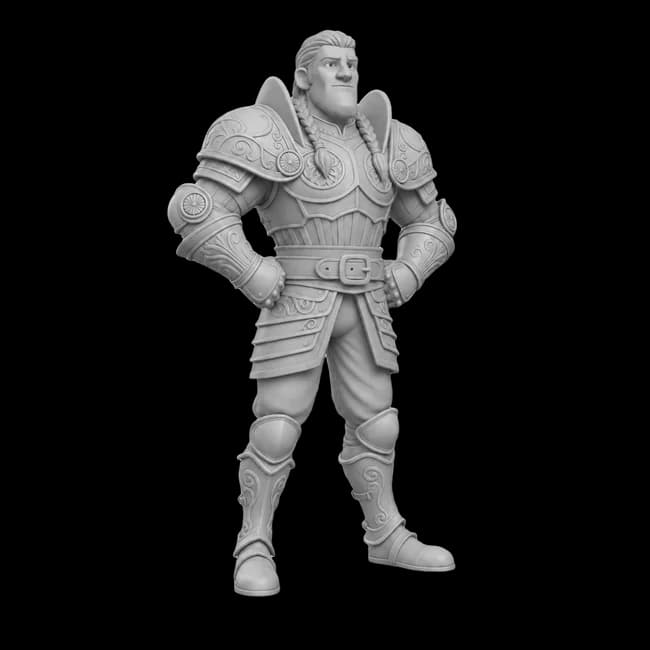
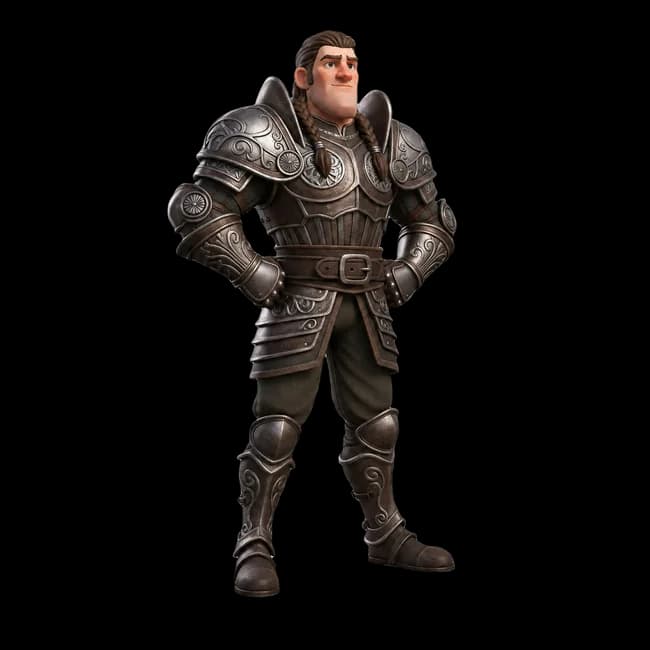



You compared the top 3D AI models. Run them all in one studio.
Every leading 3D generator, plus AI image generation & editing and node-based Flows - in one tool. Text or image in, production-ready 3D out.
Free credits on signup · No credit card · Cancel anytime
“I've watched thousands of head-to-head votes across every major 3D AI model. 3D AI Studio is the one place you can actually use the top models together- with a full toolkit around them.”
Stefan Vaskevich
Founder of Top3D.ai - the independent 3D AI leaderboard






The best 3D AI models on the market - all in one place
Tripo, Meshy, Rodin, Trellis and more. The models you compared on Top3D.ai live here side by side, so you can pick the best one for every job.
 Tripo
Tripo Meshy
Meshy Rodin (Deemos)
 Trellis
 Hunyuan 3D
 Polycam
Used by game developers, studios, and teams to accelerate 3D content creation







Is 3D AI Studio right for you?
Choose 3D AI Studio if…
- You want several top 3D models without juggling separate tools
- You also need image generation, editing or repeatable pipelines
- You want one predictable price and assets you fully own
A single model might be enough if…
- You only ever need that one specific model
- You don't need image tools, Flows or a finishing toolkit
We'd rather you pick the right tool than pay for the wrong one.
One studio vs a single model
The leaderboard ranks individual models. Here's what you get when the whole studio comes with them.
| Feature | 3D AI Studio | Single model |
|---|---|---|
| Multiple top 3D models in one place | ||
| Text-to-3D & Image-to-3D | ||
| AI image generation & editing | ||
| Node-based Flow (ComfyUI-style pipelines) | ||
| Texturing, retopology & rigging tools | ||
| Export GLB / FBX / OBJ / STL / USDZ | ||
| API access | ||
| Commercial license included | ||
| Everything in one tool |
Explore a World of 3D Creations
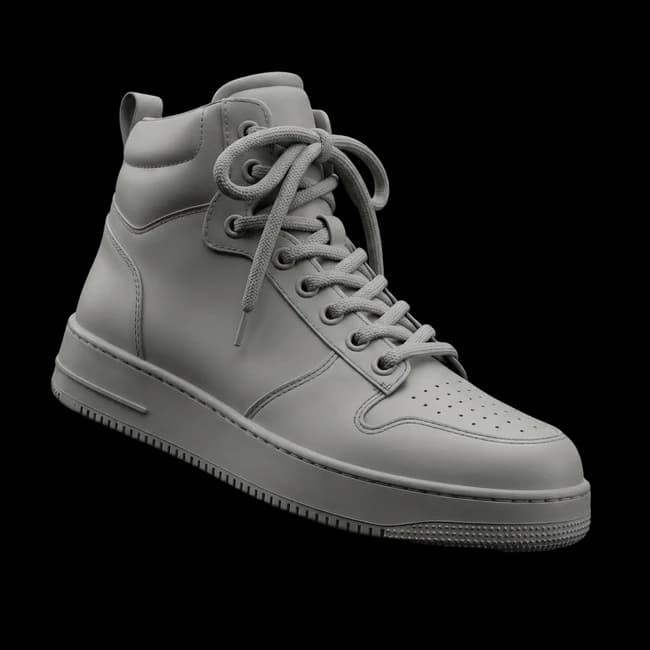
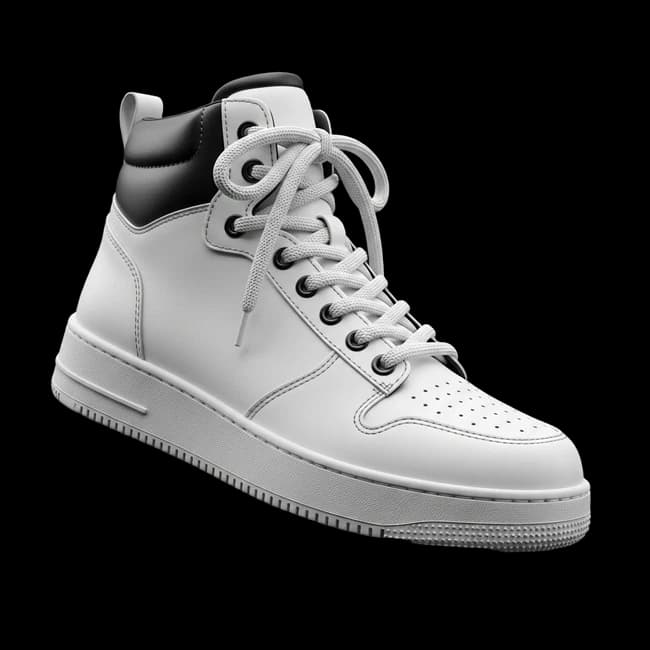
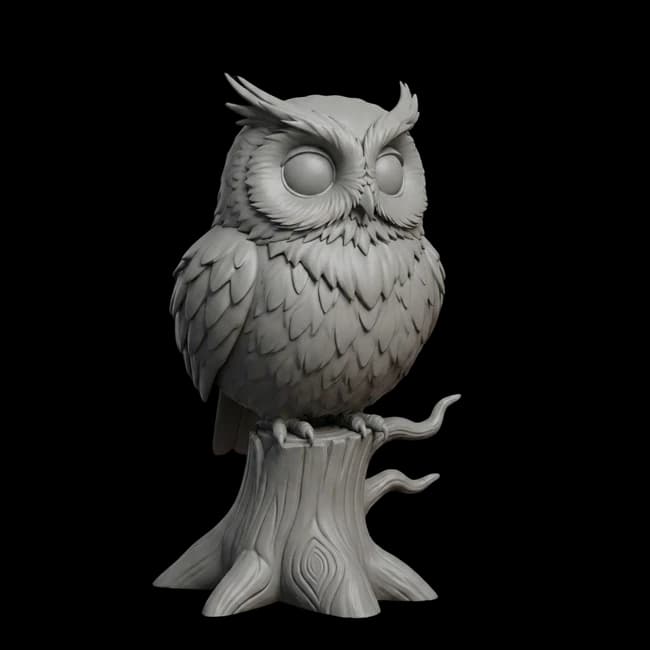
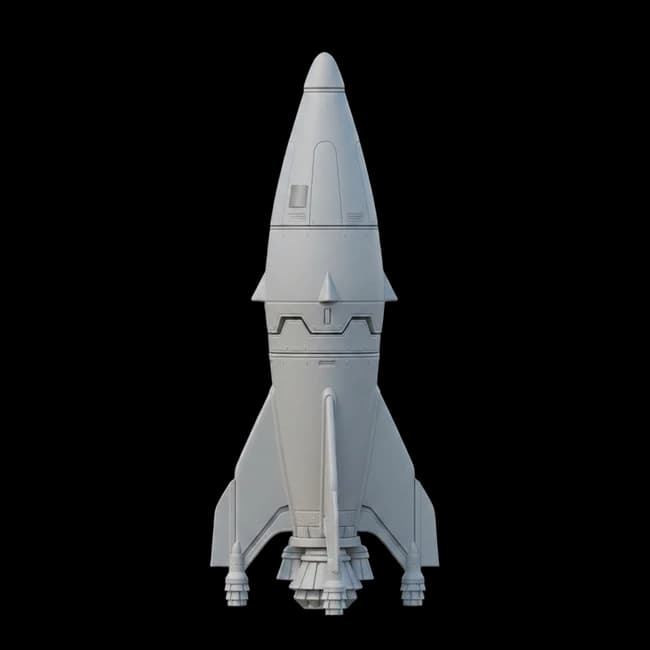
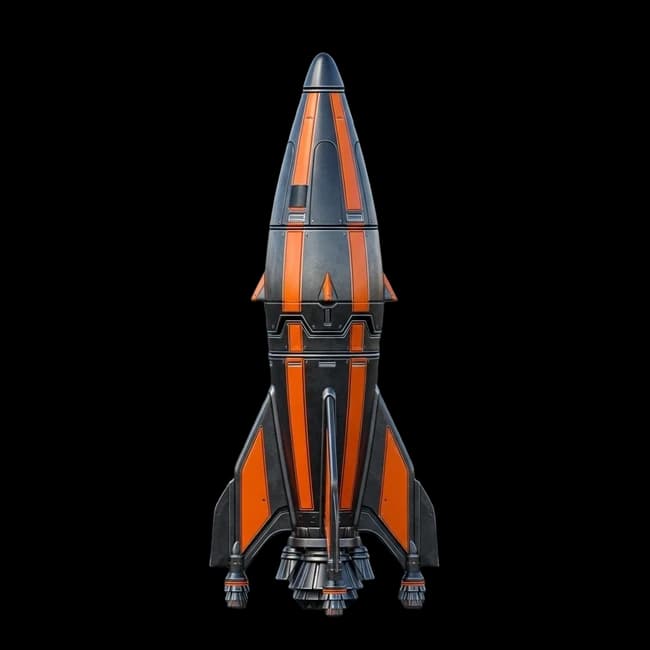
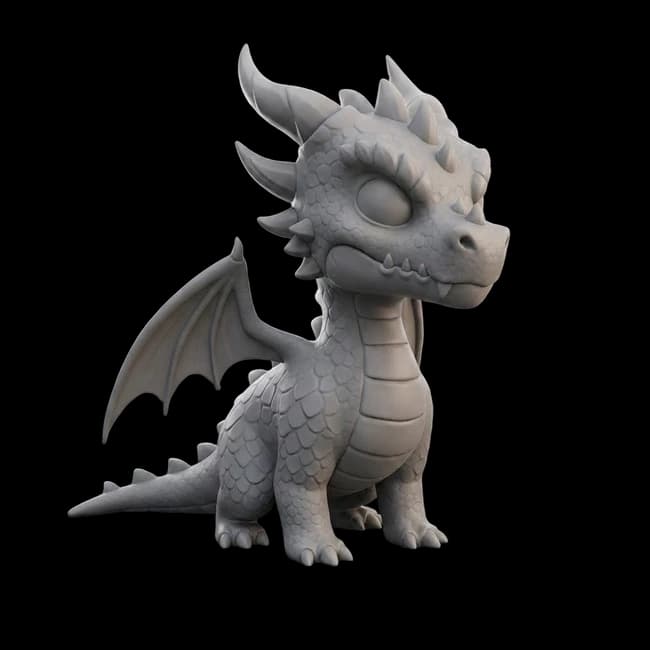
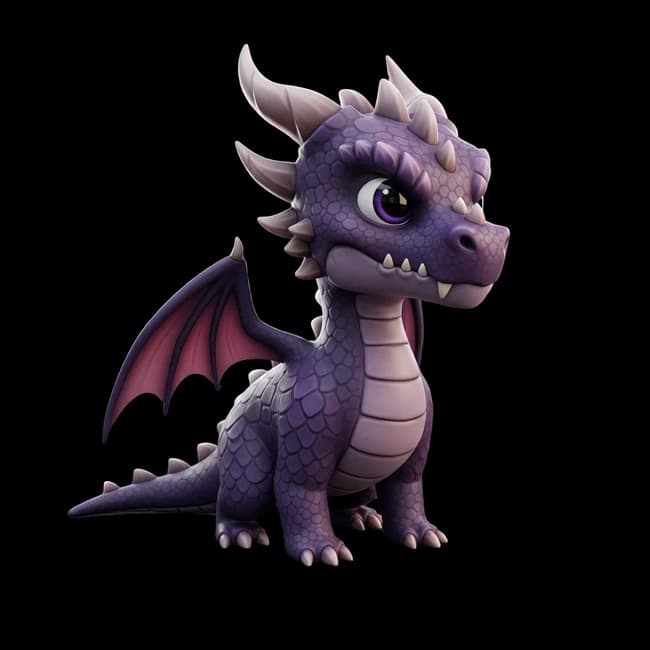
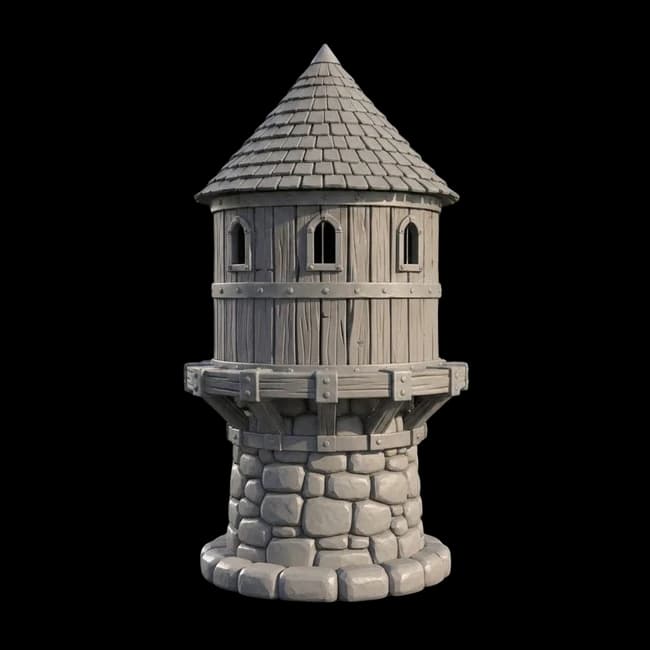
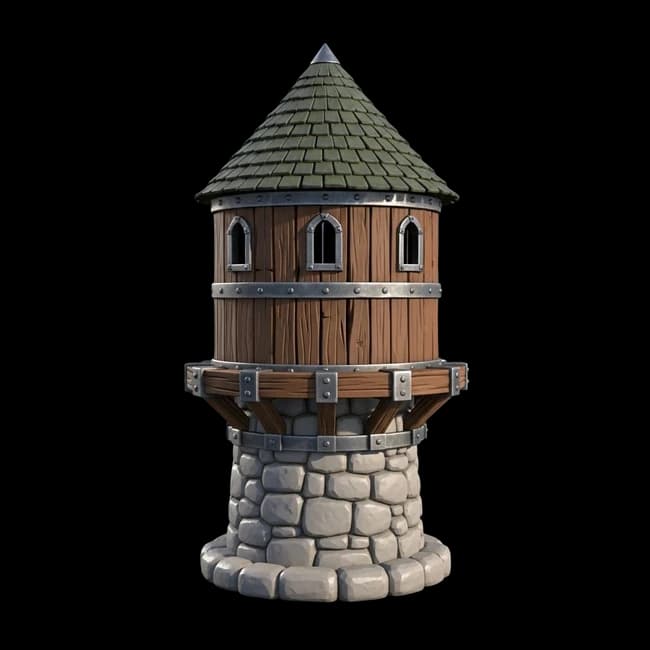
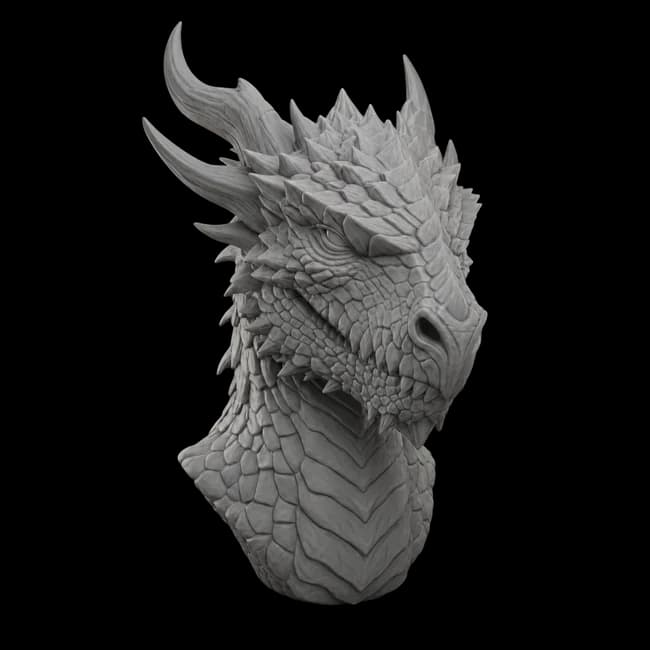
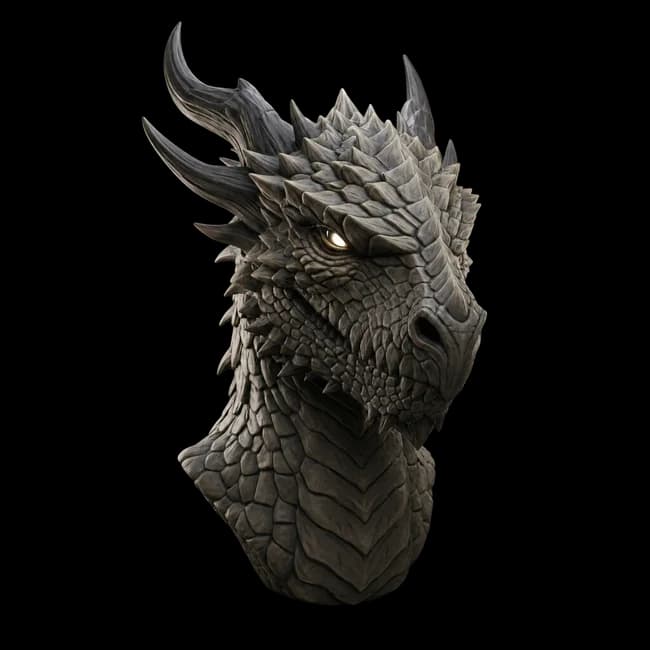
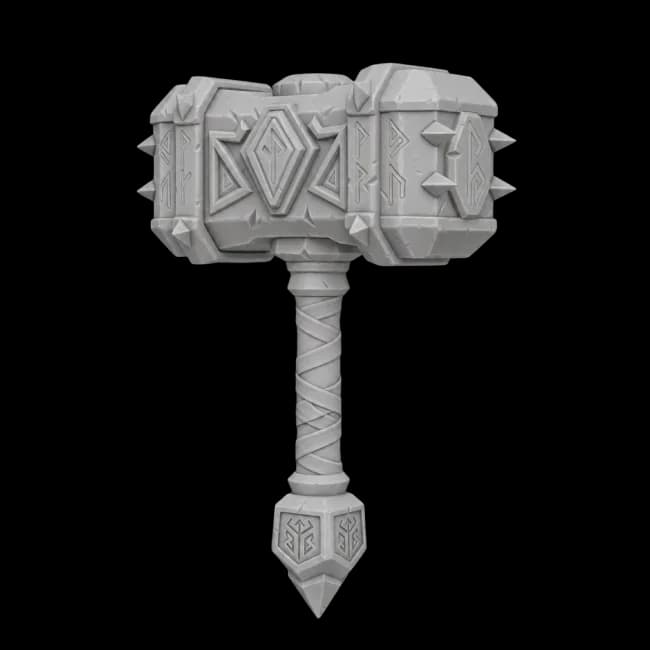
Every model here was created using 3D AI Studio.
Click any thumbnail to explore in 3D.
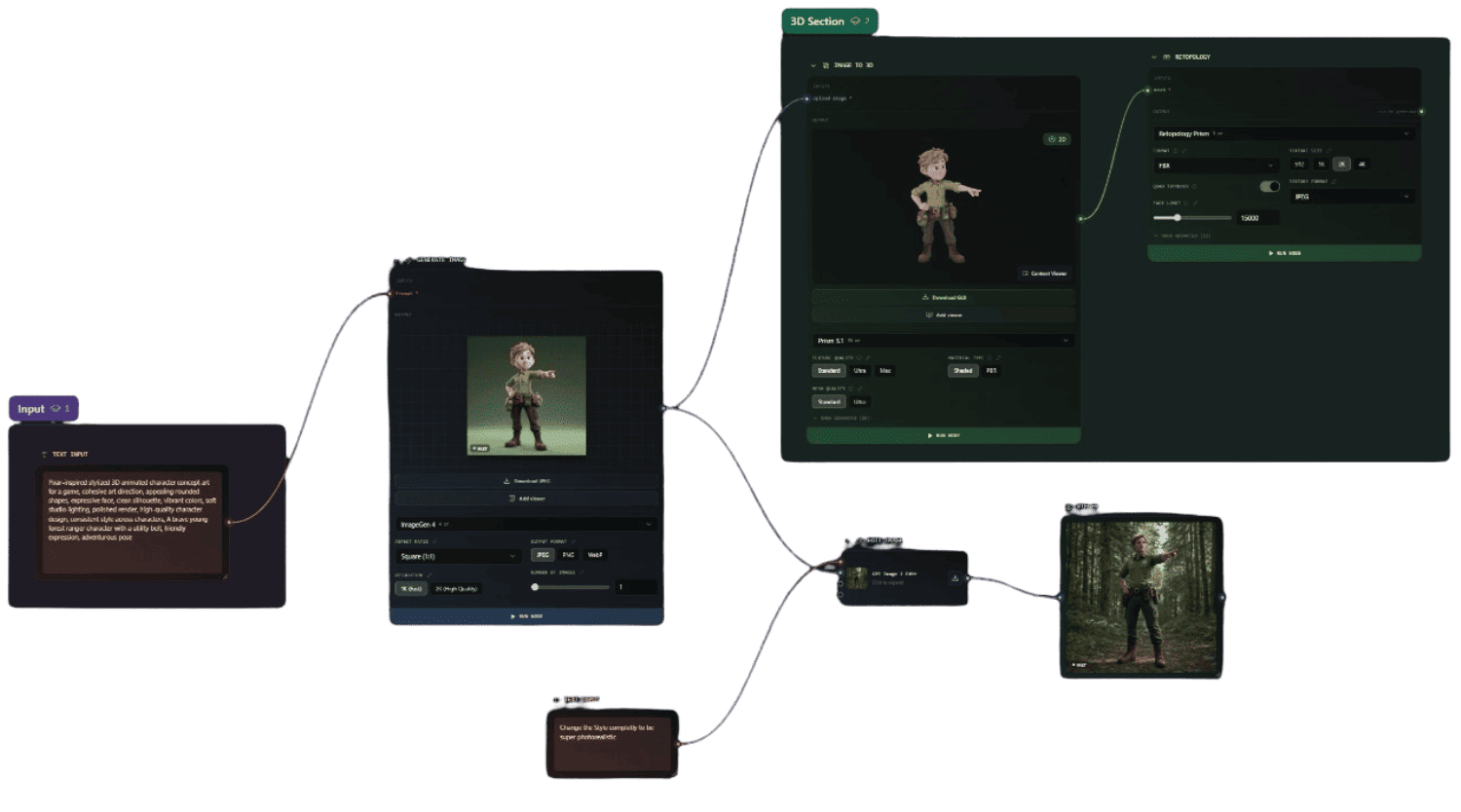
Build repeatable 3D pipelines with Flow
A node-based canvas, like ComfyUI but for 3D. Chain prompts, models, texturing and export into automated workflows, then generate whole asset packs in one run. No single model on the leaderboard does this.
Node-based canvas
Drag, connect and reuse steps visually.
Batch & asset packs
Produce many models from one workflow.
Game-ready pipelines
Automated end to end, no manual steps.
All in one automated run
Image to 3D
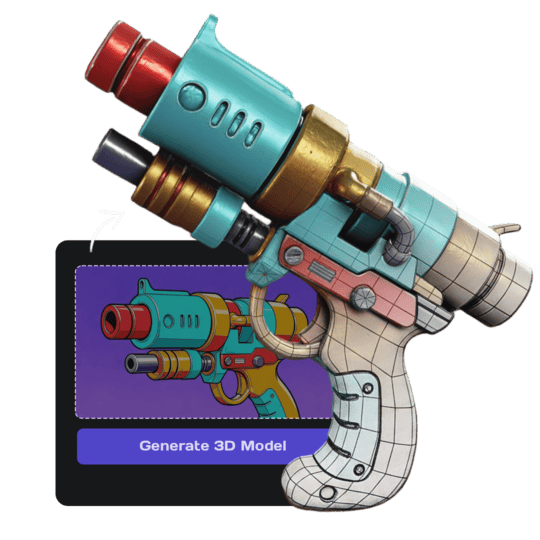
Turn any photo or image into a detailed, textured 3D model in seconds. Upload an image and get a production-ready asset. Try now or learn more.
Text to 3D
Create 3D models from text descriptions. Type what you want and get a textured model ready for use. Try now or learn more.
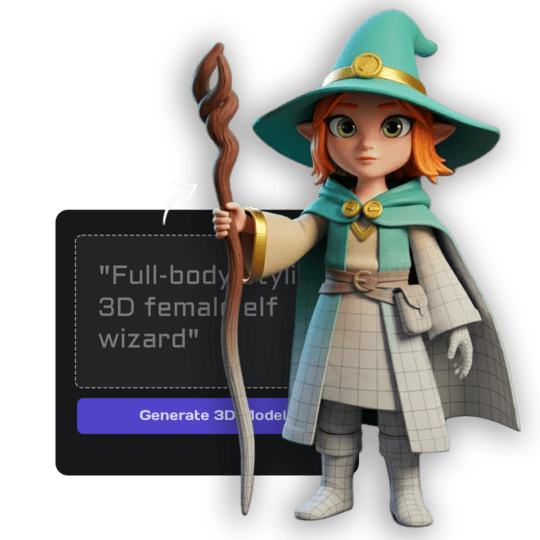
Image Studio
Generate images from text, edit and transform uploaded images, create videos, and more. Complete AI image toolkit. Try now.
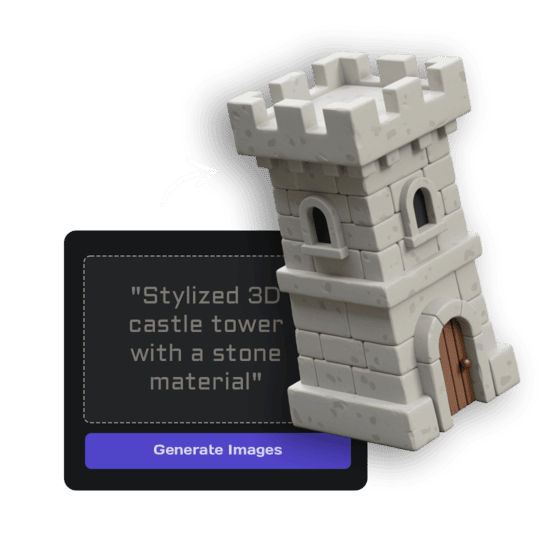
AI Texturing
Paint AI-generated textures directly onto your models. Generate PBR materials from text prompts or paint custom details. Try now.


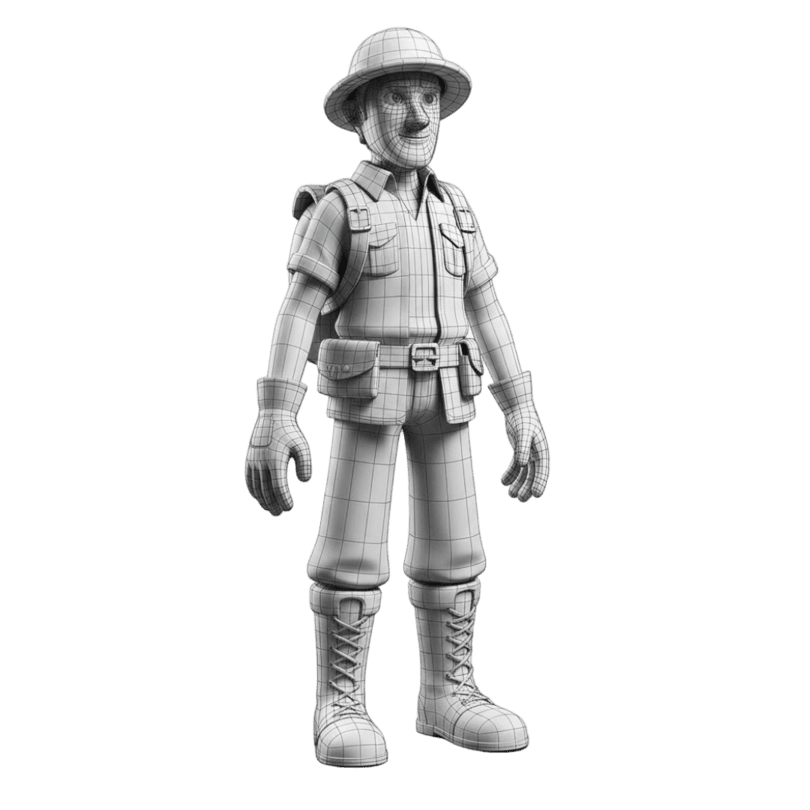
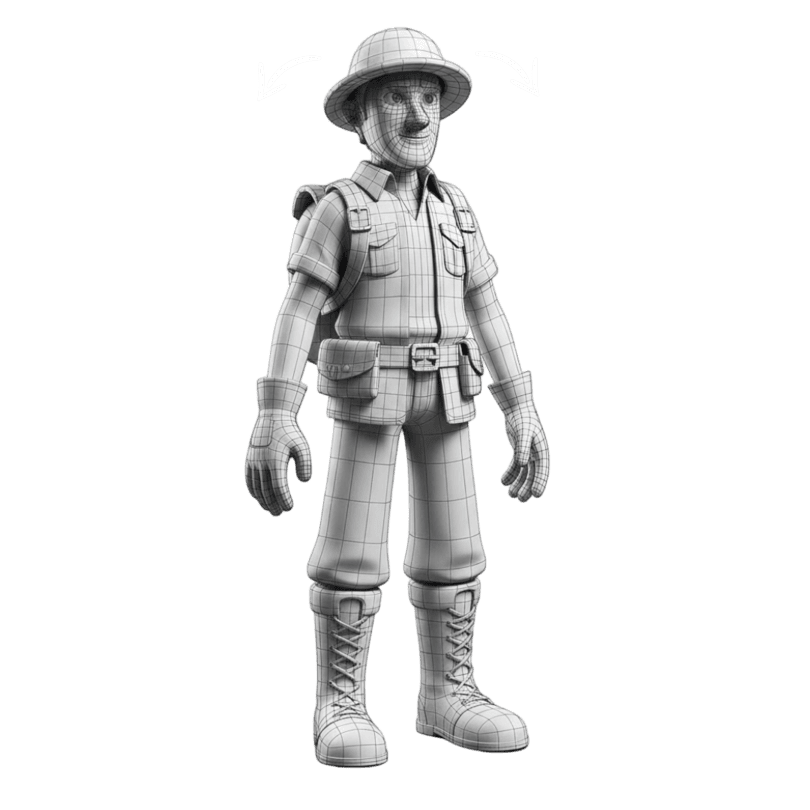
Quad Remeshing
Clean topology, reduce polygon count, and generate LODs automatically. Fix mesh issues before export. Try now.
Flow
Build visual, node-based AI pipelines on an infinite canvas - chain image, text, 3D, video and batch steps into reusable workflows for anything creative.
One tool, the whole studio
Simple monthly pricing. Cancel anytime.
Get 33% off your first month
Only the first 100users - once they're gone, it's gone.
Basic
Starter features
Billed monthly
- 1,000 credits / month
- Text & Image to 3D
- Download in any format
- Assets you own
Studio
The complete creative toolkit
Billed monthly
- 3,500 credits / month
- All tools & features unlocked
- Image generation & editing
- Node-based Flows
- Faster generation
Pro
For power users & teams
Billed monthly
- 18,000 credits / month
- Team workspace & projects
- Highest-priority generation
- Priority support
Full plan details on our pricing page.
Frequently Asked Questions
How long does a generation take?
Generation times vary by model. Fast models like Prism Turbo, Swift, and Forge Sketch typically complete in 20-30 seconds. For highest quality generations using Prism 3 with detailed texture and geometry settings, expect 2-4 minutes.
How can I generate a 3D model with AI?
3D AI Studio offers multiple generation methods: Text to 3D lets you describe your model with a text prompt, Image to 3D converts images into 3D models, or use our Image Studio to edit and refine your image before converting it to 3D. Simply choose your preferred input method and let our AI handle the rest.
What image formats work for image-to-3D conversion?
Our AI supports all common image formats including JPG, PNG, and WebP. For best results, use high-resolution images with clear subject visibility. Single images work great, and our AI excels at converting photos and illustrations into detailed 3D models.
What 3D file formats can I export?
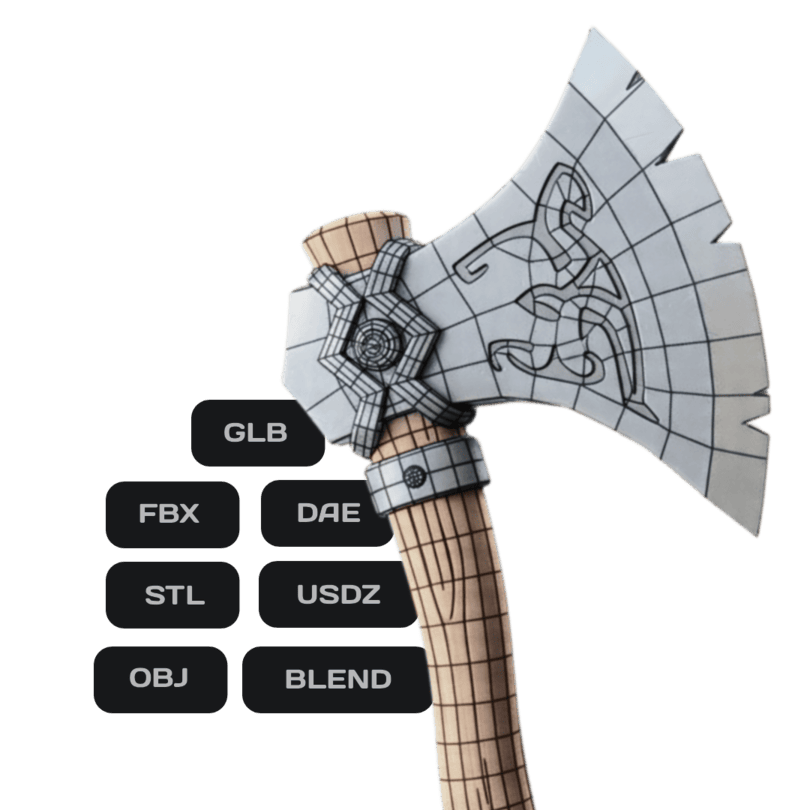
Export your models in industry-standard formats: GLB (web/AR), FBX (game engines), OBJ (universal), USDZ (Apple AR), STL (3D printing), DAE (Collada), and BLEND (Blender native). All formats are optimized for their intended use case, whether that's Unity, Unreal Engine, Blender, web applications, or 3D printing.
Can I use models for commercial projects?
Yes, all models you generate are yours to use commercially. Use them in games, apps, marketing materials, product visualizations, or any commercial project. You retain full rights to your generated 3D assets.
Are models compatible with 3D printing?
Yes, our AI-generated models can be exported for 3D printing. We recommend using the highest quality settings and running the remesh tool to ensure proper geometry for physical printing. Export as OBJ or STL for best 3D printer compatibility.
How many credits does each task cost?
3D generation costs between 25-35 credits depending on the model and settings. Image generation costs 2-4 credits. All tools display their exact credit cost before you generate, so you'll always know the cost upfront.
Do you offer refunds?
Yes, we stand behind our service. If you're not satisfied, contact our support team at support@3daistudio.com and we'll handle your refund request quickly and professionally.
Do you have an API?
Yes. The 3D AI Studio API gives developers and teams programmatic access to our full suite of tools: 3D generation, AI texturing, smart retopology, mesh repair, rendering, format conversion, image generation, and more. It uses simple REST endpoints with async task polling and pay-as-you-go credits. Visit our API Platform to get started.
Can I integrate 3D AI Studio into my own application?
Absolutely. Our REST API is built for production integration. Authenticate with a Bearer token, submit generation requests, and poll for results. We support multiple AI models, output formats like GLB, OBJ, FBX, STL, and features like PBR materials, multi-view input, and batch rendering. Enterprise teams can reach out for volume pricing and custom rate limits.
Didn't find what you're looking for?Contact support
Stop comparing. Start shipping 3D.
Free credits on signup - plus an exclusive 33% off with code
Only for the first 100 Top3D.ai users.