
 Roblox開発者のために設計
ゲームアセットを
数時間ではなく数秒で生成
AIでアイデアをRoblox対応の3Dモデルに変換。モデリング経験は不要です。作りたいものを説明するだけで、形になります。
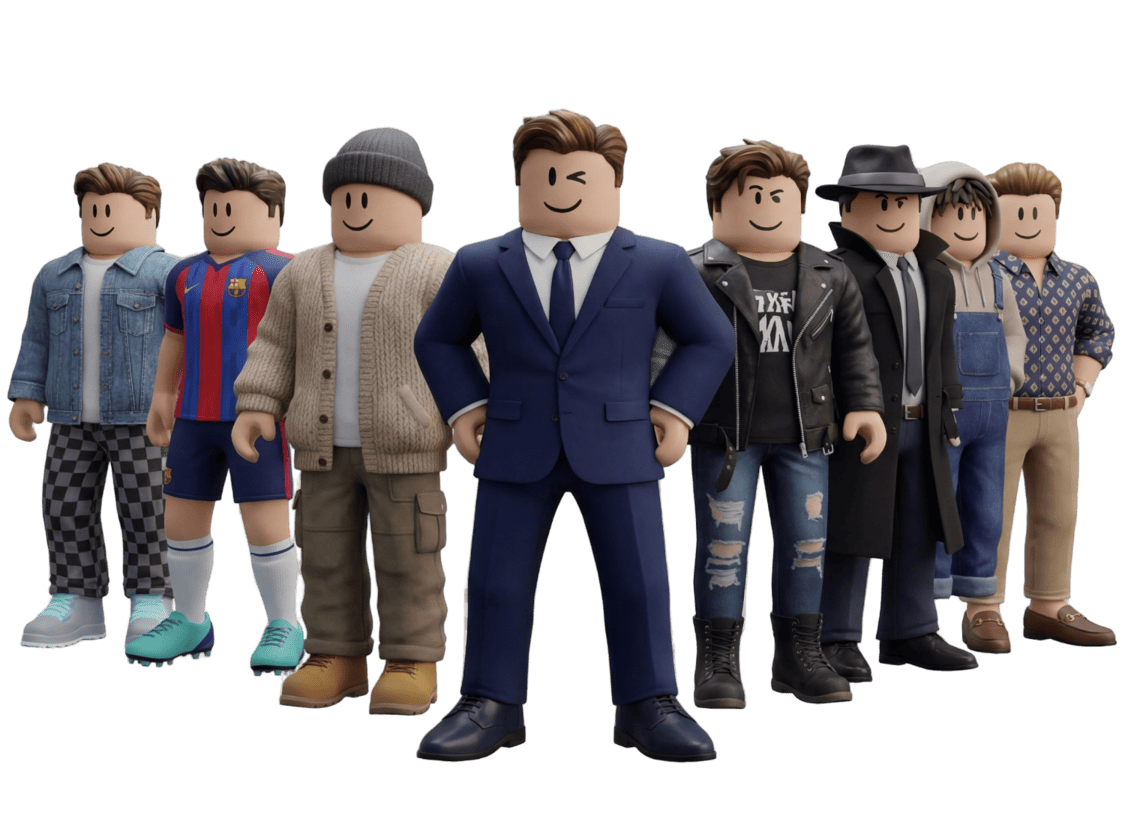
How to Generate 3D Models with AI for Game Development
Here's a quick demo of the full pipeline - generating assets, optimizing them, and importing them directly into your game engine. About 3 minutes:
That's the high-level flow. Below I'll cover the specific settings and export options that work best for Roblox:
Generate Characters & Fitting Assets
Create unique Roblox characters with AI, then generate matching weapons and gear that perfectly fit your character's style.
Step 1 · Prompt
Describe what you want to create
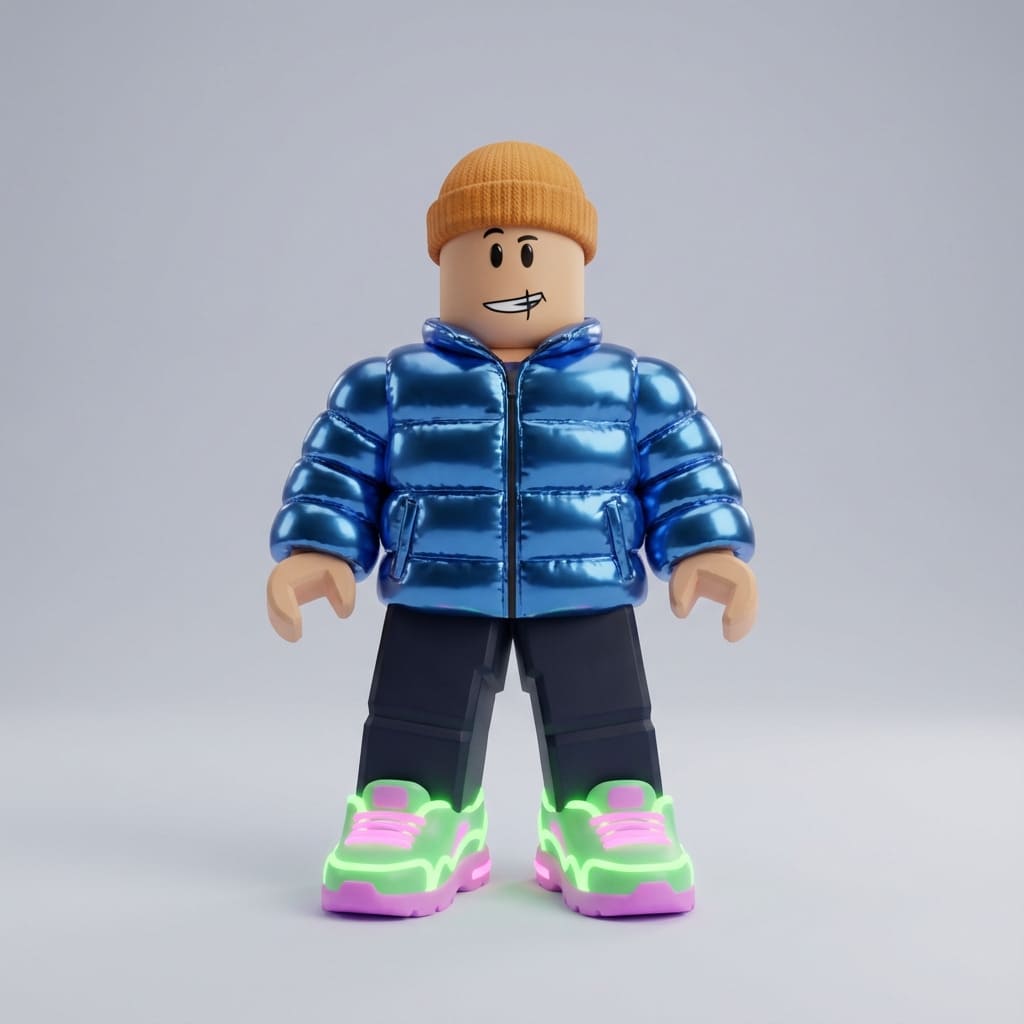
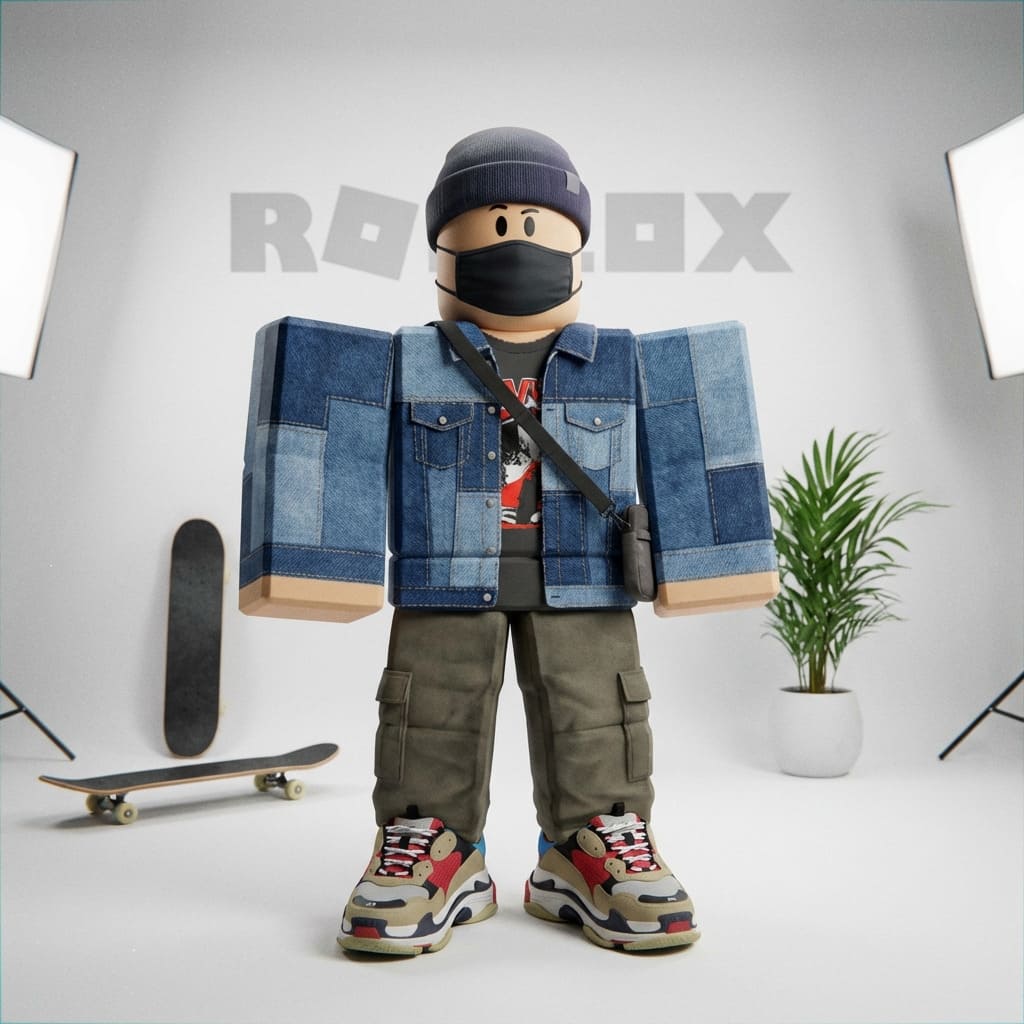
"Create a Roblox character in a trendy outfit"
Step 2 · Generate
AI generates 4 unique variations
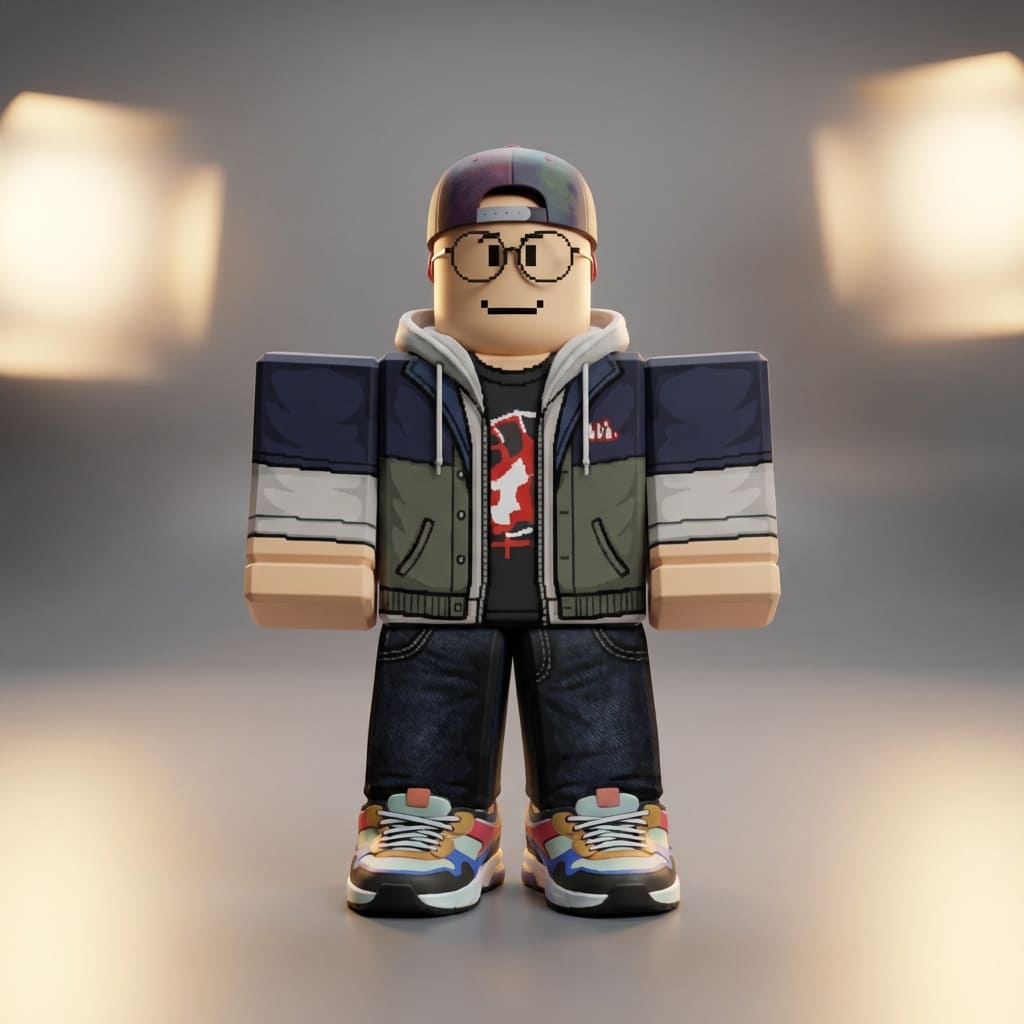
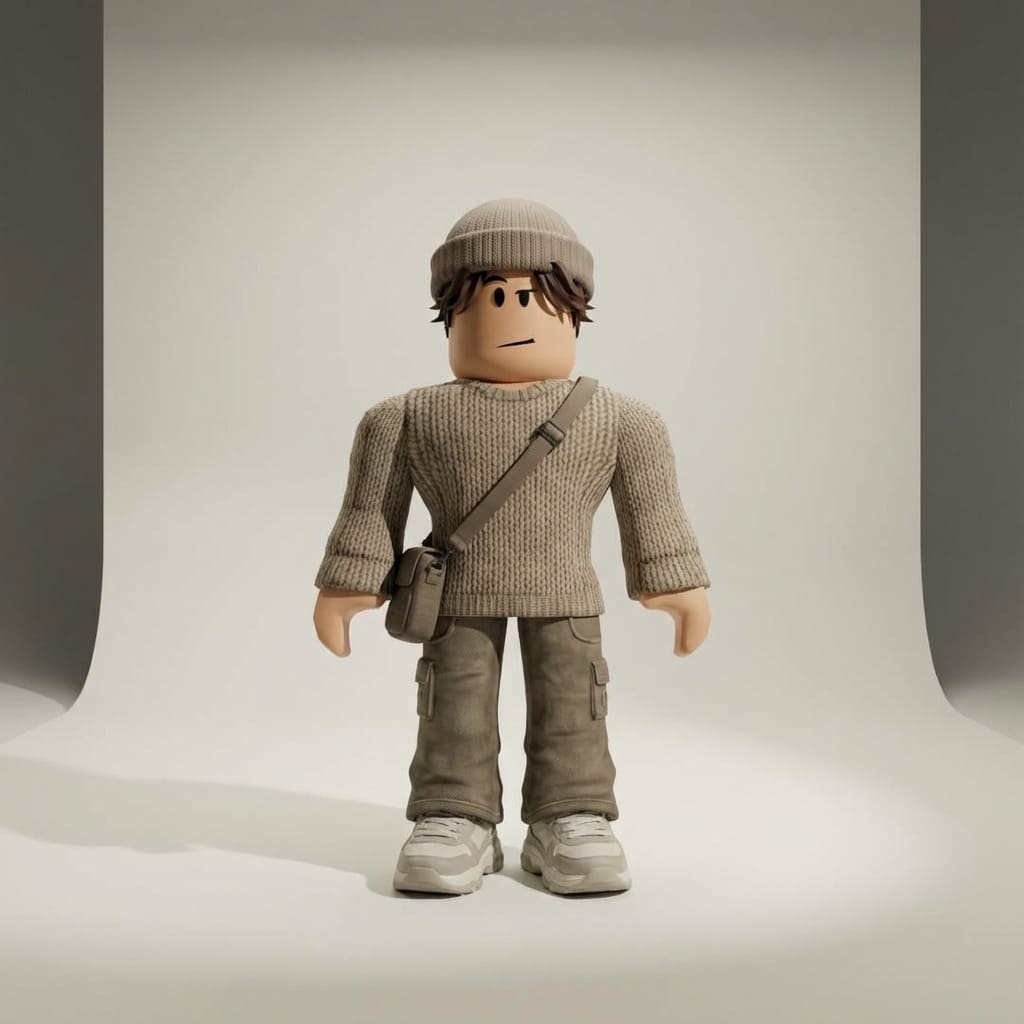
✓ Selected
Step 3 · Enhance
Request a matching asset
"Now generate a fitting weapon for this character"
Step 4 · Result
AI creates a perfectly matching weapon
Trendy Character
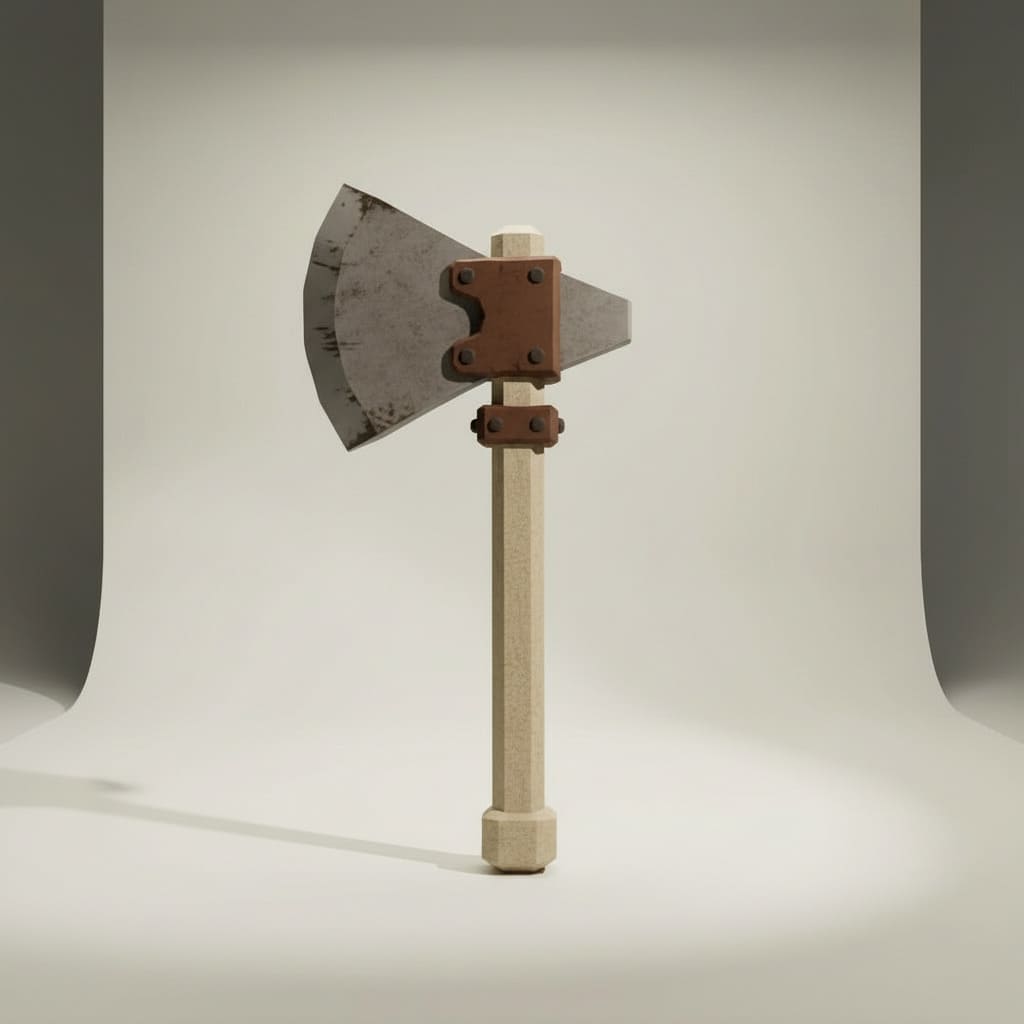
Matching Battle Axe
Step 5 · 3D Conversion
Transform your images into 3D models
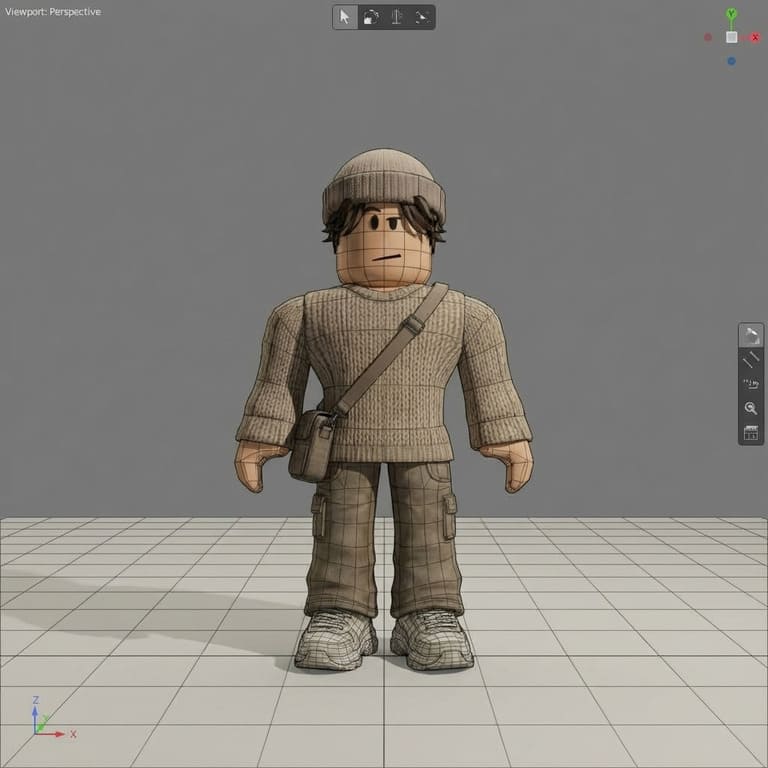
Character 3D Model
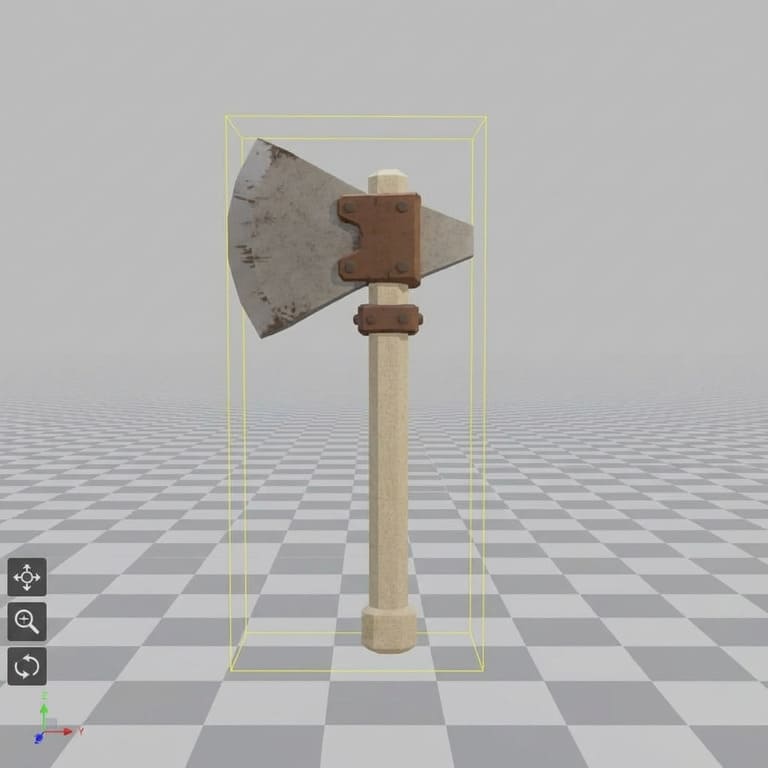
Axe 3D Model
Tools We Used
Copy Our Workflow
All available on 3DAIStudio
Image Generation (On 3DAIStudio)
Use Nano Banana Pro in Image Studio to generate character images and matching weapon assets with consistent style.
Image to 3D Conversion (On 3DAIStudio)
Use Prism 3.0 in Image to 3D to convert your 2D images into high-quality 3D models with accurate geometry.
Roblox-Ready Format (On 3DAIStudio)
Apply Quad Remeshing to optimize mesh topology for clean, game-ready assets that import perfectly into Roblox Studio.
Roblox開発に最適
Roblox Studio向けに最適化されたゲーム対応3Dアセットを生成。武器やキャラクターから環境やプロップまで、Robloxゲームに必要なすべてを作成できます。
ゲームアセット
ゲームメカニクスに対応した武器、ツール、家具、インタラクティブオブジェクト。
- 武器&ツール
- インタラクティブプロップ
- 家具&装飾
キャラクター&NPC
Robloxの世界観に完璧にフィットするユニークなキャラクター、アバター、NPCを作成。
- プレイヤーアバター
- NPC&敵キャラクター
- キャラクターアクセサリー
環境
地形、建物、環境アセットで没入感のある世界を構築。
- 建物&構造物
- 地形要素
- シーンオブジェクト
Roblox対応3Dアセット
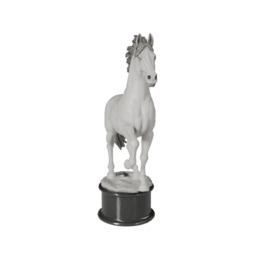
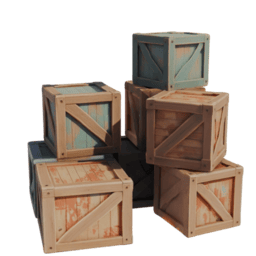
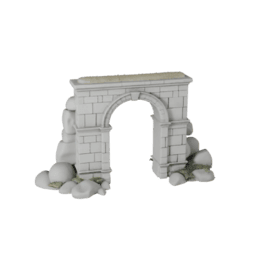
Robloxゲームに最適なAI生成3Dモデルのコレクションをご覧ください。各アセットはパフォーマンスに最適化され、Roblox Studioへの即時インポートに対応しています。
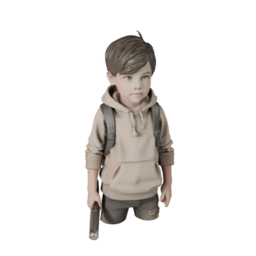
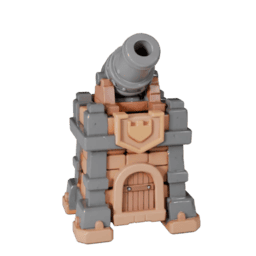
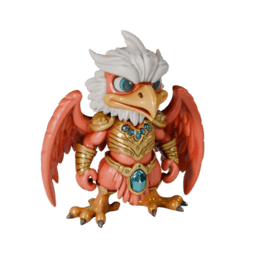
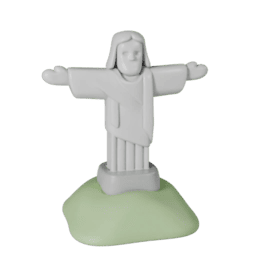
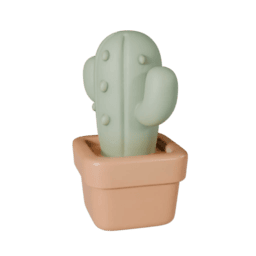
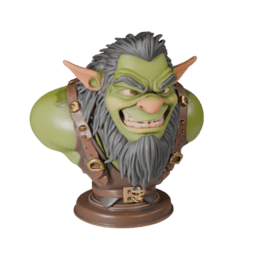
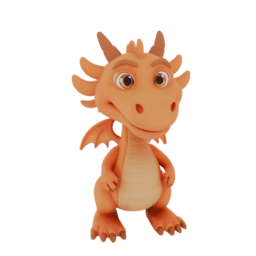
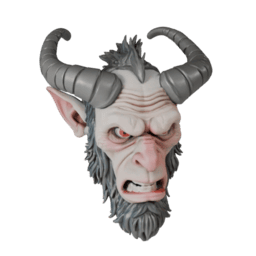
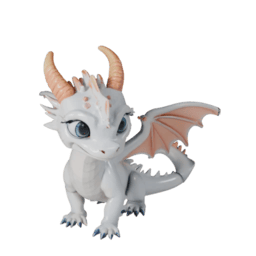
AIからRoblox Studioへ、わずか数分
効率的なワークフローで、AI生成アセットをRobloxゲームに素早く簡単に導入できます。
生成
アセットを説明するか画像をアップロード。AIがRobloxに最適化された3Dモデルを作成します。
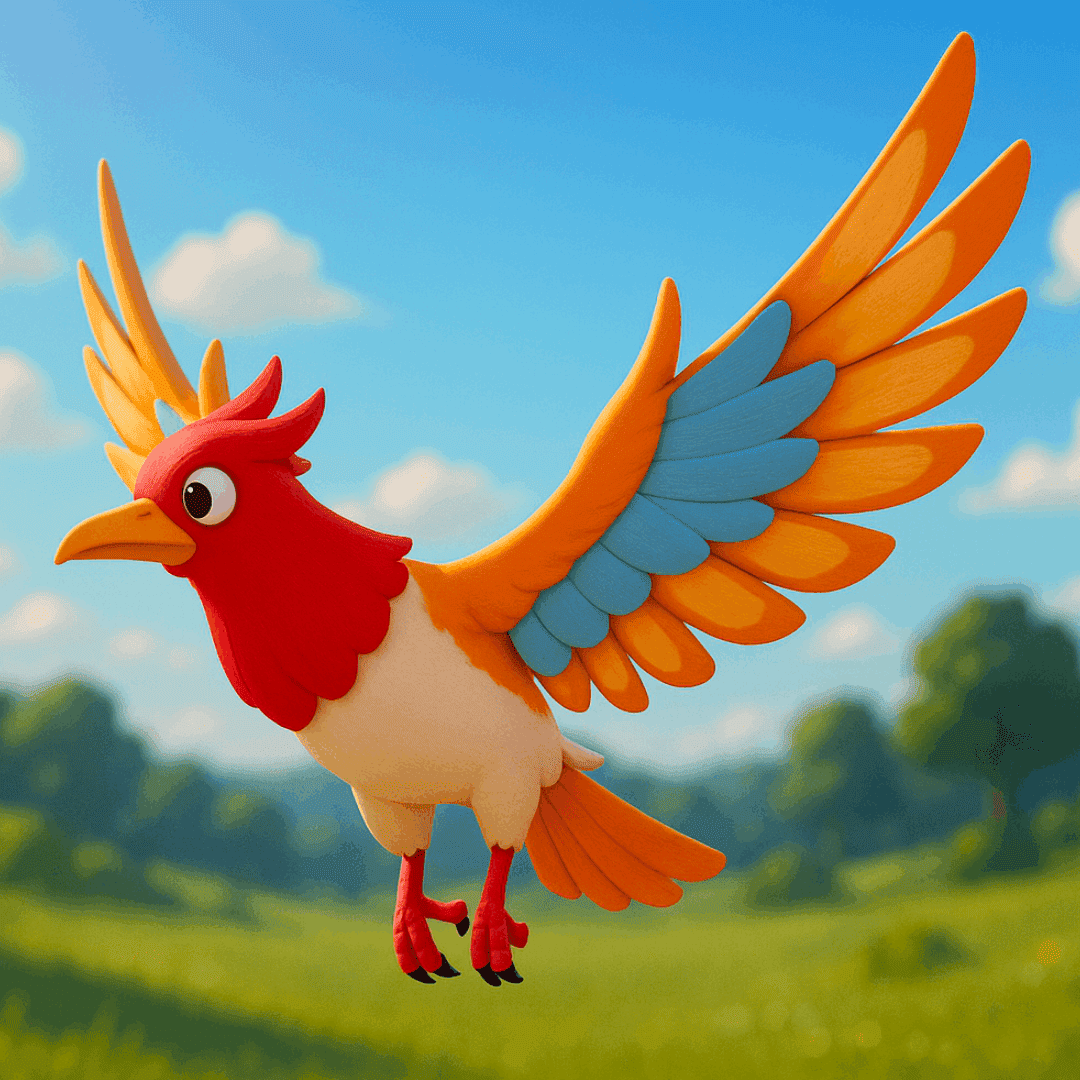
生成
アセットを説明するか画像をアップロード。AIがRobloxに最適化された3Dモデルを作成します。
最適化
適切なポリゴン数とテクスチャで、Roblox Studio向けに自動的に最適化されます。
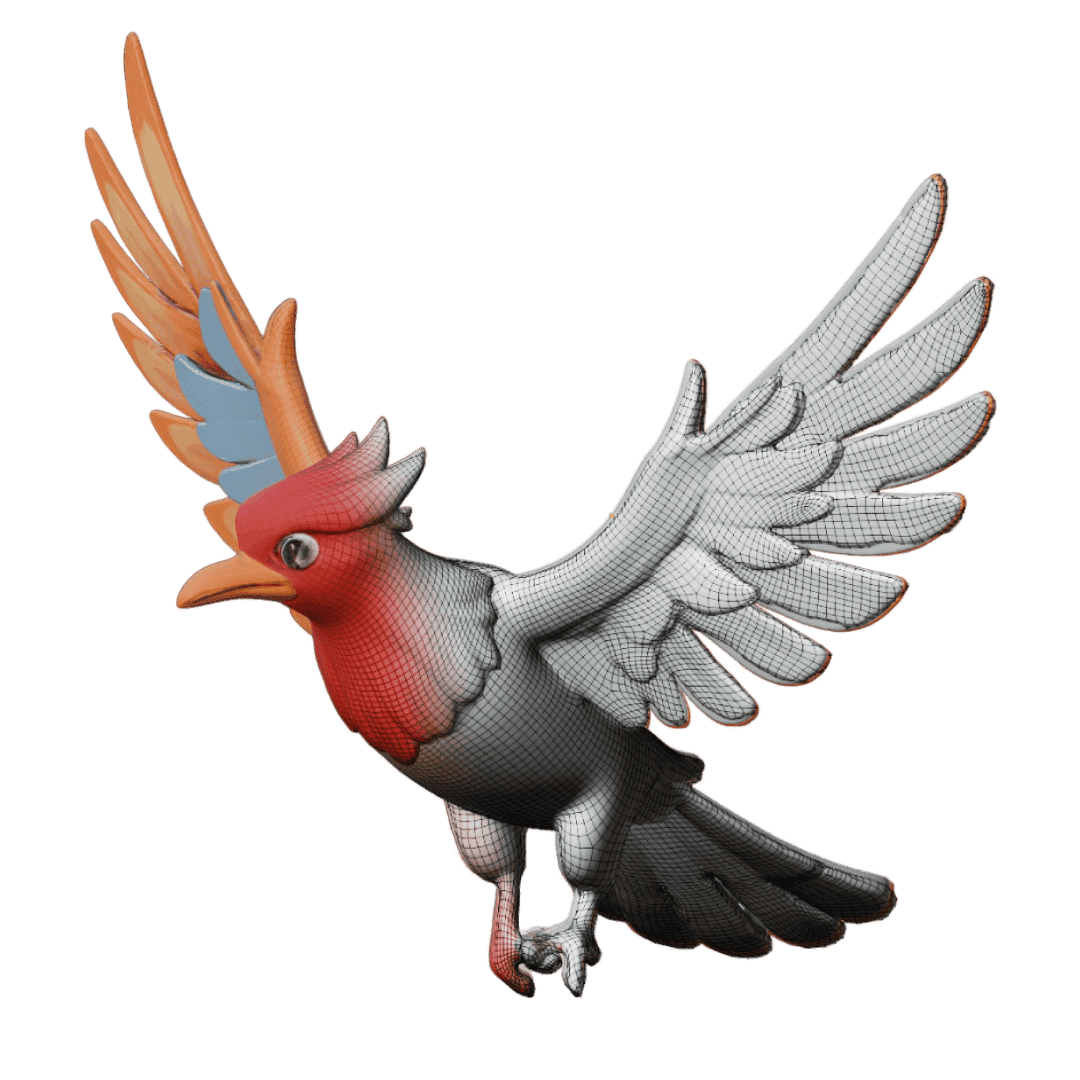
最適化
適切なポリゴン数とテクスチャで、Roblox Studio向けに自動的に最適化されます。
ダウンロード
Roblox互換フォーマット(.obj、.fbx)でエクスポート。即時インポートに対応しています。
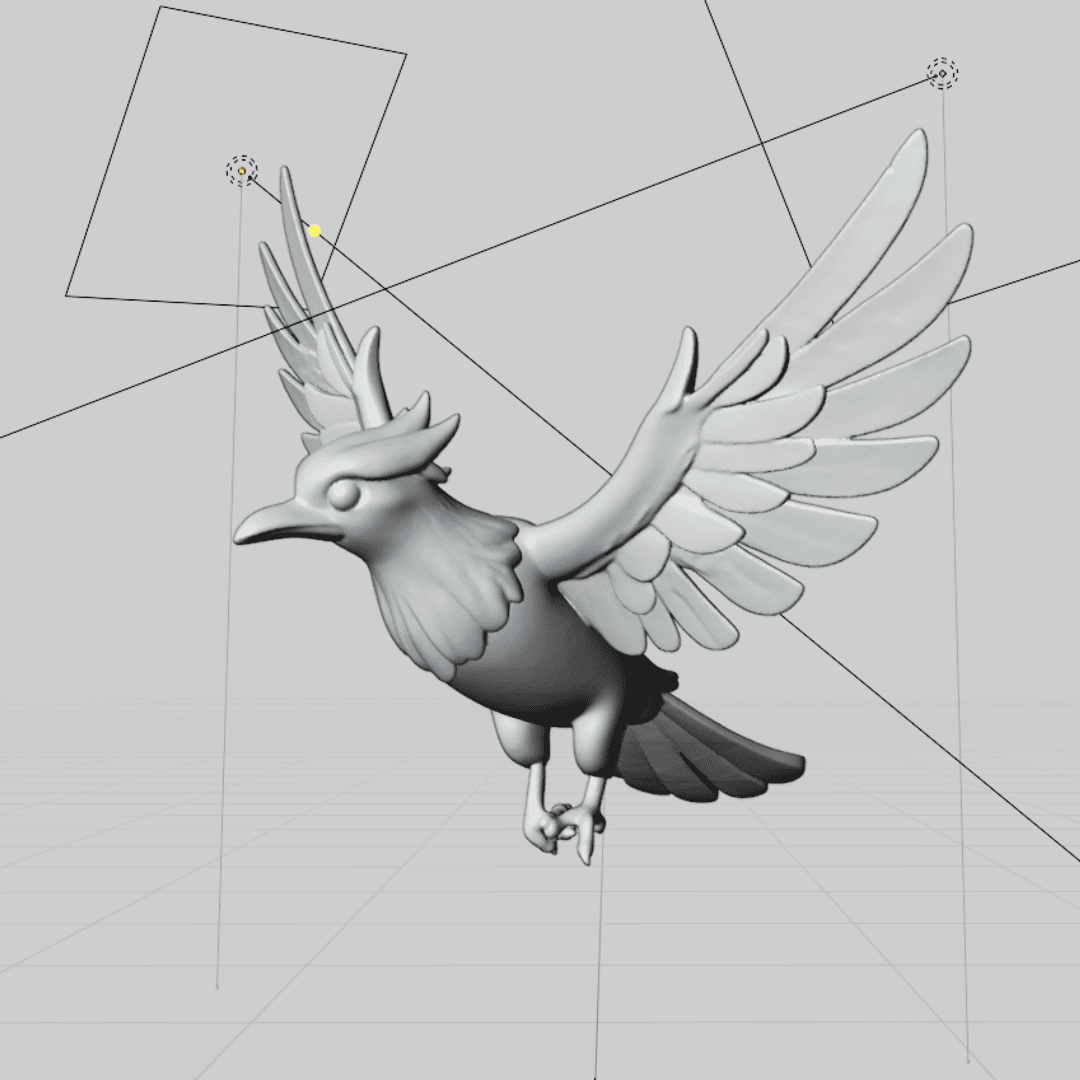
ダウンロード
Roblox互換フォーマット(.obj、.fbx)でエクスポート。即時インポートに対応しています。
インポート&使用
Roblox Studioにドラッグ&ドロップして、ゲームワールドの構築を開始しましょう。
インポート&使用
Roblox Studioにドラッグ&ドロップして、ゲームワールドの構築を開始しましょう。
シームレスなRoblox Studio統合
AI生成モデルは、適切なスケーリング、マテリアル、パフォーマンスを考慮して、Roblox Studio向けに特別に最適化されています。
最適化されたポリゴン数
Robloxのパフォーマンス要件に合わせて自動的に最適化されています。
適切なスケーリング
Robloxのユニットシステムとキャラクタープロポーションに合わせてサイズ設定されています。
マテリアル互換
テクスチャとマテリアルがRobloxのレンダリングシステムとシームレスに連携します。
パフォーマンス対応
Robloxがサポートするモバイルおよびウェブプラットフォーム向けに最適化されています。
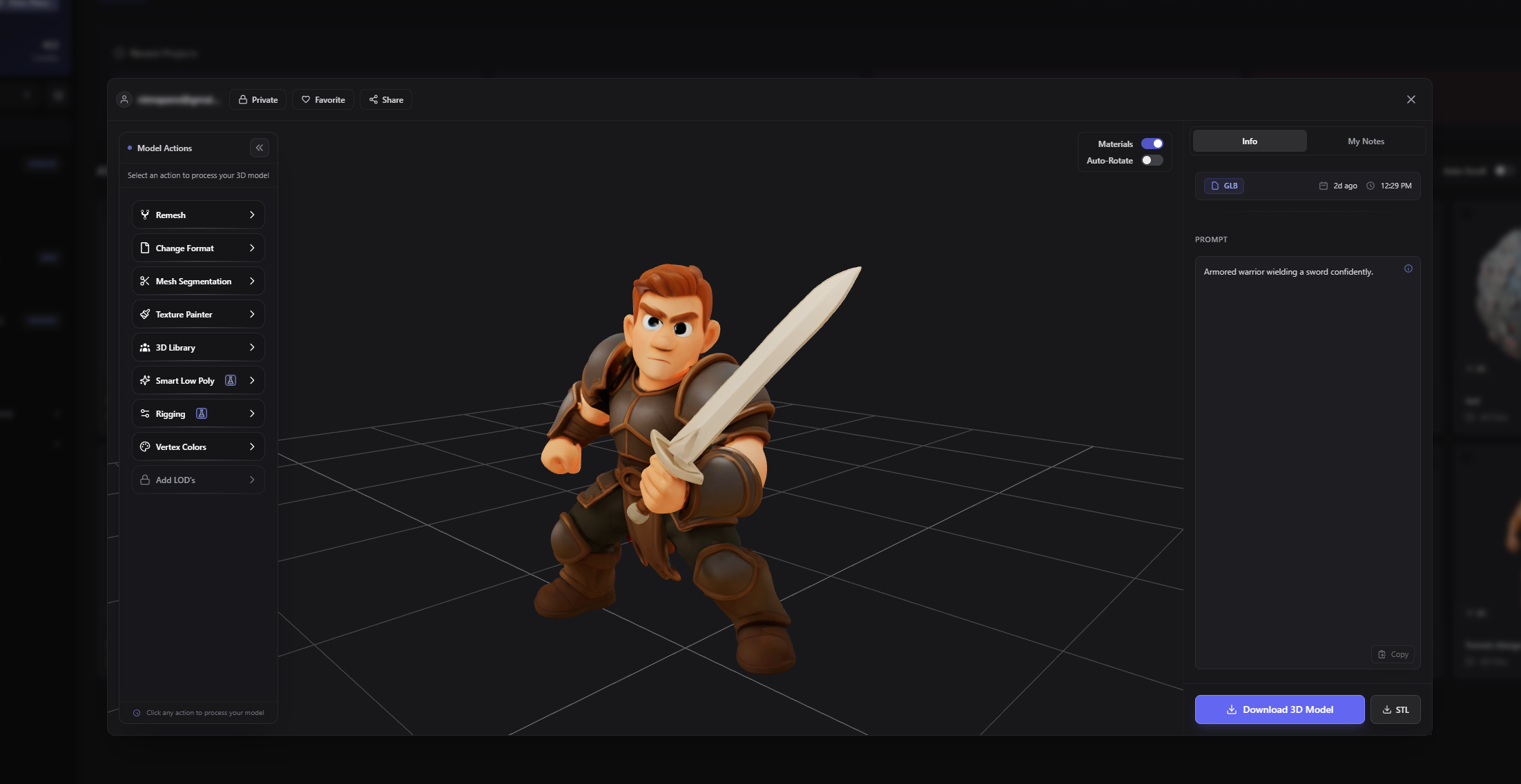
すべてのアセットカテゴリに対応
中世ファンタジーから未来のSFまで、あらゆるRobloxゲームジャンルのアセットを作成できます。
Case Study
Real Success Stories from Game Developers
See how indie game studios are accelerating their development workflows and shipping games faster with AI-generated assets.
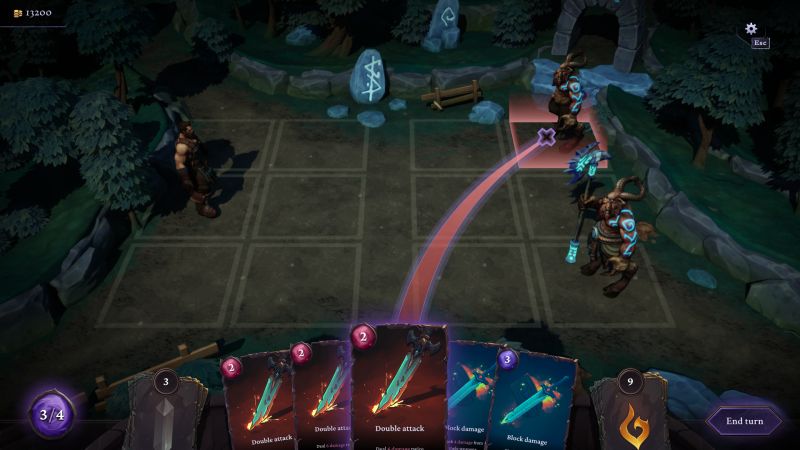
Quick Turn Games
Whispers of Elenrod • 7-11 developers
The Challenge
With over 100 magical artifacts planned and mostly C++ programmers on the team, traditional 3D modeling would take 4-6 hours per prop plus texturing time - an impossible timeline for their small studio.
The Solution
Using 3D AI Studio's Image to 3D workflow, they generate textured GLB files in under 2 minutes, then import directly into Unreal Engine with material adjustments for their painterly art style.
9×
Faster output speed
14h → 1.5h
Time per asset
100+
Artifacts in scope
"During play-tests nobody could tell which props were AI-generated and which were hand-crafted. Junior developers needed less than a day to ship their first production-ready prop."
Sławomir Grabowski
CEO, Quick Turn Games
お客様の声
Roblox開発者に信頼されています。
素晴らしいゲームを構築中。

Aaron Verma, Roblox Game Developer
3D AI Studio has revolutionized my Roblox development workflow. I can create custom assets for my games in minutes instead of hours. The quality is amazing and they import perfectly into Roblox Studio.

Tim Chen, Indie Developer
As a solo Roblox developer, I couldn't afford to hire 3D artists. This tool lets me create professional-quality assets that rival AAA Roblox games. My players love the unique content.

Noah Kim, Roblox Studio Creator
The AI understands Roblox's aesthetic perfectly. Every model I generate feels like it belongs in the Roblox universe. It's saved me countless hours and my games look so much better.
Lennon Newman, Game Designer
I've been developing Roblox games for 5 years, and this is the biggest game-changer I've seen. The asset quality is incredible and the Roblox optimization is spot-on.

PixelArtistry
@philippsieben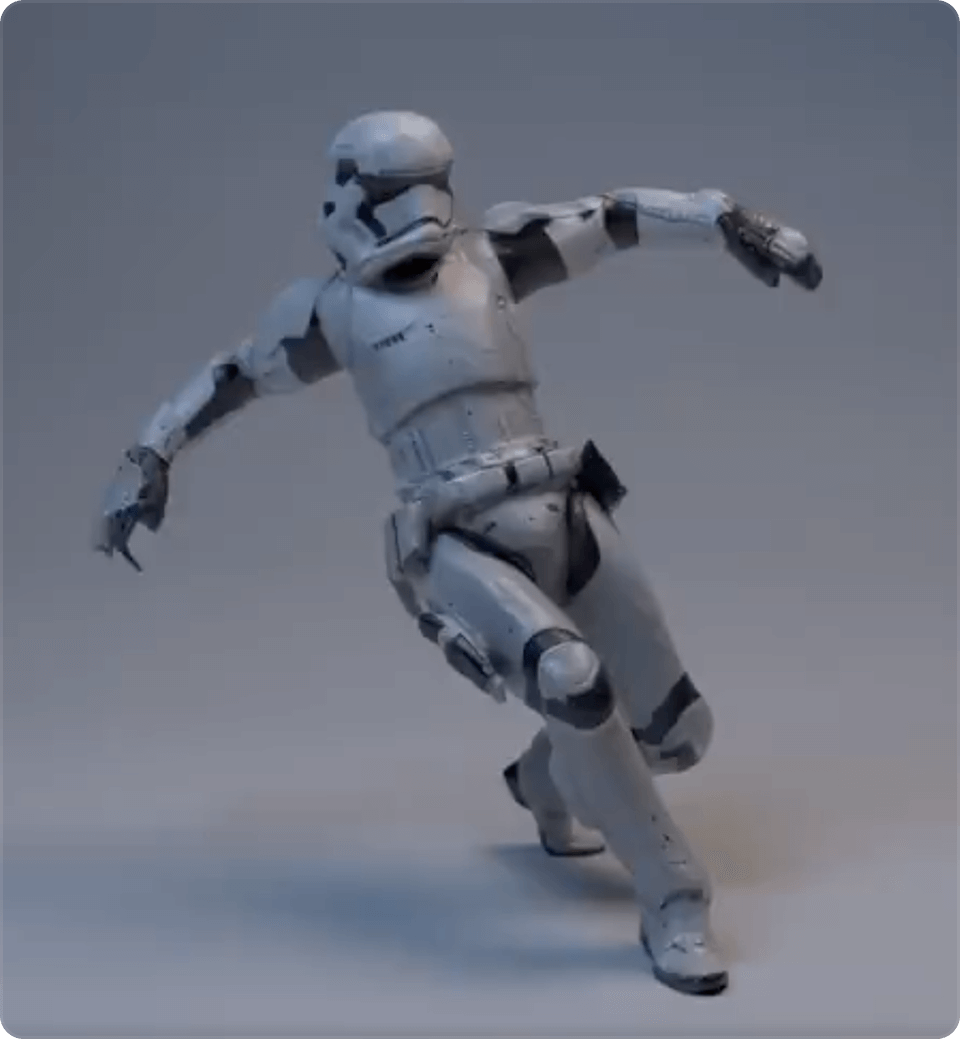
Nick St. Pierre
@nickfloats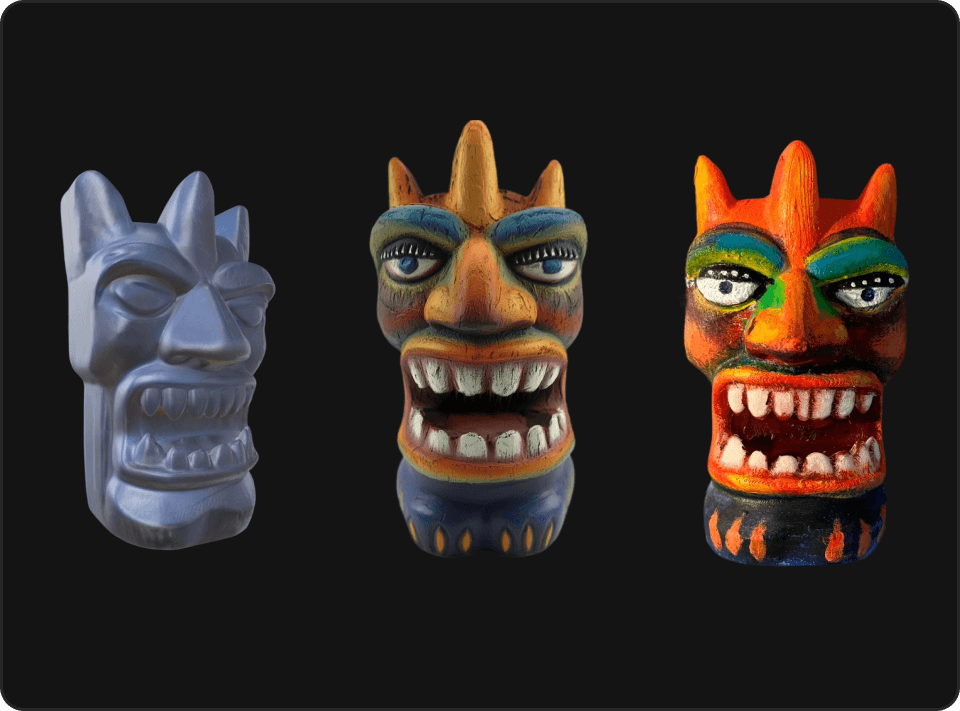

Mr. P
@Itryandlearn3D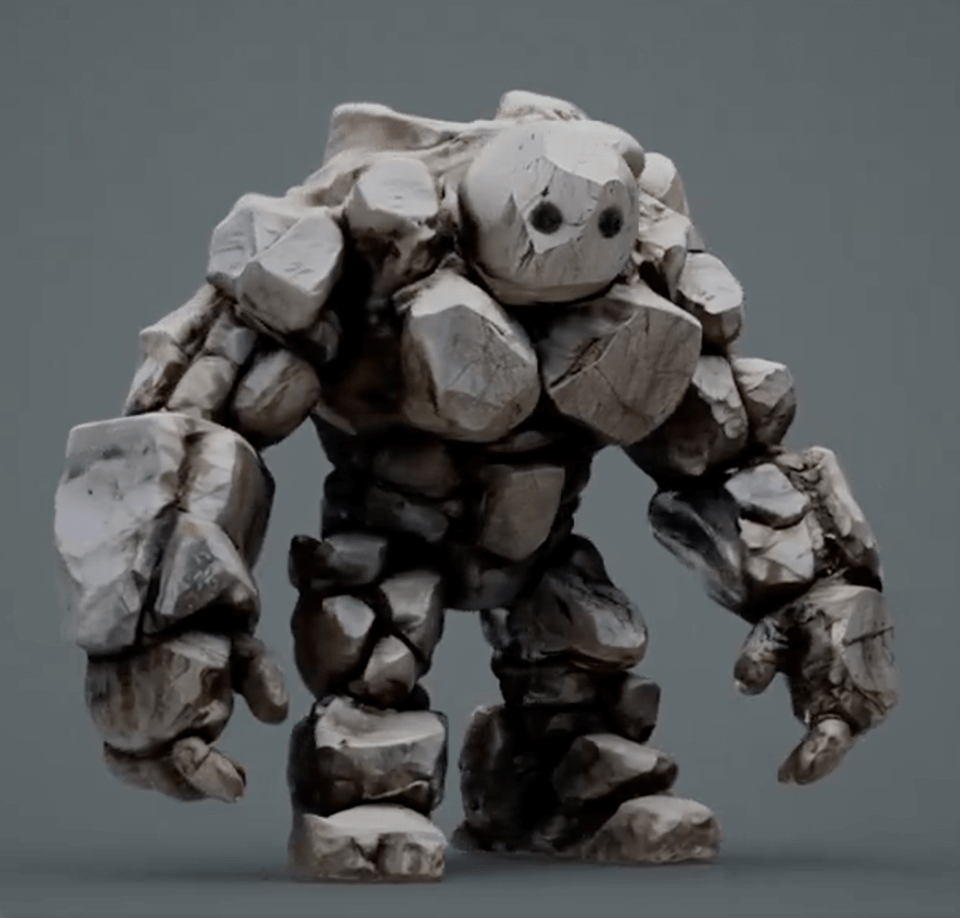
今すぐRobloxゲーム開発を始めましょう
AIで素晴らしい3Dアセットを作成している何千人ものRoblox開発者に加わりましょう。数秒で最初のモデルを生成し、AIがもたらす違いを体験してください。