
Split any image into parts with AI
Upload one image and the AI finds its separable parts, then cuts each one out as its own image. Turn any part into a 3D model.
Drop an image here, or click to browse
PNG, JPG or WebP up to 10 MB · Ctrl+V to paste
Works on 2D images (PNG, JPG, WebP). Splitting a 3D model into parts? Use Mesh Segmentation
One image in, every part out
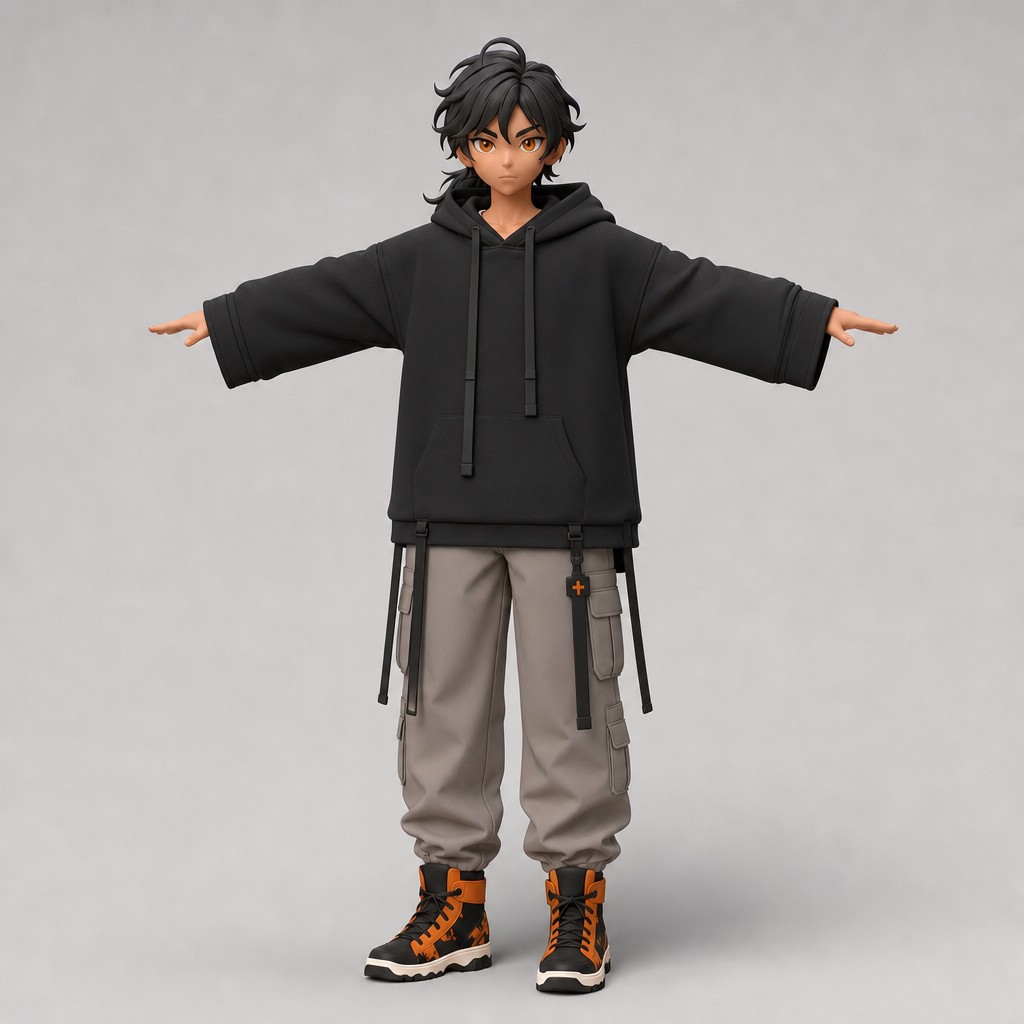
A real result: this character was split into 6 clean, isolated parts by the tool
Input
6 extracted parts
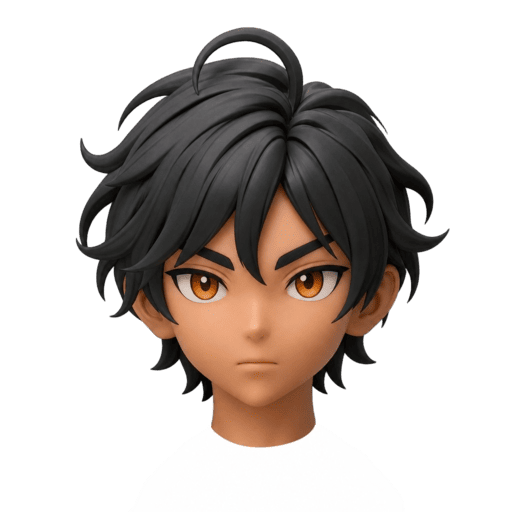
head
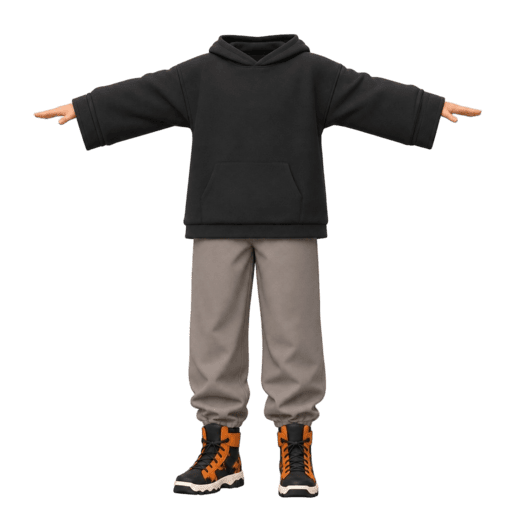
body
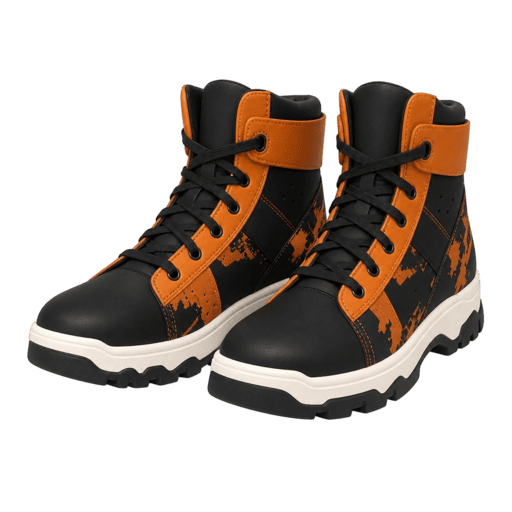
boots
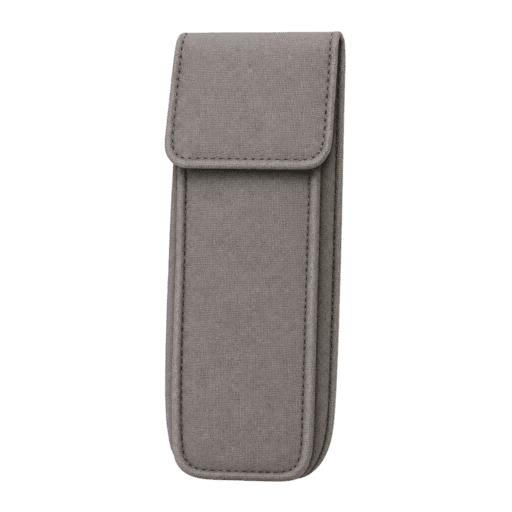
pouch
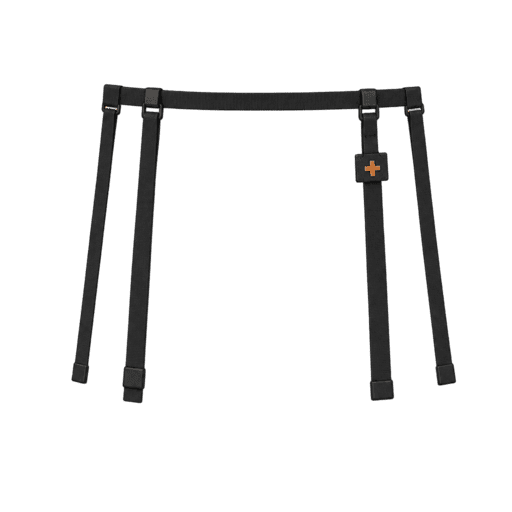
straps
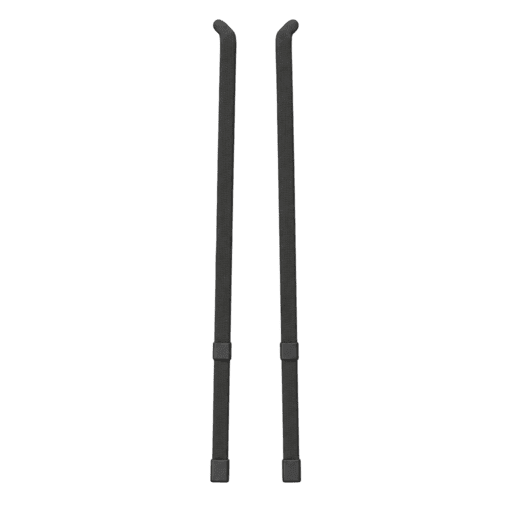
drawstrings
How it works
1. Analyze
Upload any image. The AI looks at your subject and lists the parts it can separate, each with a short description.
2. Review
Check the list before anything is generated. Rename parts, drop the ones you don't need, or type in your own.
3. Extract
Each selected part is cut out as its own image on a white background. From there you can download it or generate a 3D model from it.
From flat image to 3D model
The workflow most people come here for is 3D. Once a part exists as its own image, you can send it to our Image to 3D generator and get it back as a textured 3D model. That means you can 3D print just the sword from a character design, or bring a vehicle into your game engine as separate meshes instead of one welded blob. Cutting props out of concept art and producing catalog-style product shots are the other big uses we see.