
Best AI Tools for Unity in 2026
Quick answer: The best AI tool for Unity in 2026 is 3D AI Studio for custom assets - generate from text or images, remesh to a polycount that fits mobile or desktop, texture, and export FBX/GLB that import as prefabs. Pair it with Unity Muse for in-editor textures, sprites, and behavior, and Meshy for a convenient generation plugin.
Unity powers everything from mobile hits to high-end PC games, and every project is hungry for assets. AI now generates the props, characters, and textures you need - but Unity rewards optimization, so "looks good" must also mean "lightweight and prefab-ready." This guide compares the best AI tools for a Unity workflow, with honest notes on performance.
- Best for custom assets: 3D AI Studio - generate, remesh to a polycount budget, texture, export.
- Best in-editor AI: Unity Muse (textures, sprites, behavior, chat).
- Best generation plugin: Meshy.
- Best fast props: Tripo.
- Best for 2D sprites and textures: AI image generators.
Best AI Tools for Unity at a Glance
| Tool | Job | Where it runs | Best for |
|---|---|---|---|
| 3D AI Studio | Generate + remesh + texture | Web | Custom optimized assets |
| Unity Muse | Textures, sprites, behavior, code | In Unity | In-editor AI |
| Meshy | Asset generation | Web + plugin | Quick game assets |
| Tripo | Asset generation | Web | Fast low-poly props |
| AI image generators | Sprites, textures, UI | Web | 2D art and materials |
What Unity Needs From AI Assets
- Polycount control - low-poly for mobile, more headroom on desktop.
- FBX/GLB export - the formats Unity imports cleanly into prefabs.
- Optimized textures - sized for your platform and pipeline (URP/HDRP).
- LOD-friendly output - so large scenes stay performant.
- Iteration speed - fill an asset library fast.
Pro tip: Decide your polycount budget by platform first - mobile is tight, desktop is generous. Generate at quality, then remesh to that budget, so the same model can serve different LODs without re-creating it.
1. 3D AI Studio - Best for Custom Unity Assets
3D AI Studio is the strongest source of original Unity assets because it pairs generation with the optimization Unity needs. Create props, characters, and environments from text or images, remesh to a controllable polycount, texture, and export FBX/GLB to import as prefabs. See the Unity guide.
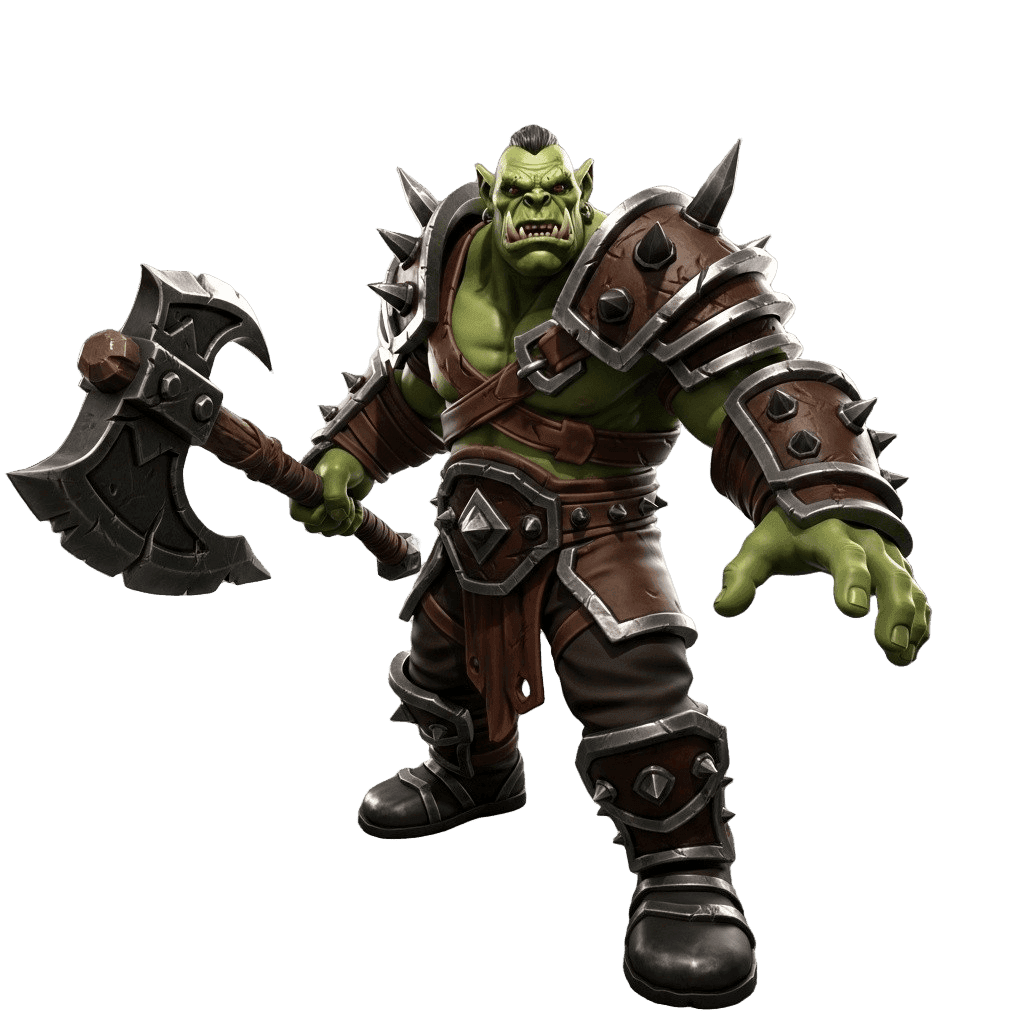
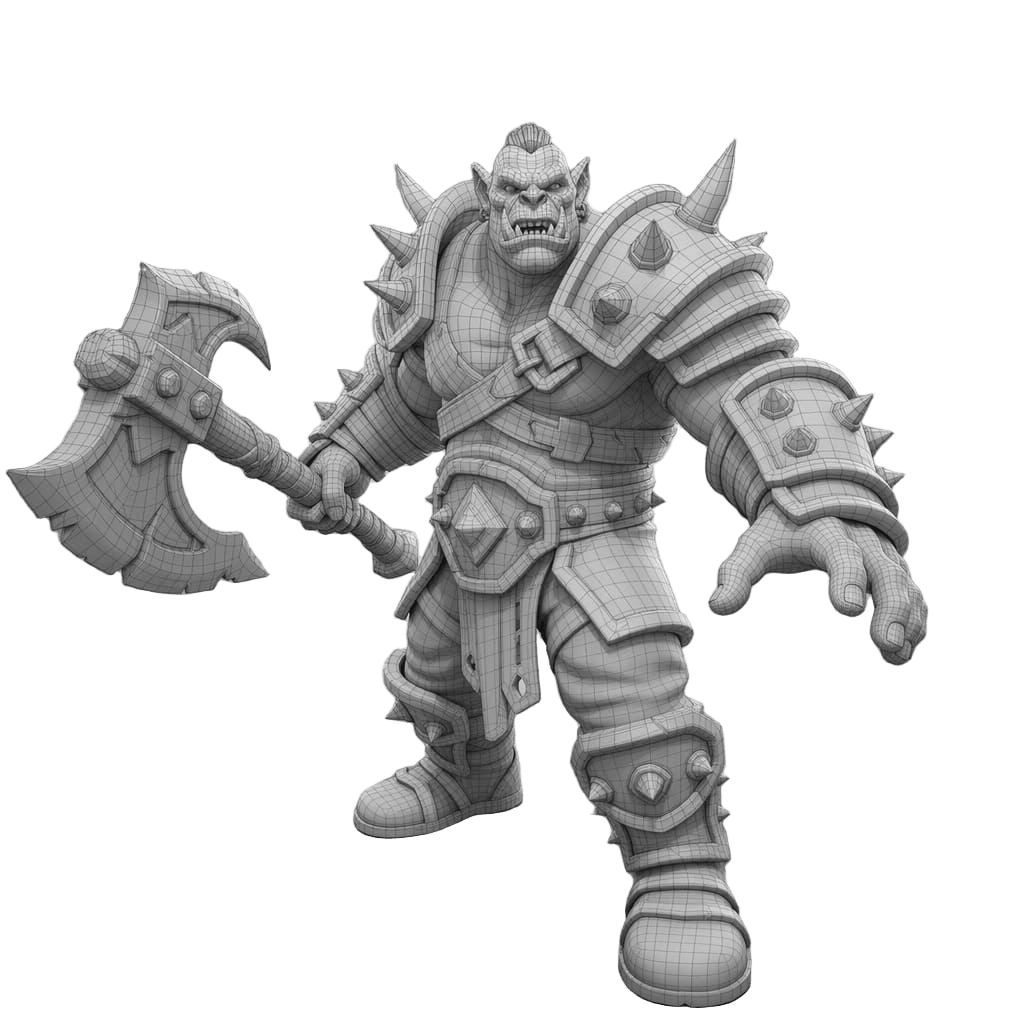
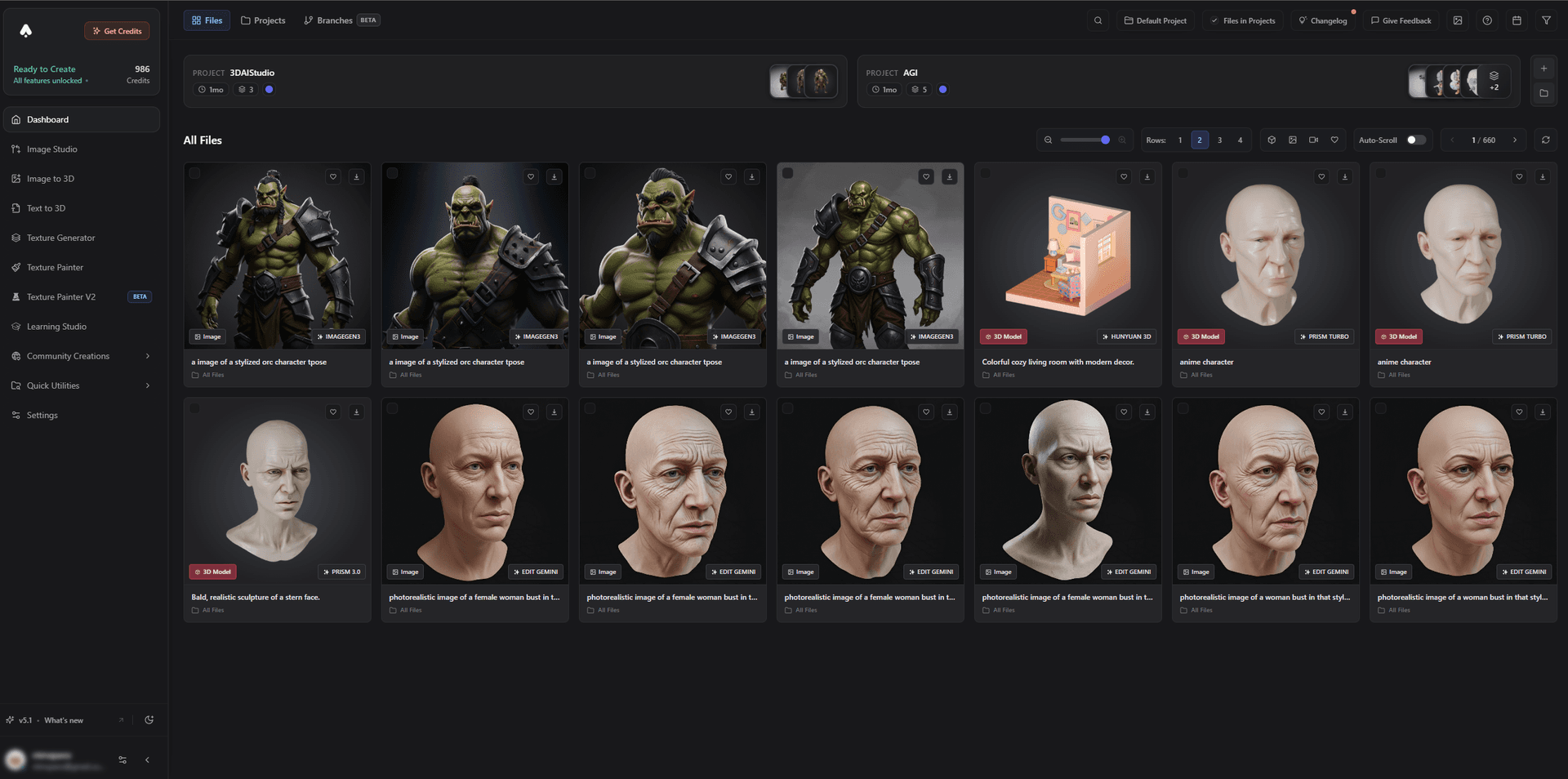
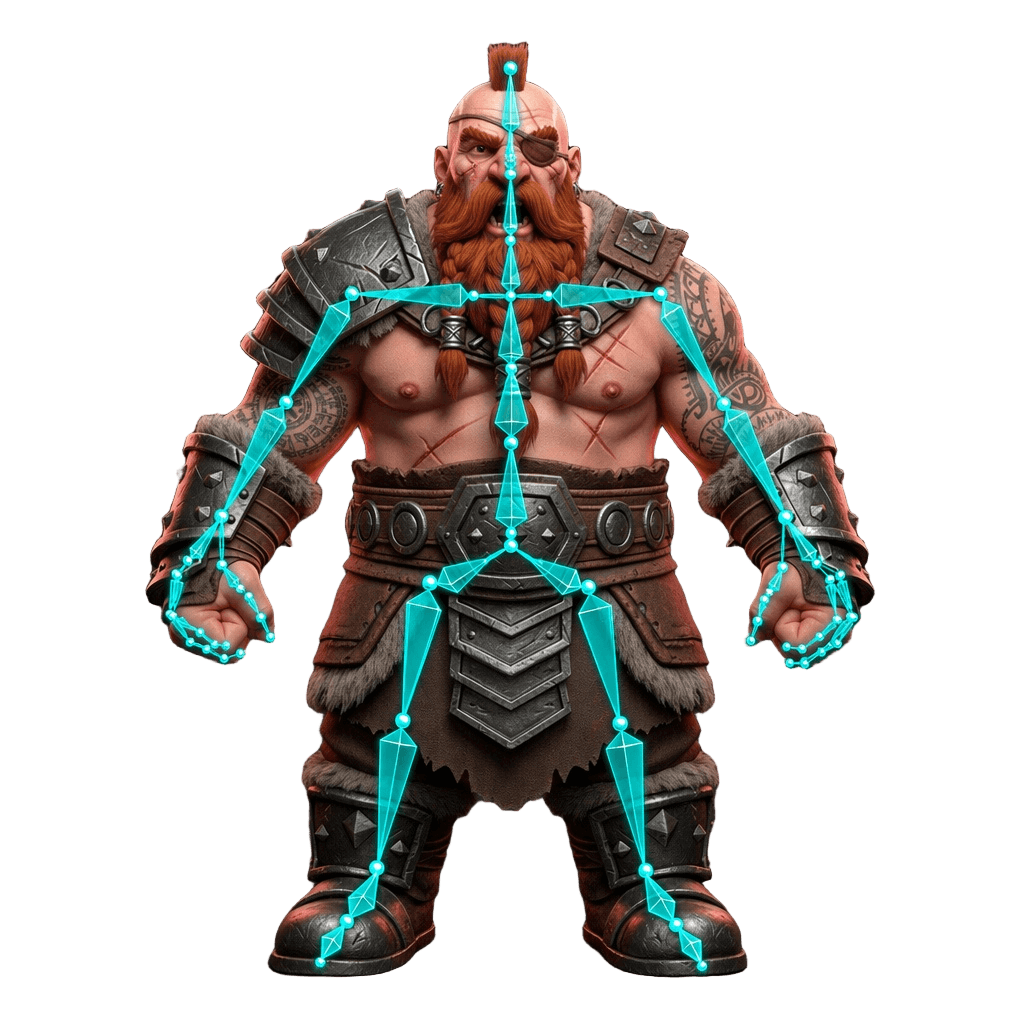
It handles both stylized and detailed assets, and rigged characters import and animate in Unity via Mecanim.
Best for: Unity devs who need custom, optimized assets fast.
Pros:
- Text/image to 3D with remesh and polycount control for mobile or desktop
- Texturing and FBX/GLB export for prefabs; works with URP and HDRP
- Rigged characters for Mecanim; game-dev model and low-poly focus
- Free tier and affordable plans
Cons:
- You still set up materials per render pipeline and configure LODs in Unity
2. Unity Muse - Best In-Editor AI
Unity Muse brings AI into the editor: generate textures, sprites, animations, and behavior, plus a chat assistant for guidance and code. It is ideal for the 2D and material side, and pairs with an external mesh generator.
Best for: In-editor textures, sprites, behavior, and help.
Pros: Native, no export step, great for 2D and materials.
Cons: Not a full custom-mesh generator; pair with a 3D tool.
3. Meshy - Best Generation Plugin
Meshy generates textured assets with a Unity plugin and auto-rig options, making it a convenient in-pipeline generator.
Best for: Quickly generating Unity assets.
Pros: Fast, textured, plugin workflow, auto-rig.
Cons: Single-engine; optimize polycount for mobile.
4. Tripo - Best Fast Props
Tripo quickly produces clean-topology props, great for blockouts and filling scenes during prototyping.
Best for: Rapid, simple props.
Pros: Very fast, clean topology, affordable.
Cons: Detail trails premium engines.
5. AI Image Generators - Best for Sprites, Textures, and UI
AI image tools create 2D sprites, textures, UI art, and concept references - everything a Unity project needs beyond meshes.
Best for: 2D art, textures, and UI.
Pros: Fast, cheap, endless variations.
Cons: 2D only; meshes come from a 3D generator.
How to Get an AI Asset Into Unity
- Generate. Create the asset with image-to-3D or text-to-3D.
- Remesh to budget. Remesh to a low polycount for mobile or a higher one for desktop.
- Texture. Apply PBR materials and size maps for your platform.
- Export FBX/GLB. Import into Unity and create a prefab.
- Set up materials and LODs. Configure for URP or HDRP and add LOD groups for big scenes.
- Rig characters. Import rigged characters and drive them with Mecanim.
Pro tip: Keep a tight texture atlas and reuse materials across assets. On mobile especially, draw calls and texture memory matter as much as polycount - discipline here is what keeps a Unity game smooth.
The Bottom Line
For Unity in 2026, 3D AI Studio is the best AI tool for custom assets because it pairs generation with the polycount control Unity needs across mobile and desktop. Add Unity Muse for in-editor textures and behavior, and AI image tools for sprites and UI, and you can build a Unity project far faster.
Start by generating a Unity asset, read the Unity guide, and see our game development asset generation tutorial.

Generate 3D models with AI
Easily generate custom 3d models in seconds. Try it now and see your creativity come to life effortlessly!
FAQ
What is the best AI tool for Unity in 2026?
3D AI Studio is the best for custom Unity assets because it generates from text or images, remeshes to a controllable polycount for mobile or desktop, textures, and exports FBX/GLB that import as prefabs. Unity Muse adds in-editor AI for textures, sprites, and behavior, and Meshy offers a Unity generation plugin.
Can I import AI-generated models into Unity?
Yes. Export the model as FBX or GLB and import it into Unity, then set it up as a prefab with materials and colliders. For mobile and large scenes, remesh to a low polycount and keep texture sizes reasonable for performance.
What is Unity Muse and is it AI?
Unity Muse is Unity's suite of AI tools inside the editor, including generation of textures, sprites, animations, and behavior, plus a chat assistant. It pairs well with an external 3D generator that produces the actual meshes Muse helps you texture and wire up.
How do I keep AI assets optimized for mobile Unity games?
Mobile rewards low polycounts and small textures. Generate the asset, remesh to a low triangle budget, downscale textures, and use LODs. Tools like 3D AI Studio let you control polycount during remeshing so assets stay lightweight.
Which Unity render pipeline works with AI assets?
AI-generated models work with Built-in, URP, and HDRP - the model is just geometry plus PBR textures. URP is common for mobile and stylized games, HDRP for high-end visuals. Set up materials in the target pipeline after import.
Are AI assets good enough for a real Unity game?
For props, environments, and many characters, yes - especially after a remesh for clean topology and a sane polycount. AI is excellent for prototyping, indie projects, and filling asset libraries quickly, with hero assets occasionally hand-polished.