
Best Image-to-Video AI Tools in 2026 (Tested and Compared)
Quick answer: The best image-to-video tool for most people in 2026 is 3D AI Studio's Video Studio, because it runs all the leading models - Veo 3.1, Kling, Seedance, and more - in one place, so you can match the right model to each image instead of committing to one. Among individual models, Veo leads on quality and audio, Kling on expressive motion, and Seedance on fast, high-fidelity clips.
Image-to-video is the most controllable way to make AI video: you start from an exact frame - a photo, product shot, or piece of character art - and the AI brings it to life. The result keeps your subject and style intact while adding motion, camera moves, and atmosphere. This guide compares the best image-to-video tools and shows what each is good at.
- Best all-in-one (run every model): 3D AI Studio Video Studio - Veo, Kling, Seedance, and more in one place.
- Best overall quality + audio: Google Veo 3.1.
- Best character and product motion: Kling.
- Best fast, high-fidelity clips: Seedance.
- Best pro control/editing: Runway. Best easy + fast: Luma Dream Machine.
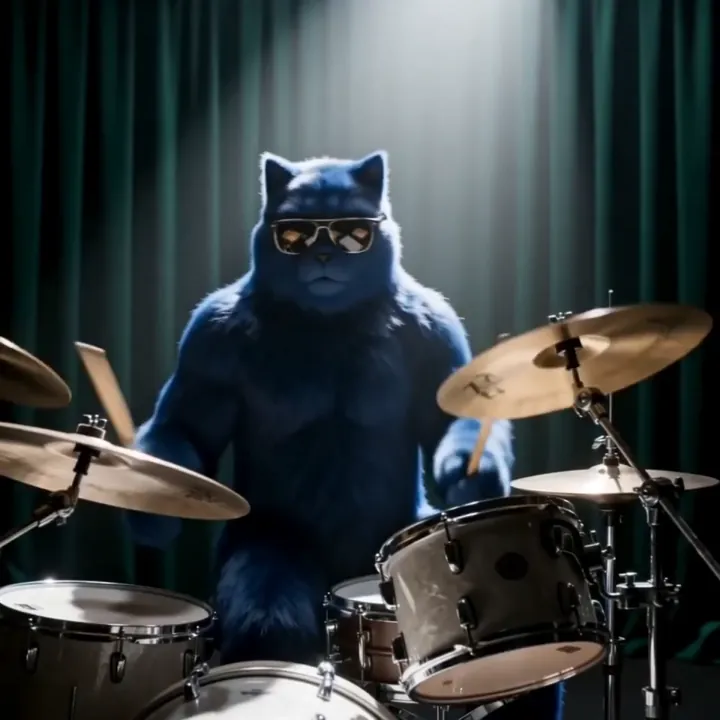
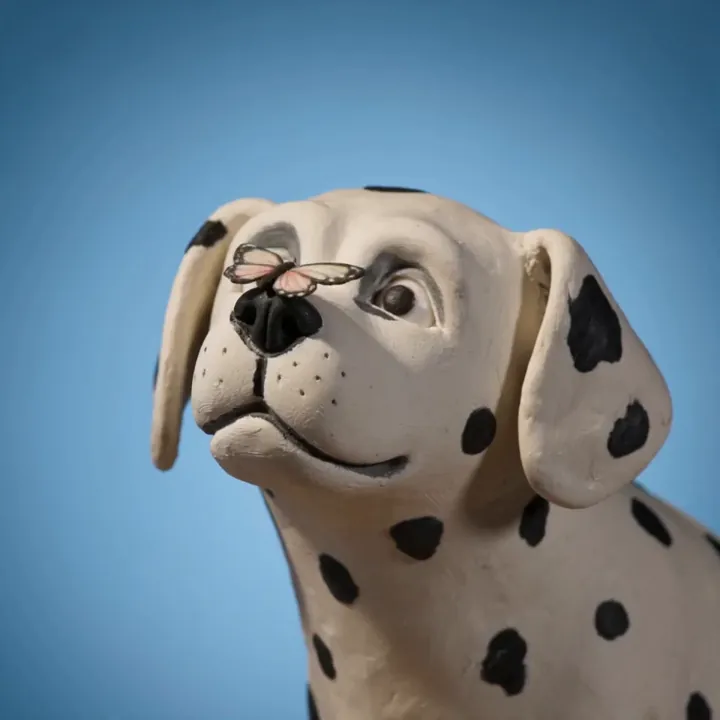
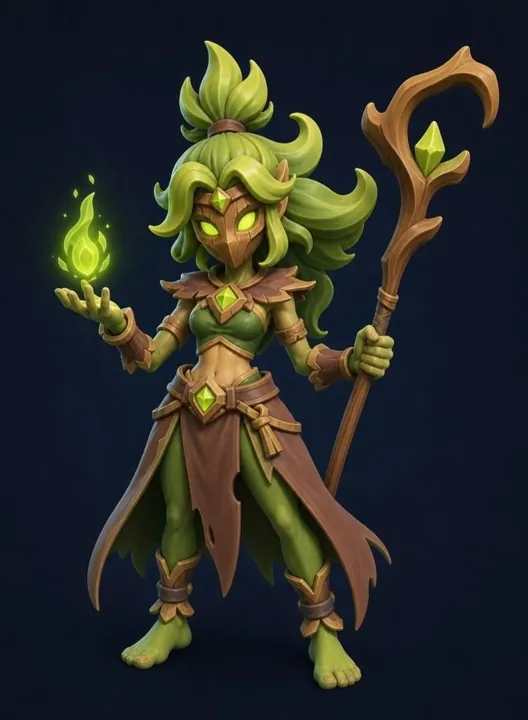
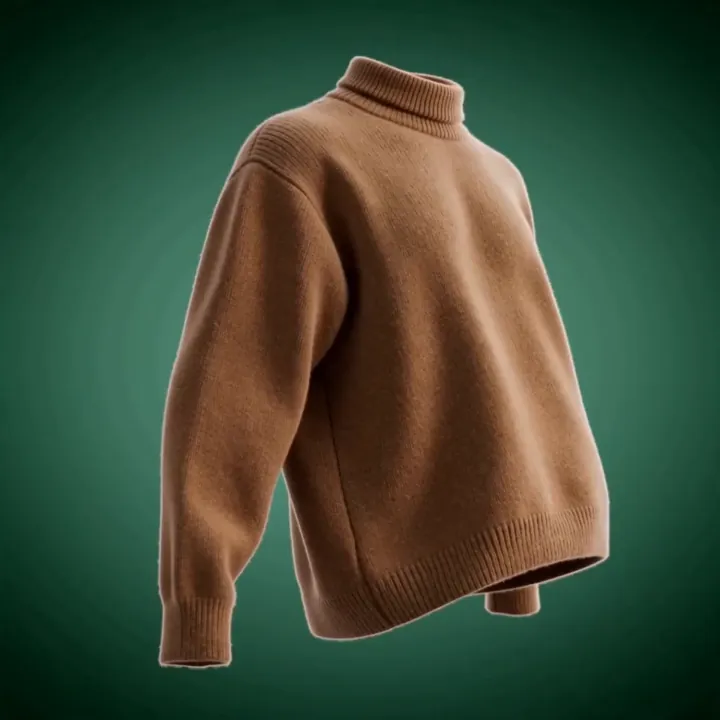
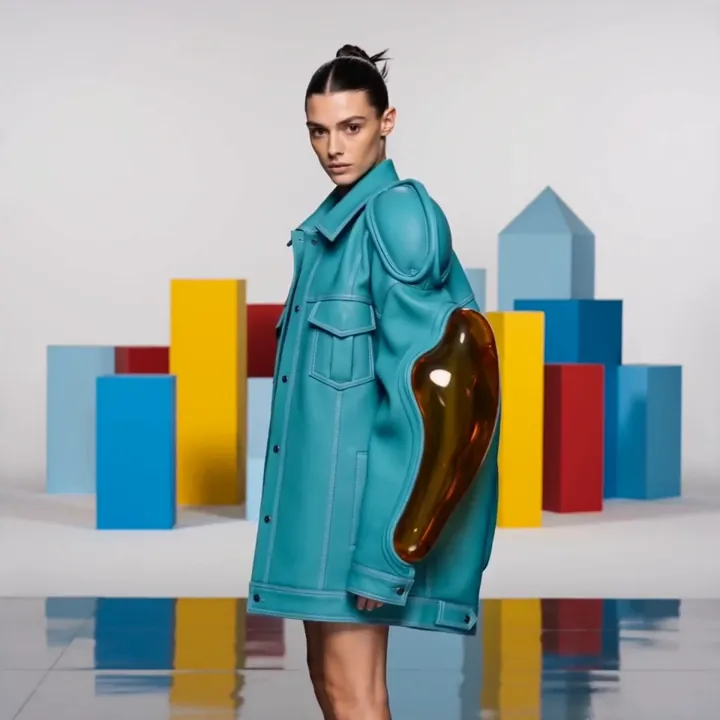
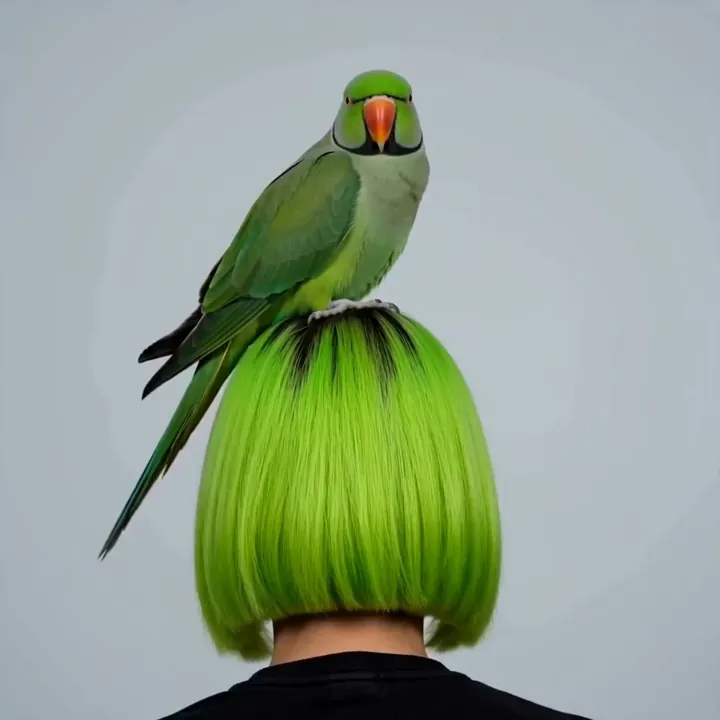
Here is what current image-to-video models produce from a single still image - just upload and describe the motion:
Best Image-to-Video AI Tools at a Glance
| Tool | Best for | Audio | Strength |
|---|---|---|---|
| 3D AI Studio | All-in-one, model choice | Via models | Runs Veo, Kling, Seedance, and more |
| Google Veo 3.1 | Overall quality | Yes | Realism and synced audio |
| Kling | Character/product motion | Limited | Expressive, controllable motion |
| Seedance | Fast high-fidelity clips | Limited | Speed and fidelity |
| Runway | Pro control and editing | Limited | Director-level controls |
| Luma Dream Machine | Easy and fast | Limited | Accessible, quick results |
What Makes a Great Image-to-Video Tool
- Motion quality - natural, coherent movement without warping or melting.
- Subject consistency - the original subject stays recognizable as it moves.
- Control - camera direction, motion strength, and prompt adherence.
- Length, resolution, and frame rate - enough for your use, with options to extend.
- Model choice and price - the ability to match the right model to the shot at a fair cost.
1. 3D AI Studio Video Studio - Best All-in-One
Most tools lock you into one model. 3D AI Studio's Video Studio runs several of the best image-to-video models together - including Veo 3.1, Kling, and Seedance - so you can try the same image across models and keep the best clip. That flexibility matters because no single model wins every shot.
The workflow is simple: upload an image, describe the motion, and animate.
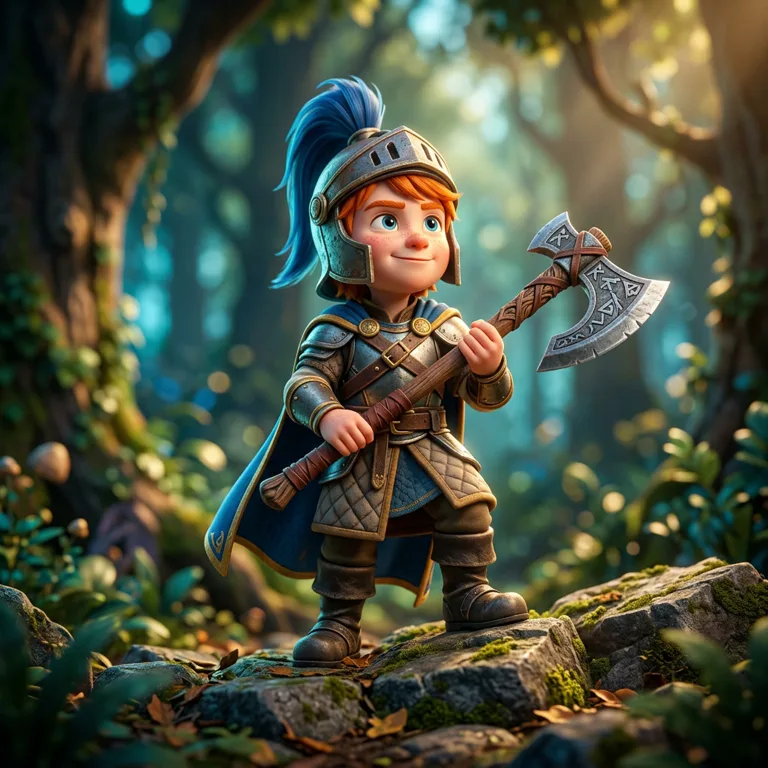
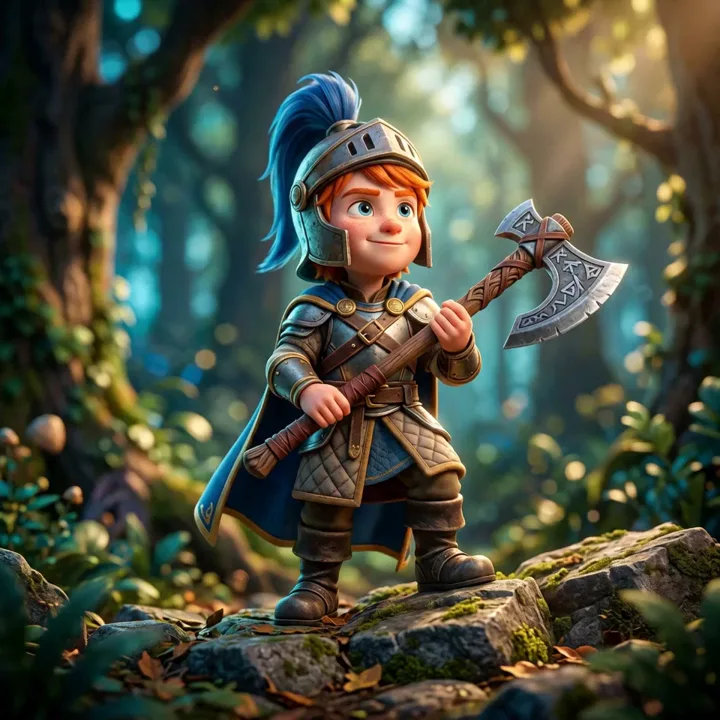
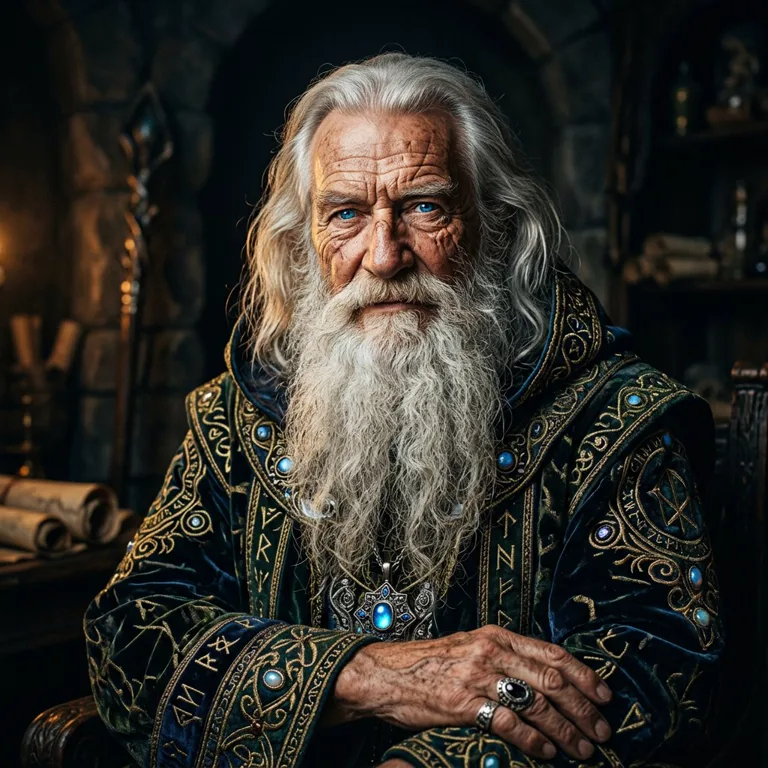
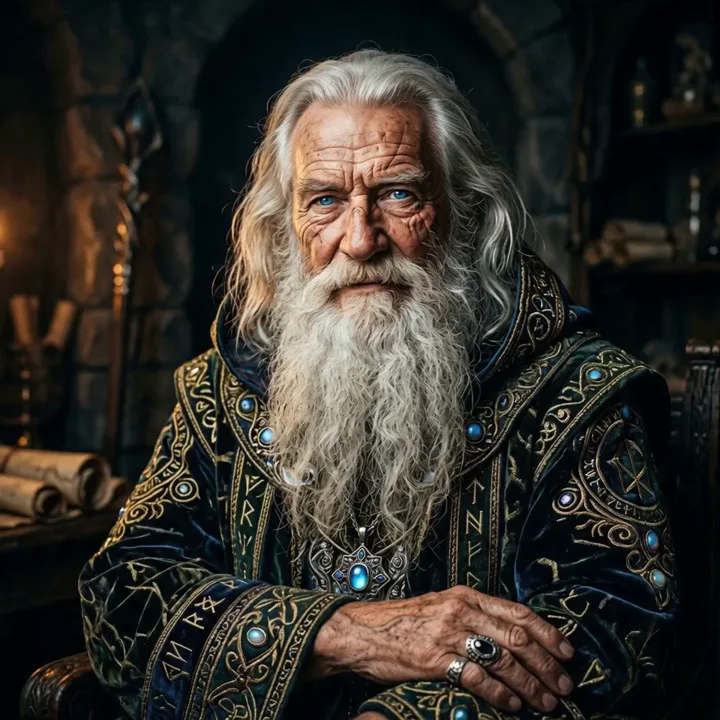
It pairs naturally with the rest of the suite: generate or edit a still in Image Studio, then animate it - and you can even turn the same image into a 3D model.
Best for: Creators who want the best model per shot, plus an image and 3D pipeline alongside.
Pros:
- Multiple top models (Veo, Kling, Seedance, Lucy, and more) in one studio
- Both image-to-video and text-to-video
- Integrated with image generation and image-to-3D
- One subscription instead of several separate video tools
- Free credits to start; clear pricing
Cons:
- With several models available, it is worth a few test clips to learn which you prefer for each style
2. Google Veo 3.1 - Best Overall Quality and Audio
Veo 3.1 sets the bar for realism and is notable for generating synchronized audio along with the video. For polished, believable motion and sound in one step, it is the quality leader.
Best for: High-quality clips where realism and audio matter.
Pros: Top-tier realism, synced audio, strong prompt adherence.
Cons: Premium model, so cost per clip is higher.
3. Kling - Best Character and Product Motion
Kling excels at expressive, controllable motion - characters that move naturally and products that rotate and reveal cleanly. It is a favorite for social content and showcases.
Best for: Character animation and product motion.
Pros: Expressive, controllable motion, strong image-to-video fidelity.
Cons: Audio is more limited than Veo.
4. Seedance - Best Fast, High-Fidelity Clips
Seedance delivers high-fidelity image-to-video quickly, making it great for iterating on a shot without long waits.
Best for: Fast iteration with strong quality.
Pros: Speed plus fidelity, good motion coherence.
Cons: Fewer director-level controls than Runway.
5. Runway - Best Pro Control and Editing
Runway offers director-level controls - motion brush, camera moves, and a broader editing suite - making it a favorite for filmmakers who want precise control over the result.
Best for: Professionals who need fine control and editing tools.
Pros: Advanced controls, mature editing ecosystem.
Cons: Steeper learning curve; pro pricing.
6. Luma Dream Machine - Best Easy and Fast
Luma Dream Machine is accessible and quick, a great entry point for animating images without a learning curve.
Best for: Beginners and fast, casual clips.
Pros: Easy, fast, approachable.
Cons: Less control and fidelity than the premium models.
How to Turn an Image Into a Video
- Start with a strong image. Use a clear photo, product shot, or art with one main subject. Generate or clean one up in Image Studio if needed.
- Open Video Studio. Upload your image to Video Studio.
- Describe the motion. Be specific: "slow dolly-in, hair moving in the wind," or "360 product rotation, studio lighting."
- Pick a model. Choose Veo for quality and audio, Kling for character/product motion, or Seedance for speed.
- Generate and compare. Try a couple of models or prompts and keep the best clip.
- Extend or chain. Lengthen the clip or chain shots for a longer sequence.
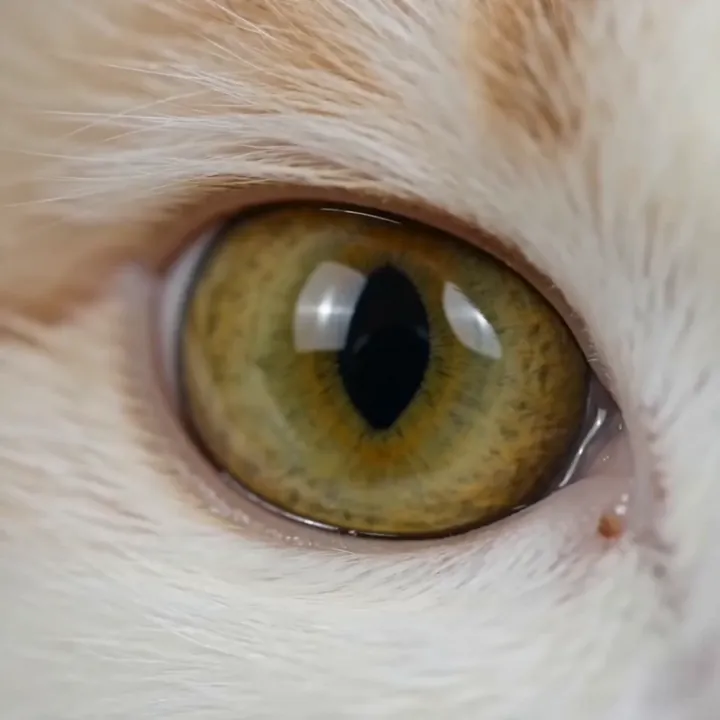
Pro tip: Motion follows the image. A clean, well-lit still with a clear subject and uncluttered background gives the model the best chance to animate believably - and keeps your subject consistent across the clip.
The Bottom Line
There is no single best image-to-video model in 2026 - Veo wins on quality and audio, Kling on character and product motion, and Seedance on speed. The most practical setup is a studio that runs all of them so you can match the model to the shot: 3D AI Studio's Video Studio.
Start by animating an image in Video Studio, and read our guides on generating videos from images and the best AI video generators of 2026.

Generate 3D models with AI
Easily generate custom 3d models in seconds. Try it now and see your creativity come to life effortlessly!
FAQ
What is the best image-to-video AI tool in 2026?
3D AI Studio is the best choice because it runs Veo, Kling, Seedance, and more in a single Video Studio, so you can pick the right model for each shot and keep everything in one place. Among individual models, Veo 3.1 is known for overall quality and synced audio, Kling for expressive motion, and Seedance for fast, high-fidelity clips.
How does image-to-video AI work?
You upload a still image and describe the motion you want, and the AI animates the image into a short video clip - adding camera moves, character motion, and environmental effects while keeping the original subject consistent. It is faster and cheaper than filming or hand-animating.
Which AI tool is best for animating a product photo?
3D AI Studio is the best option because you can try several models on the same product image and keep the best result. For clean product motion like 360 rotations and studio moves, the Seedance and Kling engines perform well, and Veo adds polished lighting and optional audio.
Can I turn a single photo into a video?
Yes. Image-to-video models are designed to animate a single still - a portrait, product shot, character art, or landscape - into a moving clip. Clear images with one main subject and good lighting produce the most reliable motion.
How long can AI-generated videos be?
Most image-to-video clips are a few seconds long per generation, and you can extend or chain clips for longer sequences. Length, resolution, and frame rate vary by model and plan, so check the limits of the specific model you choose.
Is image-to-video or text-to-video better?
Image-to-video gives you more control over the look because you start from an exact frame, which keeps the subject and style consistent. Text-to-video is better for inventing a scene from scratch. Many creators generate or edit an image first, then animate it for the most controlled result.