
Best AI Tools for Unreal Engine in 2026
Quick answer: The best AI tool for Unreal Engine in 2026 is 3D AI Studio for custom assets - generate from text or images, remesh to clean topology, texture, and export FBX/GLB that import straight into UE5. Use MetaHuman for realistic human characters, Meshy for a convenient generation plugin, and lean on Nanite and Lumen to get high-quality results with less manual work.
Unreal Engine 5 sets the visual bar with Nanite and Lumen, but filling a world still takes a mountain of assets. AI now generates props, characters, and textures in minutes, and because Nanite handles dense geometry gracefully, AI output fits UE better than ever. This guide compares the best AI tools for an Unreal workflow, with honest notes on import and optimization.
- Best for custom assets: 3D AI Studio - generate, remesh, texture, export FBX/GLB.
- Best realistic humans: MetaHuman.
- Best generation plugin: Meshy.
- Best hero-asset quality: Rodin (Hyper3D).
- Nanite advantage: high-detail AI meshes need less manual optimization for static geometry.
Best AI Tools for Unreal Engine at a Glance
| Tool | Job | Import path | Best for |
|---|---|---|---|
| 3D AI Studio | Generate + remesh + texture | FBX/GLB | Custom props, characters, environments |
| MetaHuman | Realistic human characters | Native UE | Believable humans |
| Meshy | Asset generation | Plugin / FBX | Quick game assets |
| Rodin (Hyper3D) | Hero assets | FBX/GLB | High-detail showcase models |
| AI image generators | Textures, concept art | Texture import | Materials and concepts |
What Unreal Engine Needs From AI Assets
- FBX/GLB export - the formats UE imports cleanly.
- Clean topology for animation - skeletal meshes are not Nanite, so deforming assets need good topology.
- Sensible materials and UVs - so Lumen and your shaders behave.
- Detail that Nanite can exploit - high-poly static meshes are fine with Nanite enabled.
- Iteration speed - fill a level fast without modeling each piece by hand.
Pro tip: Nanite changes the optimization math for static meshes, but it does not cover skeletal/animated meshes. Remesh anything that deforms (characters, creatures) for clean, predictable animation, and let Nanite handle the dense static props.
1. 3D AI Studio - Best for Custom Unreal Assets
3D AI Studio is the most flexible source of original UE assets. Generate props, weapons, environments, and characters from text or images, remesh for clean topology, texture, and export FBX/GLB straight into Unreal. The Unreal use-case guide walks through import.
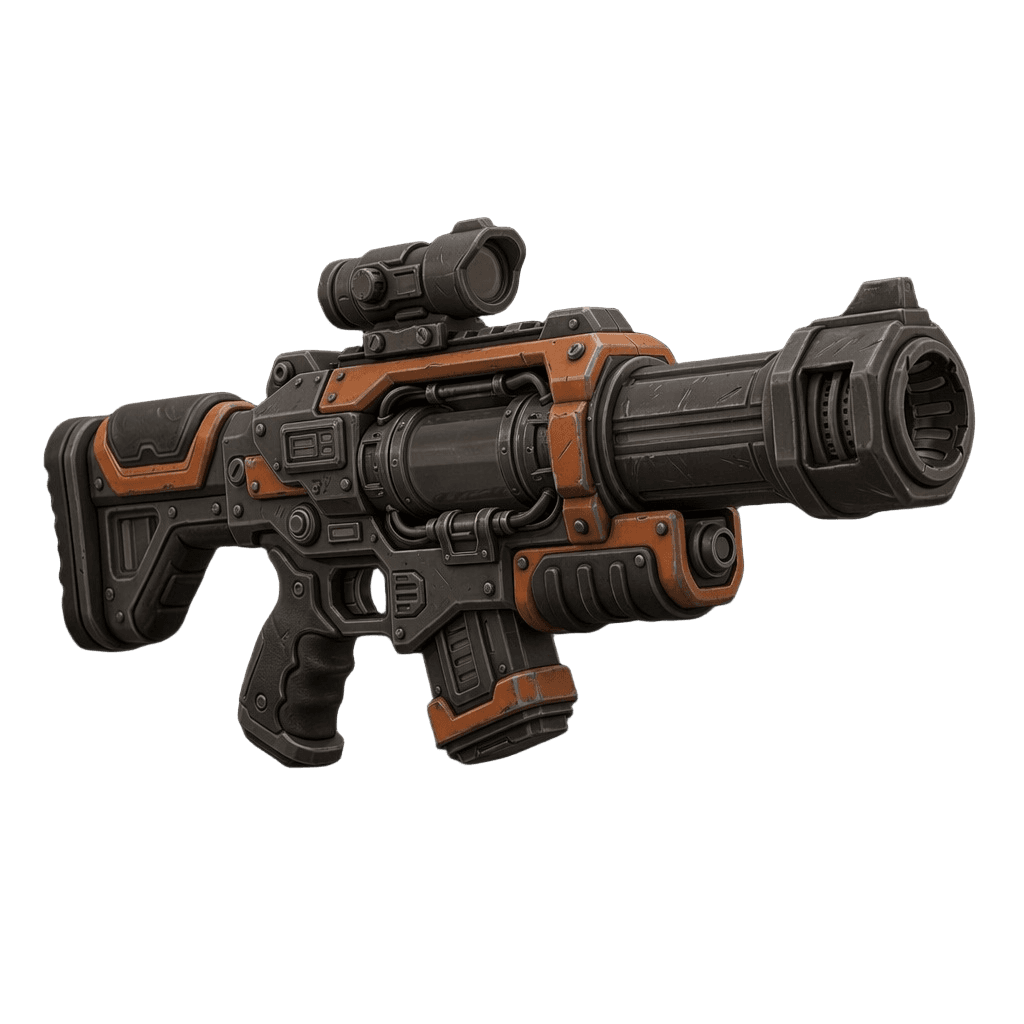
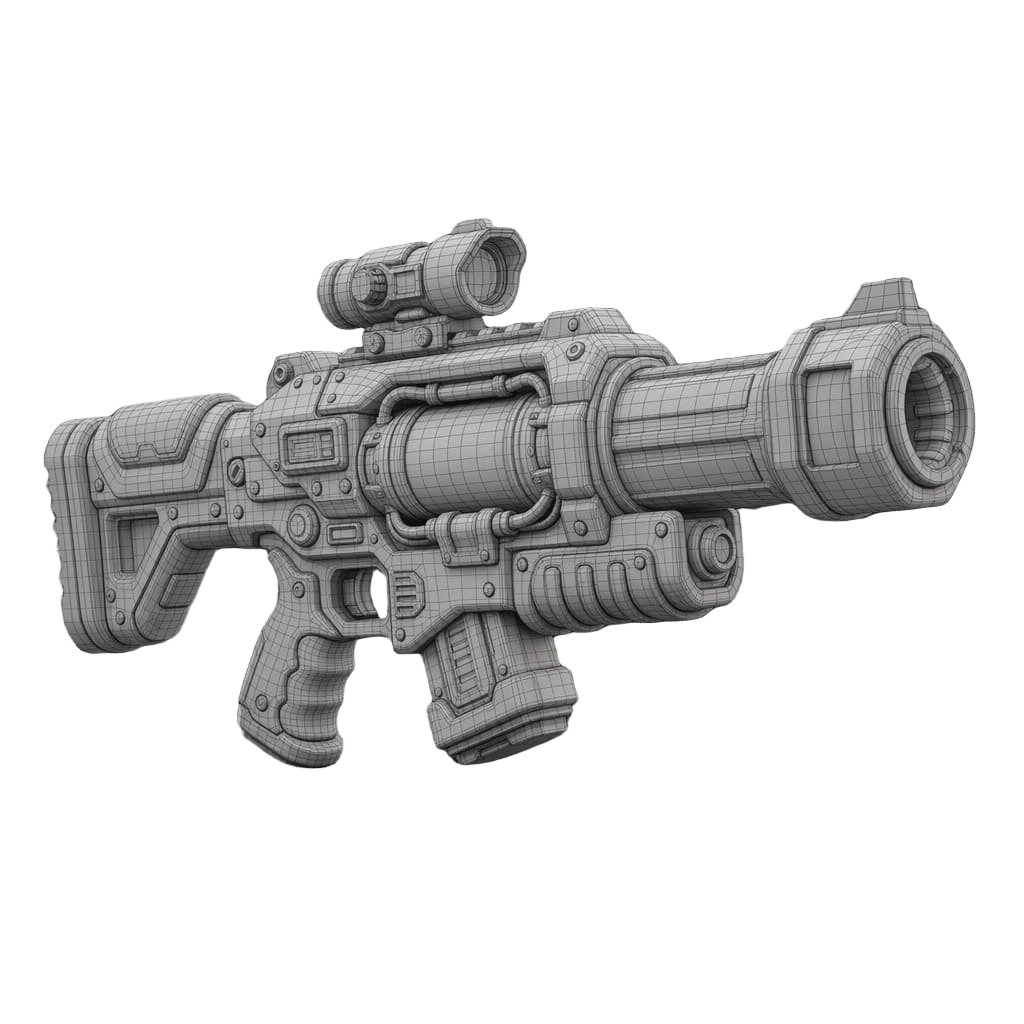
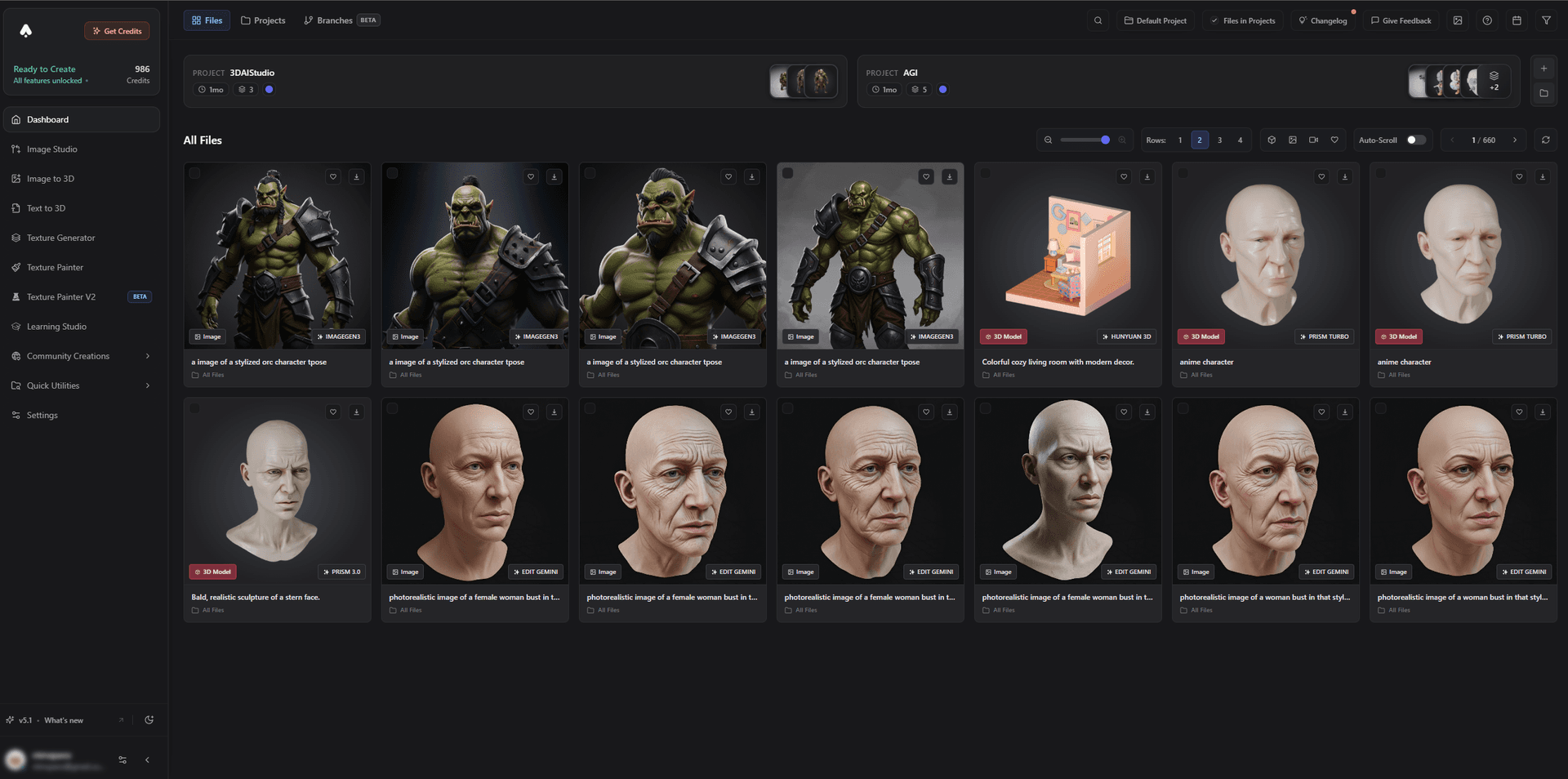
For characters, generate and rig stylized or creature designs and retarget animations in UE - MetaHuman covers realistic humans, while a generator covers everything unique.
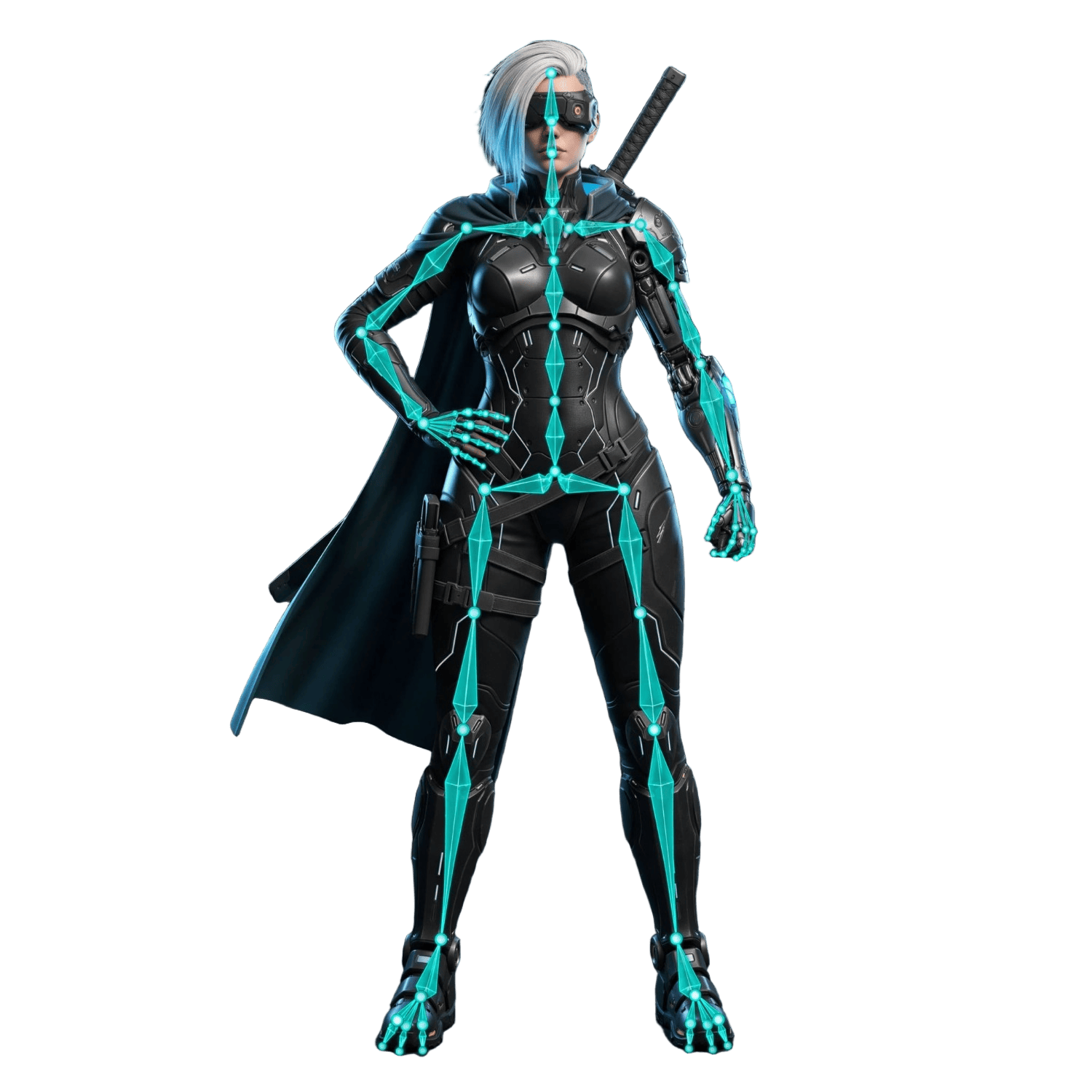
Best for: Developers who need custom UE props, environments, and characters fast.
Pros:
- Text/image to 3D, remesh, texturing, and FBX/GLB export
- Works for static props (great with Nanite) and rigged characters
- Guides for Unreal and UEFN/Fortnite; a game-dev model
- Free tier and affordable plans
Cons:
- For photoreal human heroes, MetaHuman is purpose-built and will integrate more tightly
2. MetaHuman - Best Realistic Humans
MetaHuman is Epic's system for creating and animating highly realistic human characters that integrate natively with Unreal, including facial animation and LODs.
Best for: Believable human characters in UE.
Pros: Photoreal humans, native integration, facial animation.
Cons: Humans only; stylized and non-human characters come from a generator.
3. Meshy - Best Generation Plugin
Meshy generates textured assets and offers a convenient pipeline into Unreal, with auto-rig options for characters.
Best for: Quickly generating assets for UE.
Pros: Fast, textured output, auto-rig, easy import.
Cons: Single-engine generation; remesh skeletal meshes for animation.
4. Rodin (Hyper3D) - Best Hero-Asset Quality
Rodin produces the most detailed, photoreal models, ideal for hero props and statues where Nanite can show off the geometry.
Best for: High-detail static hero assets.
Pros: Outstanding detail and PBR textures.
Cons: No auto-rig; remesh for animated use.
5. AI Image Generators - Best for Textures and Concepts
AI image tools generate concept art, reference images, and texture maps that feed your UE materials and art direction.
Best for: Concepting and material textures.
Pros: Fast, cheap, great for ideation and textures.
Cons: 2D only; meshes come from a 3D generator.
How to Get an AI Asset Into Unreal Engine
- Generate. Create the asset with image-to-3D or text-to-3D.
- Remesh if it animates. Remesh characters and deforming meshes; let Nanite handle dense static props.
- Texture. Apply PBR materials so Lumen and your shaders look right.
- Export FBX/GLB. The formats UE imports cleanly.
- Import to UE5. Enable Nanite for static meshes; set up materials and collision.
- Rig and retarget. Use MetaHuman for humans, or retarget animations onto generated characters.
Pro tip: Build a consistent art style across your generated assets so they read as one world. Generate a small style-matched kit first, validate it in-engine under Lumen, then scale up.
The Bottom Line
For Unreal Engine in 2026, 3D AI Studio is the best AI tool for custom assets because it generates and optimizes models that import cleanly into UE5, where Nanite and Lumen do the rest. Add MetaHuman for realistic humans and AI image tools for textures and concepts, and you can build a UE world dramatically faster.
Start by generating a UE asset, read the Unreal Engine guide, and see our AI game development guide for Unity and Unreal.

Generate 3D models with AI
Easily generate custom 3d models in seconds. Try it now and see your creativity come to life effortlessly!
FAQ
What is the best AI tool for Unreal Engine in 2026?
3D AI Studio is the best for custom assets because it generates from text or images, remeshes to clean topology, textures, and exports FBX/GLB that import straight into Unreal Engine. MetaHuman is the standard for realistic human characters, and Meshy offers a convenient generation plugin. Nanite means you can use high-detail AI meshes with less manual optimization.
Can I import AI-generated models into Unreal Engine 5?
Yes. Export the model as FBX or GLB and import it into UE5 like any asset. With Nanite, Unreal handles very dense geometry well, though a remesh still helps for animated meshes and predictable performance. 3D AI Studio exports UE-friendly formats and has an Unreal use-case guide.
Does Nanite mean I do not need to optimize AI meshes?
Nanite handles high-poly static meshes efficiently, so raw AI density is less of a problem than it used to be. But skeletal/animated meshes are not Nanite, and you still want clean UVs and sane materials. A remesh is recommended for characters and anything that deforms.
What is the best AI tool for Unreal Engine characters?
3D AI Studio is the best for custom and stylized UE characters and creatures - generate and rig them, then import and retarget animations in Unreal. For photoreal human characters specifically, Epic's MetaHuman is the tightly integrated standard, so many teams use 3D AI Studio for everything unique and MetaHuman for realistic humans.
Can I use AI assets in UEFN and Fortnite?
You can create assets with AI and import them into UEFN, as long as they meet UEFN/Fortnite technical and content requirements. Keep polycounts and textures reasonable and follow Epic's guidelines before publishing an island.
Are AI-generated assets good enough for Unreal projects?
For props, environments, and many characters, yes - especially with a remesh and good materials. Hero assets sometimes get hand-polished, but AI dramatically speeds up filling a UE level and prototyping, and Nanite/Lumen make high-quality results easier to achieve.