
Best AI Tools for Roblox in 2026 (Models, Assets, and Avatars)
Quick answer: The best AI tool for Roblox in 2026 is 3D AI Studio for custom 3D assets - generate from text or images, remesh to a low, Roblox-friendly polycount, texture, and export OBJ/FBX for MeshPart import. Pair it with Roblox Studio's built-in AI (Assistant, Material and Texture Generator, Code Assist) for materials and scripting inside the editor.
Roblox creators move fast, and building every model, texture, and script by hand is a bottleneck. AI now generates the assets and helps with the code - but Roblox has strict performance limits, so "looks good" must also mean "low-poly and optimized." This guide compares the best AI tools for Roblox development, with honest notes on optimization and policy.
- Best for custom 3D assets: 3D AI Studio - generate, remesh to low-poly, texture, export for MeshParts.
- Best in-editor AI: Roblox Studio (Assistant, Material/Texture Generator, Code Assist).
- Best fast asset generation: Meshy and Tripo.
- Best for textures, decals, and concepts: AI image generators.
- Key rule: optimize polycount and texture size before import.
Best AI Tools for Roblox at a Glance
| Tool | Job | Where it runs | Best for |
|---|---|---|---|
| 3D AI Studio | Generate + remesh + texture | Web | Custom low-poly MeshParts |
| Roblox Studio AI | Materials, textures, code | In Studio | Native materials and Lua |
| Meshy | Asset generation | Web + plugins | Fast game assets |
| Tripo | Asset generation | Web | Quick low-poly props |
| AI image generators | Textures, decals, thumbnails | Web | 2D art and concepts |
What Roblox Development Actually Needs
- Low polycounts - Roblox rewards lightweight meshes; dense AI output must be remeshed down.
- MeshPart-friendly export - OBJ/FBX that import cleanly as MeshParts.
- Reasonable textures - small, optimized texture maps that fit Roblox limits.
- Optimization control - the ability to dial polycount and detail to a budget.
- Policy compliance - assets must meet Roblox technical and UGC/content rules.
Pro tip: The make-or-break step for Roblox is the remesh. Generate at high quality, then remesh to a low triangle budget before import - a clean low-poly mesh performs far better than a raw, dense AI export.
1. 3D AI Studio - Best for Custom Roblox Assets
3D AI Studio is the strongest pick for original Roblox models because it covers generation and optimization in one place. Create assets from text or images, remesh to a low, Roblox-friendly polycount, texture them, and export OBJ/FBX/GLB to import as MeshParts. See the dedicated Roblox guide.
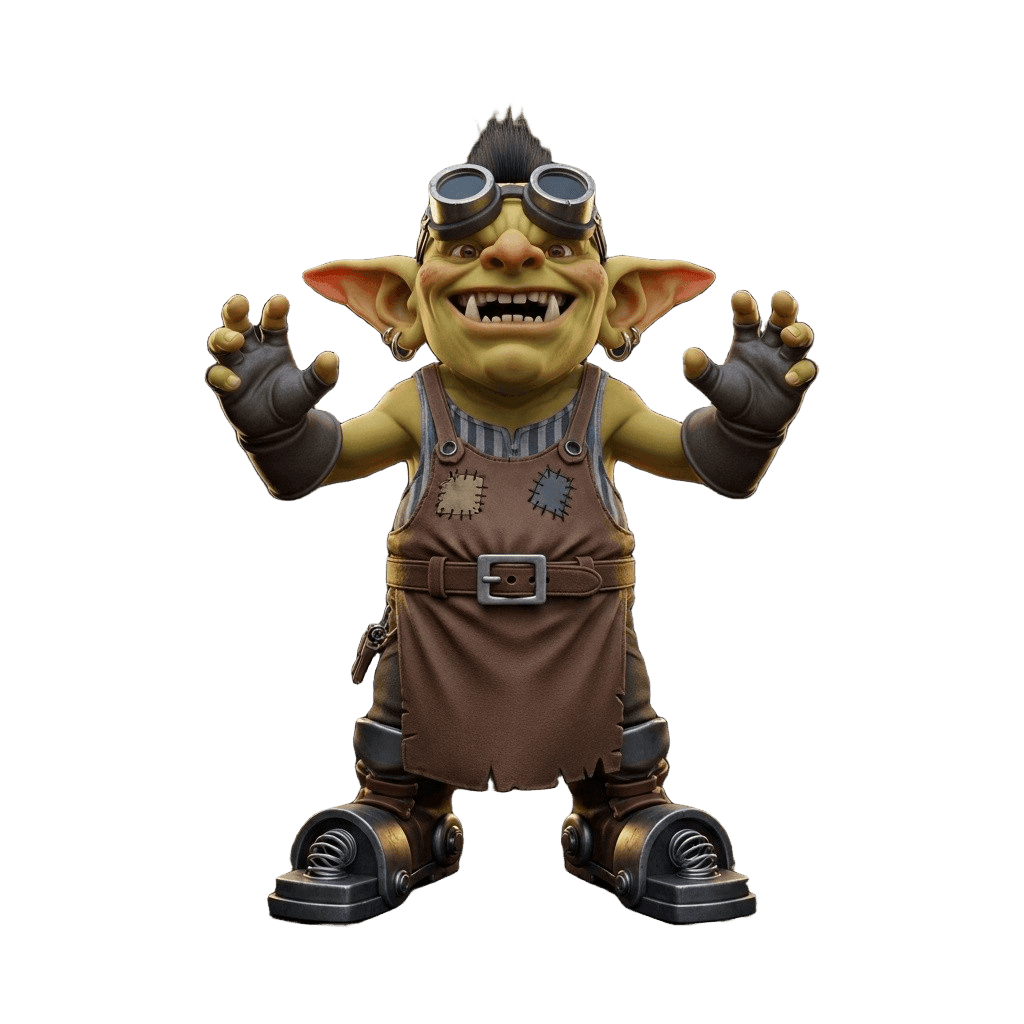
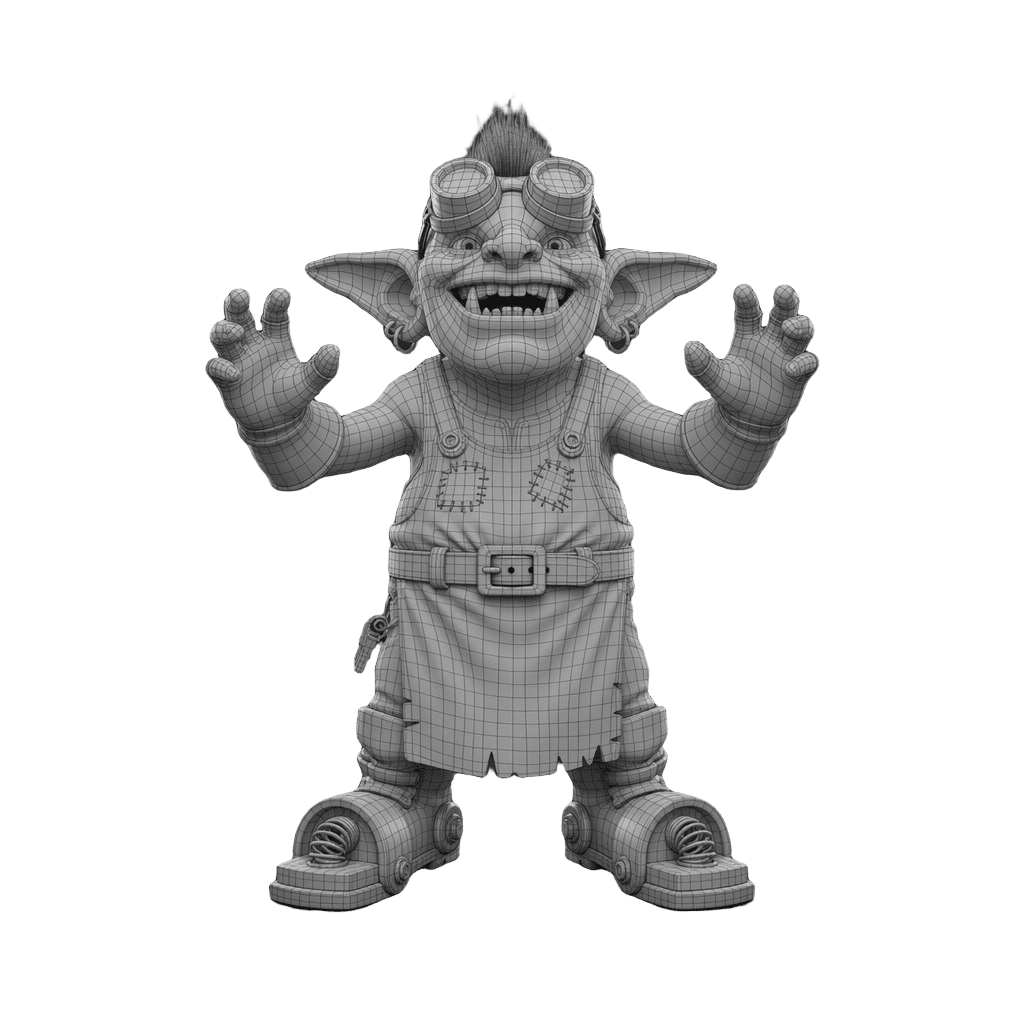
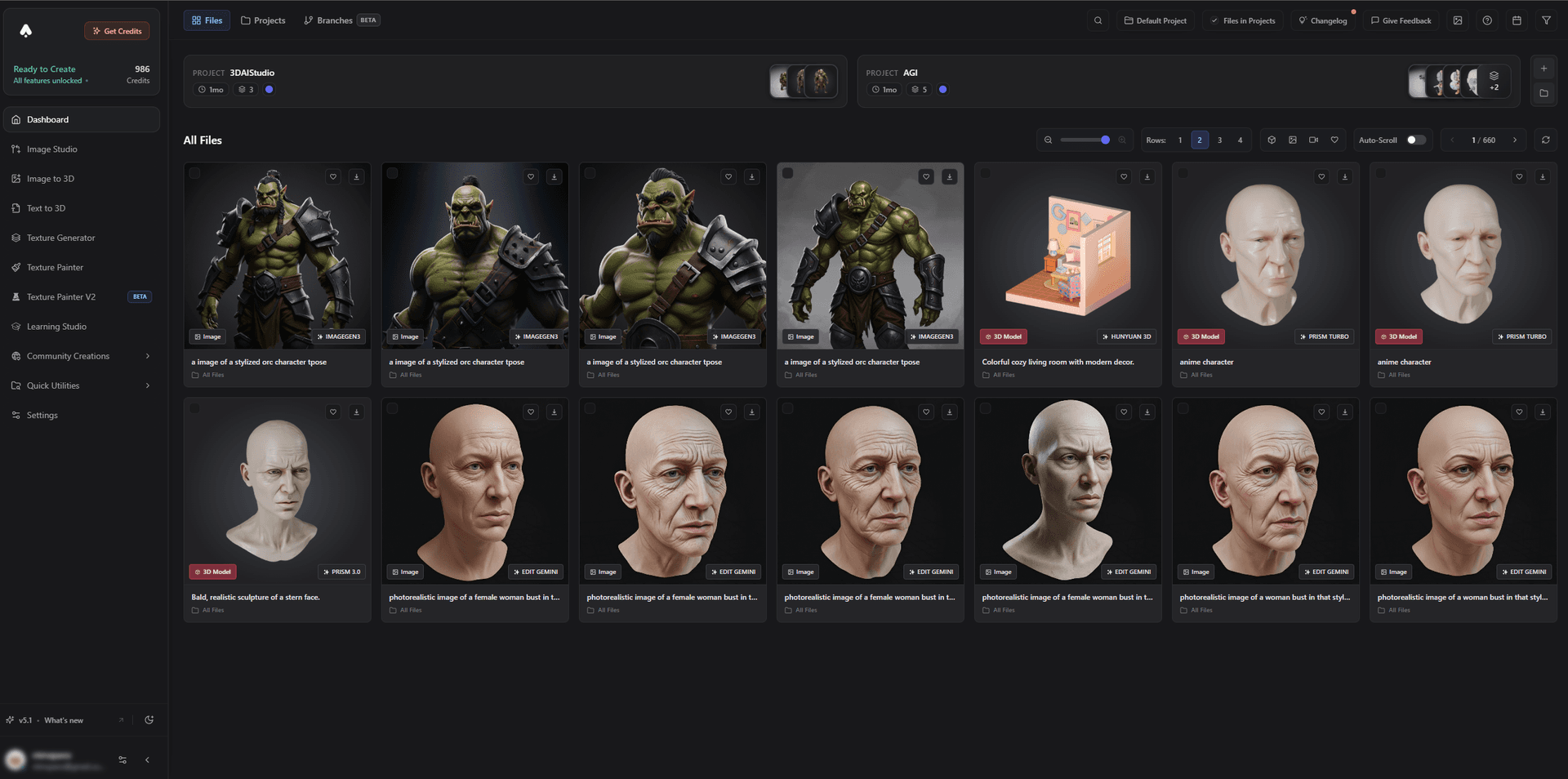
It is great for both stylized characters and props - the bread and butter of Roblox experiences.
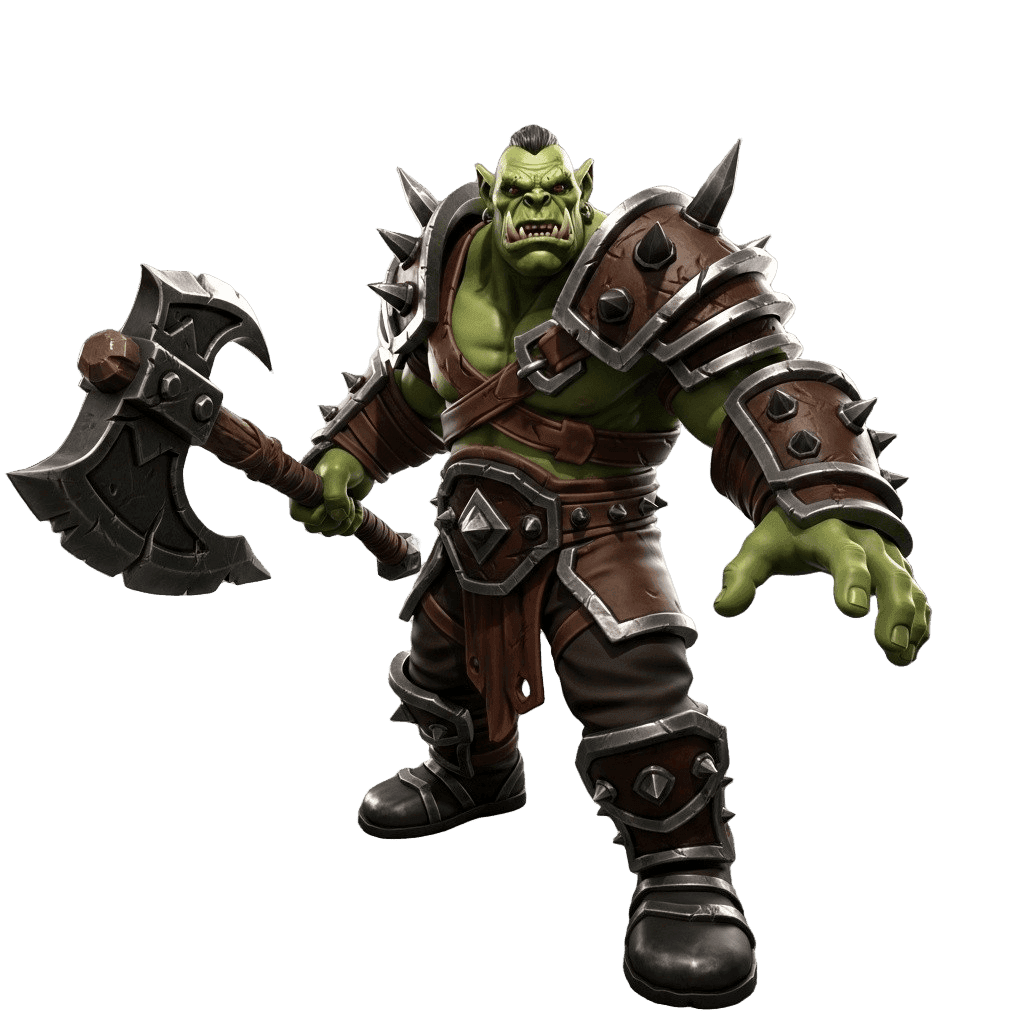
Best for: Roblox devs and UGC makers who need custom, optimized 3D assets.
Pros:
- Text and image to 3D, with low-poly remeshing and polycount control
- Texturing and OBJ/FBX/GLB export for MeshParts
- Stylized characters, props, and items; low-poly and game-dev focused
- Free tier and affordable plans
Cons:
- You still optimize textures and follow Roblox UGC rules before publishing
2. Roblox Studio AI - Best In-Editor AI
Roblox Studio ships AI directly in the editor: the Assistant for guidance, a Material Generator and Texture Generator for surfaces, and Code Assist for Lua scripting. It is free, native, and ideal for materials and code - though it does not generate full custom meshes.
Best for: Materials, textures, and scripting inside Studio.
Pros: Native, free, no export step, great for Lua and materials.
Cons: Not a full mesh generator; pair with an external 3D tool for custom models.
3. Meshy - Best Fast Asset Generation
Meshy quickly generates textured game assets and exports formats Roblox accepts. With low-poly settings and a remesh, its output imports well as MeshParts.
Best for: Quickly generating game props and characters.
Pros: Fast, textured output, beginner-friendly, generous free tier.
Cons: Optimize polycount/textures for Roblox before import.
4. Tripo - Best for Quick Low-Poly Props
Tripo is the speed option for simple, clean-topology props - handy for filling a Roblox scene fast.
Best for: Rapid simple props and blockouts.
Pros: Very fast, clean topology, affordable.
Cons: Fine detail trails premium engines; optimize before import.
5. AI Image Generators - Best for Textures, Decals, and Thumbnails
AI image tools create decals, surface textures, UI art, and eye-catching game thumbnails - all valuable for a polished Roblox experience and store listing.
Best for: 2D art, decals, textures, and thumbnails.
Pros: Fast, cheap, endless variations.
Cons: 2D only; meshes come from a 3D generator.
How to Make a Roblox-Ready Asset With AI
- Generate the model. Use image-to-3D for a specific design or text-to-3D to invent one.
- Remesh to low-poly. Run a remesh and set a low triangle budget for performance.
- Texture and downscale. Apply textures and keep map sizes within Roblox limits.
- Export OBJ/FBX. Formats that import cleanly as MeshParts.
- Import to Studio. Bring the MeshPart in, set materials, and use Studio AI for code and surfaces.
- Test performance. Check in-experience performance and follow UGC rules before publishing.
Pro tip: Build a small kit of matching low-poly assets in one style, reuse meshes where possible, and keep texture atlases tight. Roblox performance comes from discipline with polycount and textures, not just the quality of each model.
The Bottom Line
For Roblox in 2026, 3D AI Studio is the best AI tool for custom, optimized 3D assets because it pairs generation with the low-poly remeshing Roblox needs. Combine it with Roblox Studio's built-in AI for materials and code, and AI image tools for decals and thumbnails, and you can build a polished experience far faster.
Start by generating a Roblox asset, read the Roblox use-case guide, and see our tips on choosing game 3D assets.

Generate 3D models with AI
Easily generate custom 3d models in seconds. Try it now and see your creativity come to life effortlessly!
FAQ
What is the best AI tool for making Roblox models in 2026?
3D AI Studio is the best for custom Roblox 3D assets because it generates from text or images, remeshes to a low polycount Roblox accepts, textures, and exports OBJ/FBX/GLB for import as MeshParts. Roblox Studio also has built-in AI (Assistant, Material and Texture Generator, Code Assist) for materials and scripting inside the editor.
Can I import AI-generated 3D models into Roblox Studio?
Yes. Export the model as a MeshPart-compatible format like OBJ or FBX, then import it in Roblox Studio. Keep the polycount and texture sizes within Roblox limits - remeshing to low-poly first is the key step for clean, performant imports.
Does Roblox have built-in AI tools?
Yes. Roblox Studio includes AI features such as the Assistant, a Material Generator, a Texture Generator, and Code Assist, which help generate materials, textures, and Lua scripts directly in the editor. They pair well with an external 3D generator for the actual meshes.
How do I keep AI models optimized for Roblox?
Roblox rewards low polycounts and small textures. Generate the asset, then remesh to a low triangle budget and bake or downscale textures before import. Tools like 3D AI Studio let you control polycount during remeshing so assets stay performant.
Can AI create Roblox UGC and avatar items?
AI can generate the 3D models and concept art for UGC accessories and items, which you then optimize and submit through Roblox's UGC pipeline. Always follow Roblox's UGC requirements and moderation rules before publishing.
Are AI tools allowed for Roblox development?
Using AI to create assets you then import and optimize is common and allowed, and Roblox itself ships AI tools in Studio. Just make sure final assets meet Roblox's technical limits and content/UGC policies before publishing.