
Best AI Tools for 3D Printing Miniatures in 2026 (D&D, Warhammer, Tabletop)
Quick answer: The best AI tool for 3D printing miniatures in 2026 is 3D AI Studio - it now includes Hitem3D 2.1, the highest-resolution engine for resin detail (1536³, up to 2M faces), alongside remeshing to a watertight STL, a split tool with printable joints, and dedicated tabletop guides. Meshy remains strong for figurine print readiness as a single tool.
Tabletop hobbyists have a new superpower: instead of waiting for someone to sculpt the exact hero, monster, or unit you want, you can generate it with AI and print it that night. But miniatures are unforgiving - tiny details, thin weapons, and resin printing demand high detail and a watertight mesh. This guide compares the best AI tools for printing D&D, Warhammer-style, and tabletop minis, with honest notes on detail and print-readiness.
- Best all-rounder: 3D AI Studio - high-detail engines incl. Hitem3D 2.1, remesh to watertight STL, tabletop guides.
- Best ultra-fine resin detail: Hitem3D 2.1 - now built into 3D AI Studio.
- Best figurine print readiness: Meshy.
- Best textures and detail: Rodin (Hyper3D).
- Key workflow: generate high detail, remesh, scale to 28-32mm, resin print with supports.
Best AI Tools for Miniatures at a Glance
| Tool | Best for | Detail | STL export | Print readiness |
|---|---|---|---|---|
| 3D AI Studio | Flexible all-rounder | High (multi-engine) | Yes | High - remesh to watertight |
| Hitem3D (in 3D AI Studio) | Ultra-fine resin minis | Very high (1536³) | Yes | High - print-first |
| Meshy | Figurine readiness | Good | Yes (STL/3MF) | High slicer pass rate |
| Rodin (Hyper3D) | Detail and textures | Very high | Yes | Medium - may need repair |
| Tripo | Fast simple minis | Medium | Yes | Good - auto-repair |
What Miniatures Demand From an AI Tool
- High surface detail - faces, armor, cloth, and weapons must read at 28-32mm.
- Watertight (manifold) mesh - a closed solid your resin slicer accepts.
- Clean handling of thin features - weapons, fingers, and antennae must survive printing.
- STL export and scaling - to size the mini and prep supports.
- Repair/remesh - to fix holes and non-manifold edges before slicing.
Pro tip: Resin printing is what makes AI minis look great. Generate as much detail as you can, keep the mesh watertight, and resin print at 28-32mm - filament struggles with the fine features that make a miniature sing.
1. 3D AI Studio - Best All-Rounder for Miniatures
3D AI Studio is the most flexible miniature pipeline. Generate a hero, monster, or unit from text or concept art, pick a high-detail engine, then remesh to a clean watertight STL. The dedicated tabletop and Warhammer-style guides walk through the specifics.
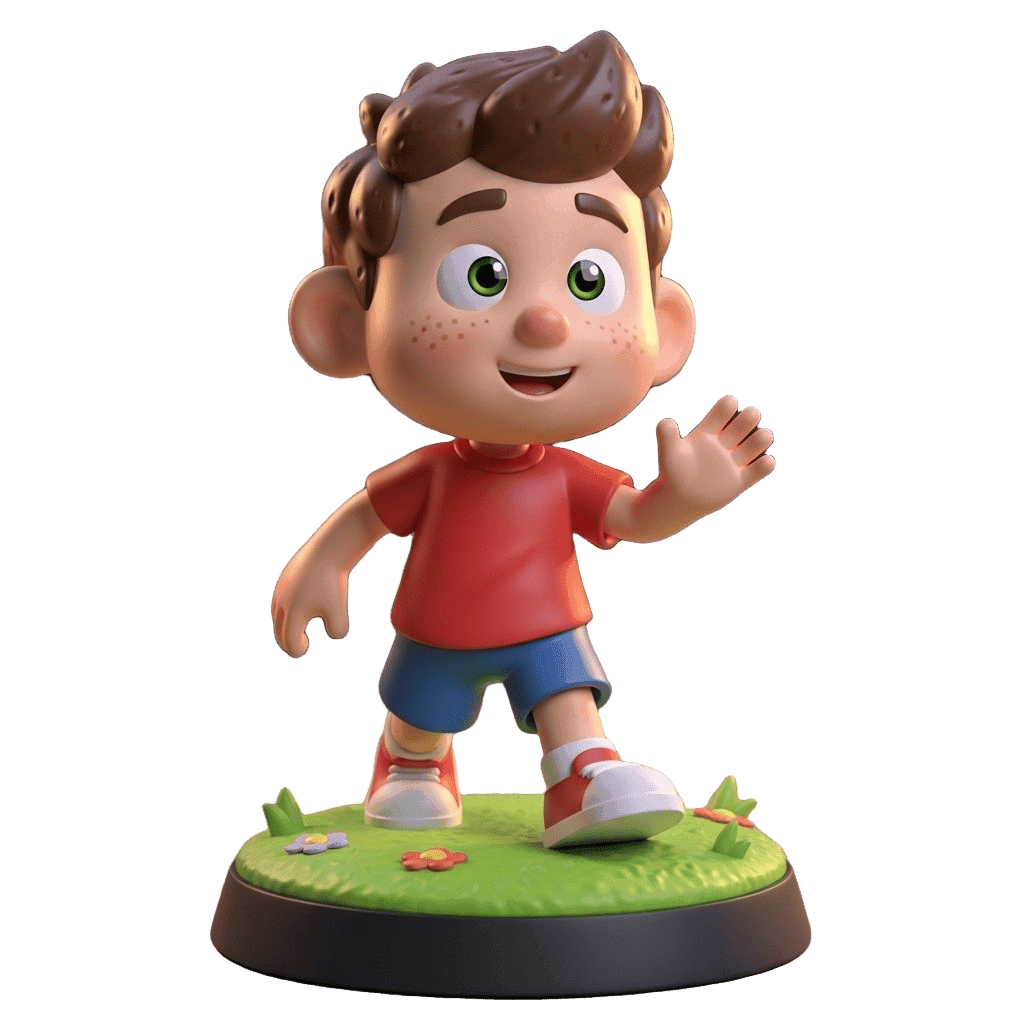
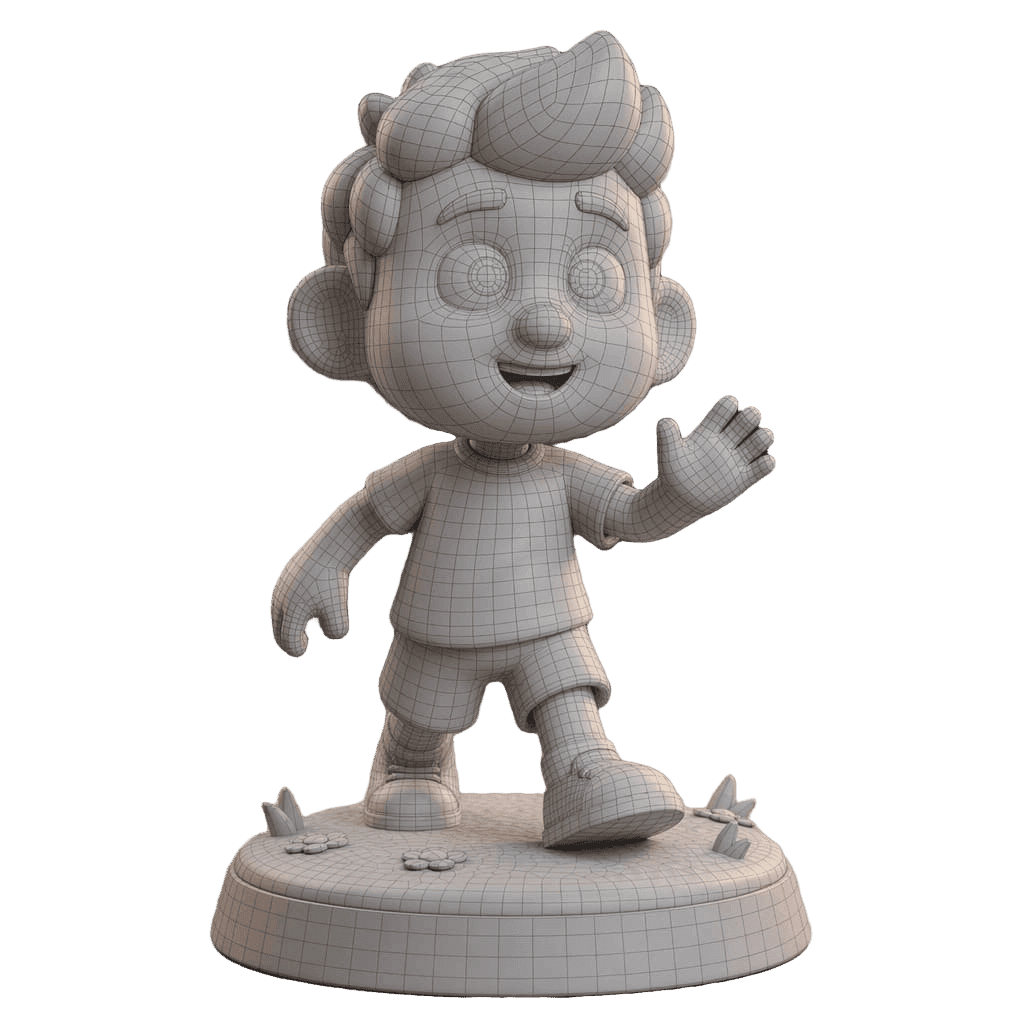
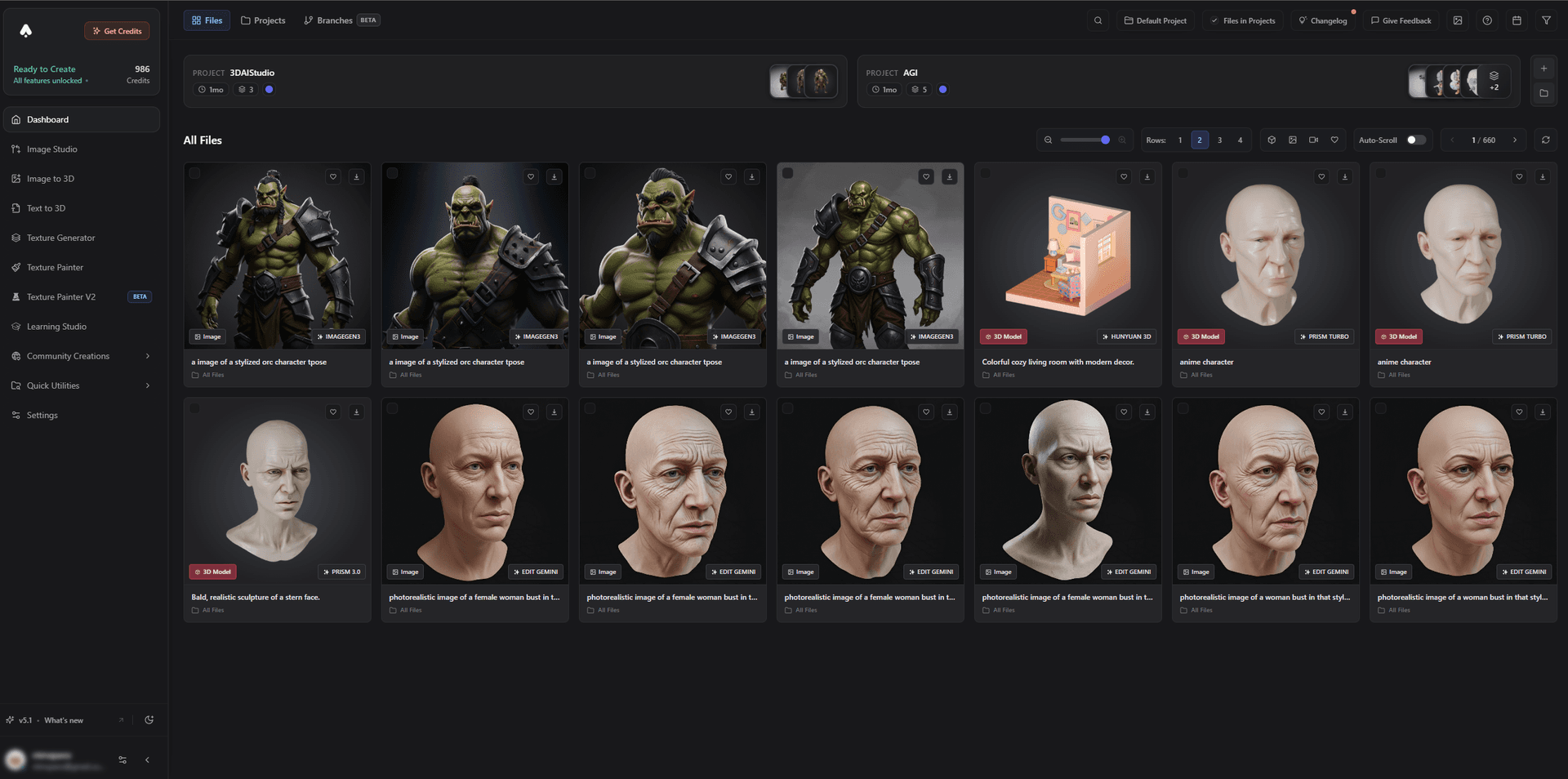
It handles the full cast - heroes, monsters, and props - so you can build a whole warband or party in one place.
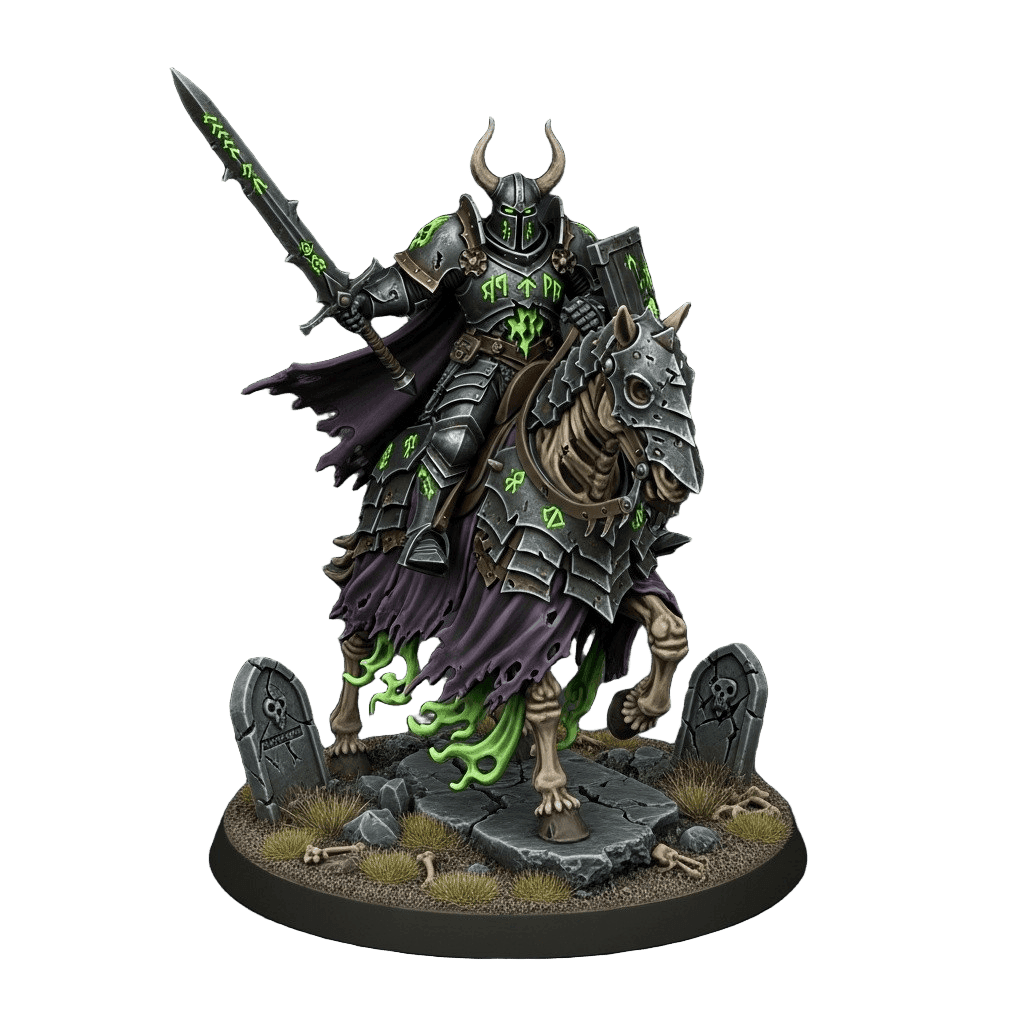
Best for: Hobbyists who want flexible, high-detail minis with clean STL output.
Pros:
- Multiple high-detail engines plus remesh to watertight STL
- Text-to-3D and concept-art-to-3D for original characters
- Guides for tabletop, Warhammer-style minis, and 3D printing
- Works with resin slicers like Lychee and printers from Elegoo and Anycubic
- Free tier and affordable plans
Cons:
- No direct slicer handoff - you download the STL and slice it yourself
2. Hitem3D - Best Ultra-Fine Resin Detail (Now Inside 3D AI Studio)
Hitem3D is built for maximum mesh resolution: 1536³ reconstruction with up to 2 million faces, capturing cloth folds and rivets that survive 0.05mm resin layers. Since mid-2026, Hitem3D 2.1 is a built-in engine on 3D AI Studio - so the sharpest possible mini no longer requires a second subscription, and larger figures can be split into parts with printable ball or dovetail joints in the same flow.
Best for: Ultra-detailed resin miniatures.
Pros: Class-leading 1536³ resolution, print-first watertight meshes, split-with-joints workflow.
Cons: A specialist - less useful if you also want game, digital, or textured assets.
3. Meshy - Best Figurine Print Readiness
Meshy produces figurines with a high slicer pass rate and STL/3MF export, making it a reliable choice for print-ready character minis.
Best for: Reliable, print-ready figurines.
Pros: High watertight success, STL/3MF, easy to use.
Cons: Detail varies by prompt; single-engine output.
4. Rodin (Hyper3D) - Best Detail and Textures
Rodin delivers the most detailed, photoreal sculpts, beautiful for display pieces - though its meshes are render-optimized, so expect a repair pass before printing.
Best for: Display minis and busts where detail is everything.
Pros: Exceptional detail and textures.
Cons: Often needs mesh repair before a clean print.
5. Tripo - Best Fast, Simple Minis
Tripo quickly generates simpler minis and props with auto-repair, handy for filling out terrain pieces and basic units.
Best for: Fast, simple minis and props.
Pros: Very fast, auto-repair, affordable.
Cons: Fine detail trails the high-detail engines.
How to Generate and Print a Miniature
- Generate the mini. Use concept-art-to-3D for a specific design or text-to-3D to invent one. Favor high detail.
- Remesh to watertight. Run a remesh so the mesh is a closed solid your slicer accepts.
- Check thin features. Make sure weapons, fingers, and antennae are thick enough to print.
- Scale to 28-32mm. Set the height to your tabletop scale in your slicer.
- Hollow and support. Hollow larger minis, add supports, and orient for clean resin printing.
- Resin print and cure. Print, wash, and cure for a crisp, detailed miniature.
Pro tip: Print a small test - or just the head and a weapon - before committing to a long, full-mini print. It is the fastest way to dial in supports and exposure for fine details without wasting resin.
The Bottom Line
For 3D printing miniatures in 2026, 3D AI Studio is the clear choice because it pairs the finest resin-detail engine available - Hitem3D 2.1, now built in - with the remesh-to-watertight step minis need, part splitting with printable joints, and tabletop and Warhammer-style guides. Meshy remains a dependable single-tool pick for figurine print-readiness. For the full generation workflow, see the AI resin miniatures guide.
Start by generating a miniature, see the tabletop guide, and read our deep dives on the best AI tools for 3D printing and creating a 3D-printed figurine of yourself.

Generate 3D models with AI
Easily generate custom 3d models in seconds. Try it now and see your creativity come to life effortlessly!
FAQ
What is the best AI tool for 3D printing miniatures in 2026?
3D AI Studio is the best choice for miniatures in 2026: it now includes Hitem3D 2.1 - the highest-resolution engine for ultra-fine resin detail (1536³, up to 2M faces) - plus remeshing to a clean watertight STL, a split tool with printable joints, and dedicated tabletop and Warhammer-style guides. The same platform covers games and digital use with its other engines.
Can AI generate miniatures for D&D and Warhammer?
Yes. Describe a character or upload concept art, and AI generates a 3D model you can scale and print. For tabletop you want high surface detail and a watertight mesh, then you scale to 28-32mm and resin print with supports for the cleanest result.
Do AI miniatures need cleanup before resin printing?
Often a little. Check for thin parts, floating elements, and non-manifold edges, then remesh or repair so the mesh is watertight. Scale to your tabletop size, hollow if needed, add supports, and slice in a resin slicer like Lychee, Chitubox, or your printer's software.
What scale should I print tabletop miniatures at?
Most tabletop miniatures are printed around 28-32mm scale. After generating the model, set the height to your target scale in your slicer, check that fine details like weapons and fingers are thick enough to survive printing, and run a test print for very detailed minis.
Resin or filament for AI-generated minis?
Resin (MSLA) is best for miniatures because it captures fine detail at small scale. Filament (FDM) works for larger models and terrain but struggles with tiny details. Generate high-detail, export STL, and resin print for the sharpest tabletop results.
Is it legal to 3D print AI-generated miniatures?
Printing original AI-generated miniatures for personal use is generally fine. Avoid generating or distributing copyrighted characters or proprietary game IP, and check the license of your tool before selling prints. Original designs you generate are the safest route for commercial use.