

Polished 18k yellow gold
Describe it or add a sketch to start
How this template works
Image Studio renders the piece as a photoreal product shot in your chosen metal, then Image to 3D builds a model for your store, AR try-ons or a resin print.
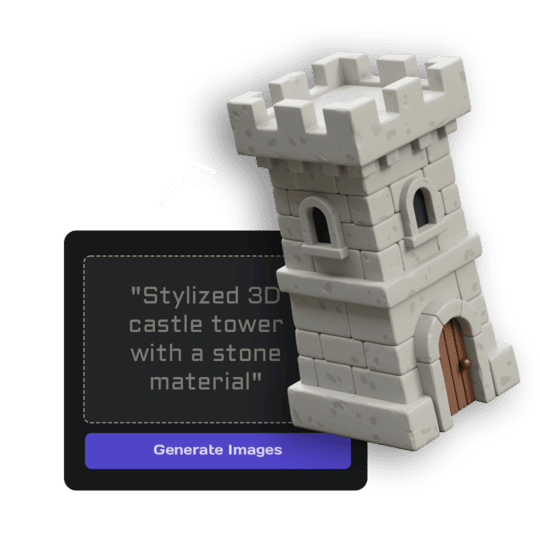 1Open Image StudioStep 1 · Image Studio
Design the piece
Image Studio designs one solid, manufacturable piece with stones set in place, shown large on white.
Nano Banana 2.1 (text) or GPT Image 2.5 Flare (sketch) · 1K
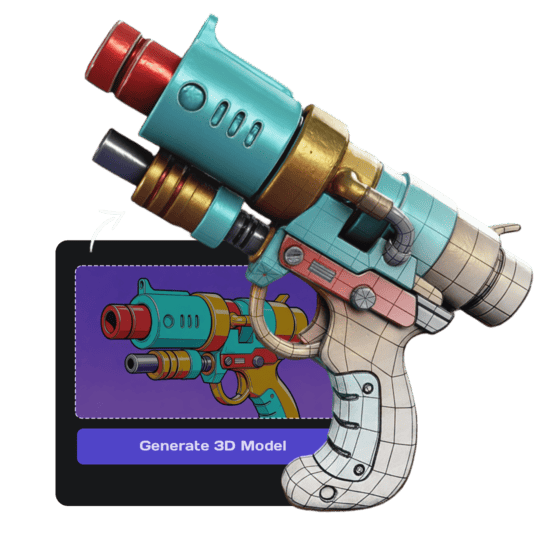 2Open Image to 3DStep 2 · Image to 3D
Build the 3D model
Image to 3D (Prism 3.1) builds a textured model with Fast textures and Standard mesh quality.
Prism 3.1 · Fast textures · Standard mesh
Tips for the best result
- Name the type (ring, pendant, earring), the stone and one motif.
- Bold, chunky designs come out cleanest.
- Sketches from the side or top both work.
Do it yourself for more control
- Describe the setting and stone cut: halo, solitaire, emerald cut.
- Render the same design in each metal to compare.
- Print it in castable resin in Print Export to take it to a jeweller.
Good to know
Ring sizes and stone measurements aren't exact; a jeweller resizes the design for casting.
Made with this template
The card in the corner shows what went in.


Each example is an actual run of this template at Standard quality, made from a typed idea or a sketch.
Run this template from Claude, ChatGPT or Cursor
Connect the 3D AI Studio MCP to your AI assistant and paste the brief into the chat. It runs the same steps with the same prompts and settings, shows you the result in the conversation and saves it to your library.
- Connect the MCP once in your account settings. It's included in every paid plan.
- Copy the brief and swap the example in the first line for your own.
- Paste it into a new chat. Your assistant runs every step and shows you each result.
generate_image_nano_2_1upload_imageedit_image_gptgenerate_prism_3_1convert_modelget_generationshow_generationUse the 3D AI Studio MCP to run the "Jewelry Designer" template (https://www.3daistudio.com/templates/jewelry-designer) for me.
My idea: A vintage engagement ring with a round diamond and leaf details
Style: Yellow gold
Follow these steps in order. The prompts and settings are the template's own, so use them word for word and only put my idea where it says {MY IDEA}.
1. Design the piece
Call generate_image_nano_2_1 with aspect_ratio "1:1", resolution "1K", output_format "png" and this prompt:
"""
Jewelry design: {MY IDEA}. Metal: polished 18k yellow gold. One single piece of fine jewelry as a photorealistic product render, solid and manufacturable with no floating stones, shown large in a three-quarter view from slightly above, a ring standing upright on its band or a pendant lying flat without a chain, the whole piece visible with generous empty margin. Isolated on a seamless pure white (#FFFFFF) background, soft studio lighting with gentle reflections, no cast shadows, no hands, no box, no text.
"""
If I want to start from a sketch or reference image instead, call upload_image so I can hand it over, then call edit_image_gpt with the upload in images, quality "low", output_format "png" and this prompt:
"""
This is a jewelry design sketch. Turn it into a finished piece, keeping its shape, stones and details, and ignoring notes and paper. Metal: polished 18k yellow gold. One single piece of fine jewelry as a photorealistic product render, solid and manufacturable with no floating stones, shown large in a three-quarter view from slightly above, a ring standing upright on its band or a pendant lying flat without a chain, the whole piece visible with generous empty margin. Isolated on a seamless pure white (#FFFFFF) background, soft studio lighting with gentle reflections, no cast shadows, no hands, no box, no text.
"""
2. Build the 3D model
Call generate_prism_3_1 with the task_id of the image from step 1 in images, texture_model "3.5", texture_quality "fast", geometry_quality "standard", pbr false.
3. Export
Export it for Website / Shopify unless I name another target: call convert_model on the 3D model with output_format "fbx_zip" (FBX with its textures) for Unity / 3D apps; output_format "usdz" for iPhone AR. Website / Shopify or Blender take the generated GLB as it is, no conversion needed.
After each generation call, keep polling get_generation with its task_id until it completes, then show me the result with show_generation before you start the next step.Or automate it with the API
The same tools are available through the 3D AI Studio API. Call them from your own code to make hundreds at once, build them into your app or run them in your pipeline.
Similar templates
More templates like Jewelry Designer, ready to use the same way.


