

Stylized hand-painted 3D game asset like a fantasy RPG prop, exaggerated chunky proportions, painterly hand-painted textures with soft gradients and warm highlights
Add a photo to start
How this template works
Image Studio turns your photo into a stylized game character that still looks like you, posed in an A-pose, then Image to 3D builds a game-ready mesh you can rig and animate.
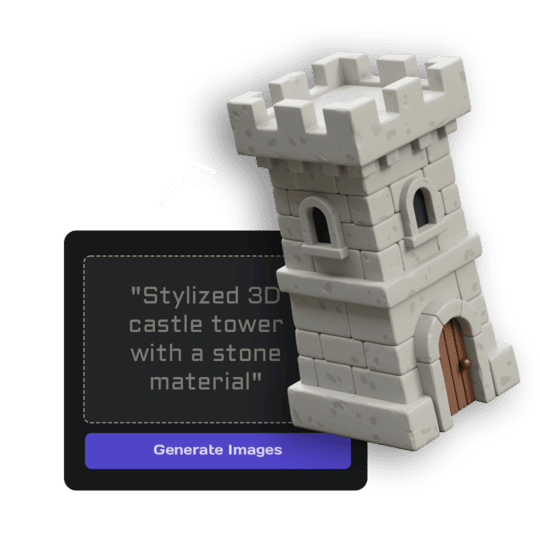 1Open Image StudioStep 1 · Image Studio
Design your character
Image Studio keeps your face, hair and build, restyles you in the chosen game look and poses you in a neutral A-pose with empty hands, isolated on white.
GPT Image 2.5 Flare · low quality · 1K
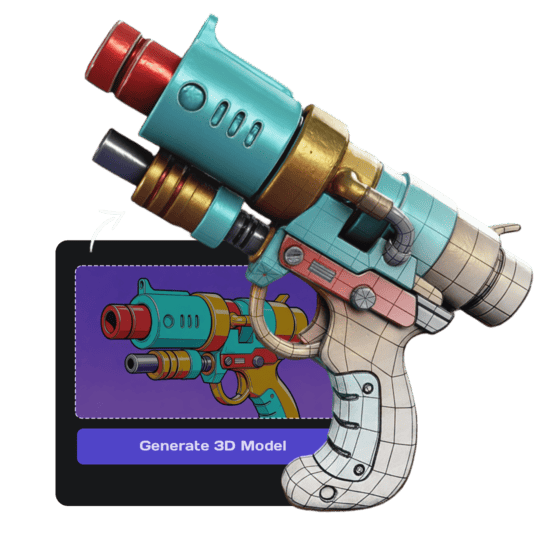 2Open Image to 3DStep 2 · Image to 3D
Build the 3D model
Image to 3D (Prism 3.1) builds the character with a 10,000-face limit and Fast textures, light enough for real-time use.
Prism 3.1 · Fast textures · Standard mesh · 10,000 face limit · Baked lighting
Tips for the best result
- A clear front photo of the face matters most.
- Full-body photos help with height and build.
- Make your whole team and drop them into your game.
Do it yourself for more control
- Describe your class or outfit in the Image Studio prompt: "space pirate with a long coat".
- Open the model in the Rigging tool to add a skeleton and animations.
- Use Remesh for clean quad topology before hand-rigging in Blender.
Good to know
The character is static; rigging and animation happen in the Rigging tool. Hair and capes are solid geometry.
Made with this template
The photo in the corner of each one is what went in.


Each example is an actual run of this template at Standard quality, made from a realistic sample photo.
Run this template from Claude, ChatGPT or Cursor
Connect the 3D AI Studio MCP to your AI assistant and paste the brief into the chat. It runs the same steps with the same prompts and settings, shows you the result in the conversation and saves it to your library.
- Connect the MCP once in your account settings. It's included in every paid plan.
- Copy the brief.
- Paste it into a new chat. Your assistant opens an upload card for your photo, then runs every step.
upload_imageedit_image_gptgenerate_prism_3_1generate_p2convert_modelget_generationshow_generationUse the 3D AI Studio MCP to run the "Game Character of You" template (https://www.3daistudio.com/templates/game-character-from-photo) for me. My photo(s): I'll hand them over when you call upload_image. Style: Fantasy RPG Role: Adventurer Follow these steps in order. The prompts and settings are the template's own, so use them word for word. 1. Get my photos Call upload_image with purpose "Photo for the Game Character of You template" so I can hand them over (images attached in the chat don't reach the MCP). I can upload up to 5 photos of the same subject; use all of them. 2. Design my character Call edit_image_gpt with my uploaded photo(s) in images, quality "low", output_format "png" and this prompt: """ The reference photo(s) show one person; that person is the subject. Keep them instantly recognisable through what identifies them: face shape, eyes, eyebrows, nose, mouth and smile, hairstyle and hair colour, skin tone, glasses, beard or freckles, and their outfit with its colours and patterns. Their real body proportions do NOT carry over: head size, body, arms and legs follow the style below exactly, even where that is far from the photo. Do NOT copy the face from the photo: re-create the whole head, face, hair and neck from scratch in exactly the same style, material, level of detail, lighting and colour grading as the rest of the character, as if one artist made the entire character at once. The head sits naturally on the body at the character's proportions, with no photographic skin texture, no photo lighting, no visible seam, edge or colour shift at the neck, and no head that looks pasted on. Where an outfit, costume, uniform or armour is described below, it replaces their own clothes; their face, hair and look still carry over. If several photos are provided they all show the same subject from different angles or moments: merge them into ONE consistent figure and pick the clearest features. The photos may be cropped or show only the face or upper body: reconstruct the COMPLETE body anyway, from the top of the head to the feet or paws, including legs, feet, shoes, tail and all limbs, complete and believable at the proportions of the requested style, matching everything visible. Never crop, cut off or hide any part of the body, never show a bust or half figure, and do not leave anything outside the frame. Style: stylized hand-painted 3D game asset like a fantasy RPG prop, exaggerated chunky proportions, painterly hand-painted textures with soft gradients and warm highlights. Outfit: a fantasy adventurer outfit with a leather tunic, belt pouches and boots that suits the person. The face, hair and beard are re-created in that same style: stylized features, no photographic skin, no pores, wrinkles or realistic stubble, and hair and beard as sculpted stylized shapes with no individual hairs. One single game character in a neutral A-pose (arms slightly away from the body, legs slightly apart), full body from the top of the head to the feet, facing forward, empty hands, the entire character visible with generous empty margin. Seamless pure white (#FFFFFF) background, soft even studio lighting, no cast shadows, no ground plane, no text. Most important: the whole figure, head and face included, is one stylized 3D game character in exactly that art style, as one consistent physical object made by one artist. The face must not look like a photo or a realistic photographed face: it is re-created in exactly the same style, level of detail, finish and colours as the rest, with no photographic part anywhere. Surface and light: soft, even, diffuse studio light. Metal, gems, glass-like and wet or glossy materials show what they are through colour and a soft satin sheen, never through mirror reflections, bright specular hot spots or reflections of the surroundings. Glowing parts (eyes, runes, lava, neon, gems) are painted as bright, flat emissive colour on the surface itself, with no light spilling onto nearby surfaces, no halo, bloom or glow around the object, and no light rays, sparkles or particles in the air. """ 3. Build the 3D model Call generate_prism_3_1 with the task_id of the image from step 2 in images, texture_model "3.5", texture_quality "fast", geometry_quality "standard", pbr false, face_limit 10000, lighting_removal false. For a lighter, game-optimized mesh with clean low-poly topology, call generate_p2 instead with texture_model "3.5", texture_quality "standard", pbr false, lighting_removal false and no face_limit. 4. Export Export it for Unity unless I name another target: call convert_model on the 3D model with output_format "fbx_zip" (FBX with its textures) for Unity, Unreal / UEFN or Roblox Studio. Godot or Blender take the generated GLB as it is, no conversion needed. For Roblox, the mesh has to stay under 8,000 faces: pass face_limit 8000 to the 3D step. After each generation call, keep polling get_generation with its task_id until it completes, then show me the result with show_generation before you start the next step.
Or automate it with the API
The same tools are available through the 3D AI Studio API. Call them from your own code to make hundreds at once, build them into your app or run them in your pipeline.
Similar templates
More templates like Game Character of You, ready to use the same way.


