How to Make an STL File: 5 Ways, From CAD to a Single Photo
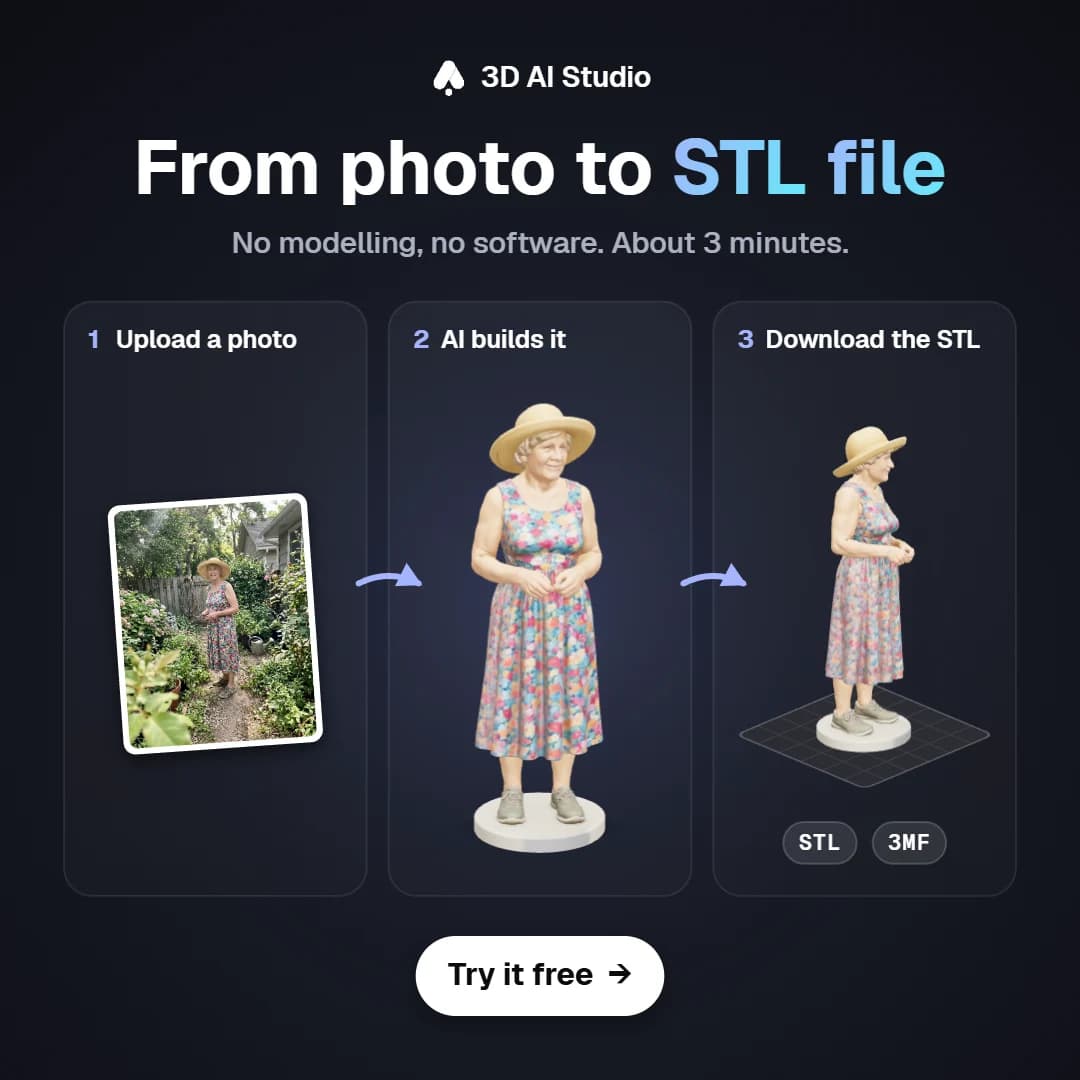
Want to print your own idea but have no clue how to turn it into an STL file? Most tutorials start with "open Fusion 360", which is great if you want to learn CAD, and pretty frustrating if you just want a file for your printer tonight.
There are five ways to make an STL file today. Some take a while to learn and some take a few minutes, so in this post I'm gonna go through each one, what it's good for and how to pick the right one for your project.
- CAD tools like Tinkercad or Fusion 360 are best for exact functional parts, but you need some time to learn them.
- Blender is great for sculpting and art, with a steep learning curve.
- 3D scanning copies a real object you own.
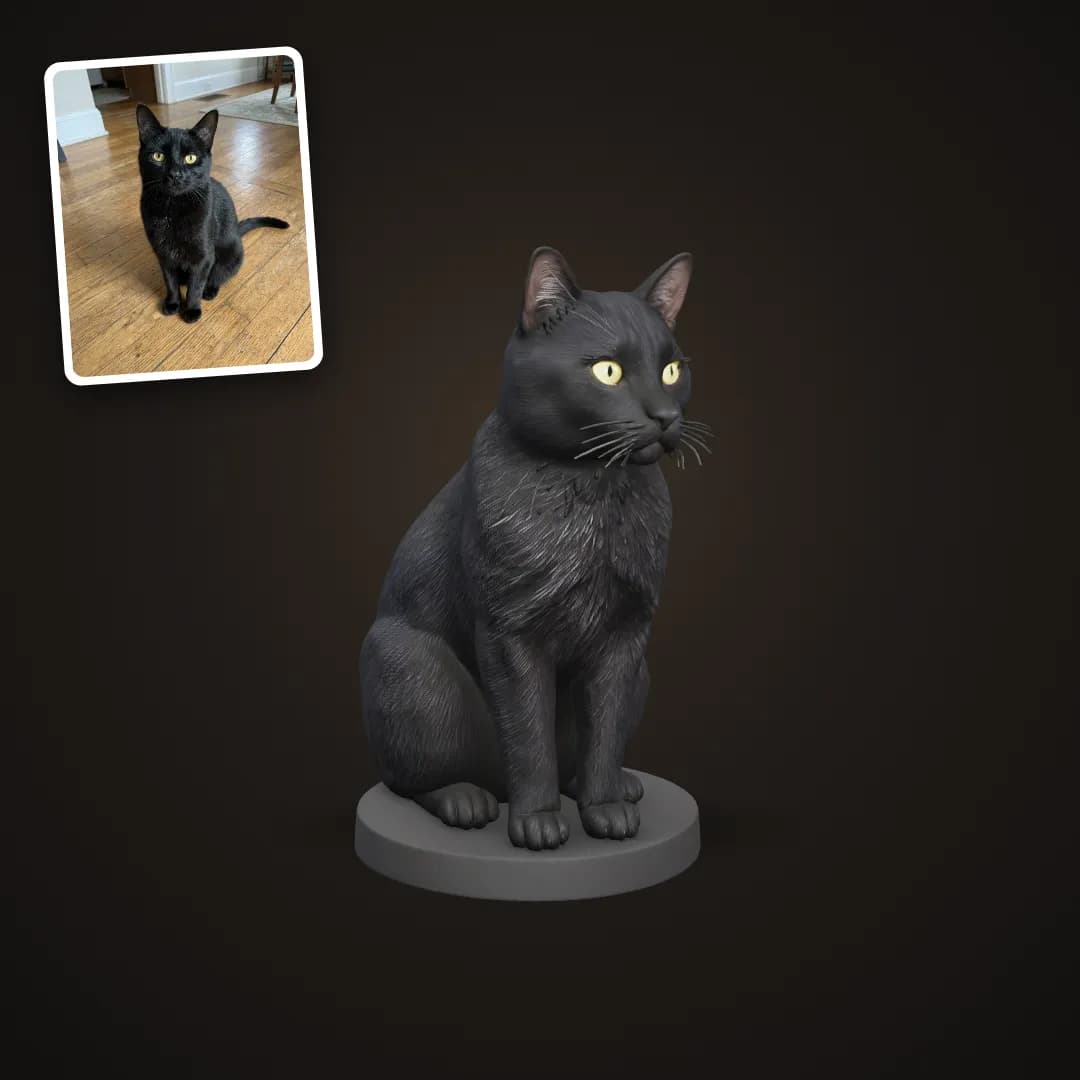
- From a photo is the fastest way for figurines, pets, houses and decor, with the image to STL tool or a template.
- From text works when the thing doesn't exist yet. Just type it into Text to 3D.
What is an STL file?
An STL file is a 3D model saved as a mesh of tiny triangles that describe its surface. There are no colours, no textures and no units in it (slicers assume millimetres). Your slicer reads the STL, cuts it into layers and creates the G-code your printer follows.
So basically any 3D model can be saved as an STL, no matter how you made it. The real question is how you make the model in the first place.
5 ways to make an STL file
| Method | Best for | Learning curve | Time per model |
|---|---|---|---|
| CAD (Tinkercad, Fusion 360, Onshape) | Brackets, boxes, replacement parts | 1 hour to weeks | 15 min to hours |
| Blender or ZBrush | Sculptures, characters, art | Weeks to months | Hours |
| 3D scanning | Copying a real object | An afternoon | 30 min to hours |
| AI from a photo | Figurines, pets, houses, decor | None | A few minutes |
| AI from text | New ideas: dragons, props, planters | None | A few minutes |
1. CAD software
CAD is what you want for things with exact measurements, like a box with a lid that fits, a bracket with a 6 mm hole or a replacement knob.
Tinkercad is free and runs in the browser. You stack and subtract simple shapes, which makes it a good start for beginners and kids. Fusion 360 is free for hobbyists and does proper parametric modelling. It's harder to learn, but most makers end up using it. Onshape is similar to Fusion, has a free plan and runs in the browser too.
When you're done, use the Export as STL option.
2. Blender
Blender is free and you can make anything with it, including characters and sculptures. For 3D printing the learning curve is tough though, and models often need some cleanup before they print (holes, flipped normals, walls that are too thin). It's worth it if you want to learn 3D as a skill. If you just want the file, the AI options below are a lot faster. I wrote more about this in 3D sculpting vs 3D modelling.
3. 3D scanning
You can scan a real object with a phone app (photogrammetry) or a dedicated scanner, which is handy when you want to copy something you own. Scans usually need some cleanup and have trouble with shiny or very thin objects.
4. From a photo with AI
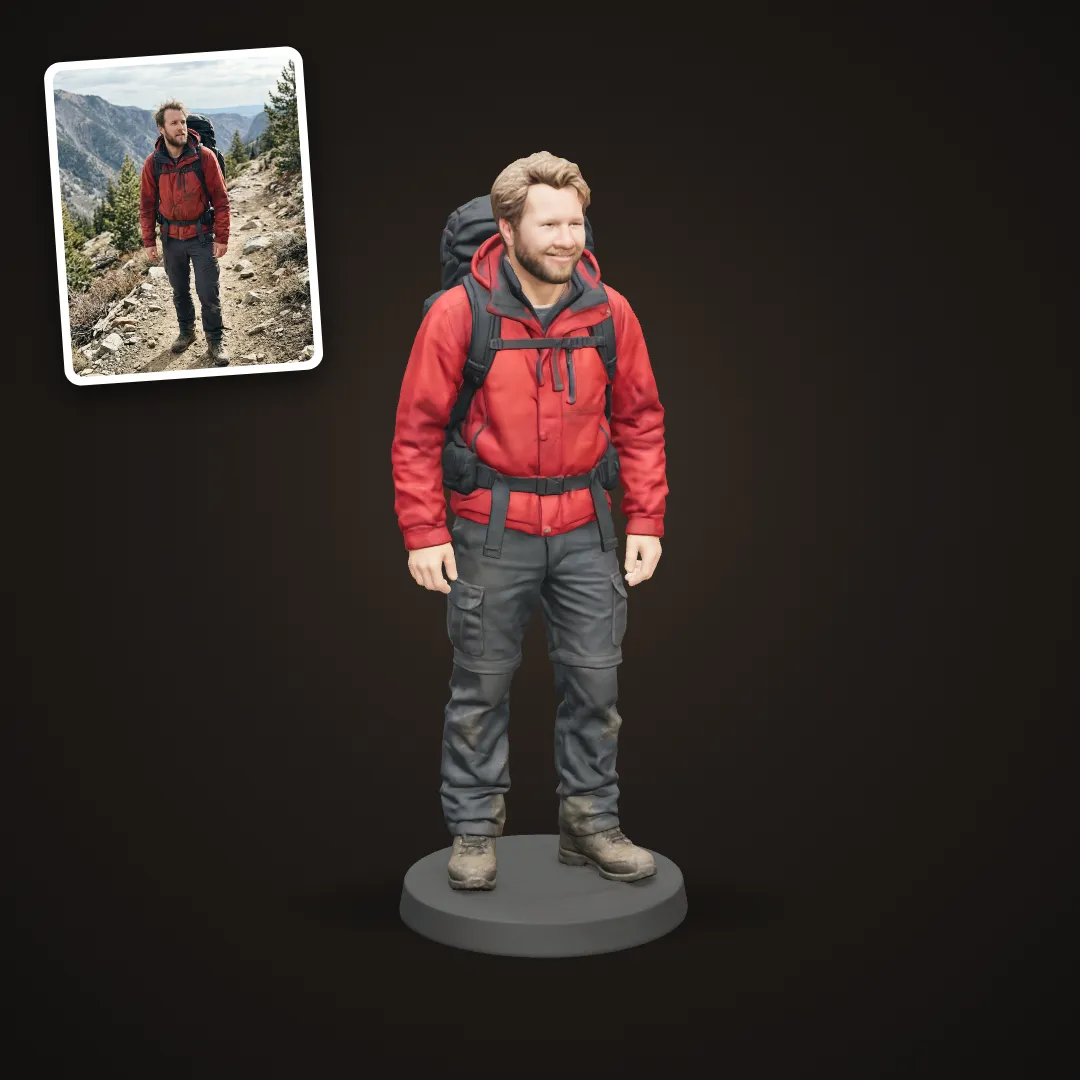
This is what I use most these days. You upload a photo and an AI image to 3D model builds the full 3D shape, including the back it never saw.
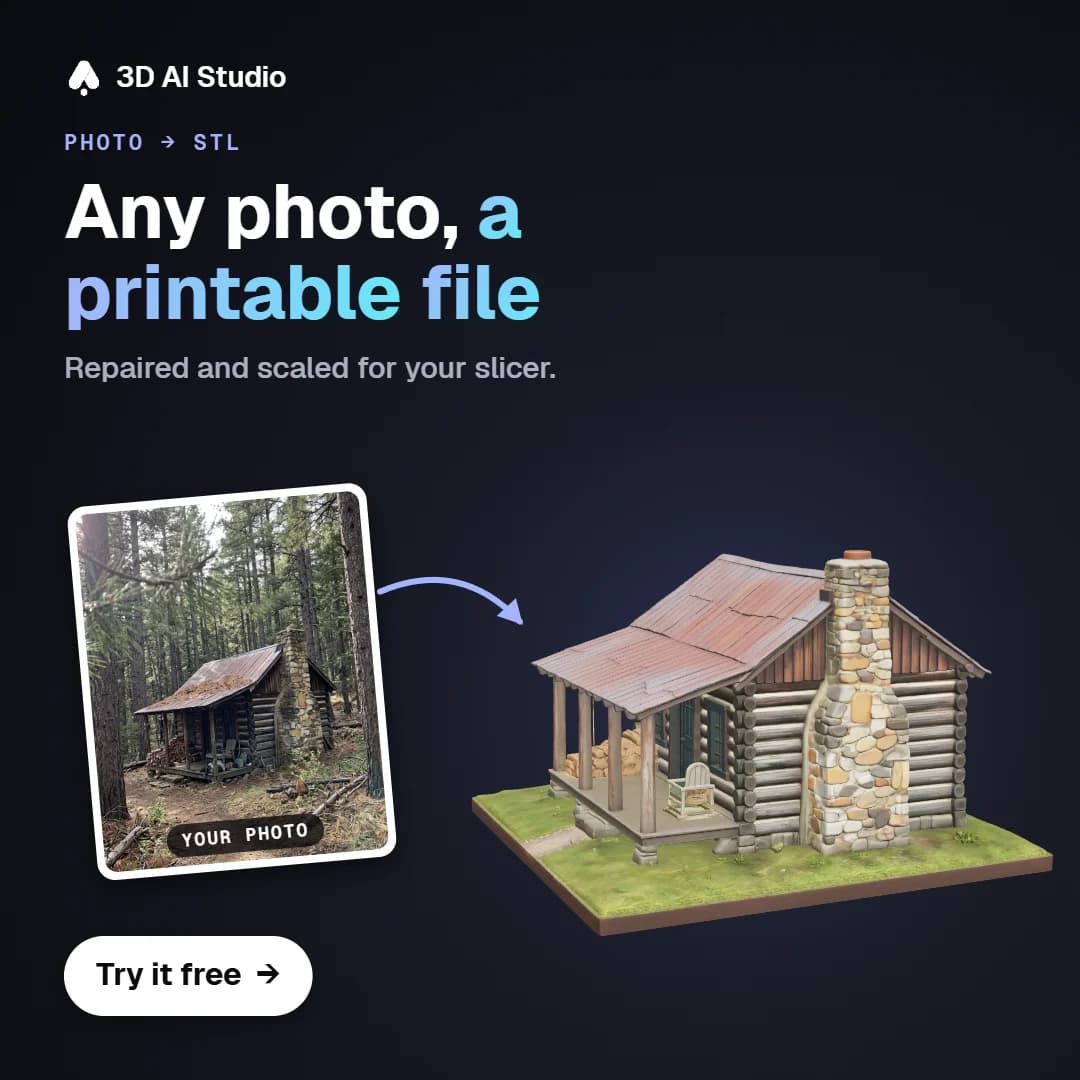
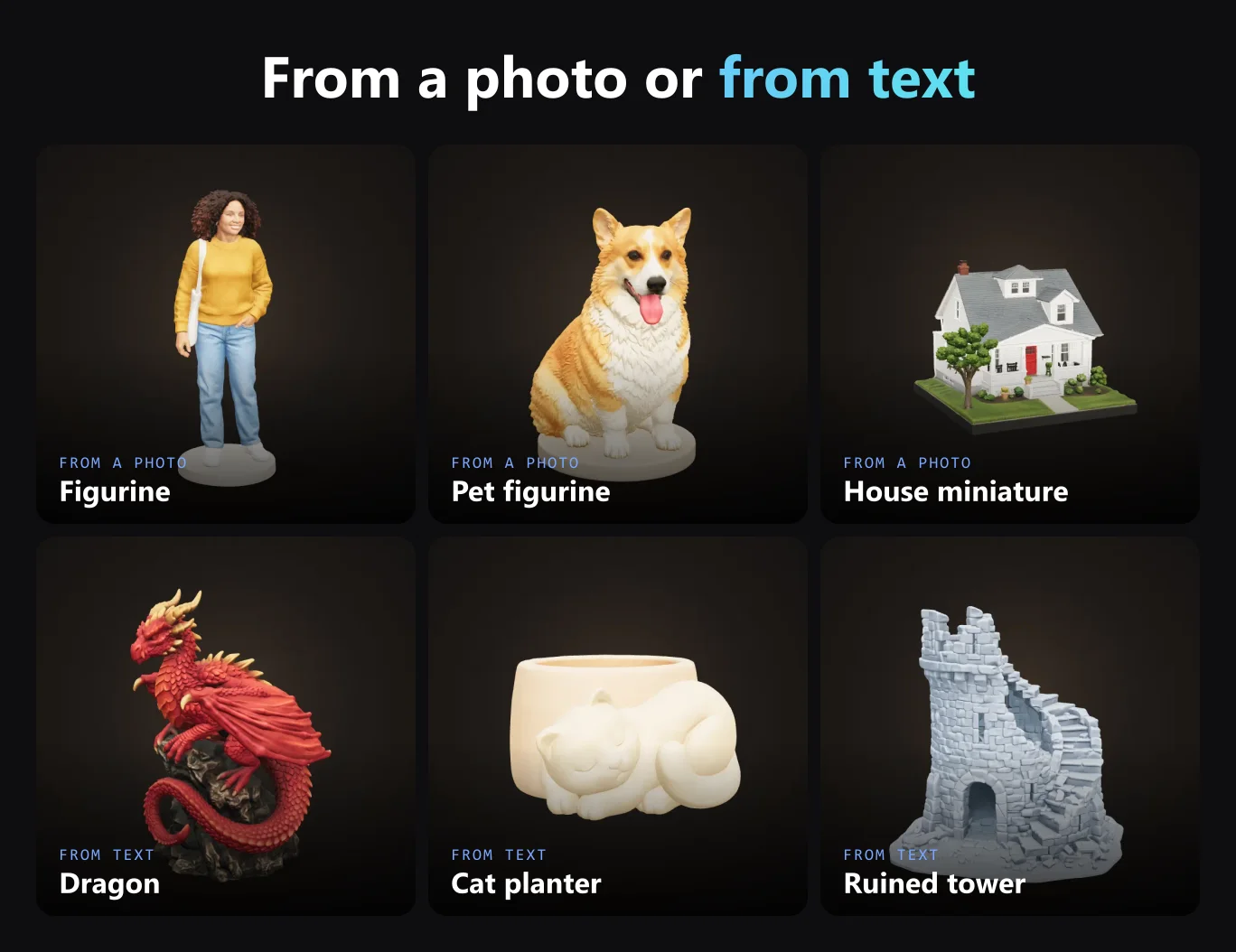
In 3D AI Studio there are two ways to do this. The image to STL converter works with any picture. And then there are templates, which are set up for one kind of print, so the base, scale and proportions are already handled. For example Photo to Figurine, Pet Figurine, House Miniature or Car Scale Model.
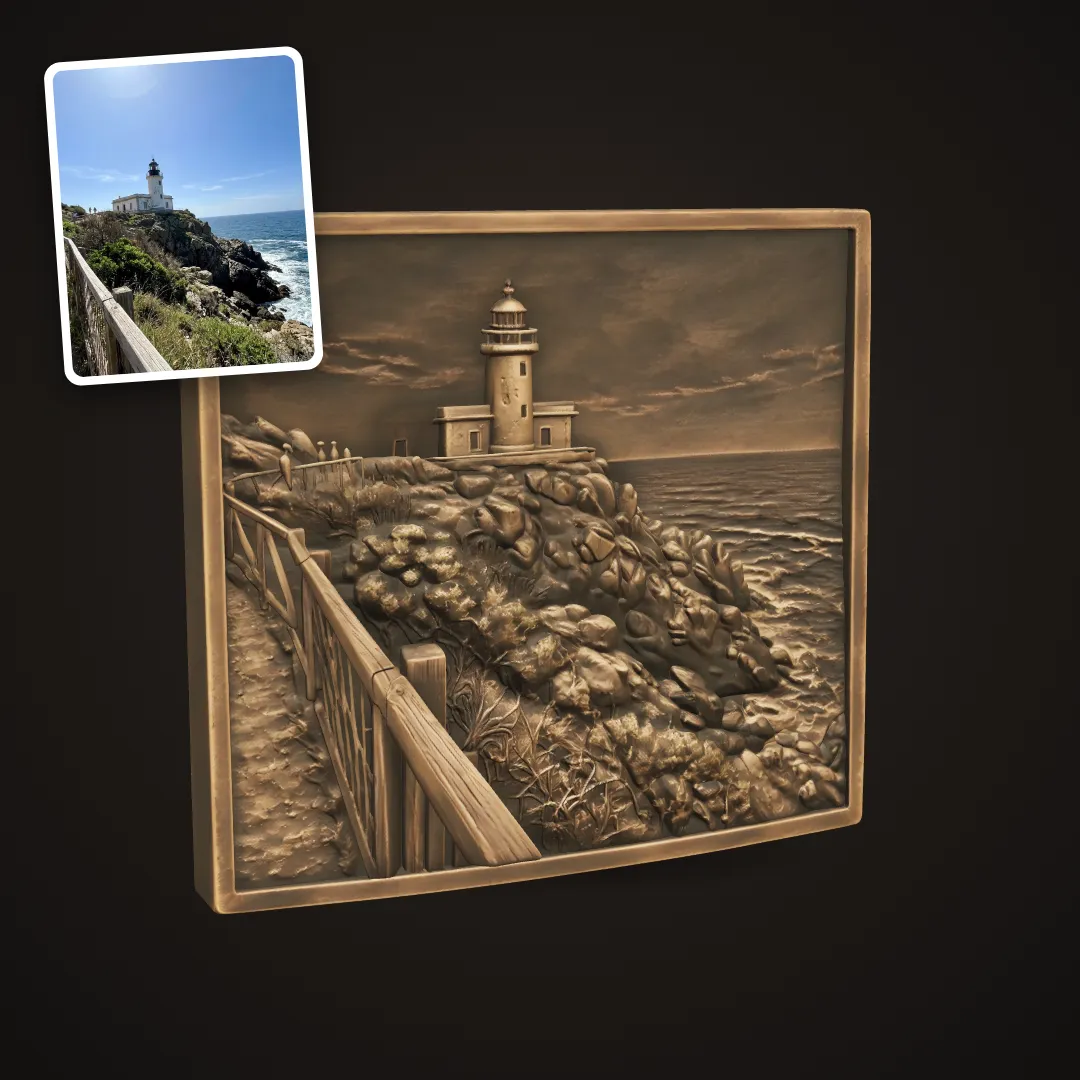
If you'd like a flat version of the photo, a lithophane or a relief plaque turns it into a raised surface.
5. From text with AI
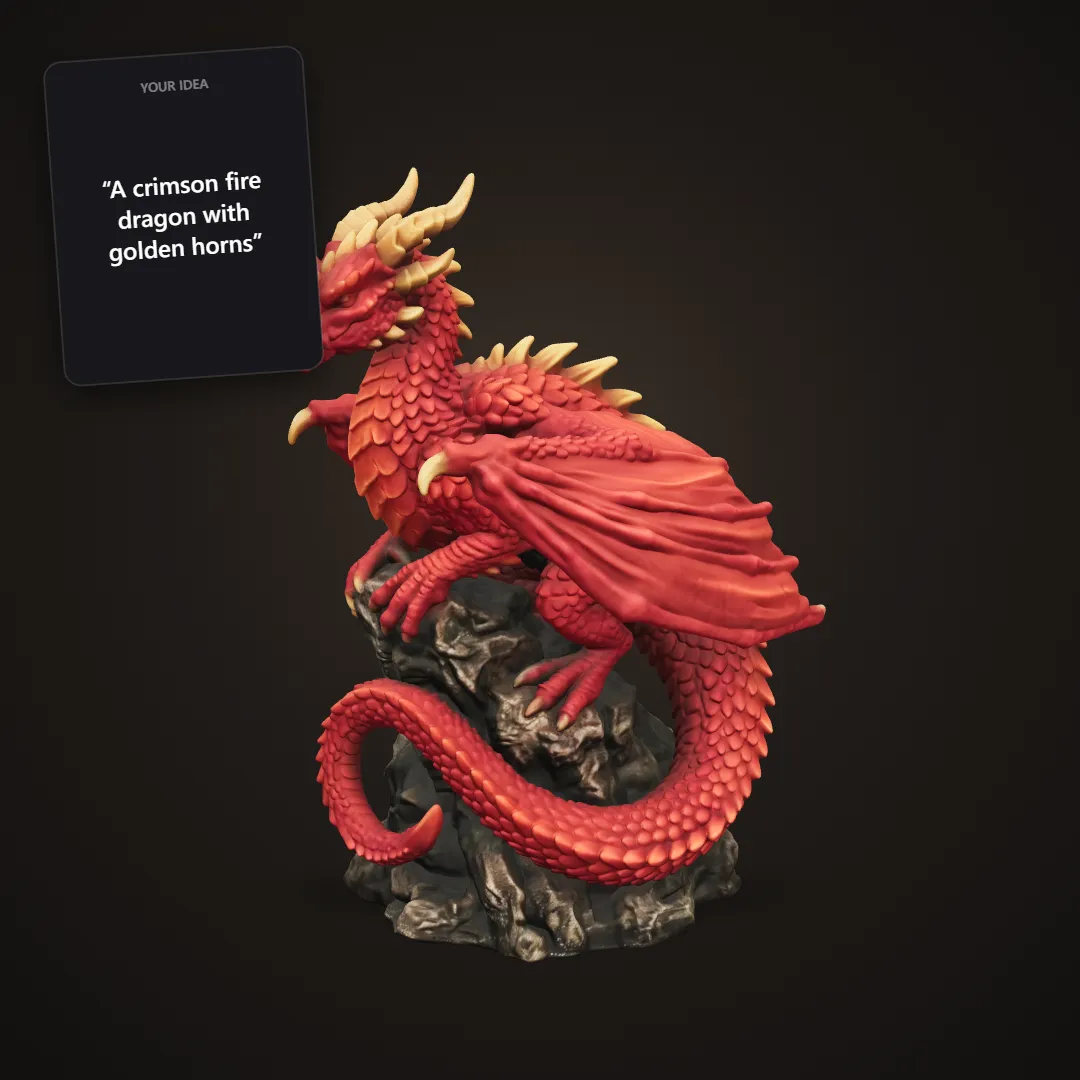
When the thing doesn't exist yet, you can just describe it, like "A dragon skull with cracked horns", "A ruined watchtower with a spiral staircase" or "A planter shaped like a sleeping cat".
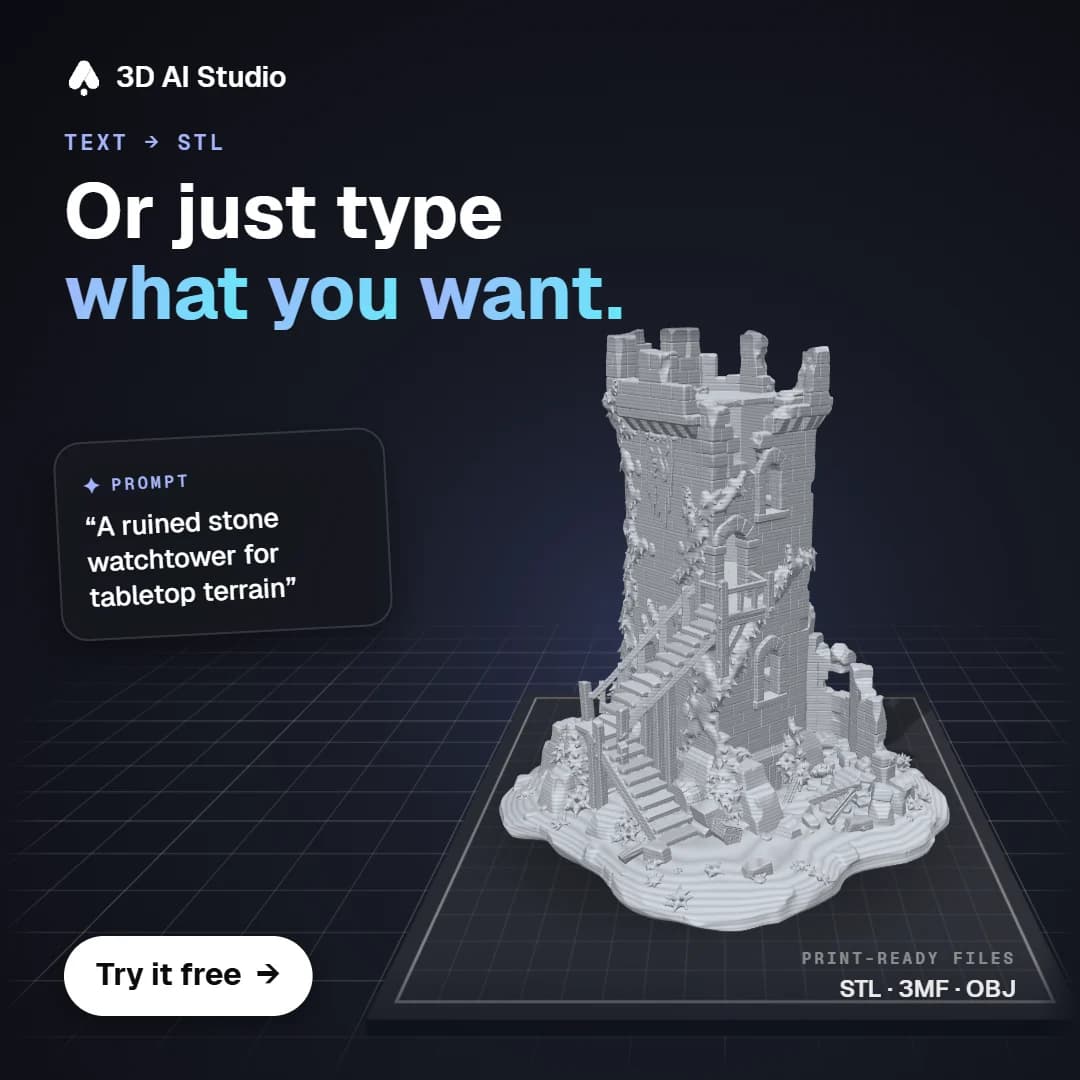
Text to 3D works for anything. If you want results that are ready to print without any fiddling, use a template like Dragon Sculpture, Tabletop Terrain or Character Planter & Vase. My ultimate guide to AI 3D model generators for 3D printing goes deeper into this.
Which way should you pick?
If the measurements have to be exact, use CAD. If it's a real object you own, scan it. For a person, a pet, a house or a car, start from a photo, and for an idea like a creature, a prop or a decoration, start from text. And if you want to learn 3D properly, Blender is a great choice.
How do you make an STL file from a photo, step by step?
- Pick a clear photo with one subject and good light. A plain background helps.
- Upload it to the image to STL tool or the matching template.
- Wait a few minutes until you get a 3D preview you can spin around in the browser.
- Download it as STL or 3MF.
- Open it in your slicer (Bambu Studio, PrusaSlicer, Cura or OrcaSlicer) and scale it to the size you want.
How do you check an STL before printing?
| Check | What to look for | Fix |
|---|---|---|
| Size | Is it the size you expect? | Scale in the slicer |
| Errors | "Non manifold" or "open edges" warnings | Slicer repair function |
| Base | A flat side to sit on | Cut the bottom flat in the slicer |
| Walls | Nothing thinner than about 1 mm (FDM) | Scale up or thicken |
| Overhangs | Parts hanging in the air | Supports, or rotate the model |
In 3D AI Studio, the print templates design figures with a flat base, and the Print Export step repairs the mesh and scales it for your slicer, so most models slice without any warnings.
STL vs OBJ vs 3MF: which format?
| Format | Colours | Units | Use it for |
|---|---|---|---|
| STL | No | No | Every slicer, the universal default |
| 3MF | Yes | Yes | Modern slicers, multi colour printing |
| OBJ | Yes (with texture files) | No | Moving models between 3D apps |
If you need to convert between formats, my guide to 3D file formats links to free converters for every direction.
Getting started
Pick one idea, photo or sentence and turn it into a file. The image to STL tool is a good place to start, or have a look through the templates.
More guides
Once you have the file, here's how to paint 3D prints so they look finished. If you need ideas, I also have lists of cool things to 3D print and useful things to 3D print.
Happy printing!

Generate 3D models with AI
Easily generate custom 3d models in seconds. Try it now and see your creativity come to life effortlessly!
FAQ
How do I make an STL file?
Model the object in CAD software like Tinkercad or Fusion 360, sculpt it in Blender, scan a real object, or generate it from a photo or text with an AI 3D generator, then export or download it as STL. For a figurine or decoration, a photo to 3D template is the fastest. For a functional part with exact measurements, use CAD.
Can I make an STL file from a picture?
Yes. Upload the picture to an image to 3D tool like 3D AI Studio and you get a full 3D model that you can download as STL. If you want a flat, raised version of the photo, a lithophane or relief tool is the better choice.
What is the easiest way to create an STL file?
For simple geometric shapes, Tinkercad is the easiest for beginners. For organic shapes like figures, animals and decorations, AI image or text to 3D is easier. Both run in the browser.
Is an STL file the same as a 3D model?
An STL is one way to save a 3D model. It only stores the surface as triangles, without colours, textures or units. Slicers read it and turn it into instructions for your printer. OBJ, 3MF and GLB are other common formats.
STL or 3MF, which should I use?
Every modern slicer can open both. STL is the universal classic. 3MF is newer, stores units and can hold several parts and print settings in one file, so if your slicer supports it, it's slightly better.
How do I make an STL file for free?
Tinkercad, Onshape (free plan), Fusion 360 (free for hobbyists) and Blender are all free ways to model an STL yourself. Phone photogrammetry apps can scan objects for free too. AI tools like 3D AI Studio let you try photo or text to 3D for free when you sign up.
Can ChatGPT make an STL file?
ChatGPT can write OpenSCAD code for simple geometric parts like boxes or brackets, which you then render and export as STL. It can't make detailed figures, animals or characters. For those, use an AI image to 3D or text to 3D generator.
Can I edit an STL file?
Yes, but STLs are meshes, so editing works best in mesh tools like Blender or Meshmixer. Simple changes like scaling, cutting, adding a base or splitting into parts can be done in your slicer or with a print preparation tool.
What program opens STL files?
Every slicer opens STL files, for example Bambu Studio, PrusaSlicer, Cura and OrcaSlicer. Blender and most online 3D viewers can open them too.
How do I check if my STL file will print?
Open it in your slicer and check the size. If the slicer warns about non manifold edges or holes, use its repair function. The model also needs a flat side to sit on, and no walls thinner than about 1 mm.