
3D Printed Planters and Vases: How to Design and Print Your Own
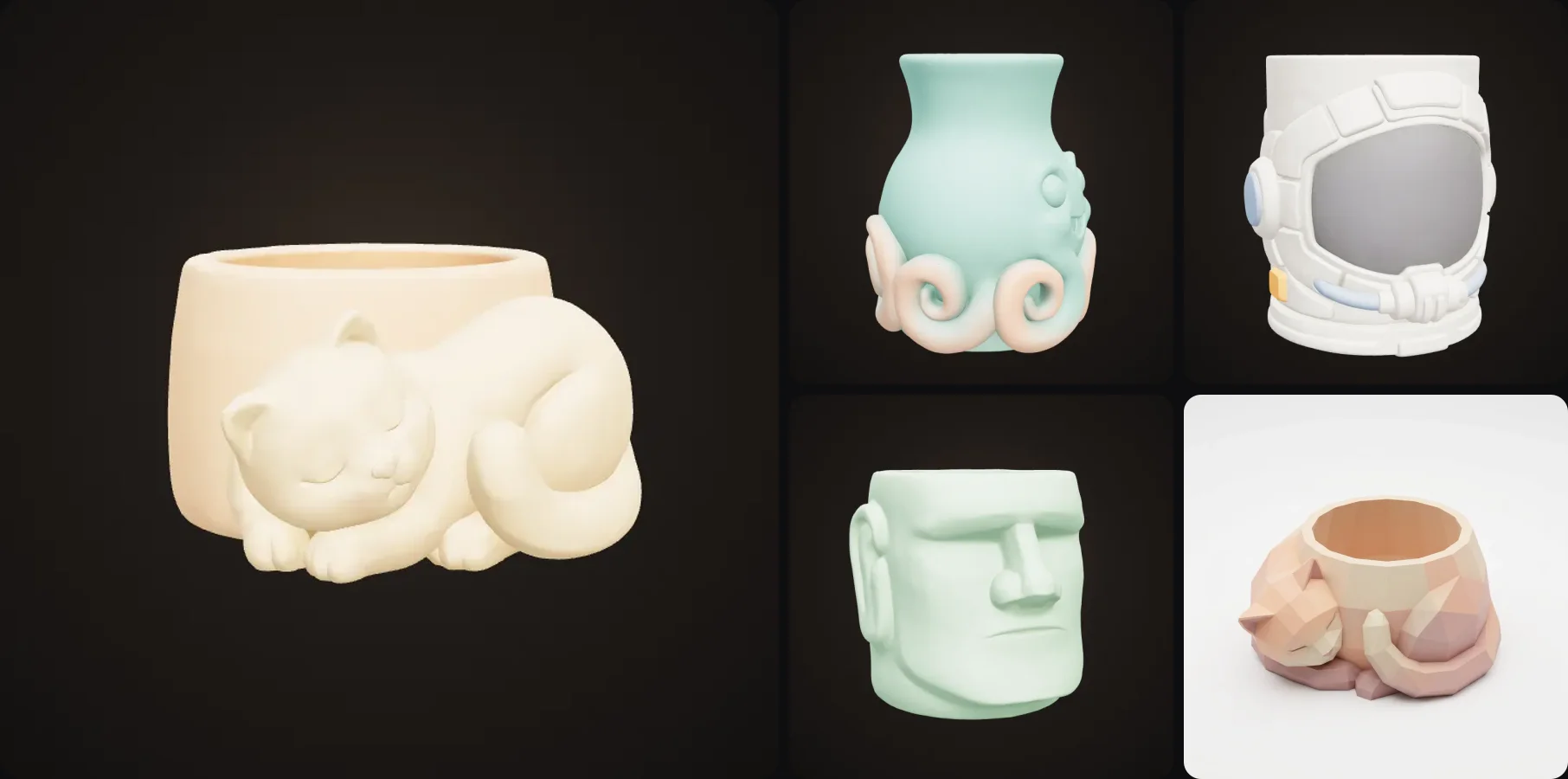
Planters and vases are some of the most satisfying things you can print. You actually use them, they print fast in vase mode, and a fun character pot on the windowsill always gets noticed.
In this guide I'll go through how to print them properly, with vase mode, drainage, making them watertight and which filament to use. Then I'll show you how to design your own, so you're not limited to the same geometric pots everyone downloads.
- Slice planters and vases in vase mode (spiral mode): one continuous wall, hollow, open top, fast.
- For real plants: drill a drainage hole or use it as a cache pot. Use PETG for wet spots and ASA outdoors.
- For flowers in water: seal the inside or put a glass jar in it.
- Design your own character pot with the Character Planter and Vase template: describe an idea, get an STL about 2 to 3 minutes later.
How to 3D print a planter or vase
Use vase mode
Vase mode (Cura calls it "Spiralize Outer Contour", PrusaSlicer and Bambu Studio call it "Spiral vase") prints the bottom, then the wall as one continuous spiral. So the pot comes out hollow with an open top even if the model you load is solid, there's no seam running down the side, and it's fast. A 10 cm planter often prints in an hour or two.
The downside is that the wall is only one line thick, so it's lighter and less sturdy. For a stronger pot, use a 0.6 mm nozzle or set a wider line width (0.8 to 1 mm with a 0.4 mm nozzle works on most slicers).
Or slice normally
If your design has handles or details that vase mode can't do, slice it normally with 2 to 3 walls, 0% infill and no top layers. You get the same open, hollow pot, just slower.
Settings
| Setting | Planter / vase |
|---|---|
| Mode | Vase / spiral mode |
| Line width | 0.6 to 1 mm for a sturdier wall |
| Bottom layers | 3 to 5 |
| Layer height | 0.2 to 0.28 mm (vase mode hides layers well) |
| Material | Matte PLA indoors, PETG if wet, ASA outdoors |
Drainage and real plants
Most plants don't like sitting in water. You can drill a 6 to 10 mm drainage hole after printing and stand the pot on a saucer. Or you use it as a cache pot, which means the plant stays in its plastic nursery pot and you drop that inside. I like the cache pot way more because it's cleaner and you can take the plant out and water it in the sink.
Most succulent pots are 8 to 10 cm wide, so scale your planter so the nursery pot fits inside.
Are 3D printed vases watertight?
Sometimes. Water can seep through tiny gaps between the layers of a single vase mode wall. For fresh flowers, print in PETG (the layers bond better) with a wider line width or a bigger nozzle, and seal the inside with a clear coat or a thin layer of epoxy. The easiest way is to put a glass jar inside and let the print be the nice looking outside.
How to design your own planter
The standard pots you can download are nice, but a pot shaped like a cat or a frog is a lot more fun. This is the quickest way I know to design one:
- Open the Character Planter and Vase template.
- Describe a character or idea. Round shapes work best: cats, frogs, octopuses, heads. "A sleepy cat curled around the pot", "a stone moai head". Or upload a drawing.
- Pick the type and the surface (more on those below).
- About 2 to 3 minutes later you have a 3D model with an open top and a flat base, ready to slice in vase mode.
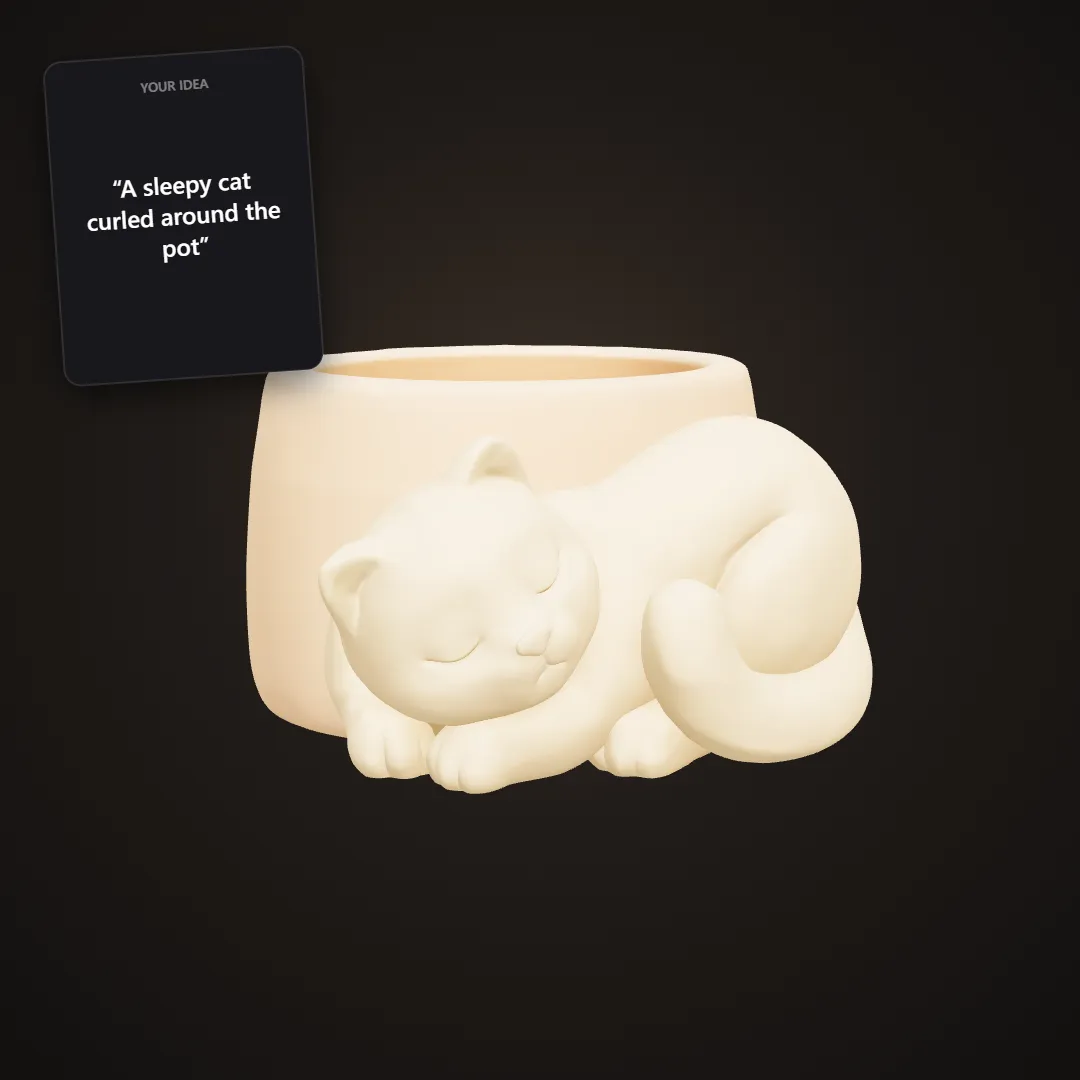
The card is what was typed, the planter is the model that came out.
More from the same template:
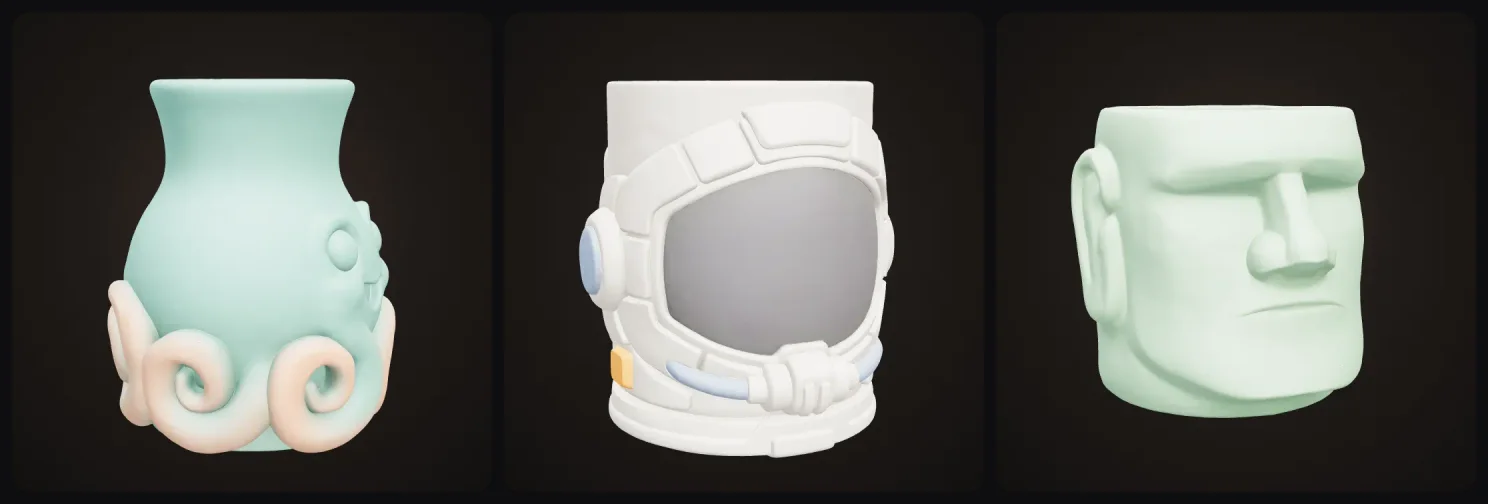
Planter, vase or pen holder
The same idea works as a wide planter, a tall vase or a pen holder for your desk:
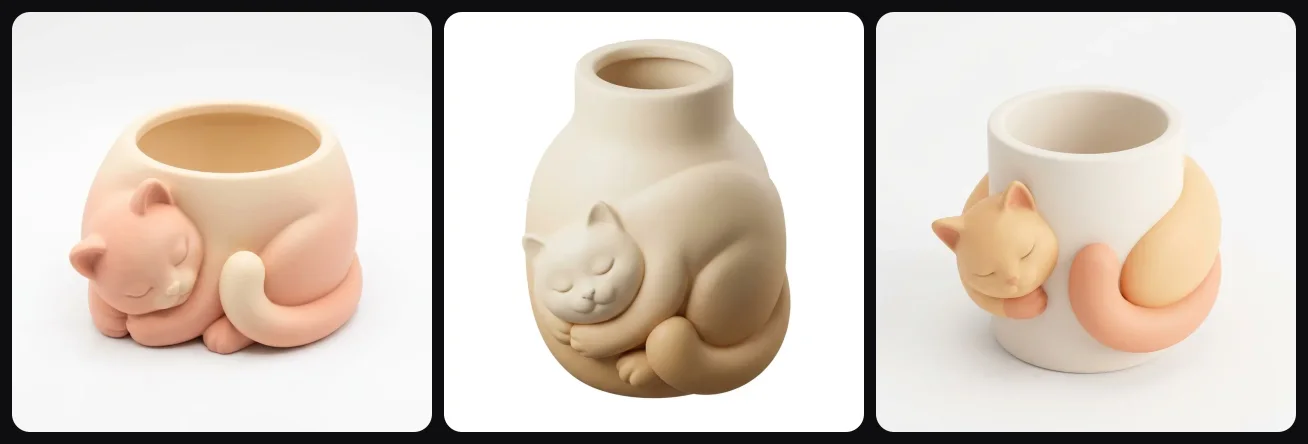
Surface
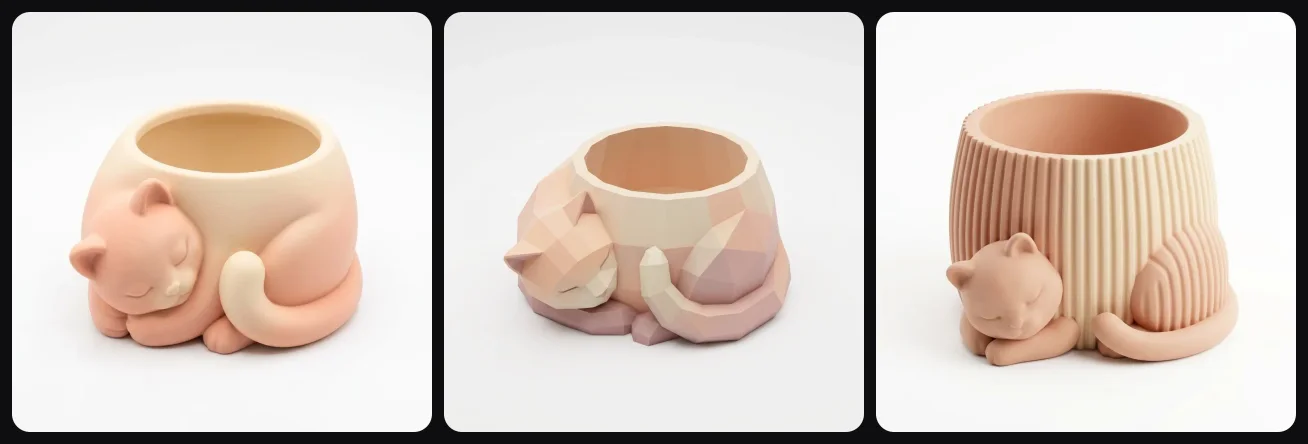
Smooth gives you a clean ceramic look, faceted makes a geometric low poly pot, and ribbed gives you the fluted look that's really popular right now:
Design tips
Round bodies make the best pots, because the opening sits naturally on top. Keep ears and arms close to the body so they print without supports. For the filament, matte PLA looks like ceramic and silk PLA looks more like glazed pottery. And if you have the time, make a few pots in the same style but different sizes, they look really nice together on a shelf.
Can I sell them?
Yes. Designs you generate are yours to print and sell. Character planters are a popular item on Etsy and at craft markets.
Getting started
Describe your first pot in the Character Planter and Vase template and slice it in vase mode. Since it prints in an hour or two, it can be on your windowsill the same day.
More guides
More quick, useful prints: custom cookie cutters from any drawing and photo lithophanes that light up a room. And if you're printing gifts for the holidays, here's how to make Christmas ornaments from a photo.
If you want more prints you'll use every day, here are 25 useful things to 3D print for home, desk and kitchen.
Happy printing!

Generate 3D models with AI
Easily generate custom 3d models in seconds. Try it now and see your creativity come to life effortlessly!
FAQ
Can you 3D print a planter for real plants?
Yes. Print it in PLA or PETG, drill a small drainage hole in the bottom or use it as a cache pot with a nursery pot inside. PETG and ASA last longer outdoors because PLA slowly softens in hot sun.
What is vase mode in 3D printing?
Vase mode (also called spiral mode) prints only the outer wall and the bottom as one continuous spiral. It's very fast, has no seam and gives you a hollow container with an open top. It's the standard way to print planters and vases.
Are 3D printed vases watertight?
Not always. Vase mode walls are one line thick and can seep. For fresh flowers, use PETG, a wider nozzle or extra wall width, or seal the inside with a clear coat or epoxy. Or put a glass jar inside.
What is the best filament for 3D printed planters?
Matte PLA for indoor pots, PETG for anything that gets wet a lot, ASA for outdoors. Silk and marble PLA look great for decorative vases.
How do I design my own planter to 3D print?
In 3D AI Studio, describe a character or idea (a sleepy cat, a smiling octopus, a moai head) in the Character Planter and Vase template. It designs a container with an open top and a flat base and builds a 3D model you download as STL or 3MF, ready to slice in vase mode.
Is it free?
You can try the planter template for free when you sign up and see your design in 3D in the browser. Downloading the STL or 3MF is part of the paid plans.