
Create 3D Animated Characters in Minutes: Top 3 Tools for 2026
Quick answer: The fastest way to create an animated 3D character in 2026 is to generate the character with 3D AI Studio, rig and animate it in the built-in Rigging Tool or Mixamo, and refine it in Blender only if needed.
Creating animated characters has traditionally been a complex and time-consuming process. However, with modern AI tools and software, you can now create professional animated characters in minutes instead of days. This guide reveals the best three tools for creating animated characters in 2026, perfect for game developers, content creators, and 3D artists.
- Generate a character from text or an image with 3D AI Studio.
- Rig and animate it in the Rigging Tool, or use Mixamo.
- Refine in Blender only if you need custom detail - it's optional.
- Total time: roughly 15-30 minutes versus 24+ hours manually.
The Best Tools for Character Animation in 2026
- 3D AI Studio - AI-powered character generation, rigging, and animation
- Blender - Open-source 3D modeling and animation
- Mixamo - Automatic character rigging
Here are a few characters brought to life with AI motion - the kind of result you can produce with this workflow:
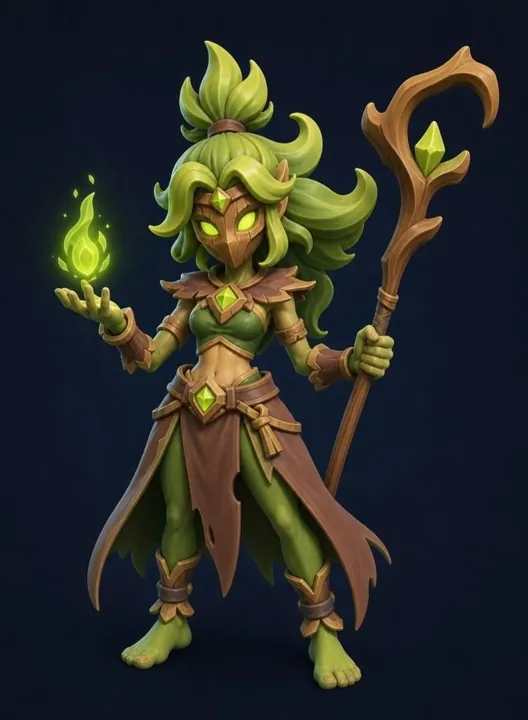
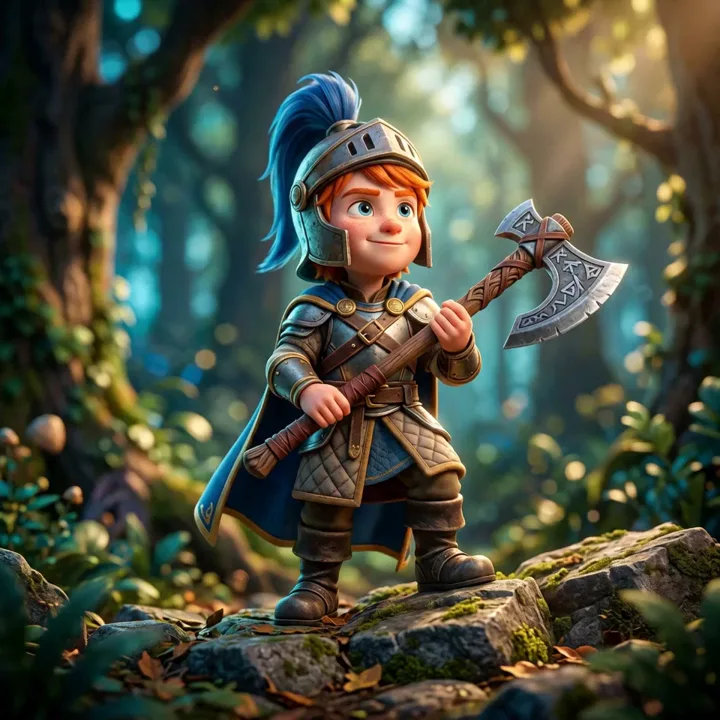
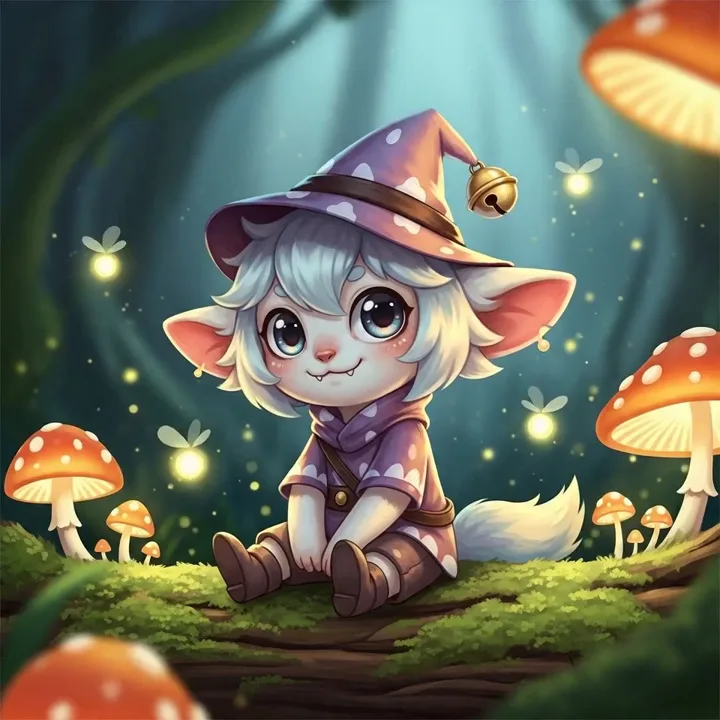
Let's explore how to use these tools together for the most efficient workflow.
Step 1: Generate Character Models with 3D AI Studio
3D AI Studio combines AI-powered character creation with browser-based rigging and animation:
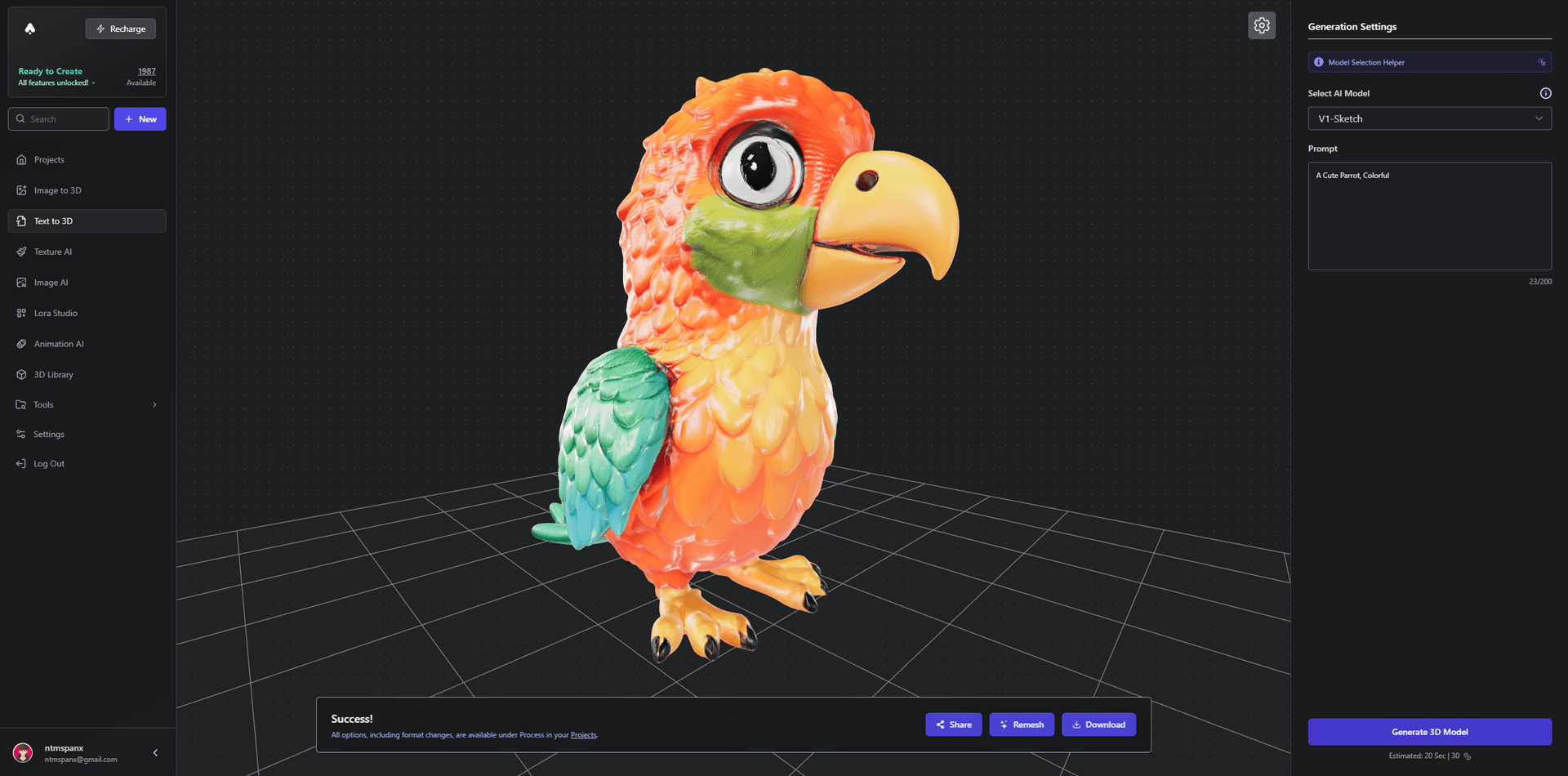
Key Benefits:
- One-click character generation
- Built-in rigging and animation workflow
- Multiple character types supported
- Instant texture generation
- Export-ready models
Getting Started:
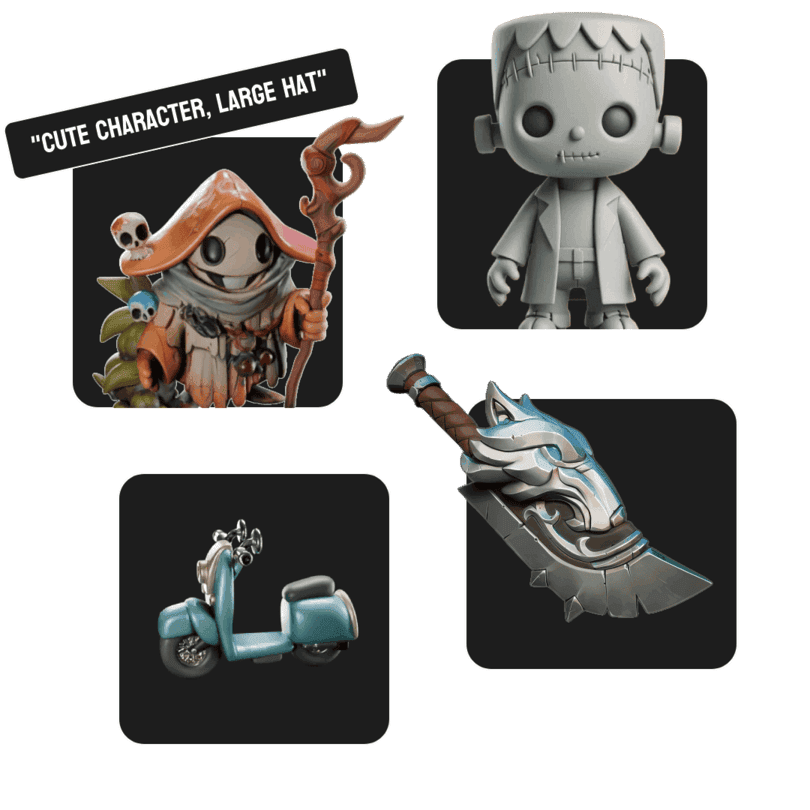
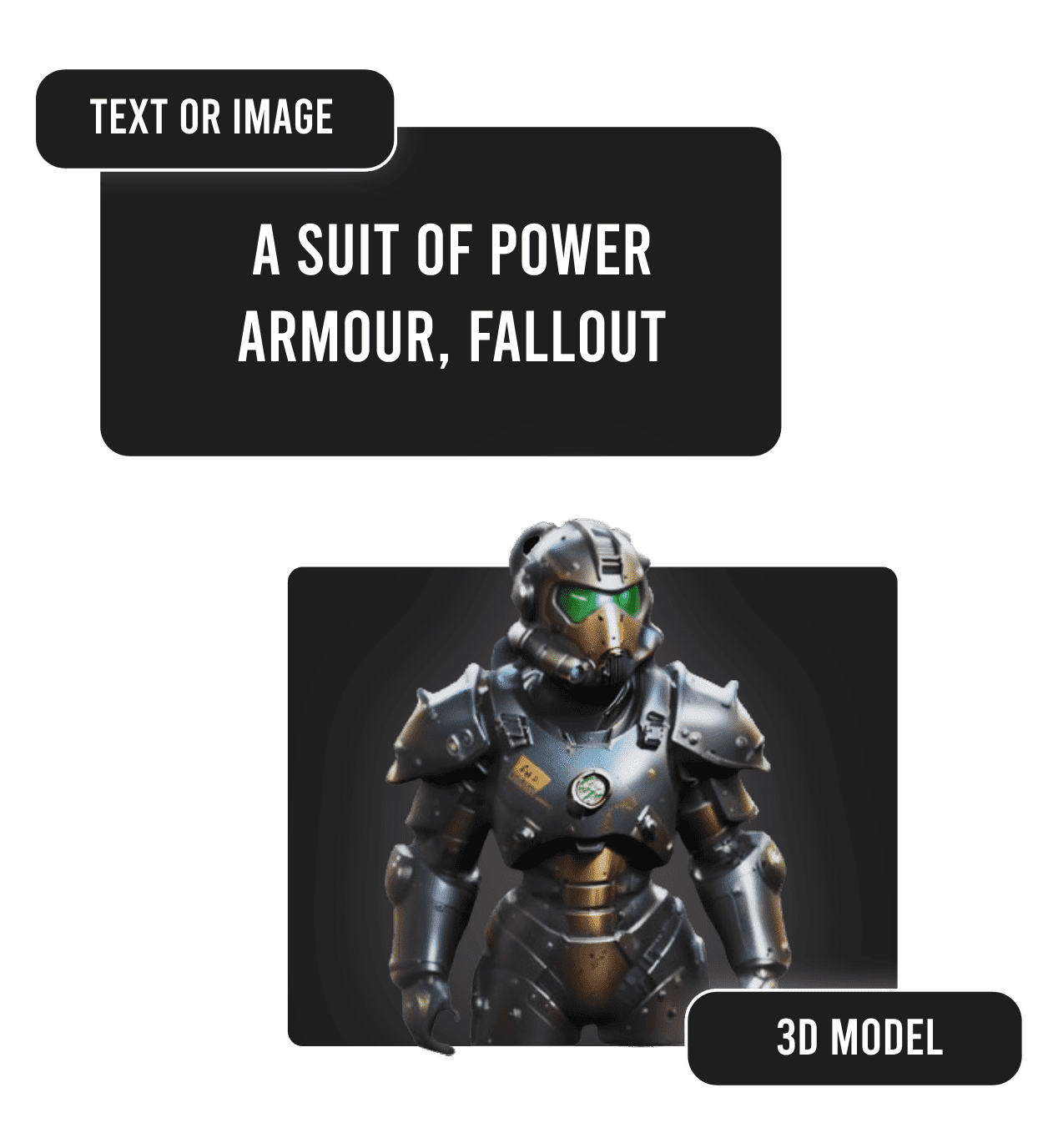
- Visit 3D AI Studio's Text to 3D tool
- Enter your character description
- Specify "T-pose" for best animation results
- Generate your character
Pro Tip: For best results with animations, ensure your character description includes "rigging-ready" or "animation-ready" in the prompt.
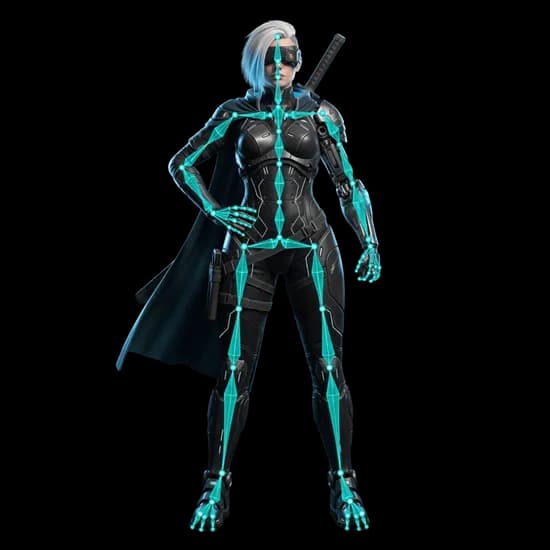
Step 2: Rig and Animate with 3D AI Studio
The browser-based workflow handles rigging and animation retargeting:
- Access the Rigging Tool
- Upload your generated character
- Run the compatibility analysis and choose a rig type
- Apply a compatible animation preset
- Export the rigged or animated model
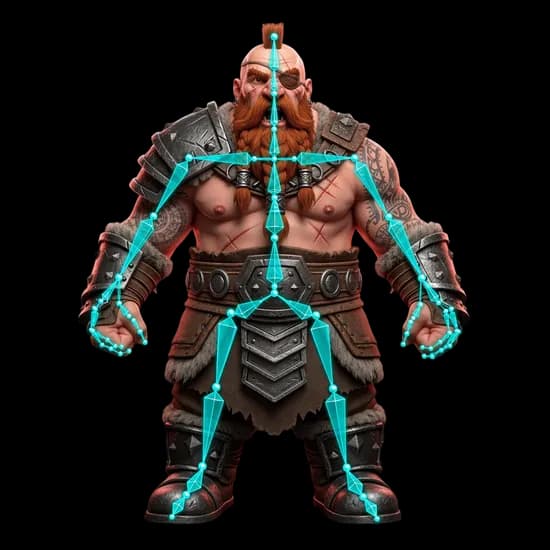
Step 3: Optional Enhancement in Blender
For those wanting additional customization:
- Import your 3D AI Studio model
- Adjust materials if needed
- Add custom details
- Export for game engines
Step 4: Advanced Animation Options
Combine tools for maximum flexibility:
- 3D AI Studio for rigging and animation retargeting
- Blender for custom animations
- Mixamo for additional motion sets

Character Types and Specifications
The Rigging Tool supports humanoid and non-humanoid character rigs:
Humanoid Characters:
- Standard bipedal humans
- Stylized characters
- Robotic humanoids
- Fantasy creatures
Animal Characters:
- Quadrupeds (dogs, cats, horses)
- Birds and flying creatures
- Insects and arachnids
- Marine life
Technical Requirements
For optimal results with the Rigging Tool:
Model Requirements:
- File format: GLB
- Max size: 30MB
- Vertices: Under 100k
- Clean geometry
- Proper orientation
Animation Settings:
- T-pose for humanoids
- Natural pose for animals
- Symmetrical design
- Clear body part separation
Workflow Comparison
Traditional Workflow (24+ hours):
- Manual modeling (8-10 hours)
- Rigging (4-6 hours)
- Weight painting (4-6 hours)
- Animation creation (8+ hours)
3D AI Studio Workflow (15-30 minutes):
- Generate character (5 minutes)
- Generate animations (10 minutes)
- Export and use (5 minutes)
Pro Tips for Better Results
-
Character Generation:
- Use clear, detailed prompts
- Specify animation requirements
- Consider end-use platform
-
Animation Creation:
- Choose appropriate character type
- Test multiple animation sets
- Verify model requirements
-
Export Settings:
- Select proper format for your platform
- Check texture integration
- Verify animation compatibility
Real-World Applications
Perfect for:
- Game development
- Virtual production
- Educational content
- Marketing materials
- Social media content
- Virtual reality experiences
Conclusion
While there are several paths to creating animated characters, combining AI tools with traditional software offers an efficient workflow in 2026. Starting with the 3D AI Studio Rigging Tool provides a fast path while preserving the flexibility to enhance characters with traditional tools when needed.
Ready to transform your character animation workflow? Visit 3D AI Studio today and join thousands of creators who are already using AI to bring their characters to life in minutes instead of days.
Remember to check our Community Creations for inspiration and examples from other creators. Join our growing community and start creating amazing animated characters today!

Generate 3D models with AI
Easily generate custom 3d models in seconds. Try it now and see your creativity come to life effortlessly!
FAQ
What is the fastest way to create an animated 3D character?
The fastest path in 2026 is to generate a character with an AI tool like 3D AI Studio, then use its Rigging Tool or auto-rig it in Mixamo. This takes minutes instead of the days a fully manual model-rig-animate pipeline requires.
Do I need Blender to animate AI-generated characters?
No. You can generate and animate a character entirely with AI tools. Blender is optional and useful when you want custom materials, extra detail, or hand-keyed animation on top of the AI base.
Can I use AI animated characters in game engines?
Yes. Export your character as GLB or FBX with the animation included and import it into Unity, Unreal Engine, or your engine of choice.
What is the best tool to create animated 3D characters in 2026?
3D AI Studio is a practical starting point because it combines character generation with a dedicated rigging and animation workflow, and it pairs cleanly with Mixamo and Blender for custom work.