
Mastering FLUX: Top Prompts for Stunning AI-Generated Images
Mastering FLUX: Top Prompts for Stunning AI-Generated Images
The world of AI-generated imagery has taken a giant leap forward with the release of FLUX by Black Forest Labs. This powerful new model is pushing the boundaries of what's possible in text-to-image synthesis. In this comprehensive guide, we'll explore some of the best prompts to unleash FLUX's full potential and create breathtaking visuals.
Understanding FLUX
FLUX is a state-of-the-art text-to-image model that excels in image detail, prompt adherence, style diversity, and scene complexity. It comes in three variants:
- FLUX.1 [pro]: The most advanced version, offering top-tier performance.
- FLUX.1 [dev]: An open-weight model for non-commercial use.
- FLUX.1 [schnell]: A faster model for local development and personal use.
Now, let's dive into some exciting prompts that showcase FLUX's capabilities.
Top FLUX Prompts and Their Results
1. Ethereal Owl Portrait
portrait | wide angle shot of eyes off to one side of frame, lucid dream-like 3d model of owl, game asset, blender, looking off in distance ::8 style | glowing ::8 background | forest, vivid neon wonderland, particles, blue, green, orange ::7 parameters | rule of thirds, golden ratio, assymetric composition, hyper- maximalist, octane render, photorealism, cinematic realism, unreal engine, 8k ::7 --ar 16:9 --s 1000
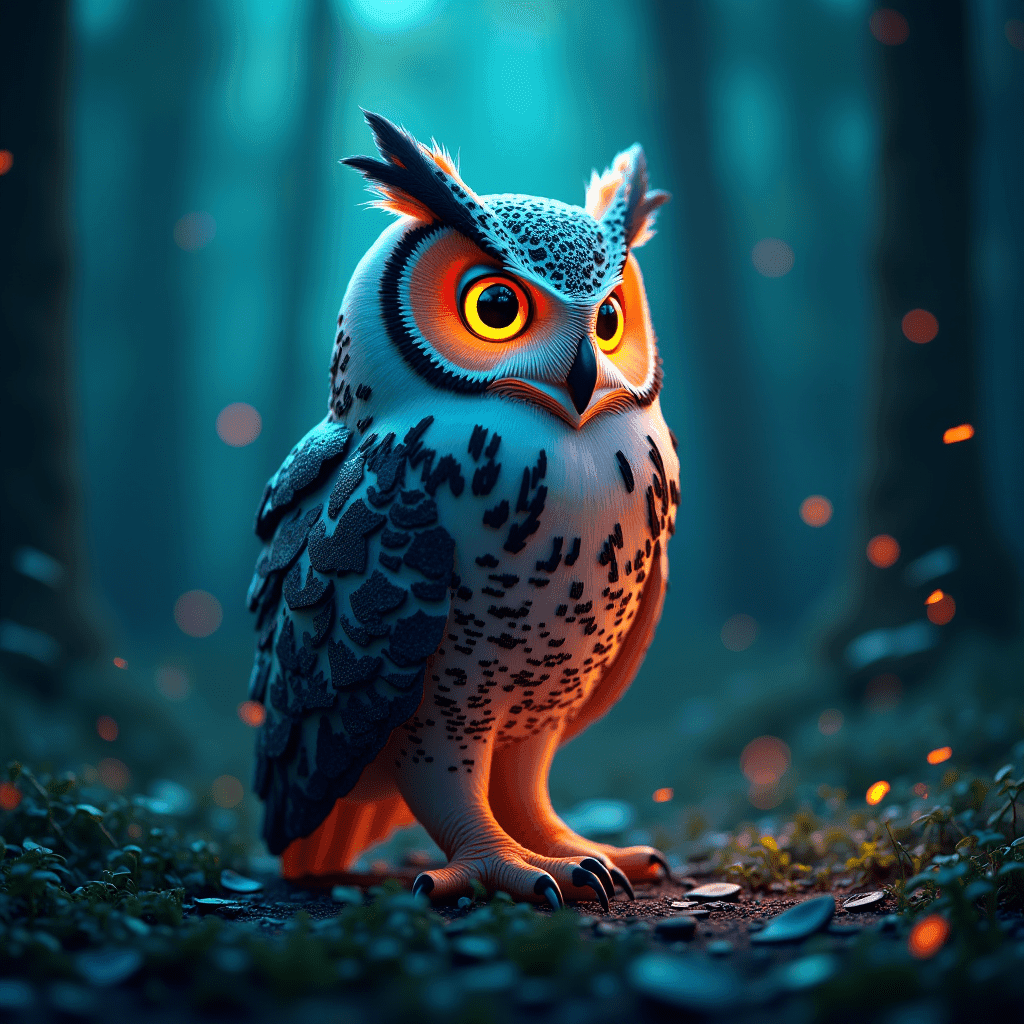
This prompt creates a mesmerizing owl portrait with a surreal, glowing aesthetic. The combination of nature and neon elements produces a striking contrast.
2. Fantasy War Balloon
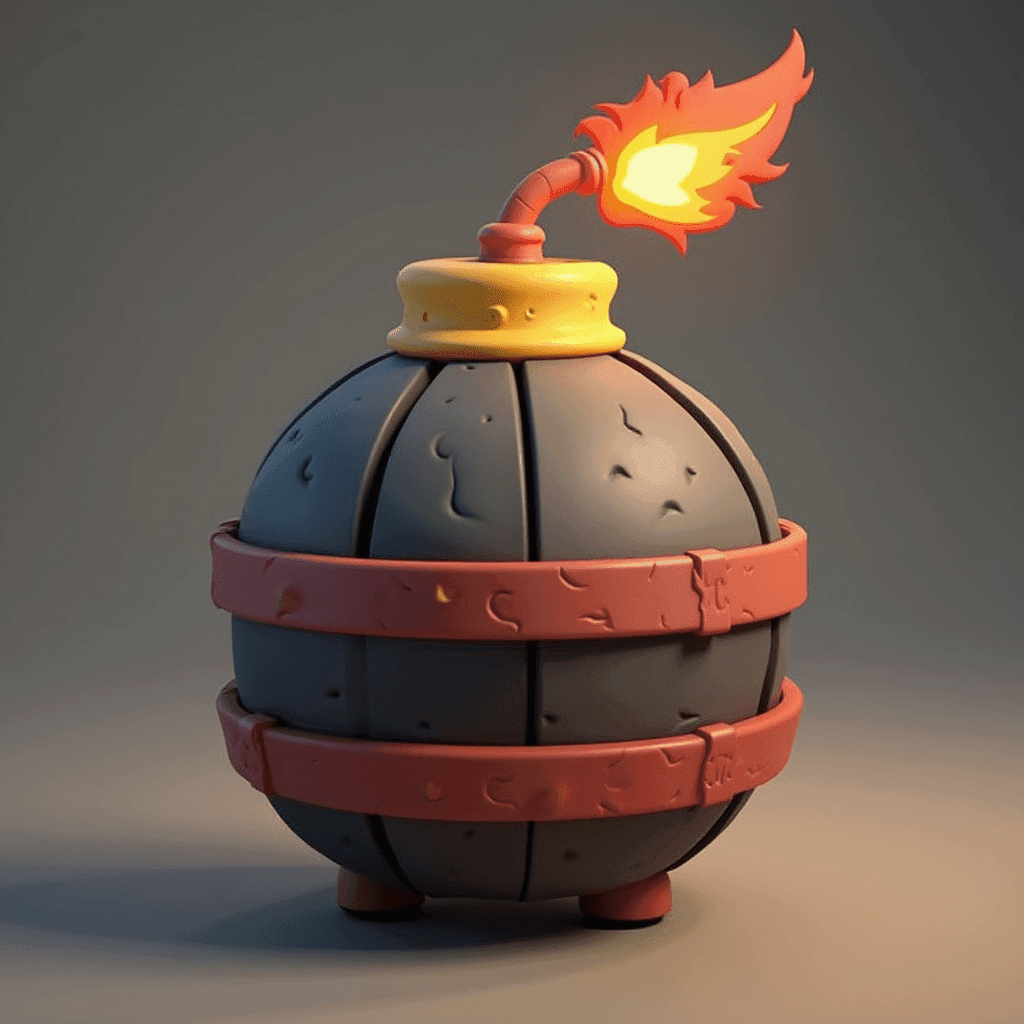
3d model of a green war balloon, clash of clans, fantasy game, front view, game asset, detailed, war ready, photorealistic, in a war enviroment, spring, disney style, pixar style
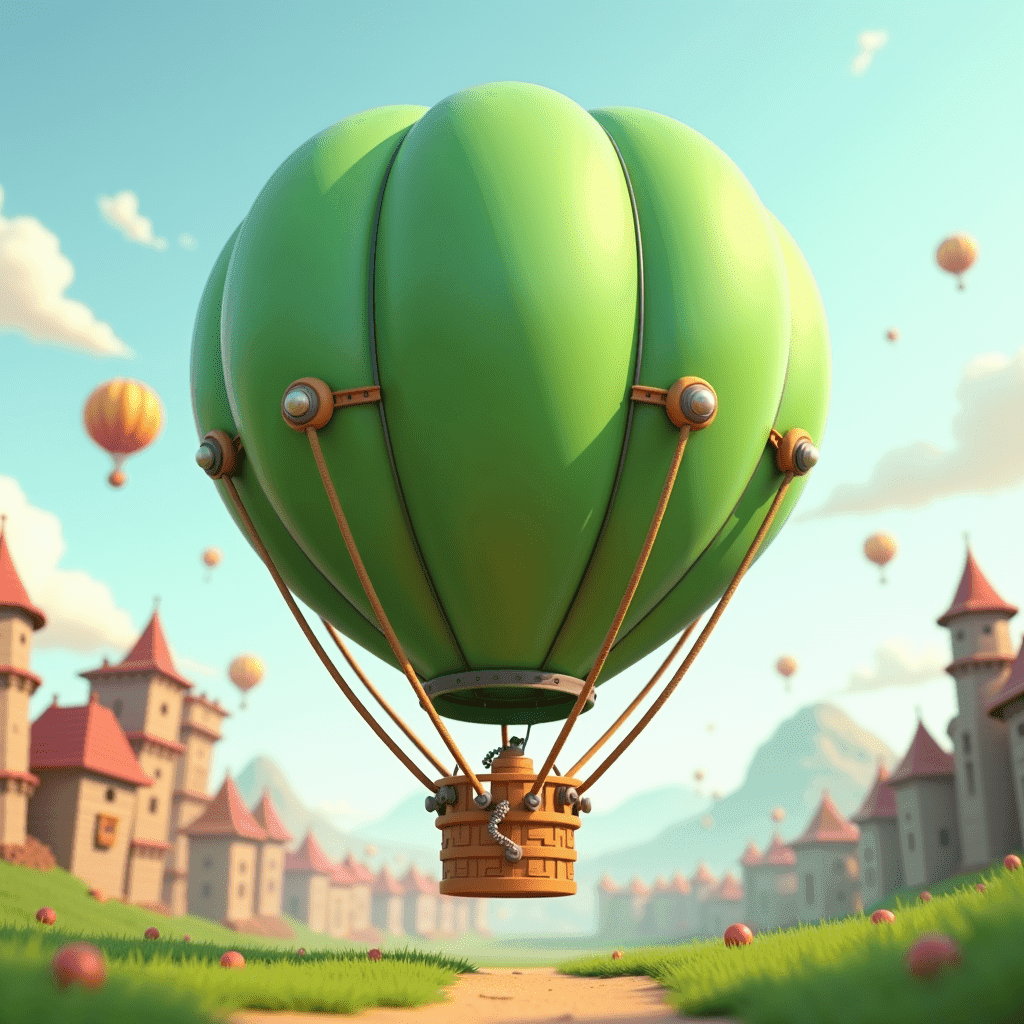
This prompt generates a whimsical yet battle-ready war balloon, perfect for a fantasy game setting. The blend of photorealism and stylized elements creates a unique visual.
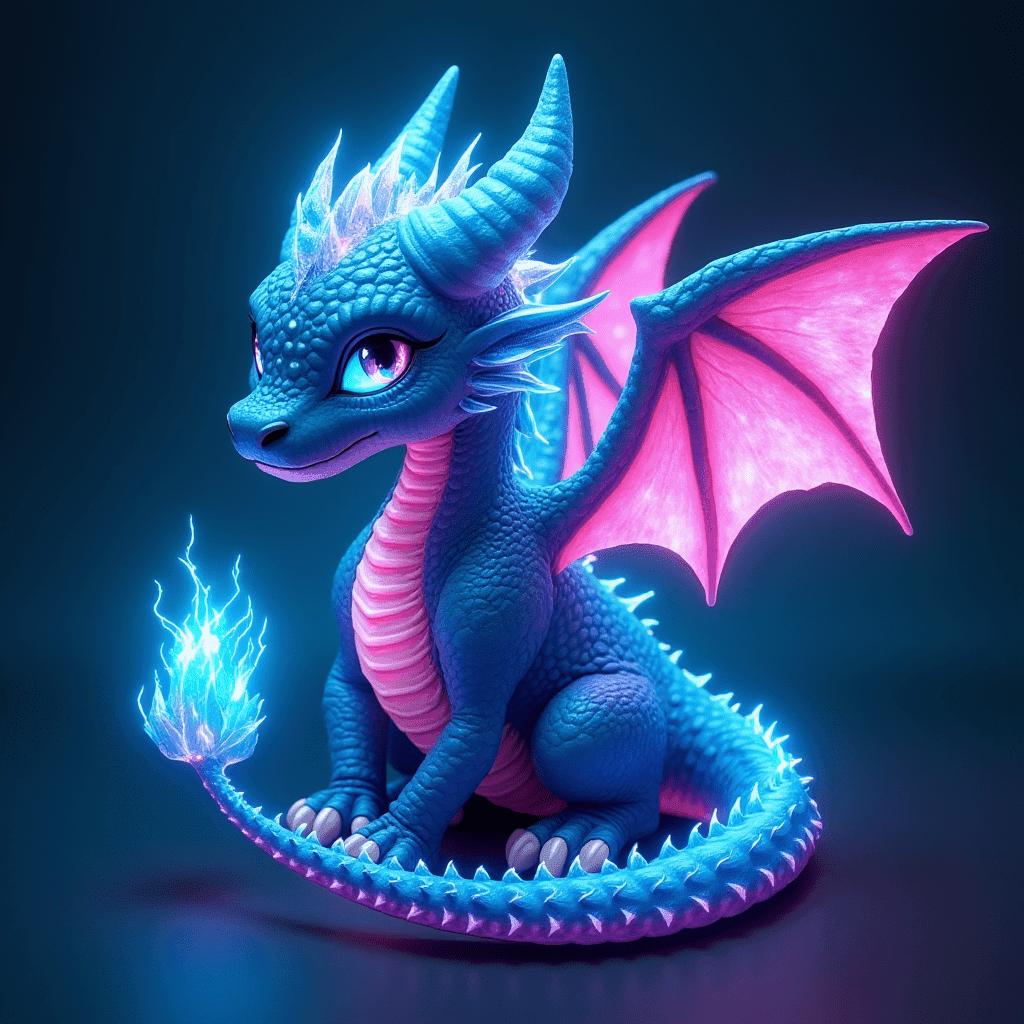
3. Neon Dragon
dragon, neon lightning crystal on head, long tail, neon blue eyes, 2 large wings
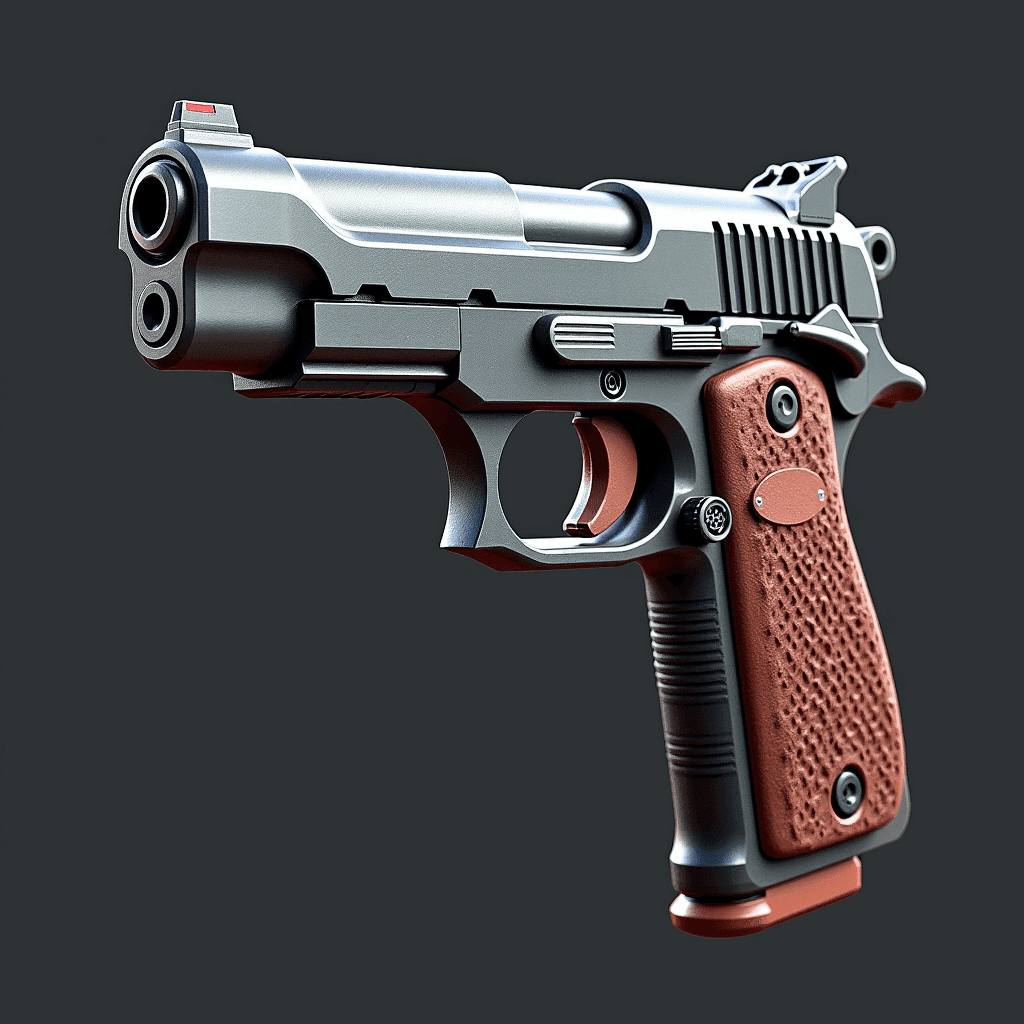
This prompt brings to life a majestic dragon with electrifying neon accents, showcasing FLUX's ability to create fantastical creatures with striking details.
4. Stylized Goblin
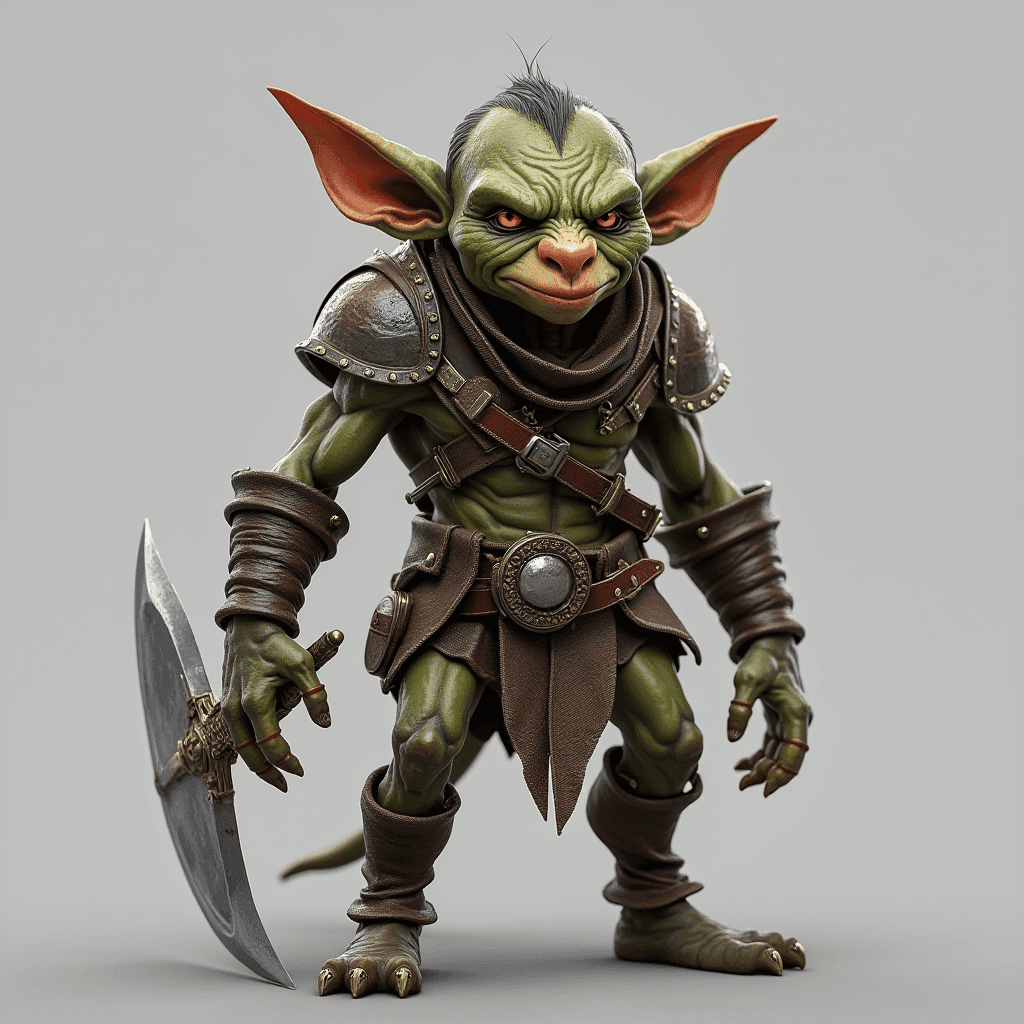
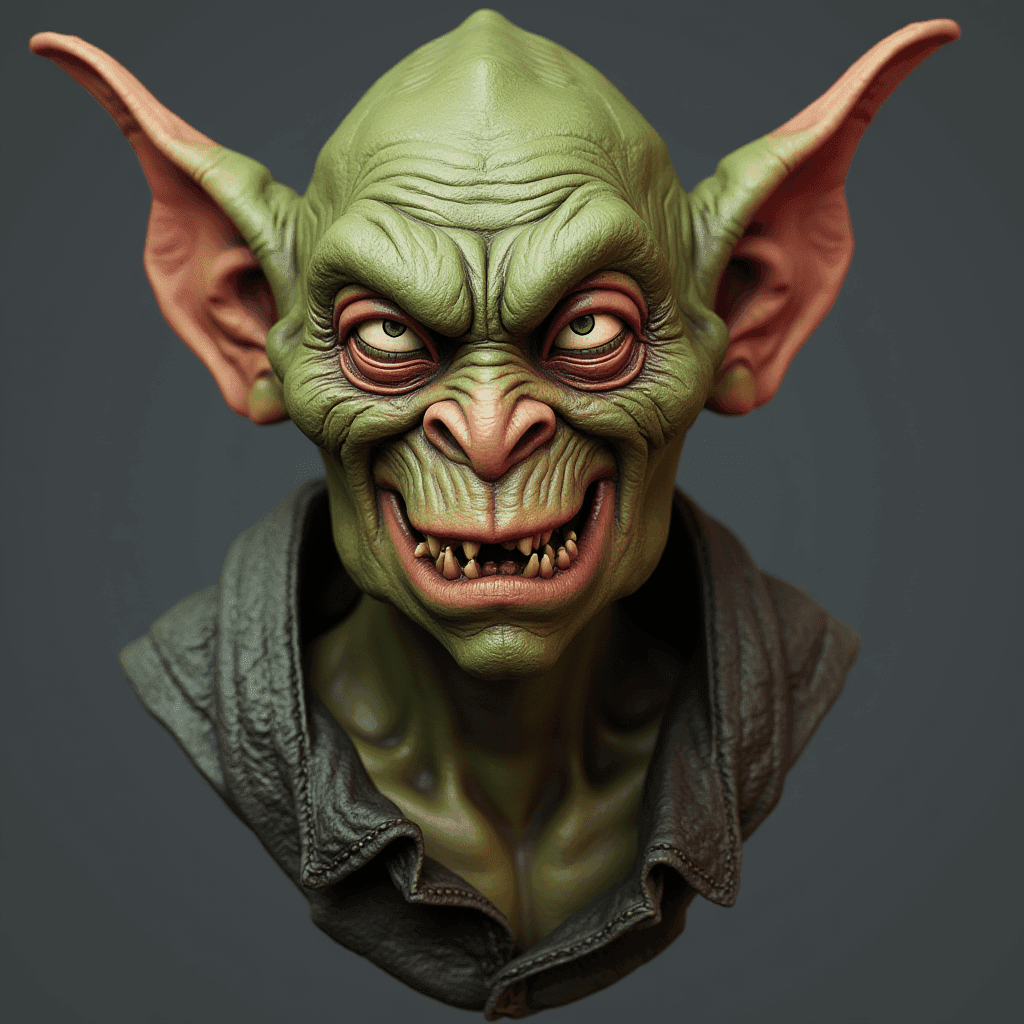
a 3d model of a Goblin , full body, war ready, detailed, game asset
This prompt results in a fully-realized goblin character, ready for integration into a game environment. The level of detail is impressive, from the armor to the facial features.
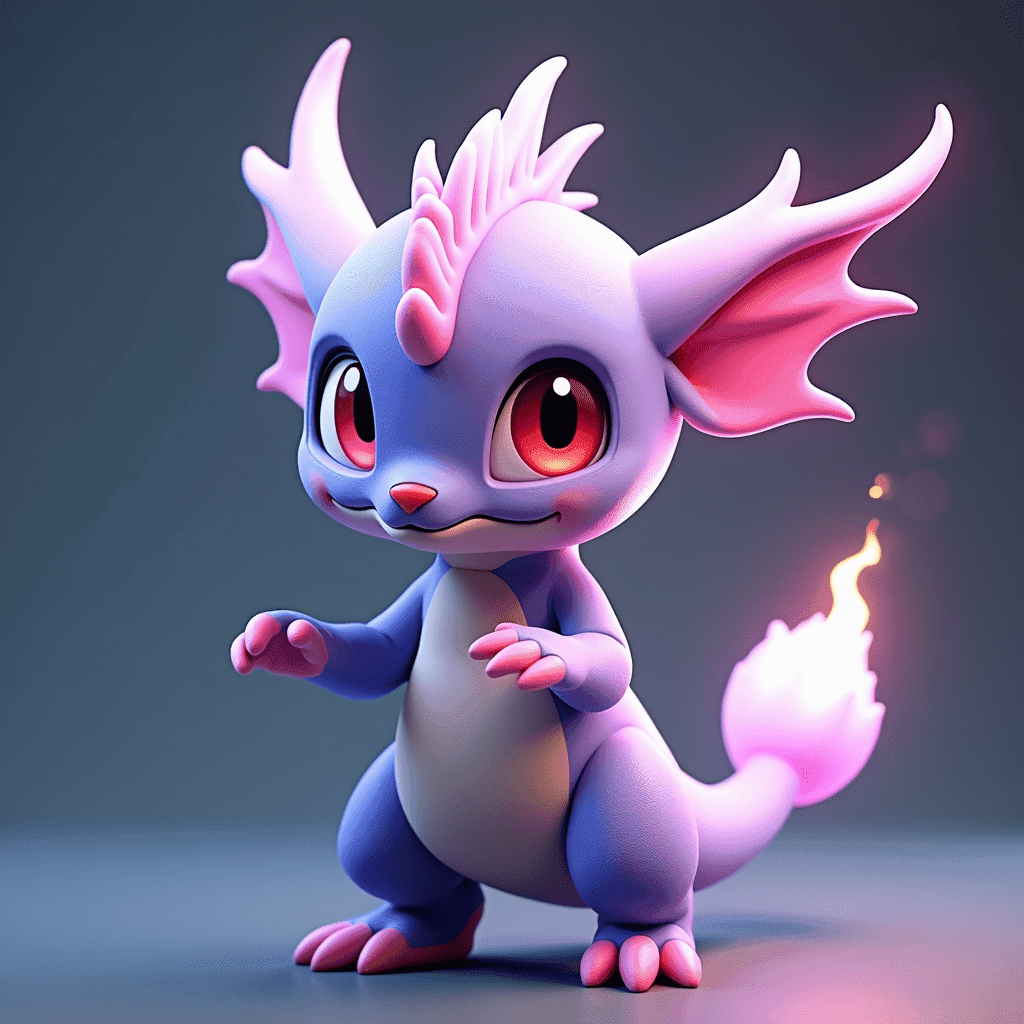
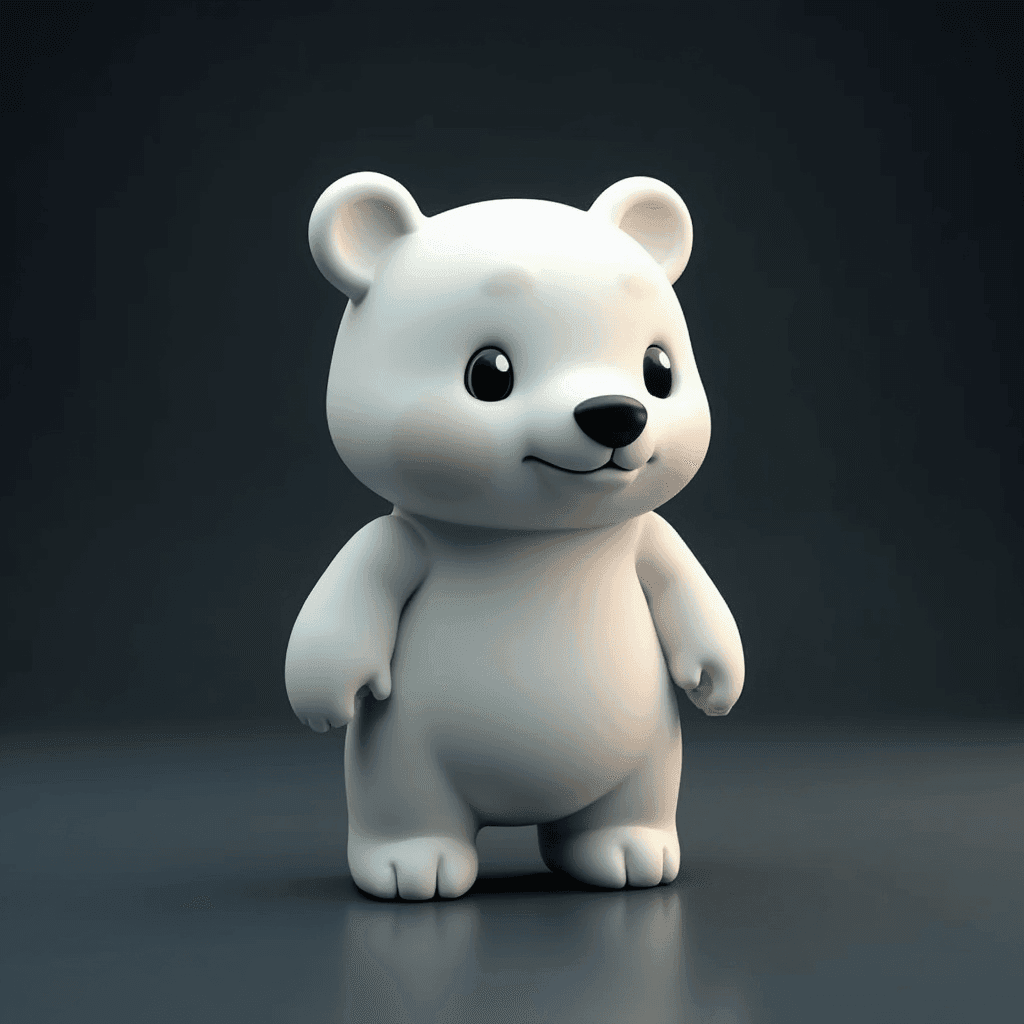
5. Magical Pokémon
3d model of a magical pokemon, game asset, detailed
This prompt creates a unique, magical Pokémon-inspired creature, demonstrating FLUX's ability to generate original designs based on familiar concepts.
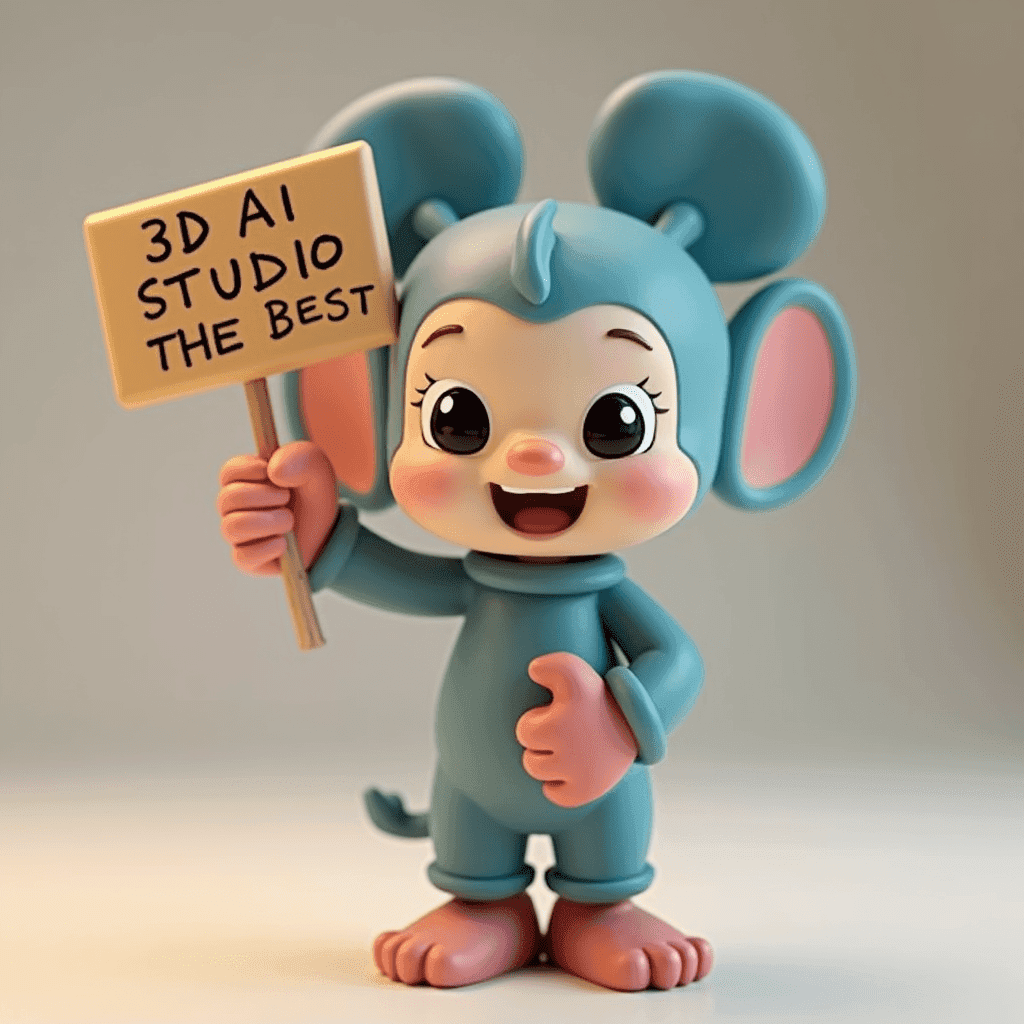
6. Disney Character with Sign
a figurine of a cute disney character holding up a sign saying '3D AI Studio is the best' , stylized, 3d model
This charming prompt showcases FLUX's ability to create stylized characters and incorporate text elements seamlessly.
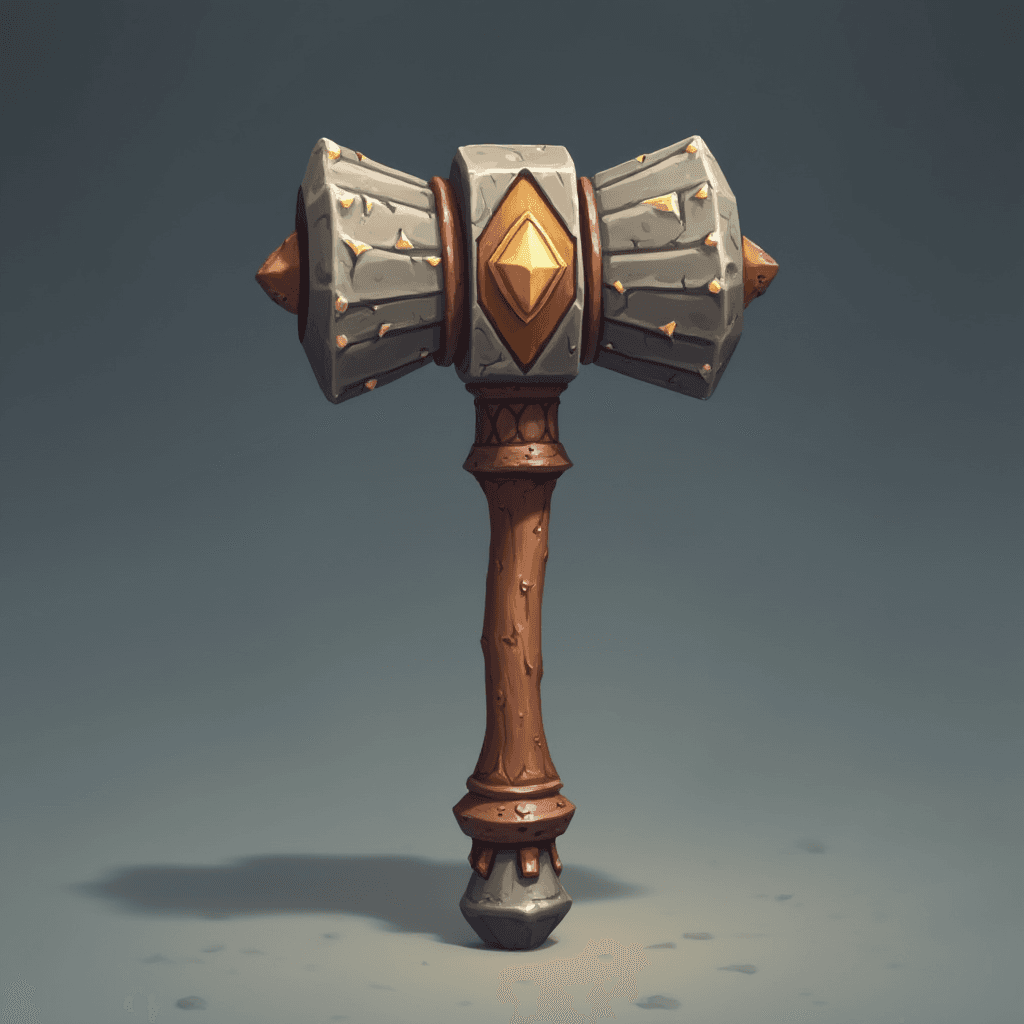
7. Medieval Hammer
a hammer, medieval style, disney style, front view, game asset
This prompt generates a stylized medieval hammer, perfect for a fantasy game setting. The blend of realistic textures and cartoon-like proportions is particularly noteworthy.
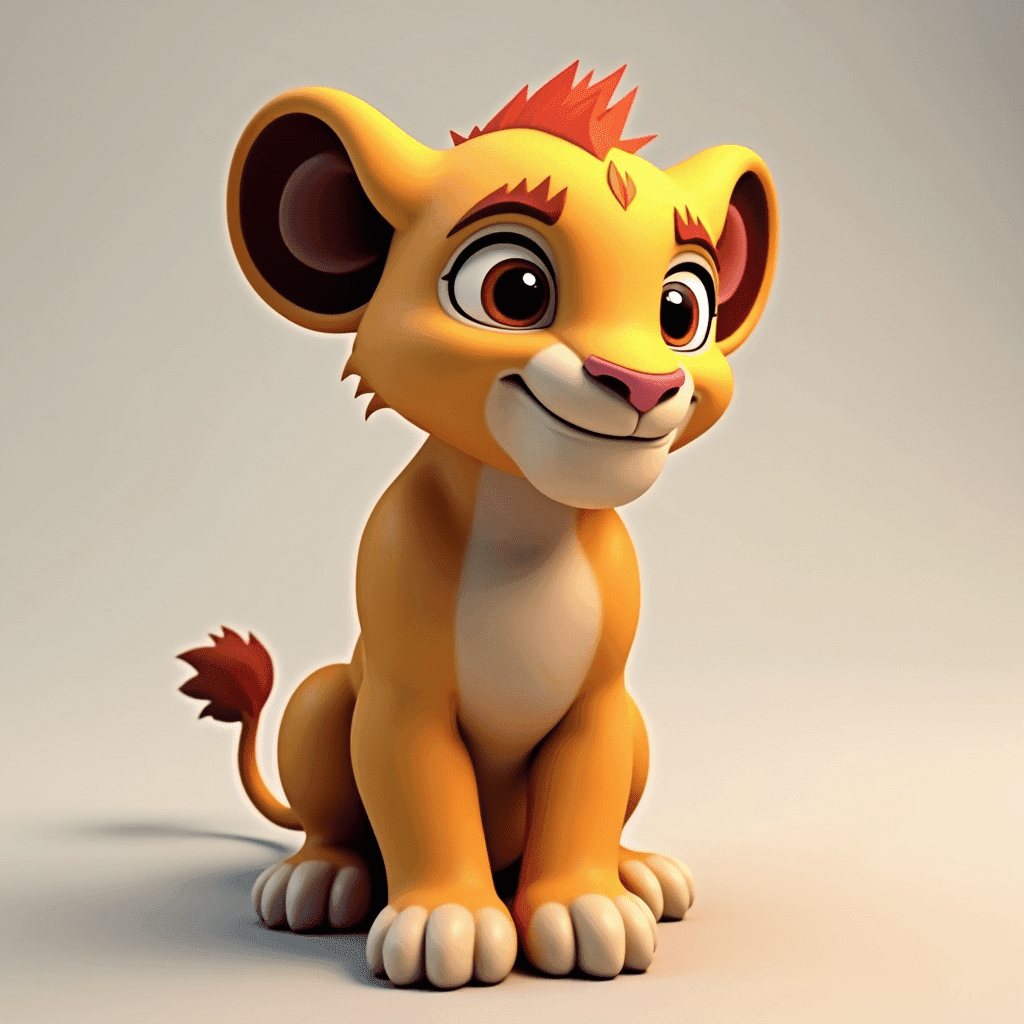
8. Lion King Cub
a 3d model of a the Lion King cub, photorealistic, big detailed, game asset
This prompt creates a highly detailed, photorealistic rendition of a lion cub, showcasing FLUX's ability to generate lifelike animal models.
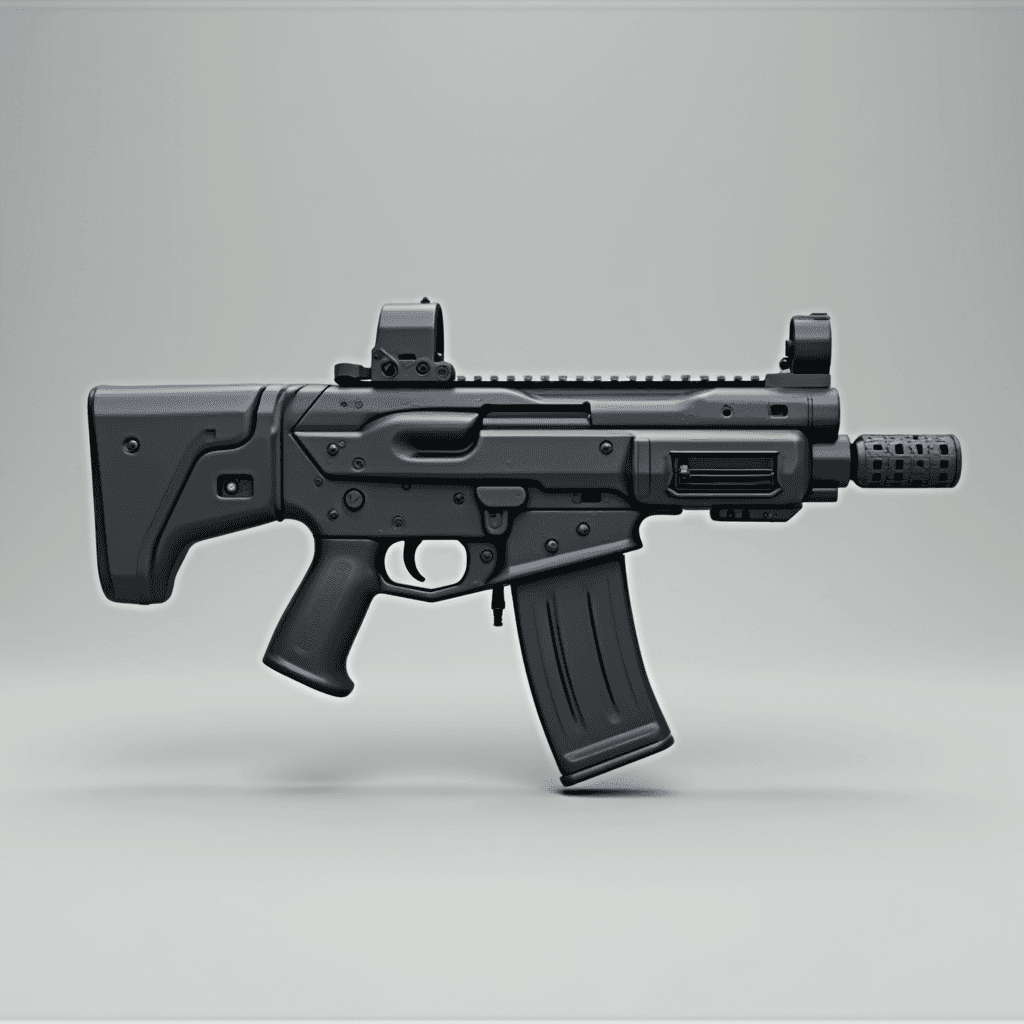
9. Futuristic Assault Rifle
Futuristic G36 Assault Rifle 3d model, simple, front view
This prompt results in a sleek, futuristic version of a G36 assault rifle, demonstrating FLUX's capability to reimagine existing objects with a sci-fi twist.
10. Stone Golem
3d model of a stone golem, full body, front view, game asset, clear white background
This prompt generates an impressive stone golem character, ready for use in a game environment. The texture detail and pose bring the creature to life.
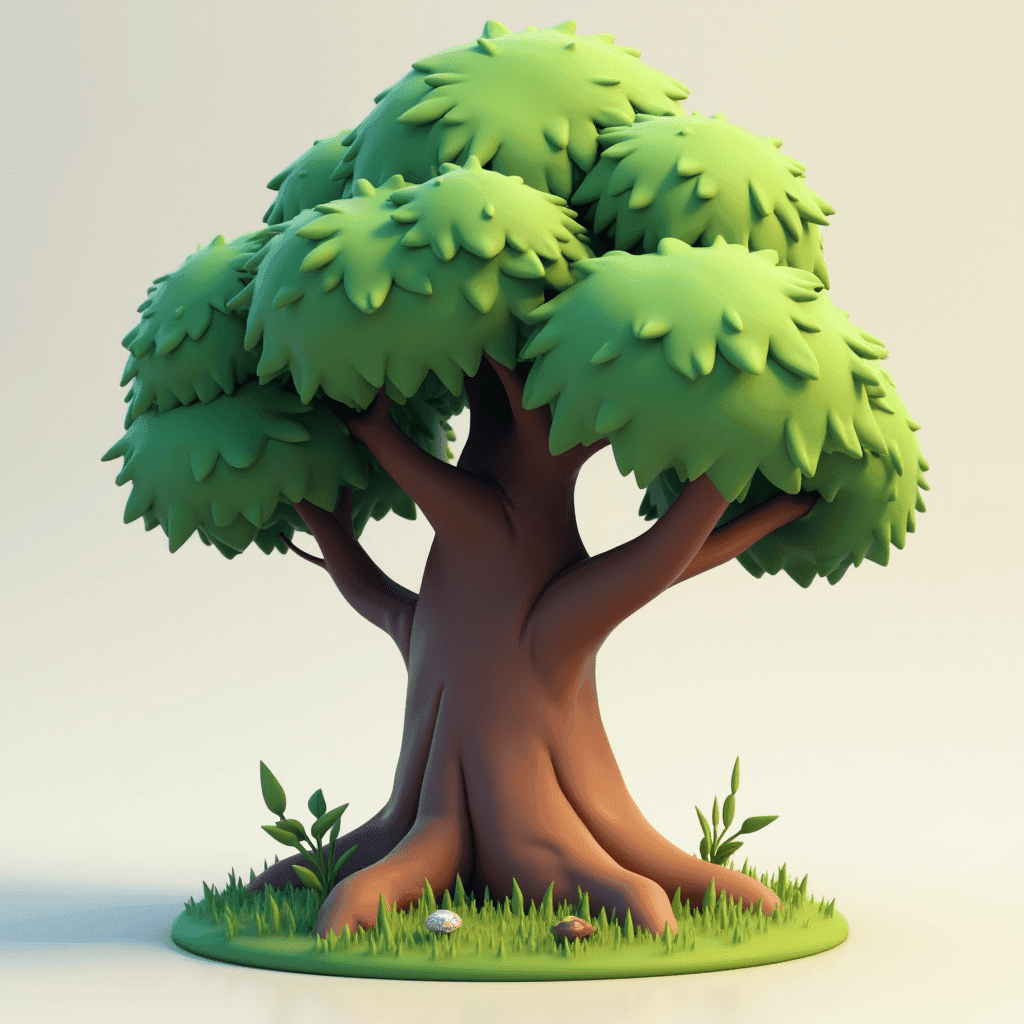
11. Stylized Spring House
a small stylized house, spring style, game asset, clear white background, cute
This prompt creates a charming, stylized house with a springtime theme, perfect for a lighthearted game or animation project.
12. Fantasy Solar System
A solar system with vibrant-colored planets and exotic atmospheres, depicted in a science fiction style. HD, 8k, vivid colors, HDR effect, color palette, illustration, photo, 3D render, vibrant, portrait photography.
This prompt generates a stunning, colorful depiction of a fantasy solar system, showcasing FLUX's ability to create complex, sci-fi inspired scenes.
13. Ethereal Woman Portrait
portrait | wide angle shot of eyes off to one side of frame, lucid dream-like woman, looking off in distance ::8 style | daydreampunk with glowing skin and eyes, styled in headdress, beautiful, she is dripping in neon lights, very colorful blue, green, purple, bioluminescent, glowing ::8 background | forest, vivid neon wonderland, particles, blue, green, purple ::7 parameters | rule of thirds, golden ratio, assymetric composition, hyper- maximalist, octane render, photorealism, cinematic realism, unreal engine, 8k ::7 --ar 16:9 --s 1000
This elaborate prompt creates a mesmerizing portrait of a woman in a dreamlike, neon-infused forest setting, demonstrating FLUX's ability to blend surreal elements with photorealistic details.
14. Vintage Hot Rod Illustration
A vibrant custom illustration featuring a vintage hot rod, cruising along a sunny street lined with palm trees. The retro cityscape in the background showcases colorful buildings, a neon sign, and a bustling crowd of people. The text 'Summer Vibes' is displayed in a retro, distressed style, with each letter in a different color, exuding a sense of nostalgia. The design is perfect for a t-shirt print, with an isolated white background.
This prompt generates a lively, retro-style illustration that could easily be used for print media or digital design projects.
15. Bearded Man Portrait
Portrait of a bearded man with dark hair wearing red sunglasses and a light gray Patagonia fleece jacket. He has a serious expression and is looking directly at the camera. The background shows a blurred outdoor scene with rocky terrain and a vibrant pink and purple sunset sky. The lighting gives the image a warm, golden-hour glow. The overall mood is rugged yet stylish, with a touch of adventure.
This prompt creates a highly detailed and atmospheric portrait, showcasing FLUX's ability to generate realistic human subjects with specific clothing and environmental details.
Try These Prompts Yourself
You can use all of these prompts right now in Image Studio. FLUX is one of 15+ AI models available in the same workspace, so you can also try the same prompt on ImageGen 4, GPT-Image-1, or Grok to compare results. Free credits on signup, no installation needed.
Besides generating images, Image Studio also lets you edit existing photos, convert art styles (pixel art, oil painting, Ghibli, claymation, and more), remove backgrounds, upscale to 4K, and generate AI videos with Veo 3 and Kling. Everything runs in the browser.
What You Can Do Next: Image to 3D
The prompts above are designed to produce clean images with clear subjects. That makes them perfect as input for Image to 3D, which converts any image into a full 3D model.
The workflow is simple: generate your image with FLUX in Image Studio, then upload it to Image to 3D and pick an AI model like Prism 3.1. In about 2 minutes, you have a textured 3D model you can export as GLB, FBX, OBJ, or STL.
Here's an example of what that looks like in practice. We took a photo, edited it into a LEGO-style figurine using Image Studio's edit tools, converted it to 3D, and then 3D printed the result:
 | → | 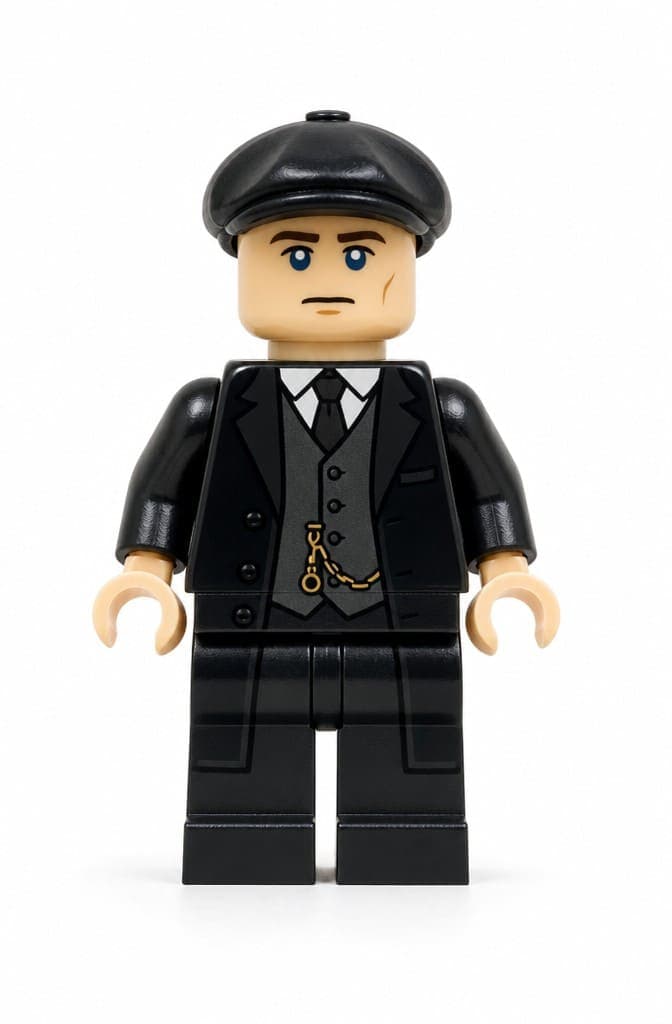 |
| 1. Photo | 2. AI Edit | |
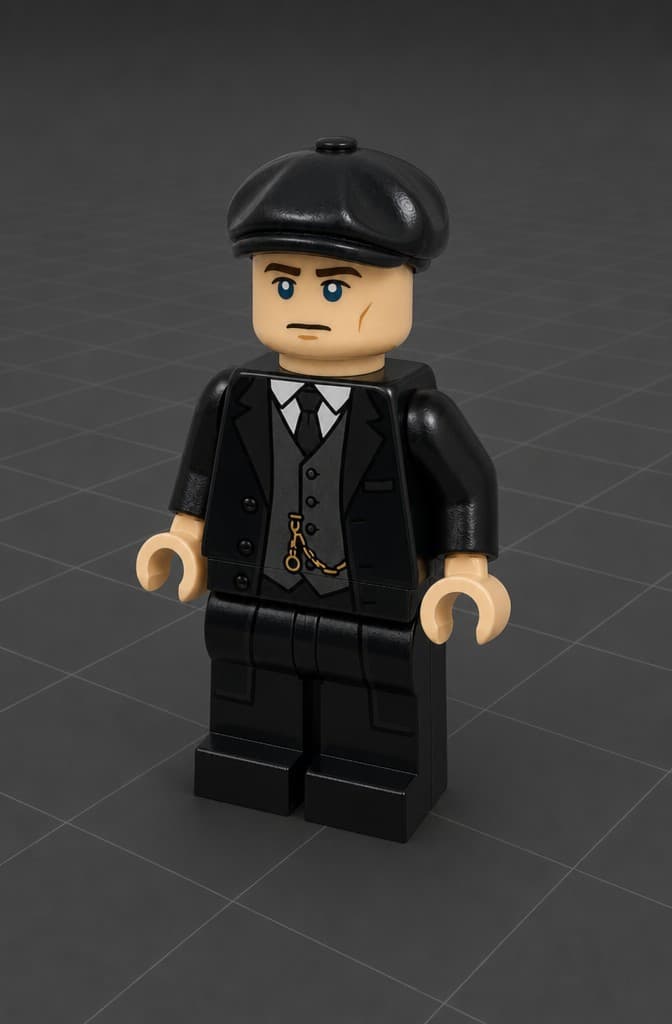 | → | 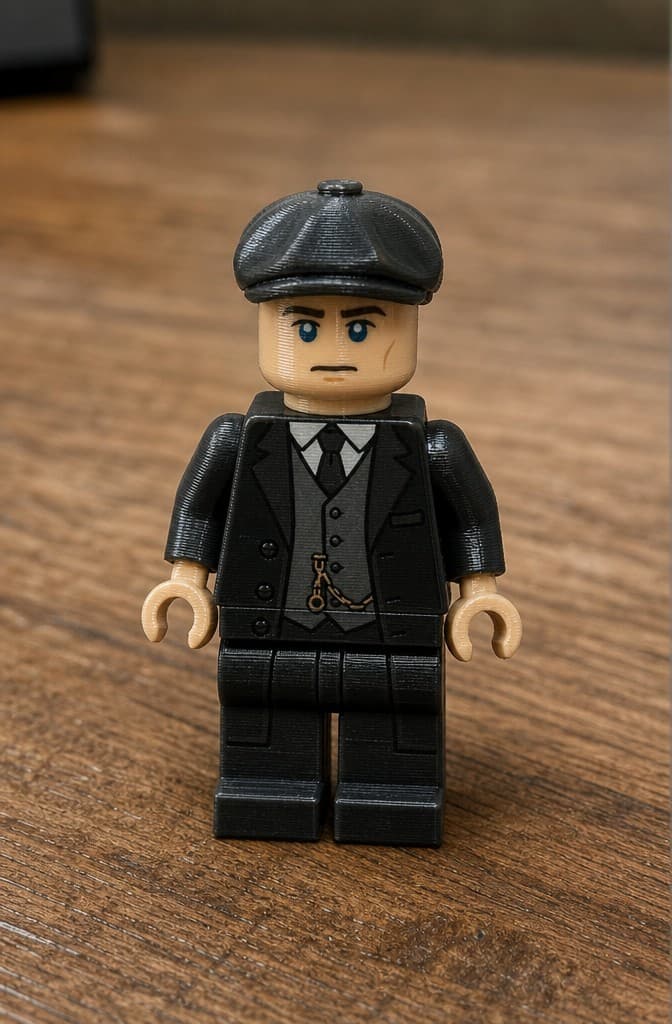 |
| 3. 3D Model | 4. 3D Printed |
The whole pipeline works with any of the prompts in this guide. Generate something cool with FLUX, convert it to 3D, and use it in games, 3D printing, AR, or whatever project you're working on.
Try Image Studio or go straight to Image to 3D.

Generate 3D models with AI
Easily generate custom 3d models in seconds. Try it now and see your creativity come to life effortlessly!
FAQ
What is FLUX and who made it?
FLUX is a text-to-image AI model created by Black Forest Labs (the team behind Stable Diffusion). It comes in several versions including Flux Pro, Flux Dev, and the latest Flux 2. FLUX is known for strong prompt adherence, photorealistic output, and the ability to render text inside images accurately. You can use it through various platforms including 3D AI Studio's Image Studio.
What makes a good FLUX prompt?
Good FLUX prompts are specific and descriptive. Include the subject, art style, lighting, camera angle, and any technical details you want. FLUX handles long, detailed prompts better than most models. For example, instead of just 'dragon', try 'neon dragon with crystal on head, long tail, blue glowing eyes, two large wings, dark background'. The more detail you give, the more control you have over the output.
Can I use FLUX for free?
You can try FLUX with free credits on 3D AI Studio. When you sign up, you get credits to test Flux and 15+ other AI models including ImageGen 4, GPT-Image-1, and Grok. Each generation costs a few credits. If you need more, paid plans start at $19/month. There is no separate subscription needed for FLUX specifically.
What is the difference between FLUX and other image AI models?
FLUX stands out for its ability to accurately render text in images, follow complex multi-part prompts, and produce photorealistic results with minimal artifacts. Compared to ImageGen 4, FLUX gives you more creative control through detailed prompting. Compared to GPT-Image-1, FLUX tends to produce cleaner photographic results. The best approach is to try the same prompt on different models and see which gives you the look you want.
Can I turn FLUX images into 3D models?
Yes, this is one of the most popular workflows. Generate your image with FLUX in Image Studio, download it, then upload it to Image to 3D. The AI converts the 2D image into a full 3D model you can export as GLB, FBX, OBJ, STL, or other formats. FLUX images with clean backgrounds and clear subjects tend to produce the best 3D results.
What are the best FLUX prompts for game assets?
For game assets, include terms like '3d model', 'game asset', 'front view', 'clear white background', and the specific style you want (stylized, photorealistic, low-poly). Good examples: 'a hammer, medieval style, disney style, front view, game asset' or '3d model of a stone golem, full body, front view, game asset, clear white background'. Adding 'white background' makes the image much easier to convert to 3D afterward.
How do I get FLUX to generate text in images?
FLUX is one of the best models at rendering text. Put the exact text you want in single quotes within your prompt, like 'a figurine holding a sign saying 3D AI Studio is the best'. FLUX will attempt to render the text accurately. For best results, keep the text short and make it a clear part of the scene. Longer text or very small text can still have errors.
What resolution does FLUX generate at?
In 3D AI Studio's Image Studio, you can generate FLUX images in multiple aspect ratios from square (1:1) to ultra-wide (16:9), at resolutions up to 4K when using upscaling. The default output is high enough quality for most uses including 3D conversion, social media, and print. For the sharpest results, generate at the largest size available and use the AI upscaler if needed.
Can I use FLUX images commercially?
Yes, images generated with FLUX on paid plans in 3D AI Studio are yours to use commercially. This includes client projects, marketing materials, game assets, product images, and social media content. The only restriction is reselling raw, unmodified AI outputs as standalone stock assets.
What other AI models can I use besides FLUX?
3D AI Studio's Image Studio includes 15+ AI models. For generation: Flux 2, ImageGen 4, GPT-Image-1, Grok, and Qwen. For editing: Gemini Edit, Flux Kontext, and SeedEdit. For video: Veo 3, Kling, and Seedance. Each model has different strengths, so you can pick the best one for each task. All accessible from the same workspace with the same credits.
How do I edit or improve a FLUX image after generating it?
You can edit any FLUX image directly in Image Studio. Switch to the Edit tab, upload the image, and use Gemini Edit or GPT-Image-2 Edit to describe the changes you want. For example, 'remove the background', 'change the lighting to sunset', or 'make it more stylized'. You can also upscale, remove backgrounds, or convert styles without leaving the workspace.
What is the best workflow for creating 3D game assets with FLUX?
The best workflow is: 1) Generate your asset image in Image Studio with FLUX using a prompt like 'stylized 3D sword, game asset, front view, white background'. 2) If needed, edit the image to clean up the background or adjust details. 3) Upload to Image to 3D and generate with Prism 3.1. 4) Export as FBX for Unity/Unreal or GLB for web. This pipeline takes about 5 minutes per asset.