
Best AI Tools for VRChat and VTuber Avatars in 2026
Quick answer: The best AI tool for a custom VRChat avatar in 2026 is 3D AI Studio - generate a unique character from text or an image, rig it, and export FBX/GLB to finish and upload through the VRChat SDK in Unity. For anime VTuber avatars, VRoid Studio and VRM export are the standard, and Ready Player Me is best for cross-app avatars.
Your avatar is your identity in VRChat and as a VTuber, and everyone wants a unique one. Commissioning a custom model is expensive and slow; AI now lets you generate exactly the character you imagine and get it rigged in minutes. But avatars have real requirements - humanoid rigs, VRM or FBX, and VRChat's performance ranks - so this guide compares the best AI tools and is honest about the setup involved.
- Best for custom avatars: 3D AI Studio - generate, rig, and export for VRChat or VRM.
- Best anime VTuber avatars: VRoid Studio (free, VRM).
- Best cross-app avatars: Ready Player Me.
- Best face/motion tracking: VSeeFace, Warudo, Animaze (plus AI mocap).
- Remember: optimize for VRChat performance ranks before uploading.
Best AI Avatar Tools at a Glance
| Tool | Best for | Output | Rigging |
|---|---|---|---|
| 3D AI Studio | Custom avatars | FBX/GLB | Yes |
| VRoid Studio | Anime VTubers | VRM | Built-in |
| Ready Player Me | Cross-app avatars | GLB | Built-in |
| Meshy | Avatar assets/accessories | GLB/FBX | Auto-rig |
| VSeeFace / Warudo / Animaze | Face/motion tracking | Live animation | Uses your rig |
What VRChat and VTuber Avatars Actually Require
- A humanoid rig - VRChat and VRM expect a standard humanoid skeleton.
- The right format - FBX for the VRChat SDK pipeline, VRM for most VTuber apps.
- Performance optimization - VRChat ranks avatars by polycount, materials, and more.
- Visemes and expressions - mouth shapes and blendshapes for talking and emotes.
- Face/motion tracking - software that drives the avatar live from your webcam or mocap.
Pro tip: Generate your avatar in a clean A-pose or T-pose. A neutral, symmetrical base pose makes humanoid rigging, VRChat conformance, and VRM export dramatically smoother than a dynamic pose.
1. 3D AI Studio - Best for Custom Avatars
3D AI Studio is the best way to get a truly unique avatar. Generate a character from a text prompt or turn art into 3D, then rig it and export FBX/GLB to finish in Unity for VRChat - or export to VRM for VTubing. It supports realistic, stylized, and anime looks.
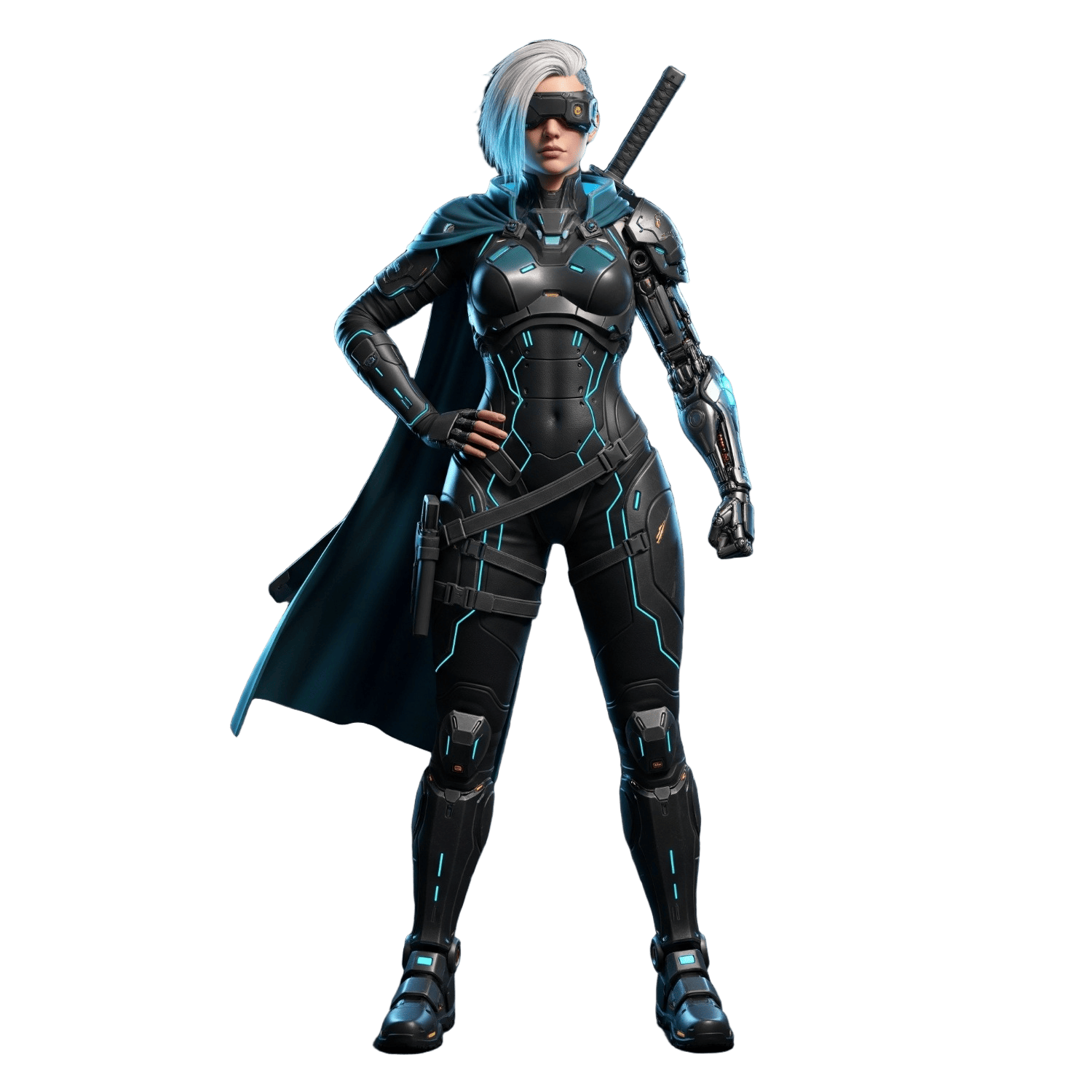
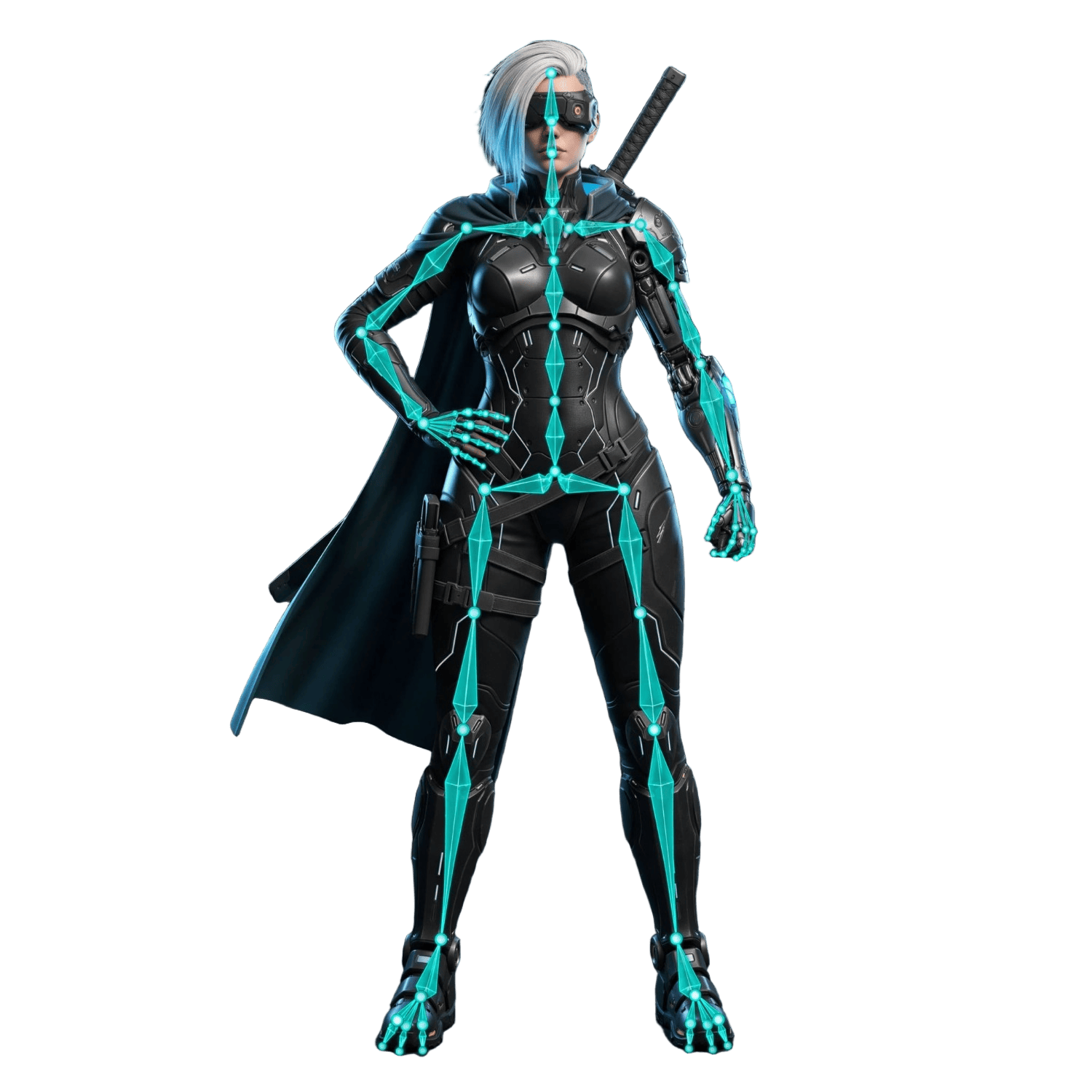
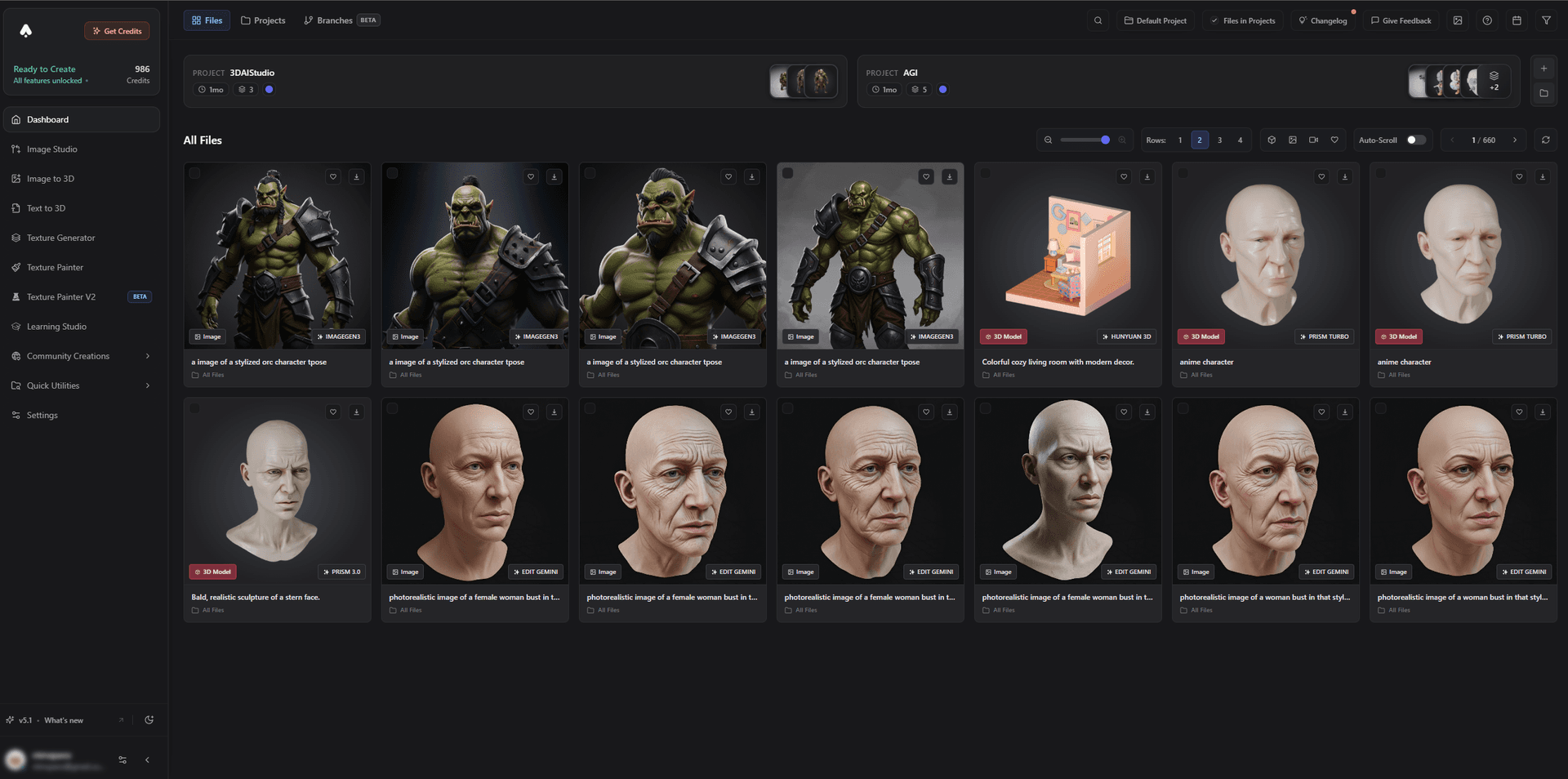
Whether you want a stylized persona or a realistic one, you start from a one-of-a-kind design rather than a preset:
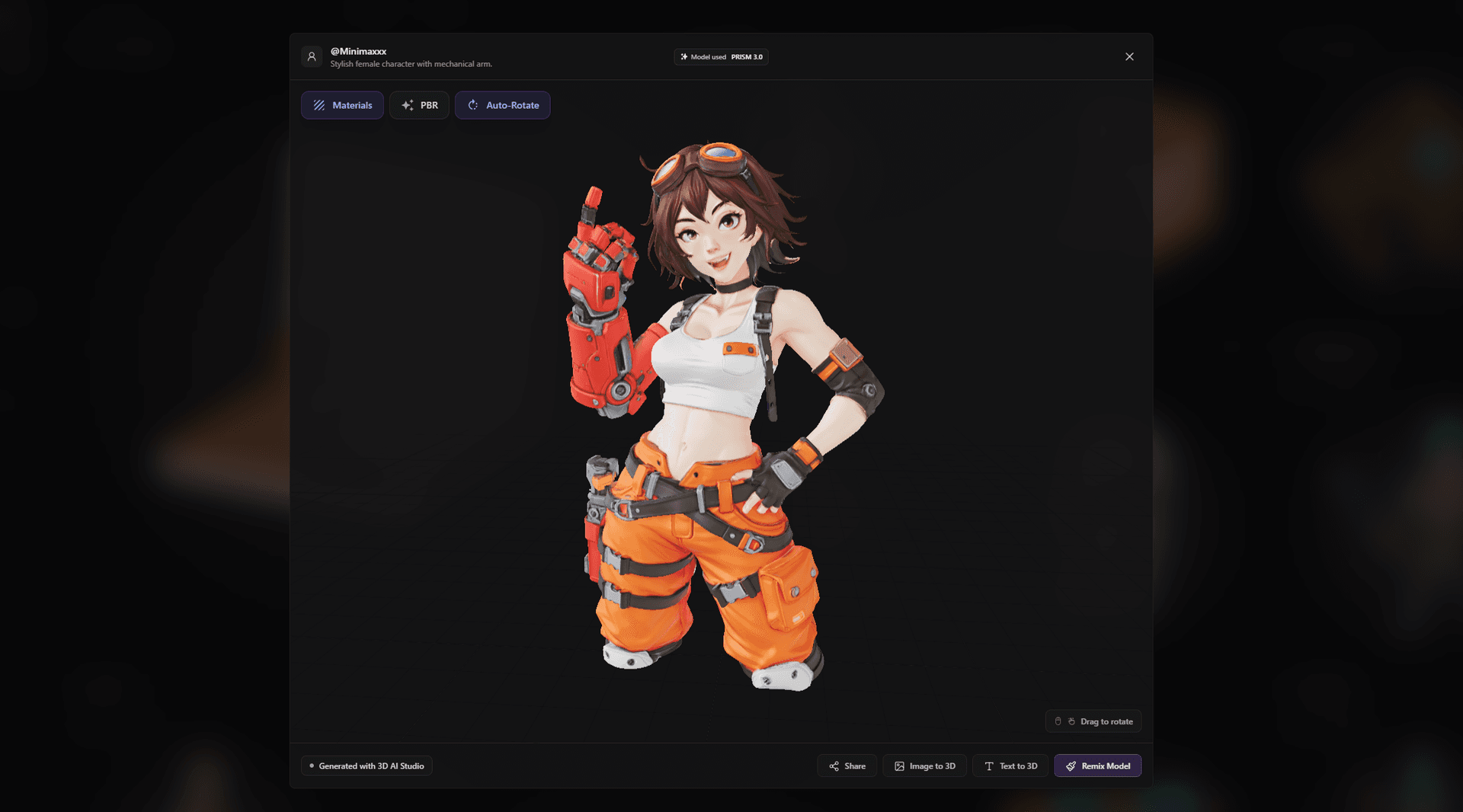
Best for: Creators who want a unique, custom VRChat or VTuber avatar.
Pros:
- Text and image to a custom character, with rigging
- Realistic, stylized, and anime styles; exports FBX/GLB for VRChat and VRM workflows
- Guides for VRChat, Second Life, and anime
- Free tier and affordable plans
Cons:
- You still add VRChat SDK components and optimize for performance ranks in Unity before uploading
2. VRoid Studio - Best Anime VTuber Avatars
VRoid Studio is the free favorite for anime-style VTuber avatars, with deep control over hair, face, and outfits and direct VRM export for tracking software.
Best for: Anime VTuber avatars.
Pros: Free, anime-focused, VRM export, lots of customization.
Cons: Anime aesthetic only; not for realistic or non-anime designs.
3. Ready Player Me - Best Cross-App Avatars
Ready Player Me builds a stylized avatar you can use across many apps and games, with a built-in rig and easy integration.
Best for: A consistent avatar across apps and platforms.
Pros: Cross-app compatibility, quick setup, built-in rig.
Cons: Stylized and parametric; not fully custom, and not a native VRChat pipeline.
4. Meshy - Best for Avatar Assets and Accessories
Meshy generates accessories, props, and outfit pieces - and full characters - that you can attach to or build into an avatar, with auto-rig options.
Best for: Avatar accessories, props, and quick characters.
Pros: Fast, textured, auto-rig, GLB/FBX export.
Cons: Optimize and conform the rig for VRChat before uploading.
5. VSeeFace, Warudo, and Animaze - Best Tracking
These VTuber apps use AI webcam face tracking (and support full-body mocap) to drive your avatar live. They animate the model you create rather than generate it.
Best for: Bringing a VTuber avatar to life on stream.
Pros: AI face tracking, VRM support, expressive live animation.
Cons: They drive an avatar - you still need to create and rig the model.
How to Make a Custom VRChat or VTuber Avatar With AI
- Generate the avatar. Use image-to-3D from character art, or text-to-3D to invent one. Aim for a clean A-pose or T-pose.
- Rig it as humanoid. Add a humanoid rig so it conforms to VRChat and VRM.
- Export the right format. FBX for the VRChat SDK in Unity, or VRM for VTuber apps.
- Add expressions and visemes. Set up blendshapes for talking and emotes.
- Optimize. Remesh to a sensible polycount and limit materials for a good VRChat performance rank.
- Upload or stream. Upload via the VRChat SDK, or load the VRM into VSeeFace, Warudo, or Animaze.
Pro tip: Build expressions in early. Visemes (mouth shapes) and a few blendshapes for emotions are what make an avatar feel alive in social VR and on stream - it is worth setting them up properly rather than as an afterthought.
The Bottom Line
For a one-of-a-kind avatar in 2026, 3D AI Studio is the best AI tool because it generates and rigs a fully custom character you can take into VRChat or VTuber software. Use VRoid Studio for anime VTubers, Ready Player Me for cross-app avatars, and a tracking app like VSeeFace to bring it to life.
Start by turning art into a custom avatar, read the VRChat guide, and see our roundup of the best AI 3D character and avatar generators.

Generate 3D models with AI
Easily generate custom 3d models in seconds. Try it now and see your creativity come to life effortlessly!
FAQ
What is the best AI tool for making a VRChat avatar in 2026?
For a fully custom avatar, 3D AI Studio is best because it generates a unique character from text or an image, rigs it, and exports FBX/GLB you can finish and upload through the VRChat SDK in Unity. For anime VTuber avatars, VRoid Studio and its VRM export are the standard, and Ready Player Me is great for cross-app avatars.
Can AI generate a custom VRChat avatar?
Yes. Generate a character from a prompt or reference art, rig it as a humanoid, then bring it into Unity, add the VRChat SDK components (visemes, eye look, colliders), optimize for performance, and upload. AI handles the modeling and base rig so you skip the slowest steps.
What is the best AI tool for VTuber avatars?
3D AI Studio is the best for a unique, custom VTuber model - generate and rig your own character, then export to VRM for face-tracking apps like VSeeFace, Warudo, or Animaze. If you want a quick preset anime avatar instead, VRoid Studio is a popular free option.
What format do VRChat and VTuber avatars use?
VRChat avatars are uploaded from Unity using the VRChat SDK, typically built from FBX rigs. VTuber software generally uses VRM, an avatar format based on glTF. Generate and rig your model, then export FBX for VRChat or VRM for VTubing.
Do AI avatars need optimization for VRChat?
Yes. VRChat rates avatars by performance rank based on polygon count, materials, and other factors. Remesh to a sensible polycount, limit materials, and follow VRChat's optimization guidelines so your avatar gets a good rank and shows for other players.
Can I use AI for face and motion tracking as a VTuber?
Yes. VTuber apps like VSeeFace, Warudo, and Animaze use AI-based webcam face tracking to drive your avatar, and full-body AI mocap tools can add body motion. Generate the avatar with AI, then let tracking software animate it live.