
Best AI Tools for Blender in 2026 (Plugins, Add-ons, and Workflows)
Quick answer: The best AI tool for Blender in 2026 is 3D AI Studio, because it generates models from text or images, remeshes them to clean topology, textures them, and exports Blender-ready GLB/FBX with a dedicated Blender add-on and bridge. For in-Blender texturing, Dream Textures is best, and Mixamo or AccuRig handle AI-assisted rigging.
Blender is free, powerful, and the heart of countless 3D pipelines - but modeling, texturing, and rigging from scratch is slow. AI tools now remove the grind: generate a base model in seconds, texture it automatically, rig it, and spend your Blender time on the creative parts. This guide covers the best AI tools that plug into a Blender workflow, and is honest about what each does well.
- Best for AI models in Blender: 3D AI Studio - generate, remesh, texture, and send to Blender.
- Best in-Blender texture AI: Dream Textures.
- Best AI-assisted rigging: Mixamo and AccuRig.
- Best in-Blender generation plugin: Meshy.
- Best AI copilot: natural-language Blender assistants (BlenderGPT-style add-ons).
Best AI Tools for Blender at a Glance
| Tool | Job | Where it runs | Strength |
|---|---|---|---|
| 3D AI Studio | Generate + remesh + texture | Web + Blender add-on | Clean, Blender-ready models |
| Dream Textures | Texture generation | Inside Blender | Seamless AI textures |
| Meshy | Model generation | Web + Blender plugin | In-Blender generation |
| Mixamo / AccuRig | Auto-rigging | Web / app | Fast character rigs |
| AI copilots | Scripting / commands | Inside Blender | Natural-language control |
| Built-in AI denoisers | Faster rendering | Inside Blender | Clean renders, fewer samples |
How AI Fits a Blender Workflow
AI does not replace Blender - it removes the slow first 80%. The five jobs AI accelerates:
- Model generation - create base geometry from text or an image instead of box-modeling.
- Topology cleanup - remesh dense AI output into clean quads before editing.
- Texturing - generate PBR materials and seamless textures automatically.
- Rigging - auto-rig characters so you can animate immediately.
- Rendering - AI denoisers cut render times dramatically.
Pro tip: The smoothest AI-to-Blender habit is to remesh before you import. A clean quad mesh subdivides, sculpts, and edits far better in Blender than a dense triangulated AI export.
1. 3D AI Studio - Best for Getting AI Models Into Blender
3D AI Studio is the most complete companion to Blender. Generate a model from text or an image, remesh it to clean quads, texture it, then bring it into Blender via GLB/FBX export or the Blender add-on and bridge. Because the model arrives clean and textured, you skip straight to the creative work.
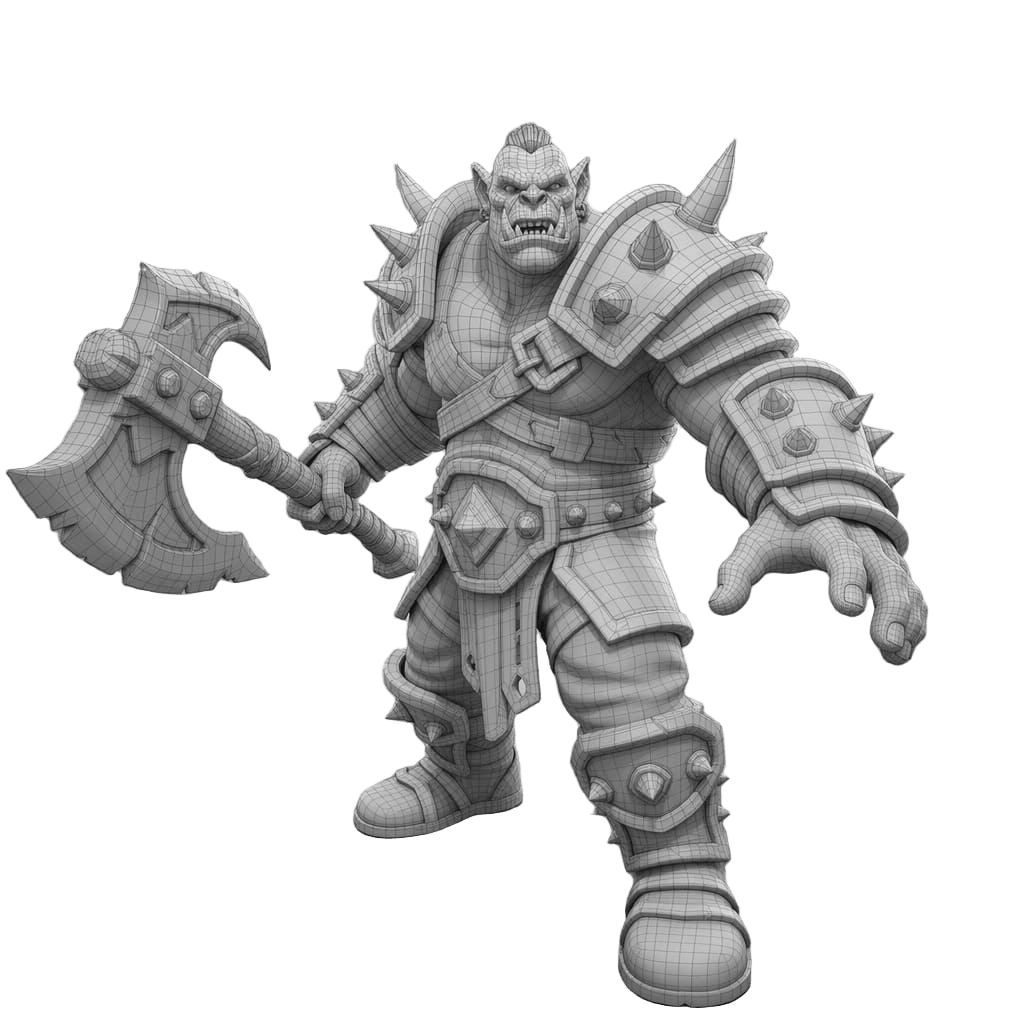
It also handles the mesh-quality issues that make AI models painful to edit - holes, dense triangulation, and non-manifold edges - before they ever reach your scene.
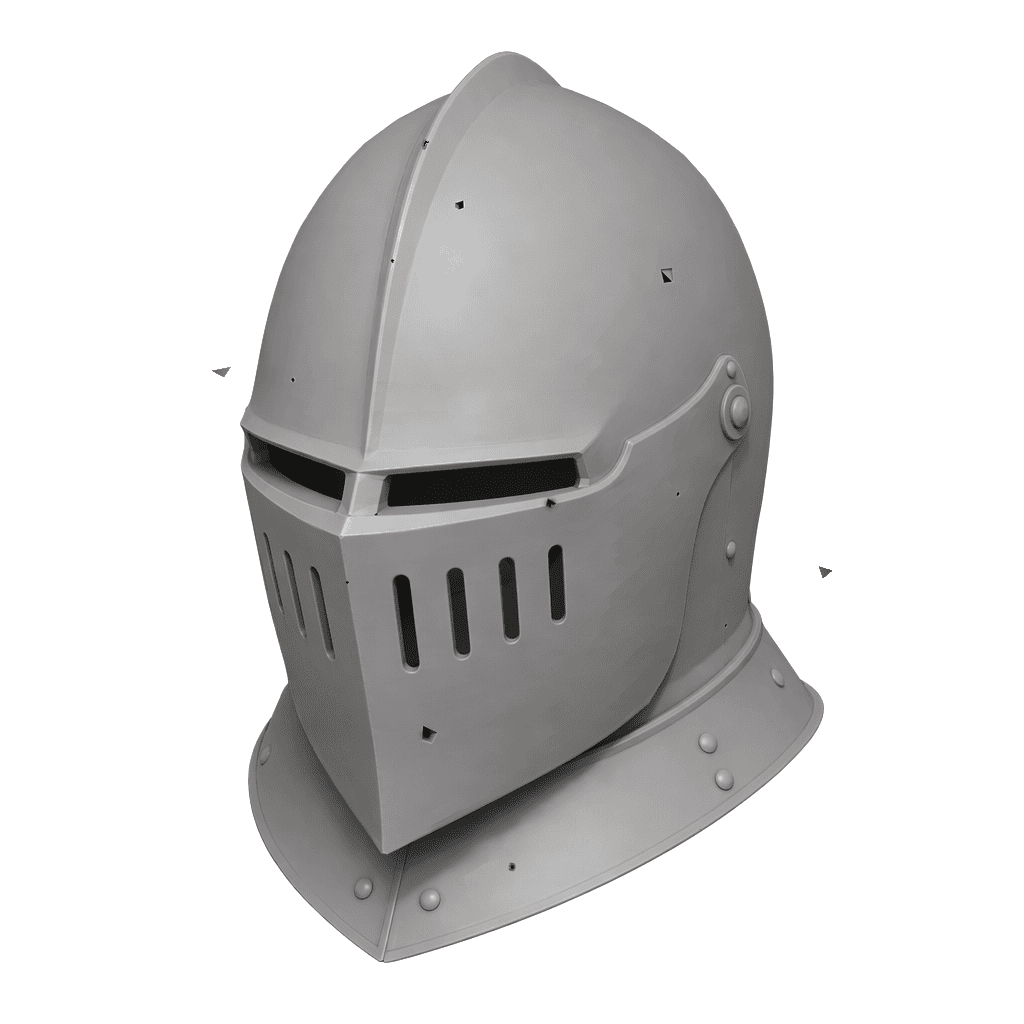
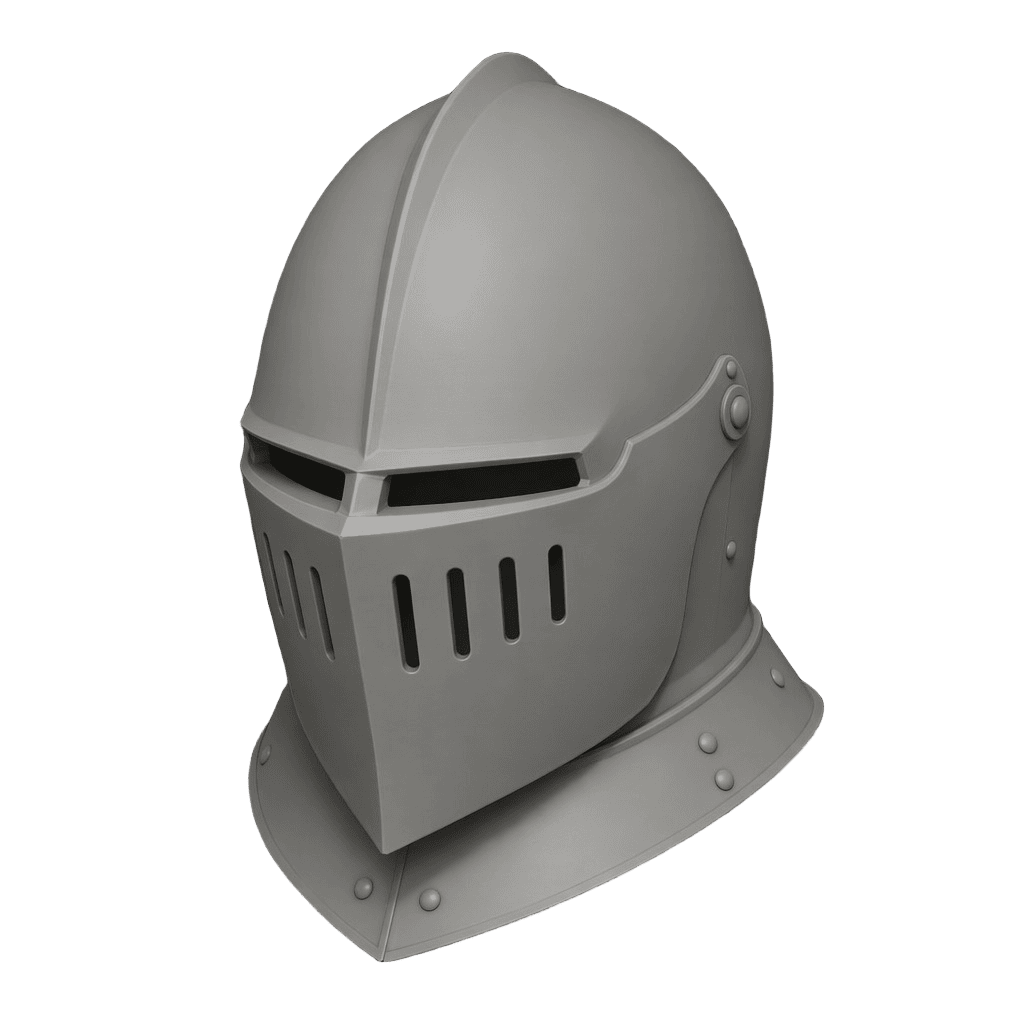
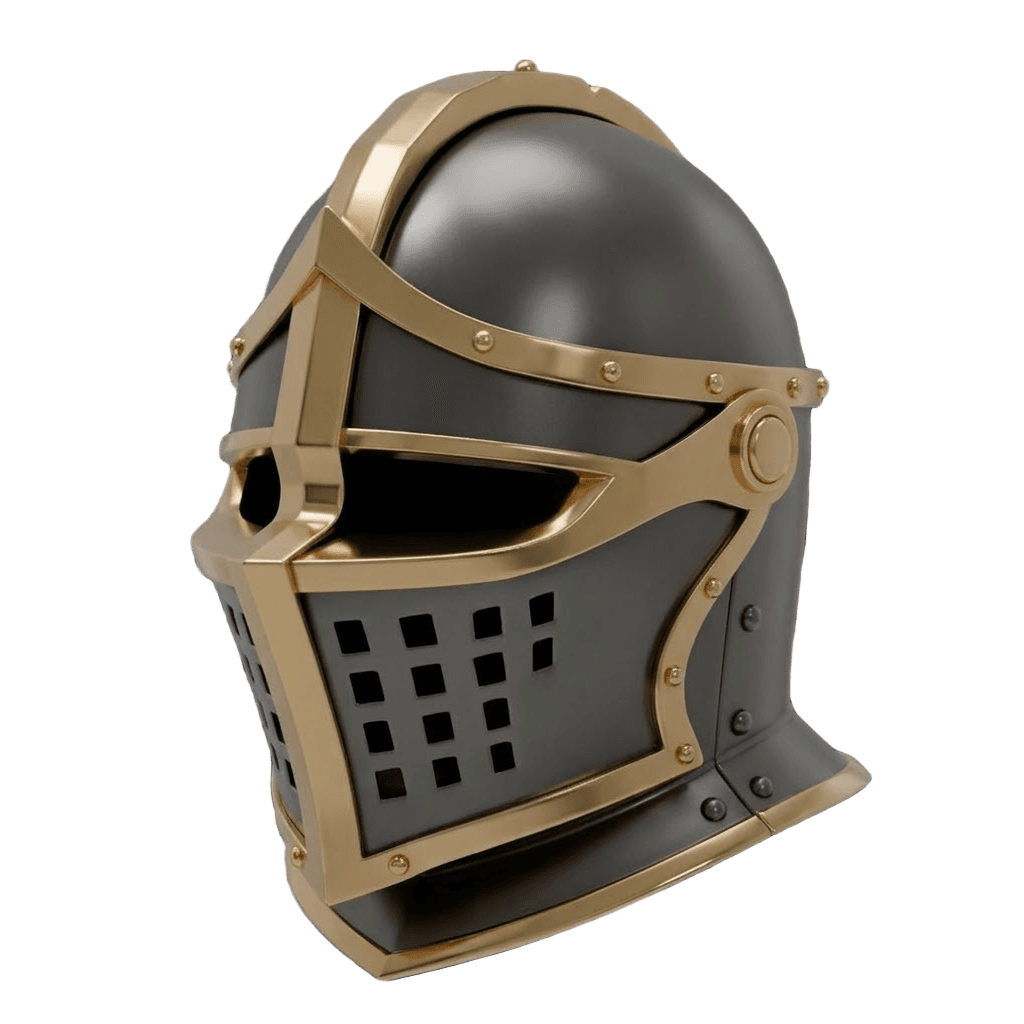
Best for: Blender artists who want clean, textured AI models to refine and render.
Pros:
- Text and image to 3D, with multiple engines
- Remesh to clean quads plus texturing before import
- Blender add-on and bridge for a direct handoff
- Mixamo-compatible rigging; exports GLB/FBX/OBJ
- Free tier and affordable plans
Cons:
- Generation runs in the cloud, so the heaviest steps happen outside Blender (which is also why they are fast)
2. Dream Textures - Best In-Blender Texture AI
Dream Textures integrates Stable Diffusion directly into Blender to generate seamless textures and project materials onto your meshes without leaving the app. For Blender users who want free, in-context texture generation, it is the standout.
Best for: Generating textures inside Blender.
Pros: Free, open-source, lives in Blender, great for seamless textures.
Cons: Needs a capable GPU; full PBR map sets are easier in a dedicated texturing tool.
3. Meshy - Best In-Blender Generation Plugin
Meshy offers a Blender plugin that lets you generate models from text or images and pull them straight into your scene, with PBR textures and auto-rig options.
Best for: Generating models without leaving Blender.
Pros: In-Blender generation, good textures, auto-rig.
Cons: Single-engine output; you re-roll rather than switch engines.
4. Mixamo and AccuRig - Best AI-Assisted Rigging
Mixamo (free) and AccuRig auto-rig humanoid characters and provide animation libraries, then export to Blender. They turn a static character into an animatable one in minutes.
Best for: Rigging and animating characters for Blender.
Pros: Fast auto-rig, large animation libraries, free options.
Cons: Best for humanoids; non-standard creatures need manual work.
5. AI Copilots - Best for Natural-Language Control
AI copilot add-ons (BlenderGPT-style) let you describe an action and have Blender execute it - generating scripts, setting up scenes, or automating repetitive tasks. Great for learning and speeding up tedious steps.
Best for: Automating tasks and writing Blender Python by description.
Pros: Lowers the scripting barrier, speeds up repetitive work.
Cons: Results need checking; not a substitute for understanding Blender.
6. Built-In AI Denoisers - Best for Faster Renders
Blender's built-in OptiX and OpenImageDenoise are AI denoisers that produce clean renders from far fewer samples, cutting render times dramatically - a quiet but huge AI win that is already in Blender.
Best for: Faster Cycles renders.
Pros: Built in, free, massive time savings.
Cons: Aggressive denoising can soften fine detail.
How to Use AI With Blender (Step by Step)
- Generate the base model. Use image-to-3D for a specific design or text-to-3D to invent one.
- Remesh for clean topology. Run a quad remesh so the model edits well in Blender.
- Texture it. Generate PBR materials, or texture in-Blender with Dream Textures.
- Export GLB/FBX. Or use the Blender add-on/bridge for a direct send.
- Refine in Blender. Sculpt details, edit geometry, set up materials and lighting.
- Rig, animate, and render. Auto-rig with Mixamo, then render with AI denoising on.
Pro tip: Treat AI output as a high-quality starting block, not a finished asset. The biggest speed gains come from letting AI build the base and reserving Blender for the details only you can art-direct.
The Bottom Line
For most Blender artists, 3D AI Studio is the best AI tool to pair with Blender in 2026 because it delivers clean, textured, Blender-ready models with a dedicated add-on. Add Dream Textures for in-Blender texturing, Mixamo or AccuRig for rigging, and Blender's own AI denoisers for faster renders, and you have a complete AI-accelerated pipeline.
Start by generating a model, then read our guides on importing a single photo into a usable Blender model and improving AI-generated models in Blender.

Generate 3D models with AI
Easily generate custom 3d models in seconds. Try it now and see your creativity come to life effortlessly!
FAQ
What is the best AI tool for Blender in 2026?
3D AI Studio is the best option for Blender because it generates from text or images, remeshes to clean topology, textures, and exports GLB/FBX that import cleanly, with a dedicated Blender add-on and bridge. For in-Blender texturing you can add Dream Textures, and Mixamo or AccuRig handle AI-assisted rigging.
Can AI generate 3D models for Blender?
Yes. AI tools generate a textured 3D model from a prompt or image, which you export as GLB, FBX, or OBJ and import into Blender like any other asset. The cleanest results come from remeshing to quads before import so the model is easy to edit and subdivide.
Is there an AI add-on inside Blender?
Yes. Dream Textures brings AI texture generation directly into Blender, Meshy offers a generation plugin, and AI copilot add-ons let you control Blender with natural-language commands. 3D AI Studio provides a Blender add-on and bridge to send generated models straight into your scene.
How do I import an AI-generated model into Blender?
Export the model from your AI tool as GLB or FBX, then in Blender use File, Import, and choose the format. For best results, remesh the model first for clean topology, and check scale and orientation after import. 3D AI Studio exports Blender-friendly formats and has a guide for importing and optimizing.
Can AI texture models inside Blender?
Yes. Dream Textures generates seamless textures and projected materials inside Blender using Stable Diffusion. You can also texture in a dedicated tool like 3D AI Studio and import the textured model, which is often easier for full PBR map sets.
Do AI tools replace Blender?
No - they speed it up. AI handles the heavy lifting of generating geometry, textures, and base rigs, while Blender remains the place for precise editing, custom animation, simulation, and final rendering. The best 2026 workflow generates with AI, then refines in Blender.