
Best AI Tools for 3D Animation in 2026
Quick answer: The best place to start 3D animation in 2026 is 3D AI Studio: generate a character and get it rigged and animation-ready in one place, with Mixamo-compatible animations. From there you can add specialist tools as needed - markerless mocap (Move AI, DeepMotion) or AI-assisted keyframing (Cascadeur) - to take a character from idea to animated fast.
3D animation used to demand specialized skills at every stage - rigging, weight painting, mocap cleanup, keyframing. AI now automates the slow parts: auto-rig a character, capture motion from a phone video, and assist with physics-accurate keyframes. This guide compares the best AI tools across the animation pipeline, with honest notes on where each shines.
- Best for rigged, animation-ready characters: 3D AI Studio.
- Best free auto-rig + animation library: Mixamo.
- Best markerless motion capture: Move AI and DeepMotion.
- Best AI-assisted keyframing: Cascadeur.
- Best for animated video shots: AI video tools (Veo, Kling).
Best AI Tools for 3D Animation at a Glance
| Tool | Job | Output | Best for |
|---|---|---|---|
| 3D AI Studio | Generate + rig | Rigged 3D model | Character to animation-ready |
| Mixamo | Auto-rig + animations | Rigged + clips | Free humanoid rigs |
| Move AI / DeepMotion | Markerless mocap | Motion data | Capture from video |
| Cascadeur | AI-assisted keyframing | Keyframe animation | Physics-accurate action |
| Rokoko Video | Video mocap | Motion data | Affordable mocap |
| AI video tools | Animated shots | Video clips | Quick animated visuals |
The 3D Animation Pipeline, and Where AI Helps
Animation is a chain of steps, and AI now accelerates each one:
- Character creation - generate the model from text or an image.
- Rigging - auto-add a skeleton and skin weights.
- Motion - apply library animations, capture from video, or keyframe with AI assistance.
- Cleanup and polish - AI tidies mocap and fills gaps; animators refine performance.
- Rendering - AI denoisers and video tools speed final output.
Pro tip: Rigging is where most pipelines stall. Generating a character that is already clean and riggable - or auto-rigging it immediately - is the single biggest time-saver before you ever touch motion.
1. 3D AI Studio - Best for Animation-Ready Characters
3D AI Studio is the fastest path from idea to an animatable character. Generate one from text or an image, then rig and animate it - with Mixamo compatibility so you can drop in a huge animation library instantly. Pose transfer helps you set up poses and turnarounds.
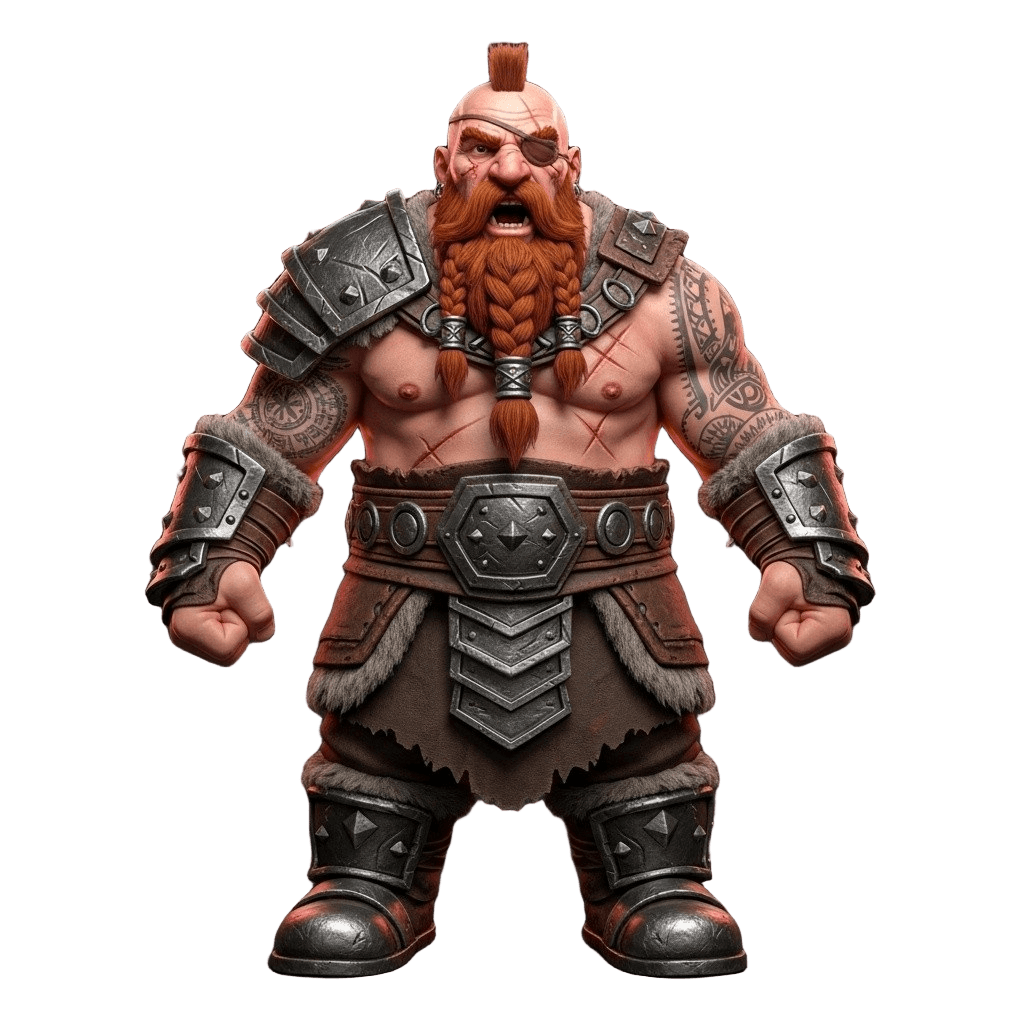
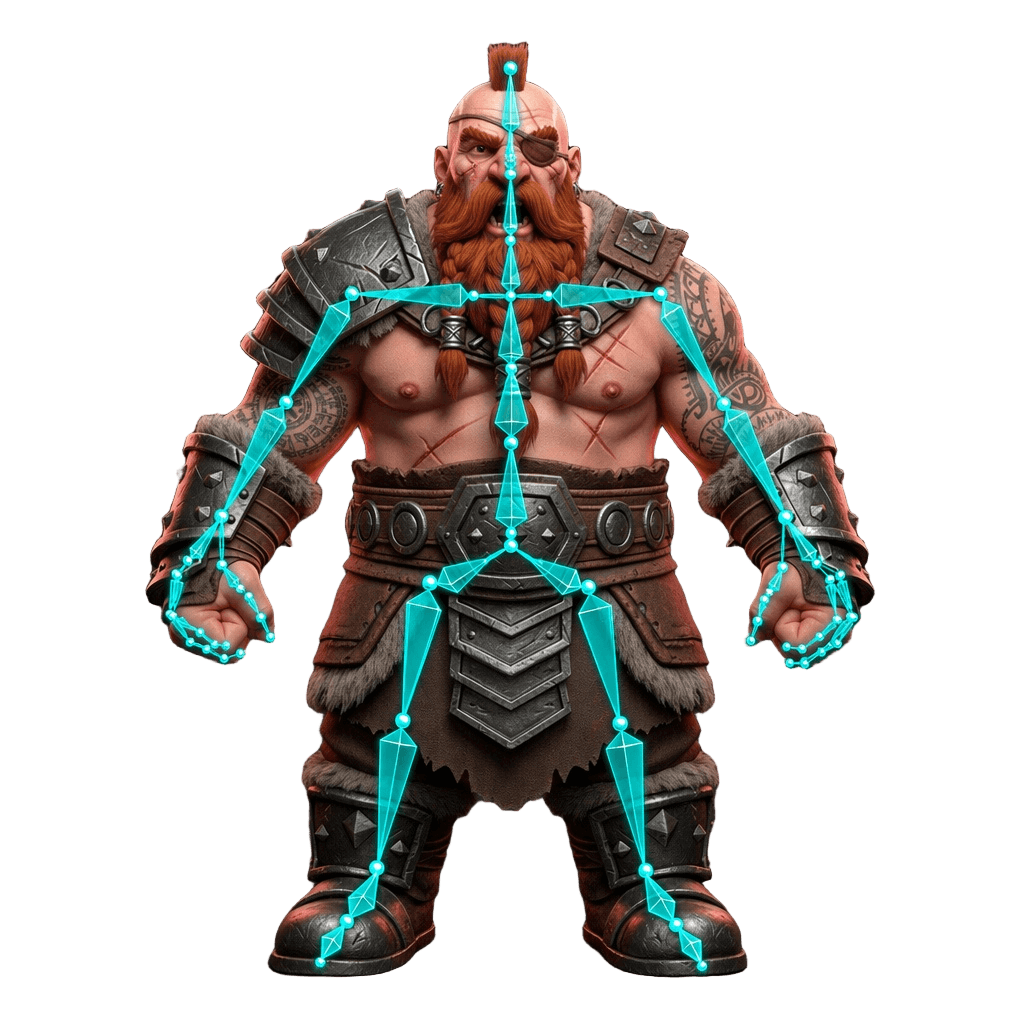
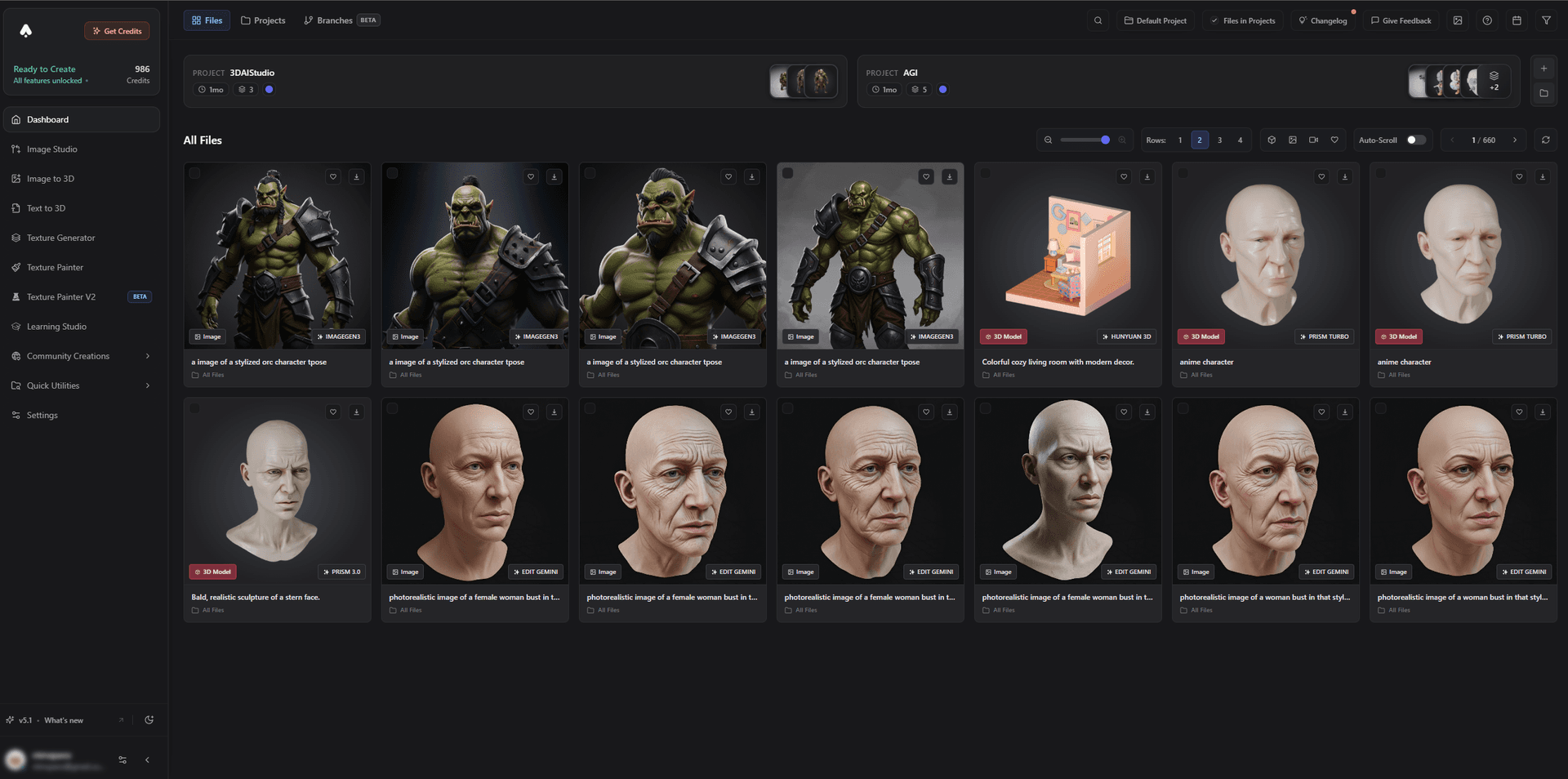
Once rigged, characters can be animated and brought into a scene or rendered as motion shots.
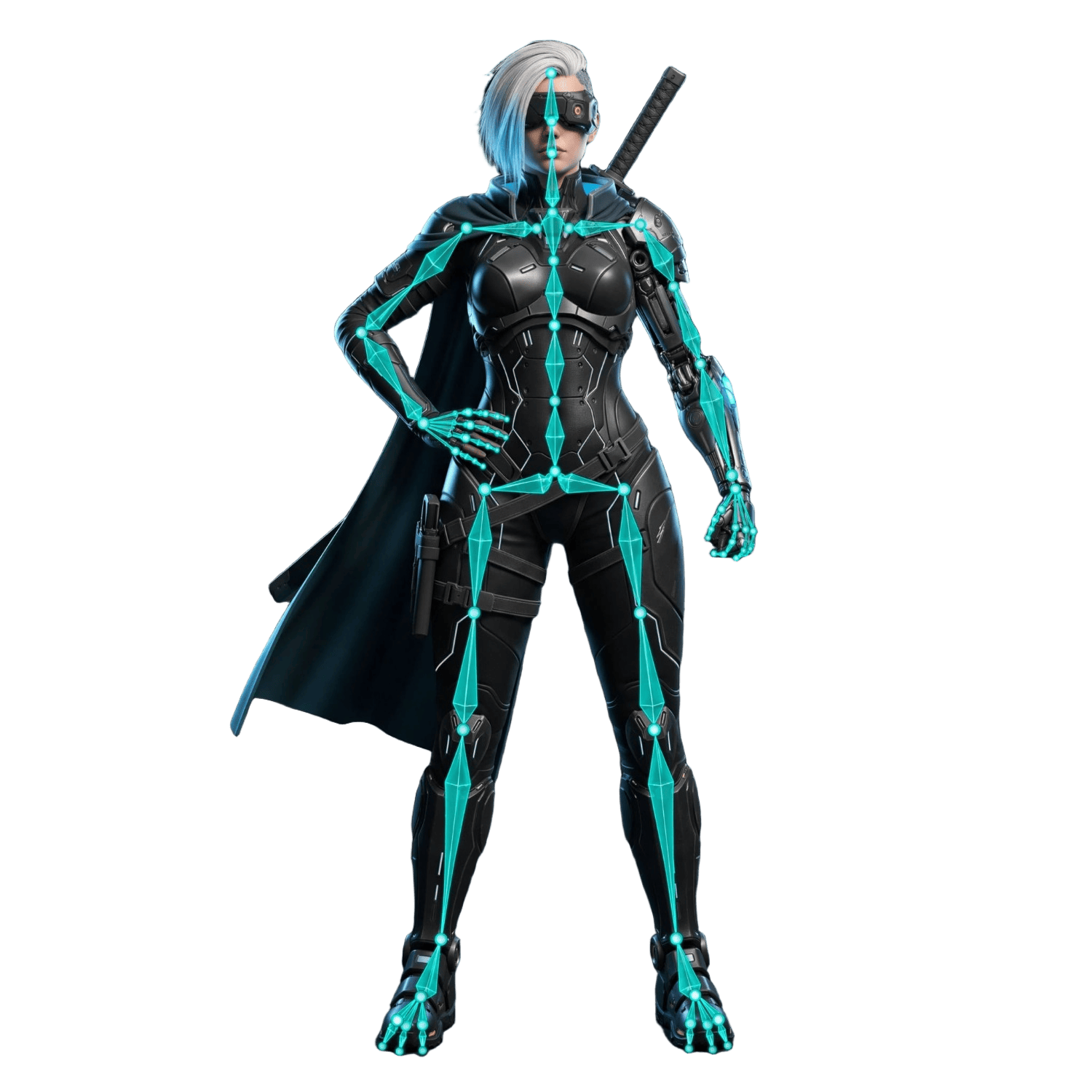
You can even generate animated shots directly from a still or character in the Video Studio:
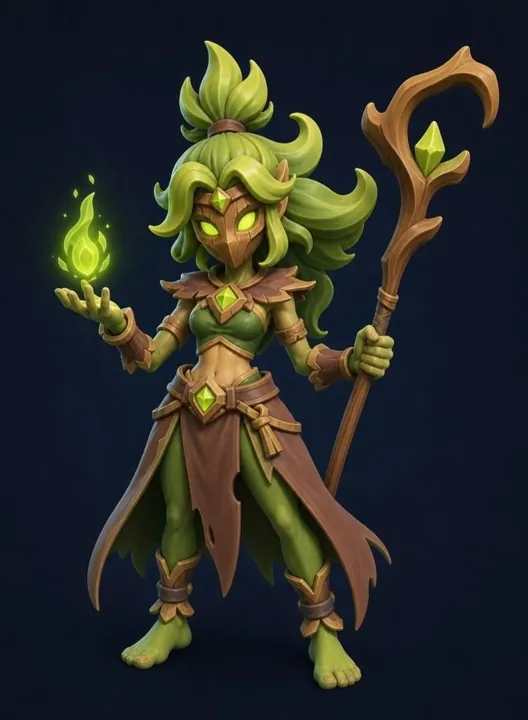
Best for: Creators who want a rigged, animation-ready character without manual rigging.
Pros:
- Generate, rig, and animate with Mixamo compatibility
- Pose transfer and clean export to Blender or engines
- Animated video shots via Video Studio; guide for 3D animation
- Free tier and affordable plans
Cons:
- For complex custom motion you will still finish in a dedicated animation tool
2. Mixamo - Best Free Auto-Rig and Animation Library
Mixamo remains the free standard: upload a humanoid character, auto-rig it, and apply from a vast library of ready-made animations, then export to Blender or your engine.
Best for: Free auto-rigging and instant humanoid animations.
Pros: Free, fast auto-rig, huge animation library.
Cons: Humanoids only; non-standard creatures need manual rigging.
3. Move AI and DeepMotion - Best Markerless Motion Capture
Move AI and DeepMotion turn ordinary video - even a single phone camera - into 3D motion data you can retarget onto your character. They replace expensive mocap suits and studios.
Best for: Capturing realistic motion without a suit.
Pros: Markerless capture from video, accessible, good quality.
Cons: Capture quality depends on footage; some cleanup needed.
4. Cascadeur - Best AI-Assisted Keyframing
Cascadeur uses AI to assist physics-accurate keyframe animation, with auto-posing and balance tools that make believable action animation far easier to hand-craft.
Best for: Action and physics-driven keyframe animation.
Pros: AI auto-posing, physics tools, great for action.
Cons: Still a keyframing tool with a learning curve.
5. Rokoko Video - Best Affordable Video Mocap
Rokoko Video offers affordable AI mocap from video, integrating with its broader motion ecosystem - a budget-friendly route to character motion.
Best for: Affordable, accessible mocap.
Pros: Low cost, video-based, good ecosystem.
Cons: Best results still benefit from clean footage and cleanup.
6. AI Video Tools - Best for Animated Shots
When you need an animated visual rather than a rigged 3D scene, AI video tools (Veo, Kling) animate a character or still into a clip - perfect for trailers, social, and concept motion.
Best for: Quick animated shots and motion concepts.
Pros: Fast, no rigging, cinematic motion.
Cons: Clips, not editable rigged 3D animation.
How to Animate a Character With AI
- Create the character. Generate with image-to-3D or text-to-3D.
- Rig it. Use built-in rigging or Mixamo for an instant skeleton.
- Add motion. Apply a library animation, capture motion from video with AI mocap, or keyframe in Cascadeur.
- Clean up. Tidy mocap and refine timing and performance.
- Render or export. Send to Blender or your engine, or generate an animated shot in Video Studio.
Pro tip: Generate your character in a clean T-pose or A-pose. A neutral, symmetrical base pose makes auto-rigging and motion retargeting dramatically more reliable.
The Bottom Line
There is no single best AI animation tool - the win is chaining them. Use 3D AI Studio to generate and rig the character, Mixamo for instant animations, Move AI or DeepMotion for custom motion from video, and Cascadeur for hand-crafted action. Together they take a character from idea to animated faster than ever.
Start by creating and rigging a character, and read our guides on animating with Blender and Mixamo and creating 3D animations with AI.

Generate 3D models with AI
Easily generate custom 3d models in seconds. Try it now and see your creativity come to life effortlessly!
FAQ
What is the best AI tool for 3D animation in 2026?
3D AI Studio is the best starting point: generate a character and get it rigged and animation-ready in one place, with Mixamo-compatible animations. From there you can layer in specialist tools like markerless mocap (Move AI, DeepMotion) or AI-assisted keyframing (Cascadeur), but 3D AI Studio covers the create-and-rig core that everything else builds on.
Can AI rig a 3D character automatically?
Yes. Auto-rigging tools add a skeleton and skin weights to a humanoid character automatically. 3D AI Studio includes rigging and works with Mixamo, so you can generate a character and have it rigged and ready to animate in minutes instead of hours.
Can AI do motion capture without a suit?
Yes. Markerless AI mocap tools like Move AI, DeepMotion, and Rokoko Video extract 3D motion from ordinary video - even a single phone camera - and apply it to your character, removing the need for an expensive mocap suit or studio.
How do I animate an AI-generated character?
Generate the character, rig it (auto-rig or Mixamo), then apply animations from a library, motion-capture data, or hand-keyed motion. Export to your engine or Blender for final scenes. 3D AI Studio covers generation and rigging, then hands off cleanly to animation tools.
Does AI replace animators?
No - it removes the tedious parts. AI handles rigging, base motion, and mocap cleanup, while animators focus on performance, timing, and polish. The result is faster pipelines and more time for the creative, expressive work that AI cannot do alone.
What is the fastest way to get an animated 3D character?
Generate the character with AI, auto-rig it, and apply a ready-made animation from a library like Mixamo. For custom motion, capture it from video with an AI mocap tool. This pipeline can take a character from idea to animated in well under an hour.