
Best Tools for Generating 3D Models in 2026: Complete Comparison Guide
Quick answer: The best overall 3D model generation tool in 2026 is 3D AI Studio, because it covers the full workflow - text-to-3D, image-to-3D, AI texturing, and auto-remeshing - in one place. If you only need one capability, Tripo and Meshy are best for fast generation, Rodin and Hunyuan3D are best for geometry quality, and Blender remains the best free tool for precise manual control.
The landscape of 3D model generation has transformed dramatically by 2026, with AI-powered tools leading the revolution. This comprehensive guide compares the best solutions available, with a special focus on how these tools can streamline your 3D creation workflow.
- Best all-in-one: 3D AI Studio - generation, texturing, and remesh in one place.
- Best for speed: Tripo and Meshy.
- Best for geometry quality: Rodin (Hyper3D) and Hunyuan3D.
- Still essential for fine control: Blender, alongside (not instead of) AI tools.
Top 3D Generation Tools in 2026 at a Glance
| Tool | Type | Best for | Notes |
|---|---|---|---|
| 3D AI Studio | All-in-one AI suite | Full workflow | Text/image to 3D, texturing, remesh |
| Meshy AI | AI generator | Game assets | Fast, PBR textures |
| Tripo AI | AI generator | Prototyping | Very fast, clean base meshes |
| Rodin (Hyper3D) | AI generator | High fidelity | Strong topology and detail |
| Hunyuan3D | Open AI model | Image-to-3D | Excellent detail |
| Blender / Maya | Manual software | Precision control | Free / industry standard |
Let's dive deep into the leading option, then look at how it compares to specialized generators and traditional software.
3D AI Studio: The Complete Solution
3D AI Studio stands out as the most versatile and powerful option for 3D model generation in 2026. Let's explore its comprehensive feature set:
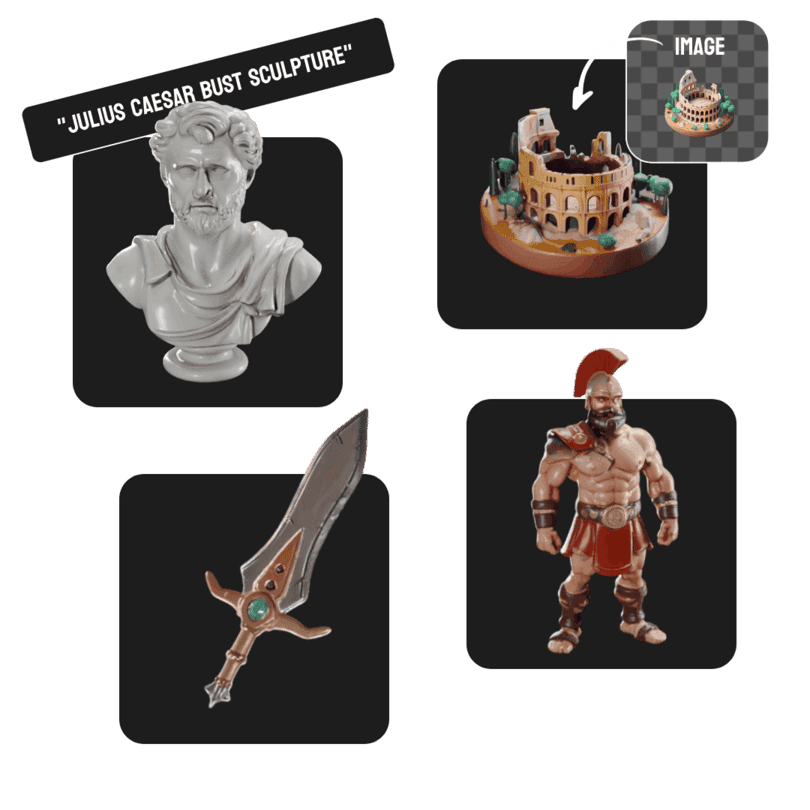
Text to 3D Generation
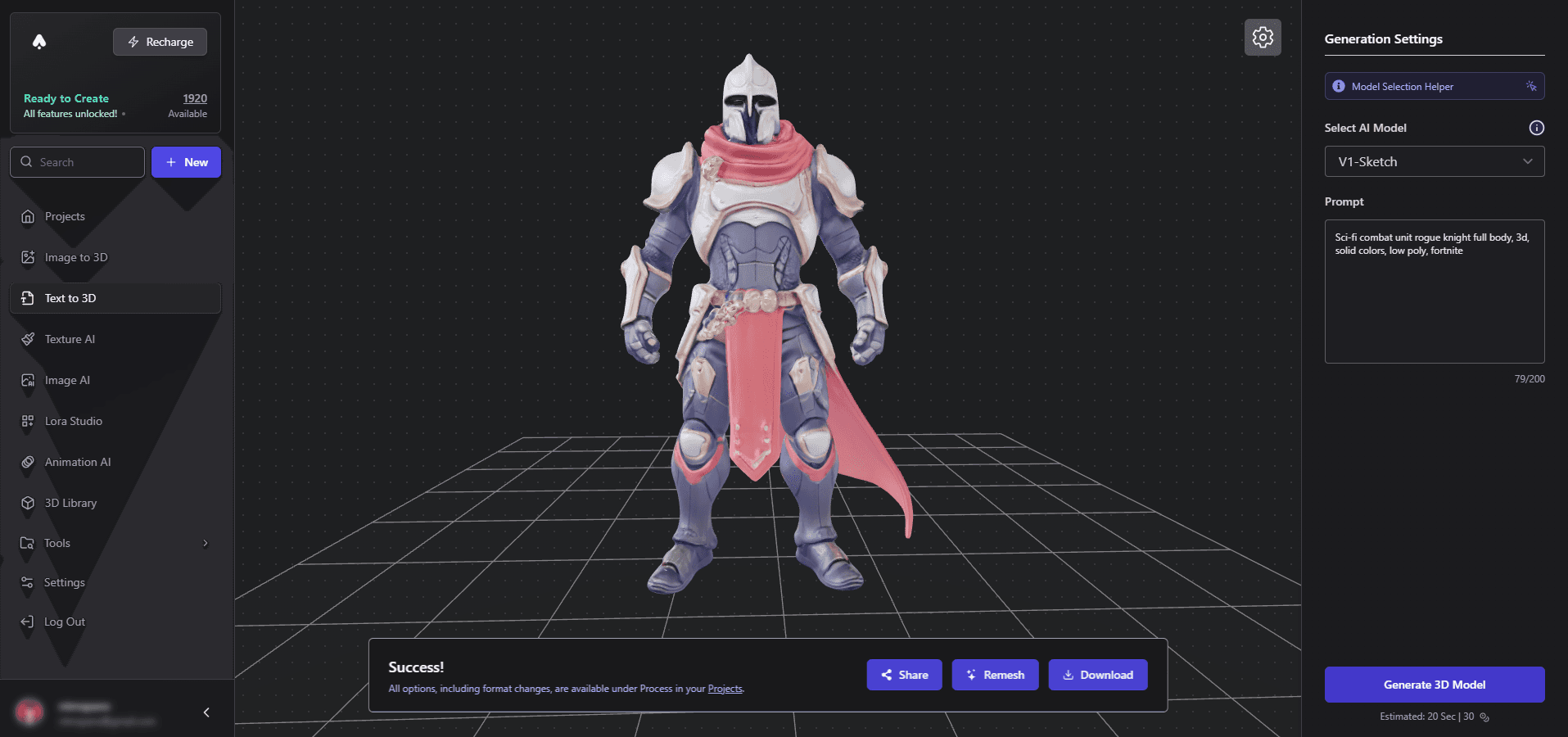
Key Features:
- Natural language model generation
- Multiple style options
- Instant results
- Export-ready models
Pro Tip: Use detailed prompts for better results. For example, instead of "knight," try "medieval knight with ornate plate armor, holding a broadsword, battle-ready pose."
Image to 3D Conversion
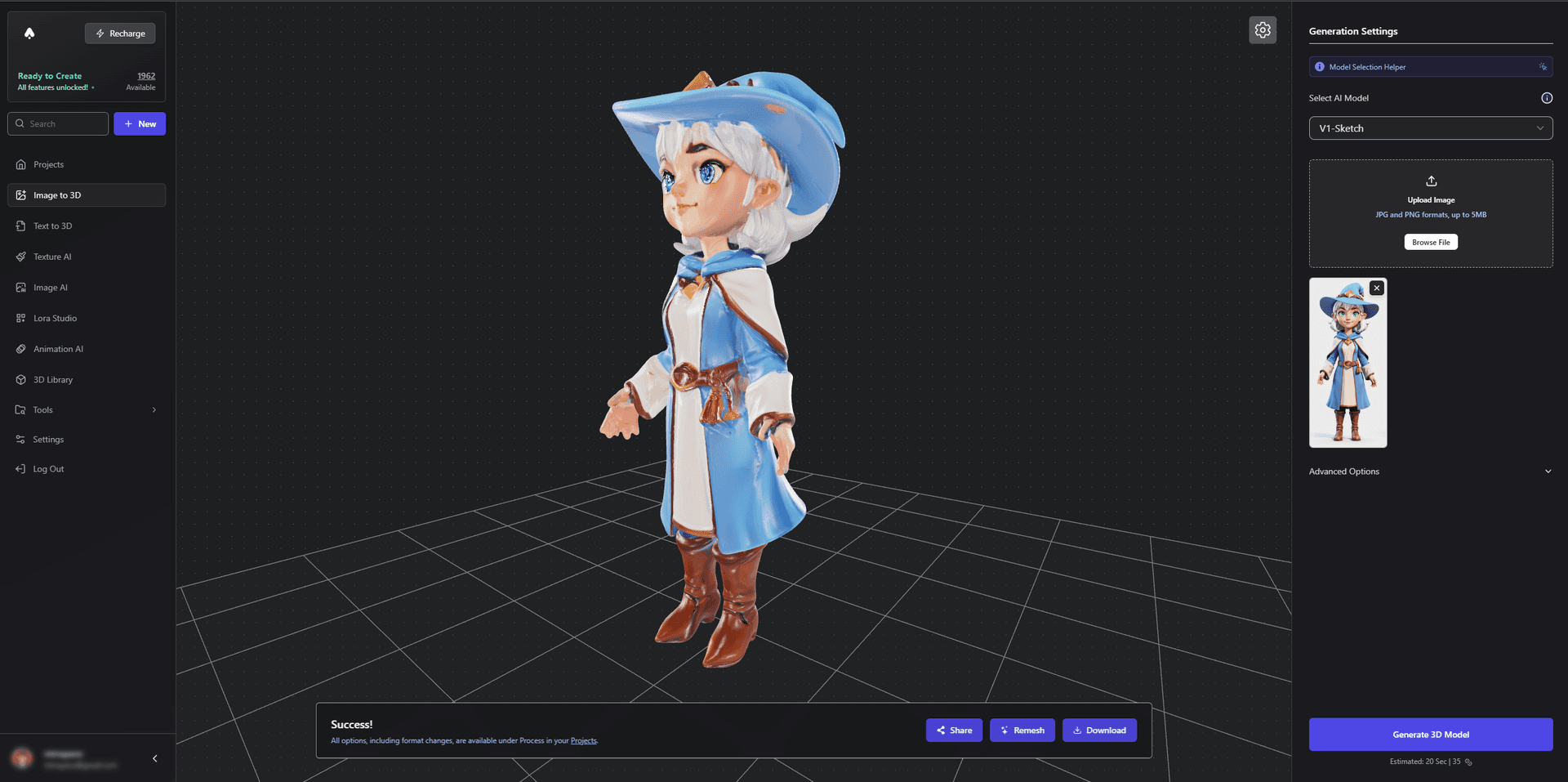
Capabilities:
- Convert any image to 3D
- Multiple conversion styles
- Automatic UV mapping
- Texture preservation
Advanced Texture Generation
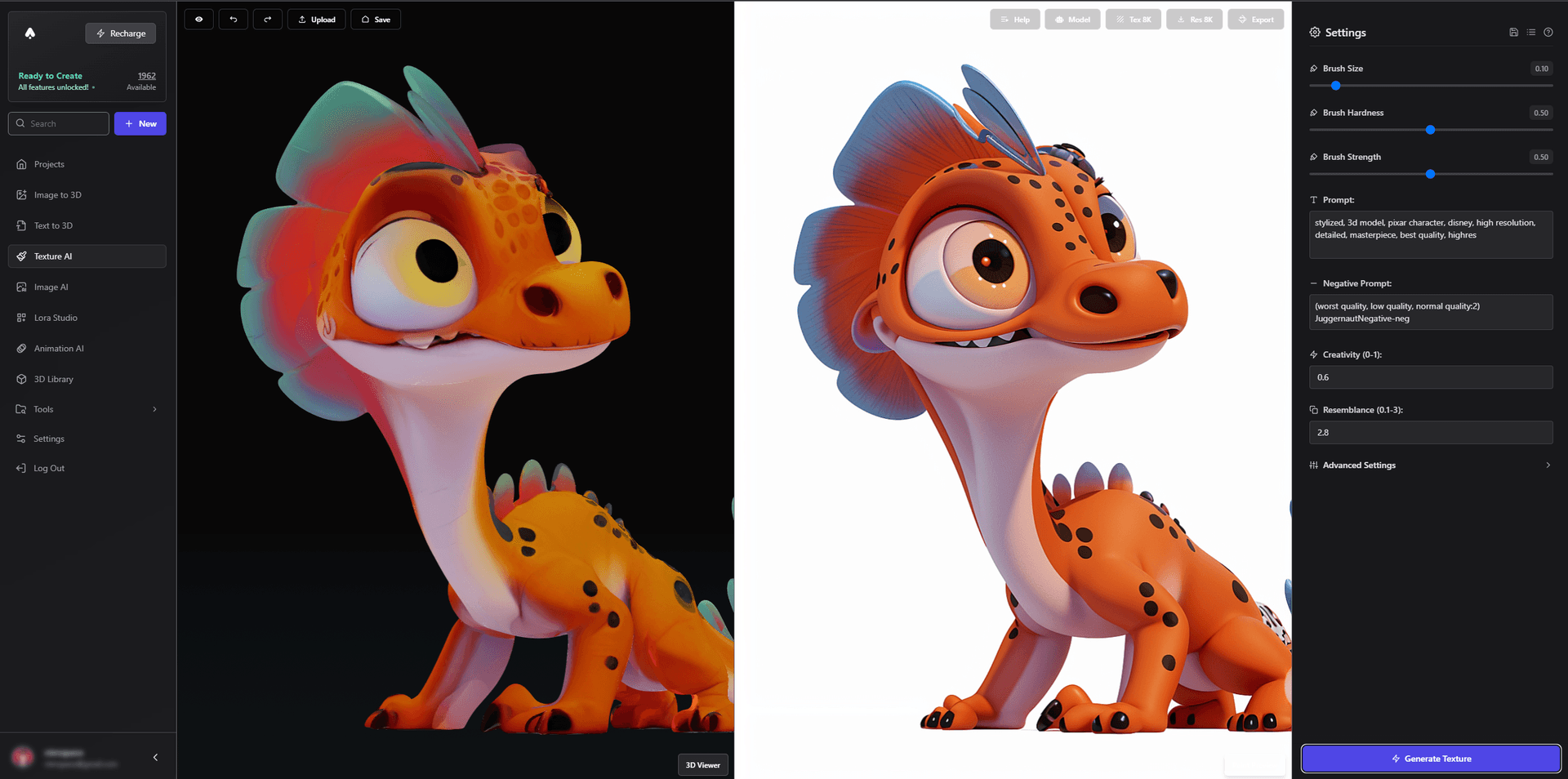
Features:
- AI-powered texture creation
- PBR material generation
- Automatic UV unwrapping
- Style transfer options
Custom Style Training
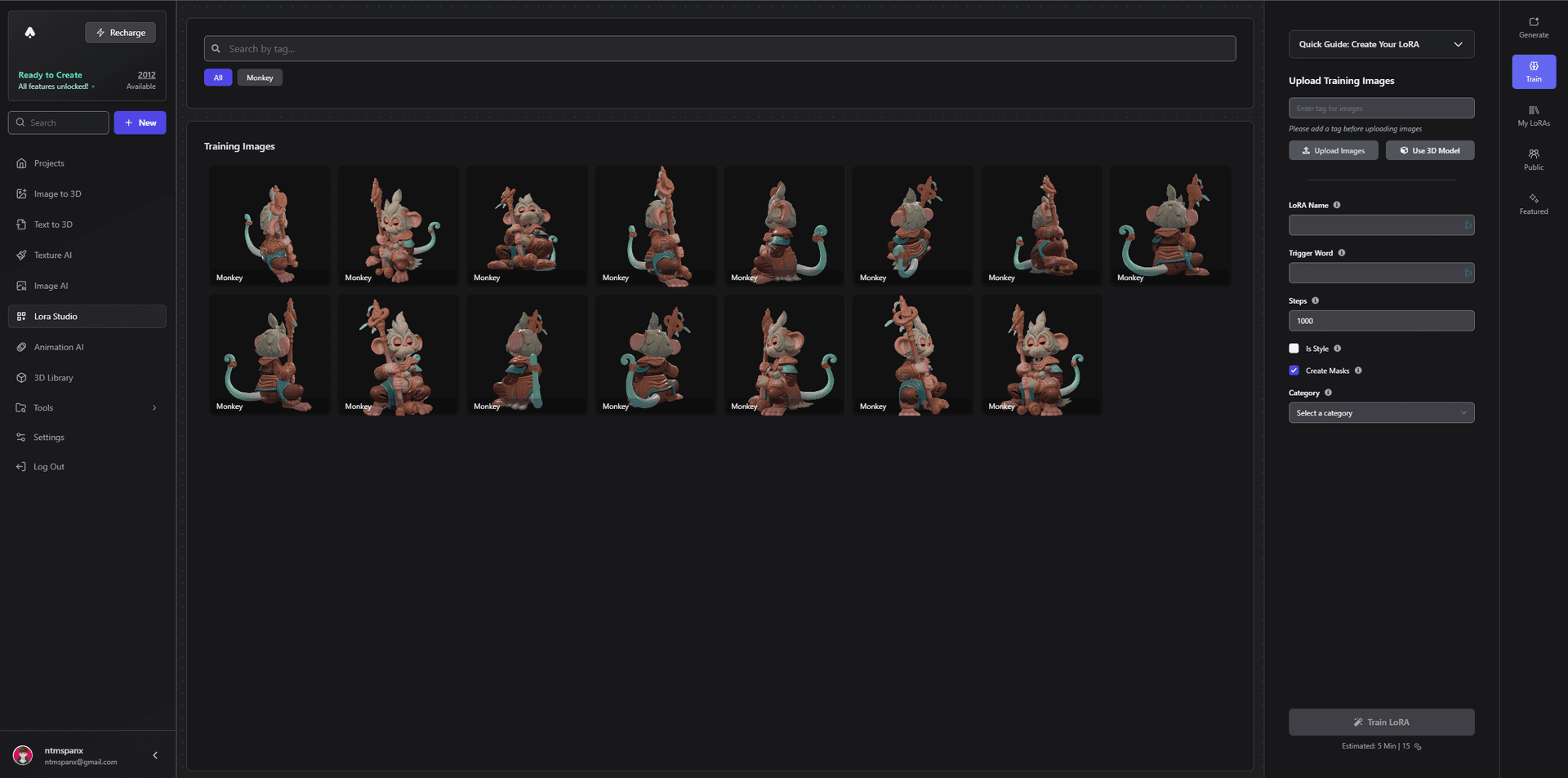
Benefits:
- Train custom art styles
- Consistent asset generation
- Style transfer capabilities
- Brand consistency
Game-Ready Asset Creation
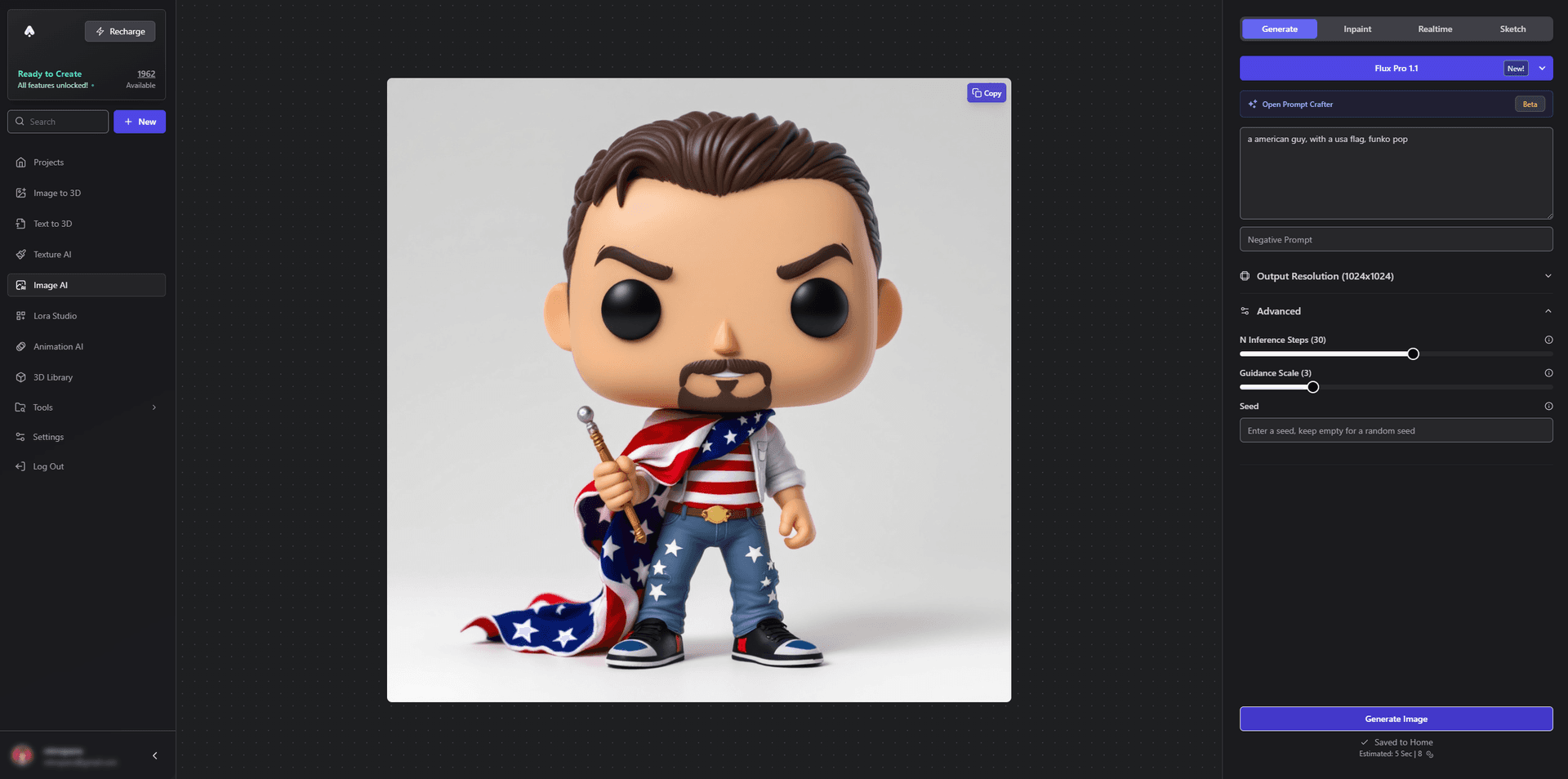
Perfect for:
- Game development
- AR/VR applications
- Real-time rendering
- Mobile applications
Advanced Features Breakdown
Model Enhancement
The 3D Model Remesher offers:
- Automatic topology optimization
- LOD generation
- UV optimization
- Export format conversion
Rigging and Animation
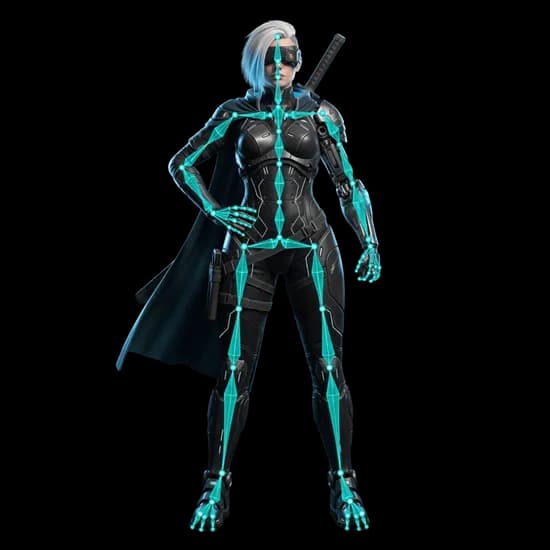
The dedicated Rigging Tool provides:
- Automatic rigging
- Compatible animation presets
- Animation retargeting
- GLB and FBX export
Community and Sharing
Social features:
- Asset sharing
- Community challenges
- Collaboration tools
- Resource library
Workflow Comparison
Traditional Workflow (3-5 days):
- Concept sketching (4-8 hours)
- Base modeling (8-16 hours)
- UV unwrapping (4-8 hours)
- Texturing (8-16 hours)
- Optimization (4-8 hours)
3D AI Studio Workflow (15-30 minutes):
- Prompt writing (2-5 minutes)
- Model generation (5-10 minutes)
- Refinements (5-10 minutes)
- Export (2-5 minutes)
Technical Specifications
Model Output Options:
- Formats: GLB, FBX, OBJ, USD
- Polygon count: Adjustable up to 100k
- UV maps: Automatic generation
- Textures: Up to 4K resolution
Performance Metrics:
- Generation time: 30 seconds to 2 minutes
- File size: Optimized for different platforms
- Real-time performance: Optimized for gaming
- Memory usage: Efficient resource management
Industry-Specific Solutions
Game Development:
- Low-poly optimization
- LOD generation
- PBR materials
- Animation ready
Architecture Visualization:
- Accurate scale
- Material presets
- Environmental integration
- Lighting optimization
Product Design:
- Precise measurements
- Manufacturing specs
- Material simulation
- Assembly visualization
Cost Comparison (Annual)
Traditional Software:
- Modeling software: $600-2000
- Texturing tools: $300-900
- Plugins: $200-500
- Training: $1000+
3D AI Studio:
- All-inclusive solution
- Continuous updates
- No additional plugins needed
- Free training resources
How It Compares to Specialized Generators
Standalone generators each shine in one area. Here is a quick, honest read on where each one is strongest and where it falls short:
- Meshy AI - Best for fast game assets. Pros: quick generation, solid PBR texturing, beginner-friendly. Cons: fine detail and topology vary by prompt.
- Tripo AI - Best for rapid prototyping. Pros: very fast, clean base meshes, generous free tier. Cons: detailed results often need extra refinement and texturing.
- Rodin (Hyper3D) - Best for high-fidelity models. Pros: strong topology, detailed surfaces. Cons: quality-first approach can cost more for heavy use.
- Hunyuan3D - Best for image-to-3D. Pros: excellent detail, openly available. Cons: self-hosting is technical, so most people access it through a platform.
- Blender / Maya - Best for precise manual control. Pros: complete creative control, Blender is free. Cons: steep learning curve and slow compared to AI generation.
The advantage of an all-in-one suite is that you don't have to choose. 3D AI Studio lets you generate, then texture and remesh in the same place, so a raw mesh becomes a production-ready asset without exporting between tools. It even runs models like Hunyuan3D for you, so you get that image-to-3D quality without the setup.
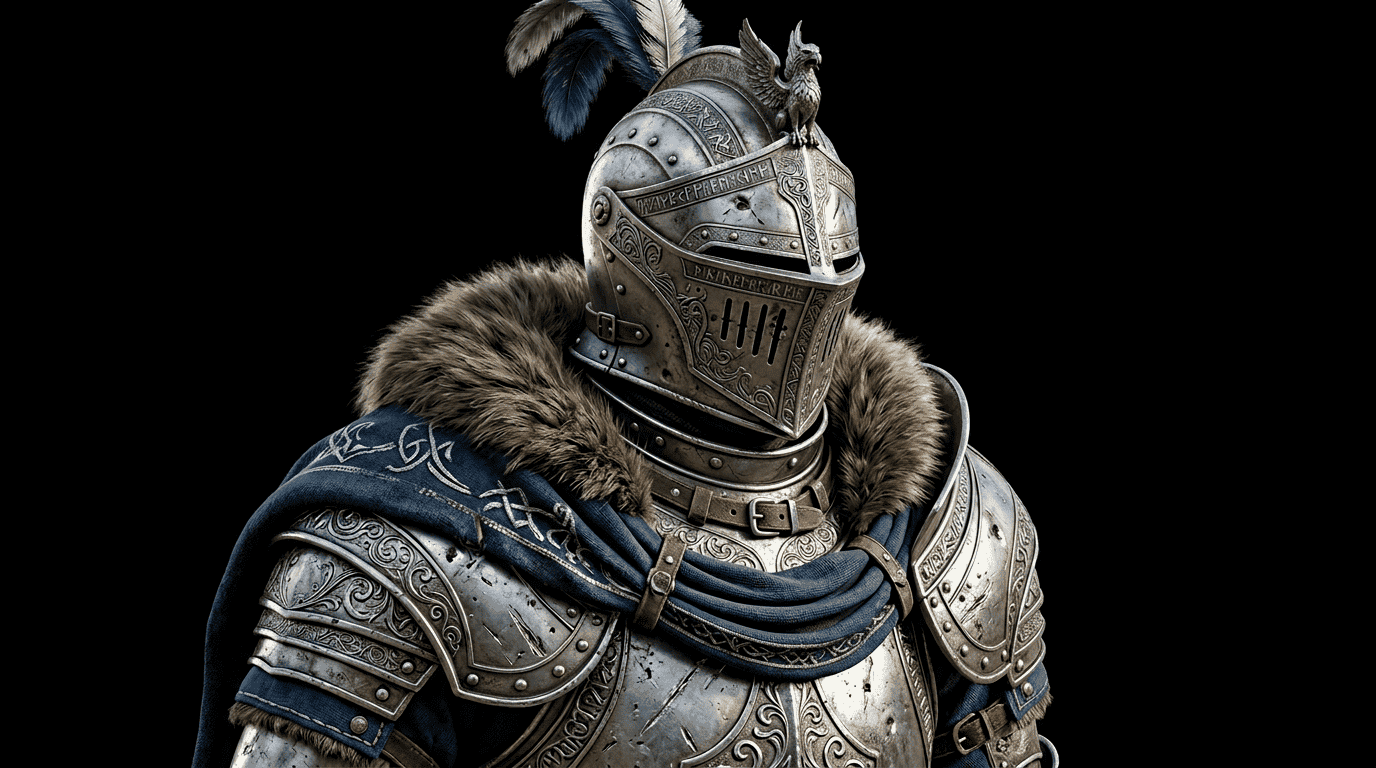
Future Developments
Upcoming Features:
- Advanced style training
- Real-time collaboration
- Enhanced animation systems
- Expanded material library
Conclusion
While traditional 3D modeling tools remain valuable for specific use cases, 3D AI Studio represents the future of 3D model generation. Its combination of speed, quality, and ease of use makes it the standout choice for 2026 and beyond.
Ready to transform your 3D modeling workflow? Visit 3D AI Studio today and join the thousands of creators already using AI to revolutionize their 3D creation process.
For more advanced techniques and tips, check out our guide on improving AI-generated models.

Generate 3D models with AI
Easily generate custom 3d models in seconds. Try it now and see your creativity come to life effortlessly!
FAQ
What is the best 3D model generation tool in 2026?
3D AI Studio is the best all-in-one choice because it combines text-to-3D, image-to-3D, AI texturing, and auto-remeshing in one workspace. Meshy, Tripo, and Rodin are strong specialized alternatives depending on whether you prioritize speed, ease of use, or geometry quality.
Is AI 3D generation good enough for professional work?
Yes. In 2026, AI generators produce clean topology and PBR textures that export to GLB, FBX, OBJ, and USD. With auto-remeshing and light cleanup, the results are suitable for game development, product visualization, and 3D printing.
How fast is AI 3D model generation compared to manual modeling?
A traditional model-to-export pipeline can take 3-5 days. With AI tools the same workflow takes roughly 15-30 minutes, since generation, texturing, and optimization are automated.
Do I still need Blender if I use an AI 3D generator?
Not to get started, but it helps for finishing work. AI generators handle the heavy lifting of creating geometry and textures, while Blender is useful for custom edits, hand-keyed animation, or final optimization. A common 2026 workflow is to generate and auto-remesh in an AI tool, then polish in Blender only when a project needs it.
Which 3D model generation tool is best for beginners?
Beginners do best with an all-in-one platform that requires no prior 3D experience. 3D AI Studio is a strong choice because you describe an object or upload an image, and it produces a textured, export-ready model, with texturing and remeshing built in so you do not need separate tools.