
10 Best Image to 3D Tools in 2026
Expert comparison of the top AI-powered image-to-3D conversion tools. We tested and reviewed each platform to help you choose the right tool for your needs.
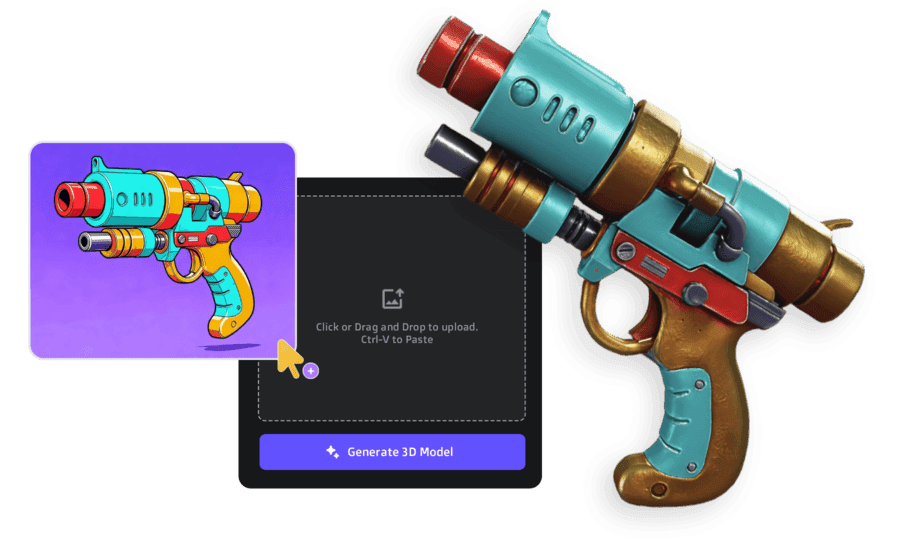
TL;DR - Our Top Picks
After testing all 11 tools, here's the short version: 3D AI Studio is the best overall - it gives you access to every major AI model (Meshy, Rodin, Tripo, Hunyuan, Trellis) under one platform, plus image generation and pipeline tools. Best value by far.
For maximum photorealistic quality with enterprise budgets, Rodin AI leads. For free experimentation, Luma AI is the easiest starting point.
For the full breakdown of each tool with results, pricing, and use cases - keep scrolling.
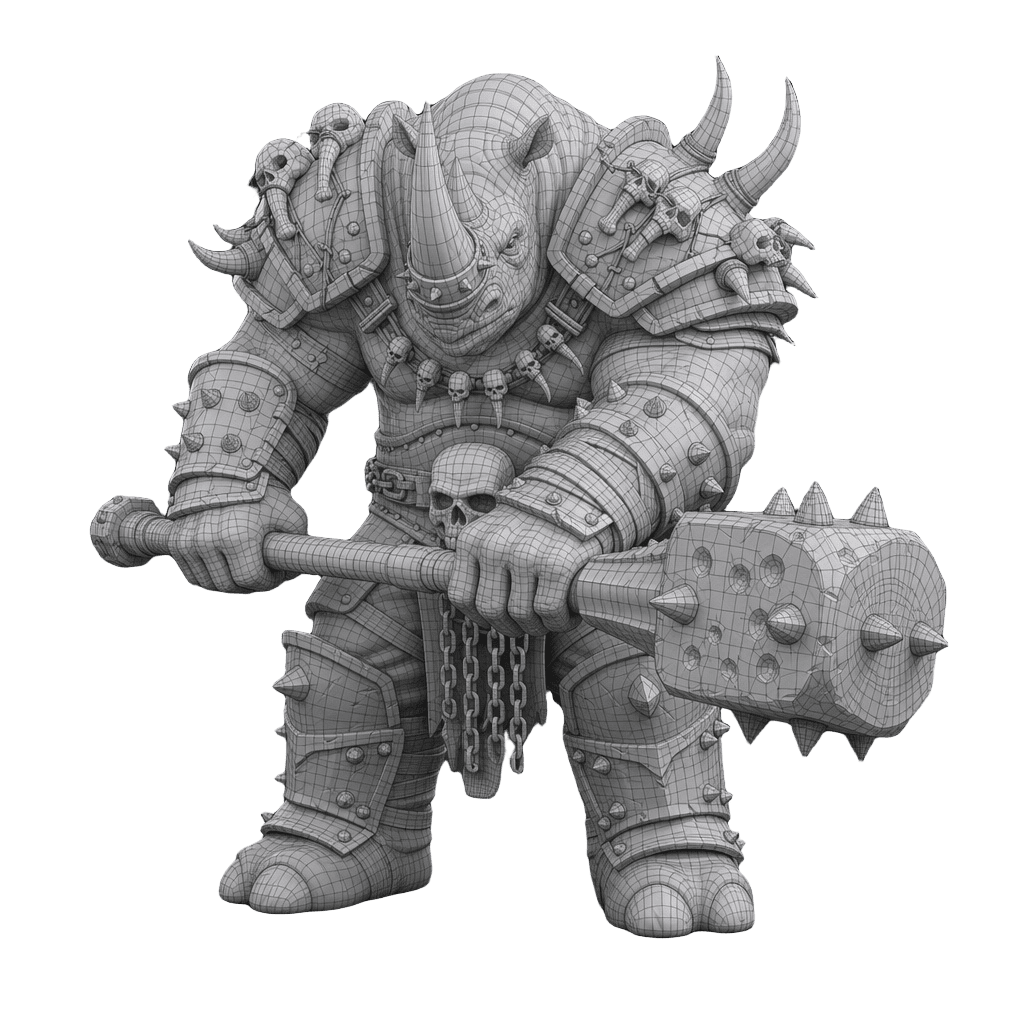
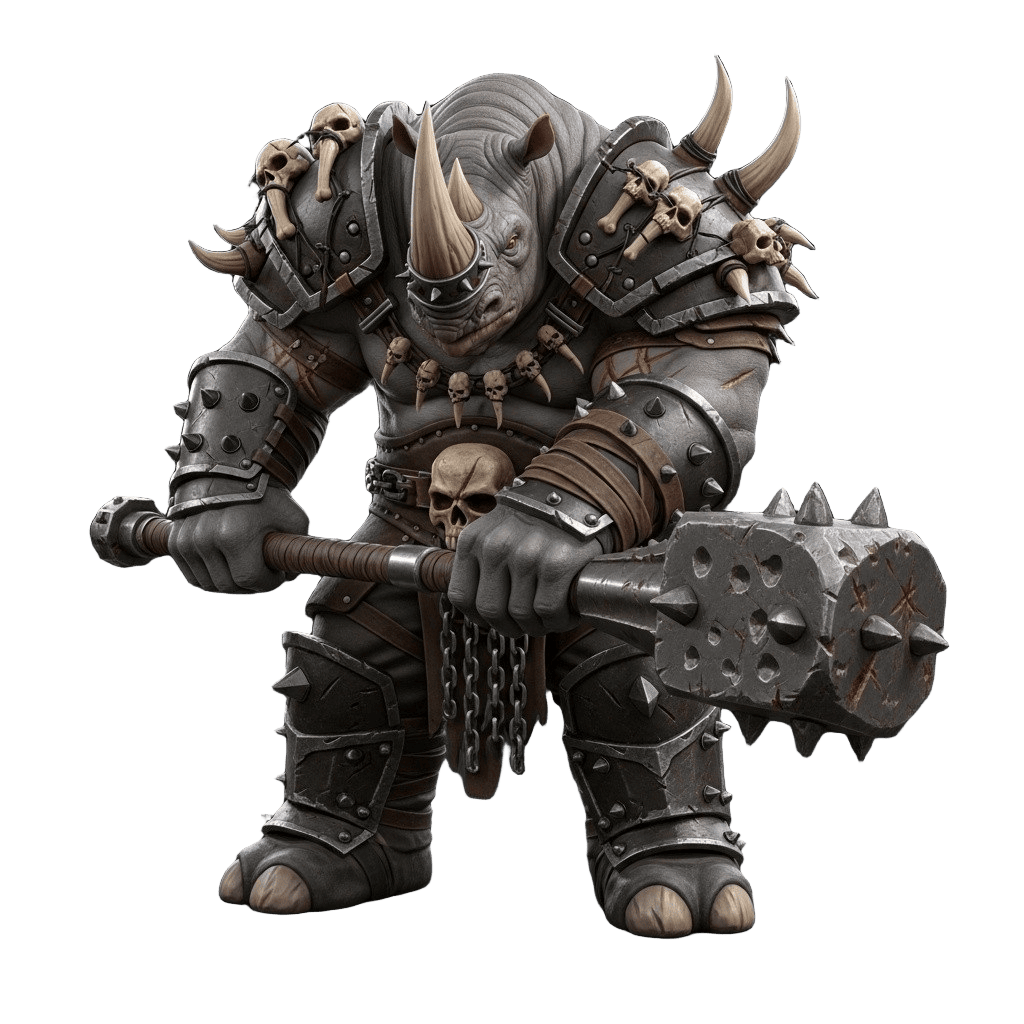
Best 3D AI Generator 2026 - Quick Comparison
I tested all major AI 3D tools with the same input to compare the results. Watch the quick video, then scroll down to rotate and inspect the actual 3D models yourself:
Want a closer look? Below you can spin each model yourself and compare the quality, textures, and geometry up close:
How We Tested
We tested each image-to-3D tool with the same set of 20 reference images across different categories: products, characters, architecture, and organic objects. Here's what we evaluated:
Quality Metrics
- Geometry accuracy and detail preservation
- Texture quality and PBR material accuracy
- Topology cleanliness and polygon count
- Multi-angle consistency
Practical Factors
- Generation speed and reliability
- Pricing and credit value
- Ease of use and workflow integration
- Output formats and export options
Detailed Reviews & Rankings
We ranked each image-to-3D tool based on geometry accuracy, texture quality, generation speed, pricing value, and workflow integration. 3D AI Studio leads overall for its multi-model access and bundled pipeline, while Rodin AI delivers the highest raw photorealism and TRELLIS-2 is the best free open-source option.

3D AI Studio
Editor's ChoiceStrengths
- Access to multiple AI models under one platform
- Full pipeline: rigging, animation, remeshing, textures included
- Multi-image and single-image support
- Free tools: Remesh, Texture AI, LOD Generation
Weaknesses
- Newer platform
- Requires credits for full access
Best for: Users who want multiple AI models and a complete pipeline under one roof

Tripo AI
Strengths
- Very fast generation (20-60s)
- Clean topology output
- Good for hard-surface objects
- Multi-image support
Weaknesses
- Quality inconsistent on organic shapes
- Limited post-processing tools
- Smaller community
Best for: Fast prototyping and hard-surface model generation on a budget

Hunyuan3D
Strengths
- Two-stage mesh + texture synthesis by Tencent
- Supports image, text, and sketch input
- 10-25 second generation
- Strong geometry with clean topology
Weaknesses
- Self-hosted only, requires powerful hardware
- Smaller ecosystem than commercial tools
- No managed cloud service
Best for: Technical teams who want a free, self-hosted alternative with solid quality across input types

Meshy
Strengths
- Good image-to-3D quality
- Blender and Unity plugins
- AI texturing
- Fast generation
Weaknesses
- Limited free tier (200 credits)
- Locked to one AI model
- No rigging or animation
Best for: Blender/Unity users who want plugin-based workflow integration

Rodin AI (Hyper)
Strengths
- Exceptional photorealistic quality
- High-detail output with 4K PBR
- Multi-view support
- API access
Weaknesses
- Higher plans are expensive
- No bundled pipeline tools
- Enterprise-focused
Best for: Studios needing maximum photorealistic quality and API automation
Pixal3D
Strengths
- Pixel-aligned back-projection for reconstruction-level fidelity
- Full PBR output (base color, normal, roughness, metallic)
- Built on TRELLIS.2 backbone with improved performance
- Single and multi-view input supported
Weaknesses
- Academic license only - not for commercial use
- Requires powerful GPU for self-hosting
- No managed cloud service
- Not available in the EU
Best for: Researchers and developers wanting state-of-the-art fidelity from single images, with pixel-level accuracy approaching 3D reconstruction

TRELLIS-2
Strengths
- 4B-parameter model by Microsoft, MIT licensed
- ~3 second generation at 512³ resolution
- Full PBR materials (albedo, roughness, metallic, normal)
- Multiple export formats: GLB, OBJ, PLY, 3D Gaussians
Weaknesses
- Requires beefy GPU for self-hosting
- Gaussian Splatting output harder for traditional pipelines
- No built-in rigging or animation
Best for: Developers wanting free, high-fidelity generation with full control over the pipeline

Polycam
Strengths
- LiDAR-based scanning on mobile
- Good for real-world objects
- Web-based viewer
- USDZ export for AR
Weaknesses
- Requires physical access to objects
- Slower processing (2-5min)
- Scan quality varies by device
Best for: Scanning real-world objects with your phone for AR or archviz
Real Testing Examples
Here's what we tested across the top platforms (showing 3D AI Studio)
Upload any image, get a 3D model in 30-120 seconds
All these features included • Access to ALL AI models • From $19/month
Side-by-Side Comparison
Compare all 11 image-to-3D tools side by side on price, quality, speed, multi-image support, and export formats. Prices range from free (open-source tools like TRELLIS-2 and Hunyuan3D) to $99/mo (Rodin AI), with generation speeds from 3 seconds to 24 hours.
| Tool | Starting Price | Quality | Speed | Multi-Image | Output Formats |
|---|---|---|---|---|---|
| 3D AI Studio | $19/mo | Excellent | 30-120s | ✔ | GLB, FBX, OBJ, USDZ |
| Rodin AI | $99/mo | Exceptional | 60-180s | ✔ | GLB, FBX, OBJ |
| Meshy | $19/mo | Good | 30-90s | ✗ | GLB, FBX, OBJ |
| Tripo AI | $24/mo | Good | 20-60s | ✔ | GLB, FBX, OBJ |
| TRELLIS-2 | Free (Open Source) | Very Good | ~3s | ✗ | GLB, OBJ, PLY |
| Hunyuan3D | Free (Open Source) | Good | 10-25s | ✗ | GLB, OBJ |
| CSM.ai | $20/mo | Good | 45-120s | ✗ | GLB, FBX |
| Meta SAM 3D | Free (Research) | Good | 30-60s | ✗ | GLB, OBJ |
| Luma AI | Free | Fair | 5-10min | ✔ | GLB, USDZ |
| Polycam | $10/mo | Good | 2-5min | ✔ | GLB, OBJ, PLY |
| Kaedim | $20/mo | Very Good | 4-24hrs | ✗ | FBX, OBJ |
Which Tool for Your Use Case?
The best image-to-3D tool depends on your specific workflow. For game development, 3D AI Studio's multi-model access lets you pick the right engine per asset type. For architecture, Rodin-quality models are available at a fraction of the direct cost. For hobbyists, free tiers from Luma AI and open-source tools like TRELLIS-2 are the best starting points.
Game Development
Best: 3D AI Studio - multiple AI models, 1000+ credits/month, game-ready exports
Runner-up: Tripo AI for clean topology
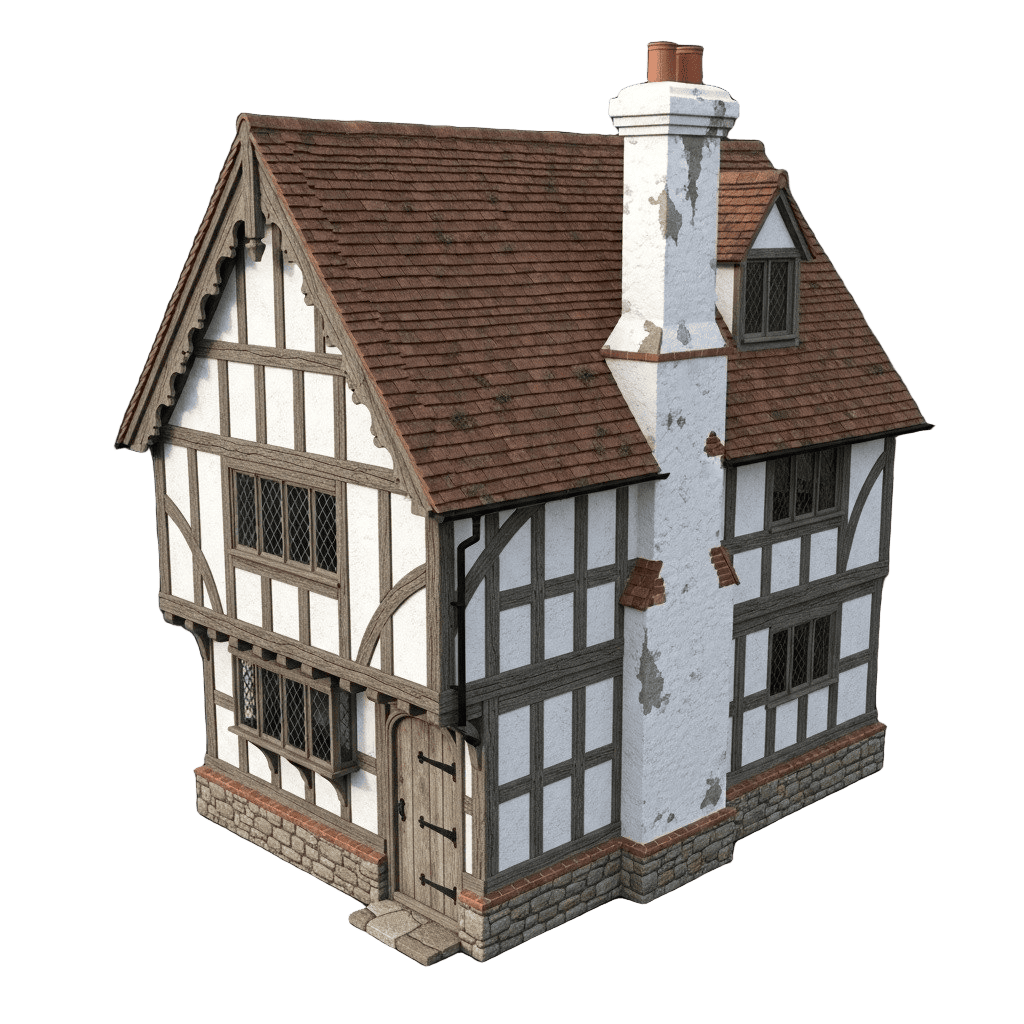
Architecture & Product Viz
Best: 3D AI Studio - Rodin-quality models at $29/mo vs $99/mo direct. Same 4K PBR.
Runner-up: Rodin AI for enterprise SLAs

E-Commerce & Marketing
Best: 3D AI Studio - 3D product models, marketing images, promo videos in one platform.
Runner-up: CSM.ai for product-specific workflows

Hobbyists & Learning
Best: Luma AI - free tier for testing and experimentation.
For serious projects, 3D AI Studio's one-time $34 payment offers much better quality
What to Look For in an Image-to-3D Tool
Geometry Accuracy
Fine details, correct proportions, clean topology
Texture Quality
4K PBR with roughness, metallic, normal maps
Generation Speed
30s (fast) to 10min (slow). Speed matters for iteration.
Cost per Model
Calculate actual cost per generation, not just monthly price
Output Formats
GLB for web, FBX for games, OBJ for Blender, STL for printing
Multi-Model Access
Different models excel at different tasks. Don't get locked in.
How Image to 3D Works
Works the same across most platforms. Here's the general workflow.
Pick an AI tool. We recommend 3D AI Studio for access to all models.
Upload a photo, edit an existing image, or generate one with AI. Clear subject, simple background works best.
Pick an AI model and hit generate. Takes 30 seconds to 2 minutes depending on quality settings.
Pick your format (GLB, FBX, OBJ, STL) and download. Use in games, 3D print, AR, or any 3D software.
Our Verdict

"After testing every tool on this list extensively, the biggest difference in 2026 is multi-model access. No single AI model wins at everything - but having all of them in one place means you always get the best result for each specific task."
- Jan, Author
For most users, 3D AI Studio offers the best combination of quality, speed, and value - with access to every major AI model in one place.
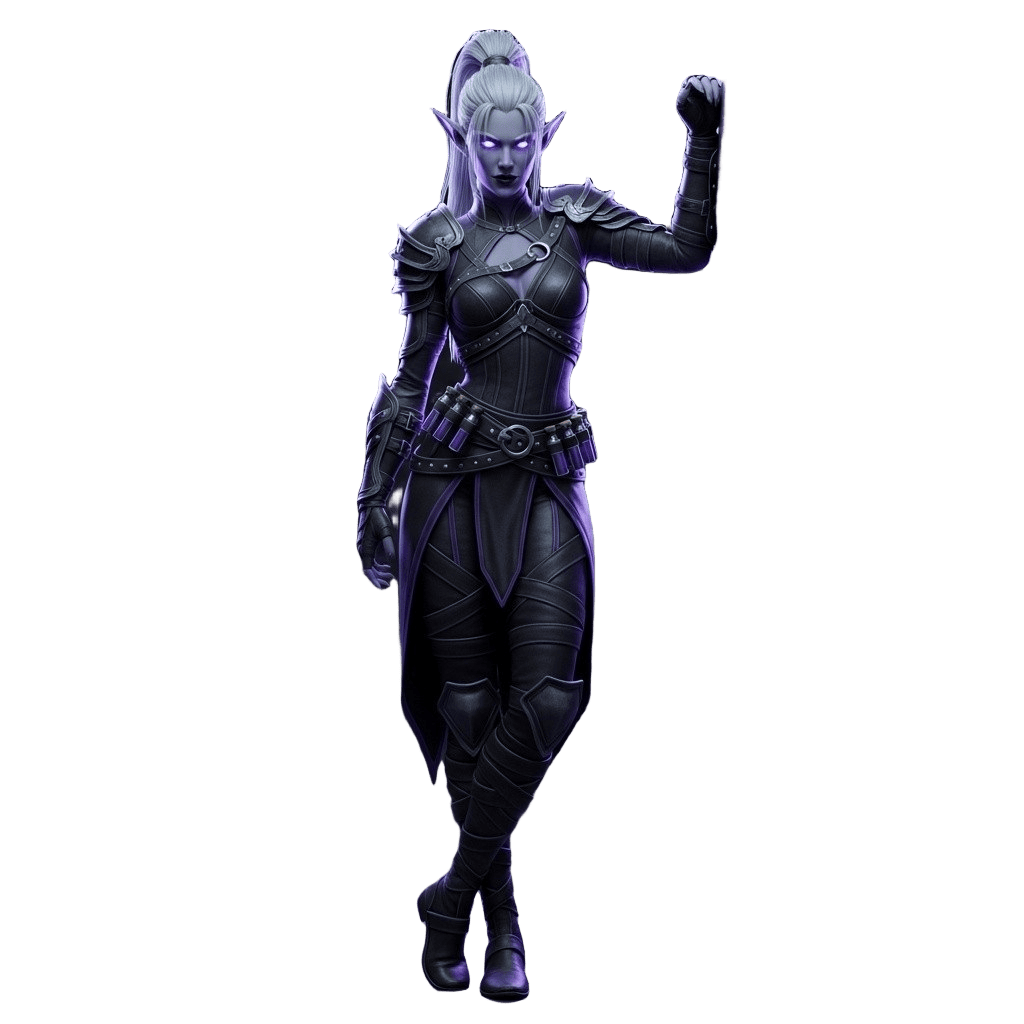
Generated with AI in 45 seconds
Ready to Try the #1 Image to 3D Tool?
Experience the best image-to-3D conversion quality with access to all leading AI models in one platform.
Try Image to 3D NowTim's Take
Real experience
"Image to 3D is my go-to for client work. They send a sketch, I send back a 3D model 5 mins later. Clients think I'm a wizard. The texture projection has gotten wildly better this year."
Frequently Asked Questions
What's the difference between AI image-to-3D tools and 3D scanning?▼
AI tools generate 3D models from a single image using AI - works with photos, drawings, concept art. 3D scanning apps need you to physically capture dozens of photos of a real object. AI is faster and works with any image. Scanning is better for exact replication of real objects.
Can I really get good results from just one image?▼
Yes. Single-image input produces usable results in 30-120 seconds for most objects. The AI estimates the hidden sides based on what it can see. For maximum accuracy, you can provide multiple angles, but one clear image is enough to start.
Which tool is best for game development?▼
3D AI Studio gives you the most flexibility - use Tripo for clean topology (great for rigging), Meshy for quick props, or Rodin for hero assets. Having access to all models means you can pick the right one per asset type.
Are these models ready for 3D printing?▼
Most AI-generated models need a quick remesh to become watertight for printing. Tools like 3D AI Studio include a one-click remesh tool that fixes this automatically. Export as STL or OBJ for your slicer.
Why is 3D AI Studio ranked #1?▼
It's the only platform giving you access to all major AI models (Meshy, Rodin, Tripo, Hunyuan, Trellis) in one place. Instead of paying $19-99/month for each tool separately, you get everything for $19-29/month. Same quality, more flexibility, better value.
What image works best for conversion?▼
Clear subject, simple background, good lighting. Product photos, clean sketches, and concept art work great. Avoid blurry images, heavy shadows, or scenes with multiple objects.
What export formats are supported?▼
All major formats: GLB for web and AR, FBX for Unity and Unreal, OBJ for Blender, STL for 3D printing, USDZ for Apple AR. Most tools support multiple formats.
How much does it cost per model?▼
Varies by tool. On 3D AI Studio, each generation costs 20 credits (roughly $0.17 per model on the Studio plan). Rodin direct costs $0.50+ per model. Free tools like Trellis and Hunyuan require your own GPU.
Can I use these models commercially?▼
Yes - models generated on 3D AI Studio, Meshy, Tripo, and Rodin are yours to use commercially. Open-source tools like TRELLIS-2 (MIT license) allow commercial use. Pixal3D is academic-only.
What's new in 2026 compared to last year?▼
Quality has improved dramatically. Trellis 2 generates in 3 seconds. Pixal3D achieves near-reconstruction fidelity. Tripo's topology is now game-ready out of the box. And multi-model platforms like 3D AI Studio mean you always get the latest models without switching tools.
Want to learn more? Check out these quick guides:
Tim Karlowitz
Developer & Creative @ Karlowitz Studios
Tim is a creative technologist and developer at Karlowitz Studios in Germany. He specializes in interactive 3D web experiences and automated content pipelines, bringing a rigorous engineering perspective to AI tool evaluation.