
3D Gen Studio for
AI 3D Models
A 3D gen studio is where ideas become 3D assets. 3D AI Studio lets you run hosted AI and open-source model workflows, create 3D models from text or images, then texture, remesh, convert, and export them for real projects.

What people mean when they search 3D Gen Studio
Most people who search 3D gen studio want a simple way to make 3D models with AI. 3D AI Studio is built for that.
Online and hosted
Open the browser and start. No local install, no GPU setup, no workflow config before you can create a model.
Open-source on hosted servers
Run open-source model workflows on our servers. Get the benefits of open-source models without managing the machine.
Local still works
If you want, you can still run local models in your own pipeline. 3D AI Studio fits next to that workflow.
Text to 3D
Describe an object in plain English. The AI turns the prompt into a 3D model with textures.
Image to 3D
Upload a photo, sketch, or concept image. Get a matching 3D model you can preview and download.
Mesh and texture tools
Generate textures, remesh, repair, compress, and convert assets so they are ready for real projects.
Made with 3D AI Studio
Real outputs from text and image input. The same kind of results you can make in your browser today.
Text to 3D
Type a prompt in our 3D gen studio and get a fully textured 3D model.
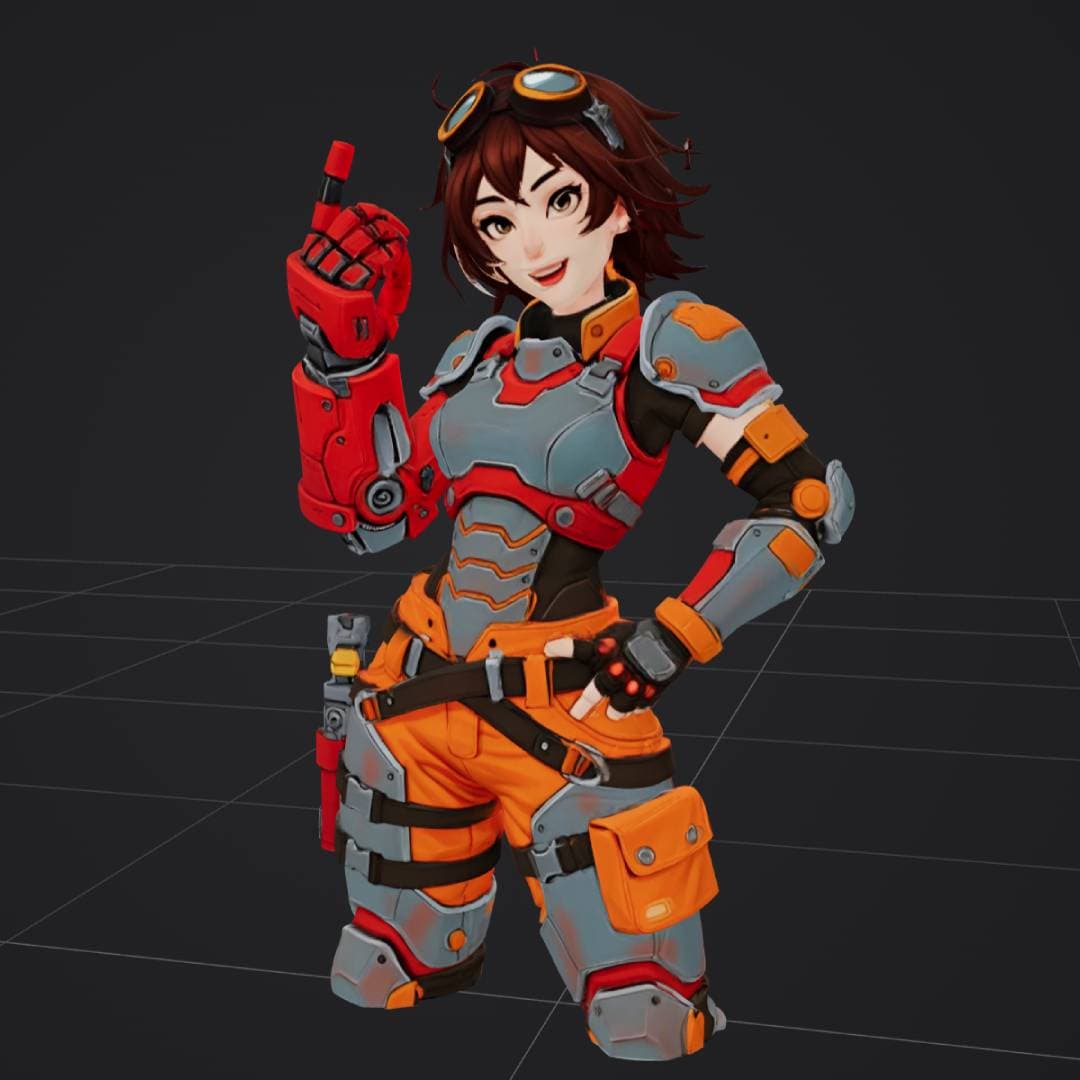
“anime style female engineer in orange and gray power armor”
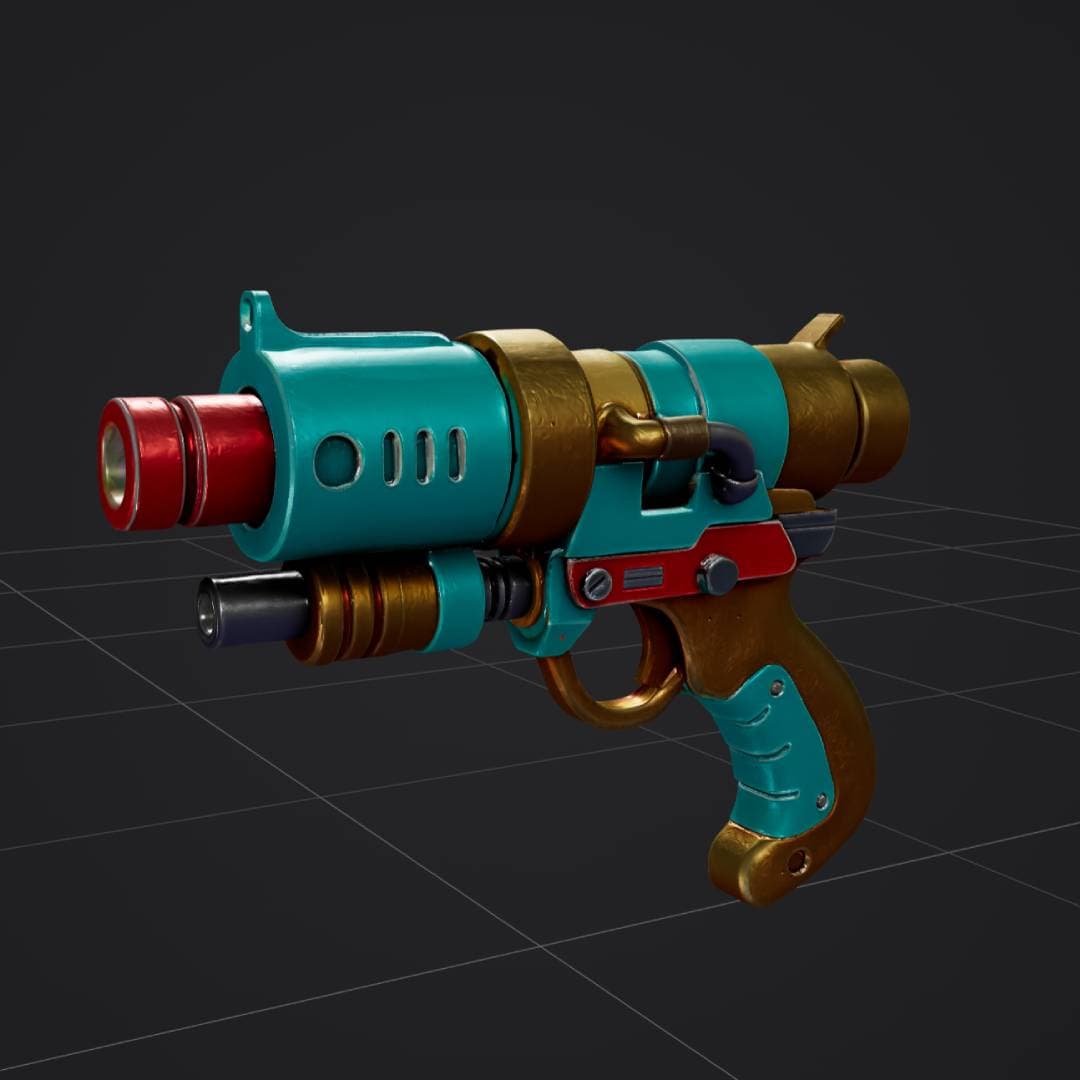
“retro sci-fi ray gun, turquoise red and gold, stylized 3D weapon”
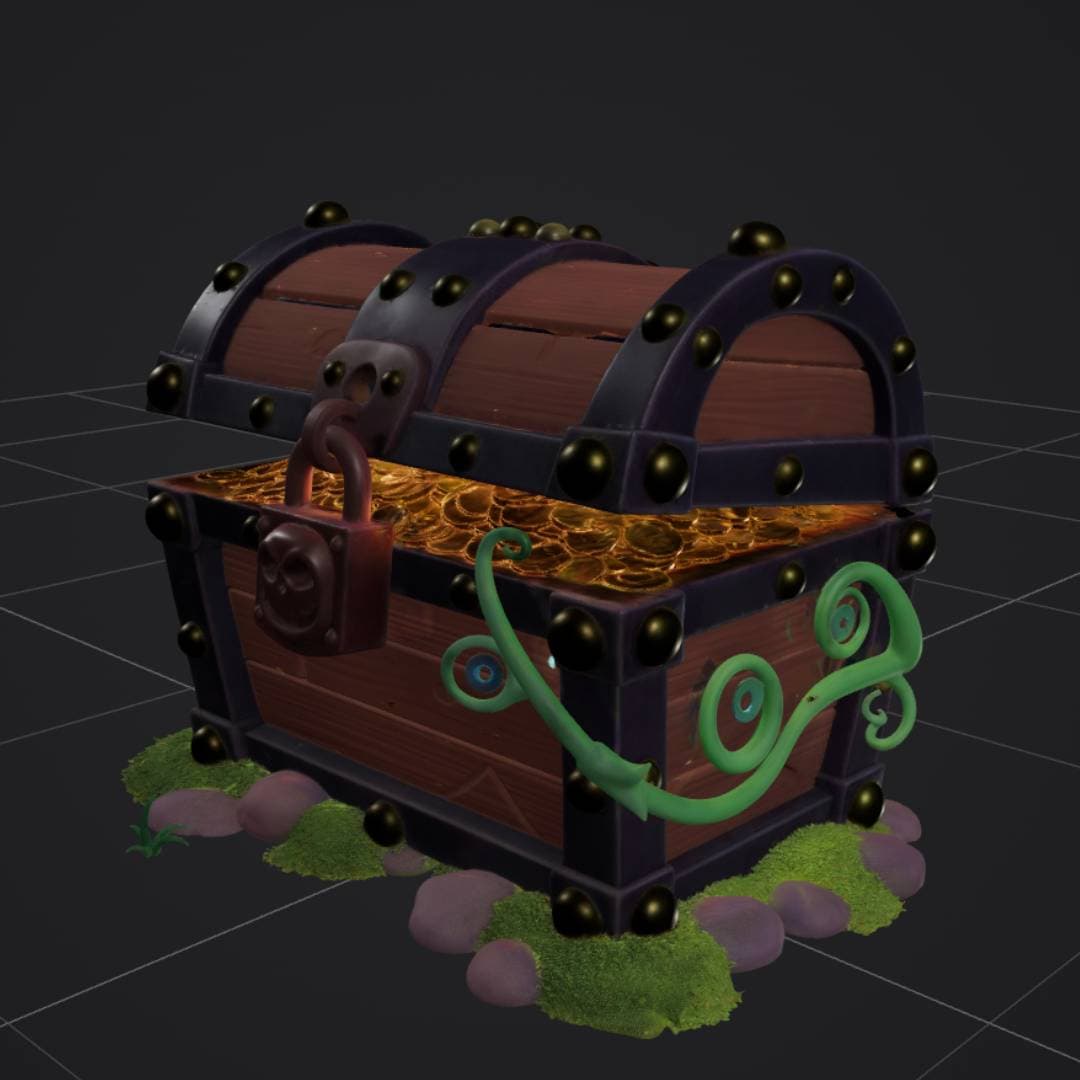
“stylized treasure chest with gold coins, padlock, vines and moss”
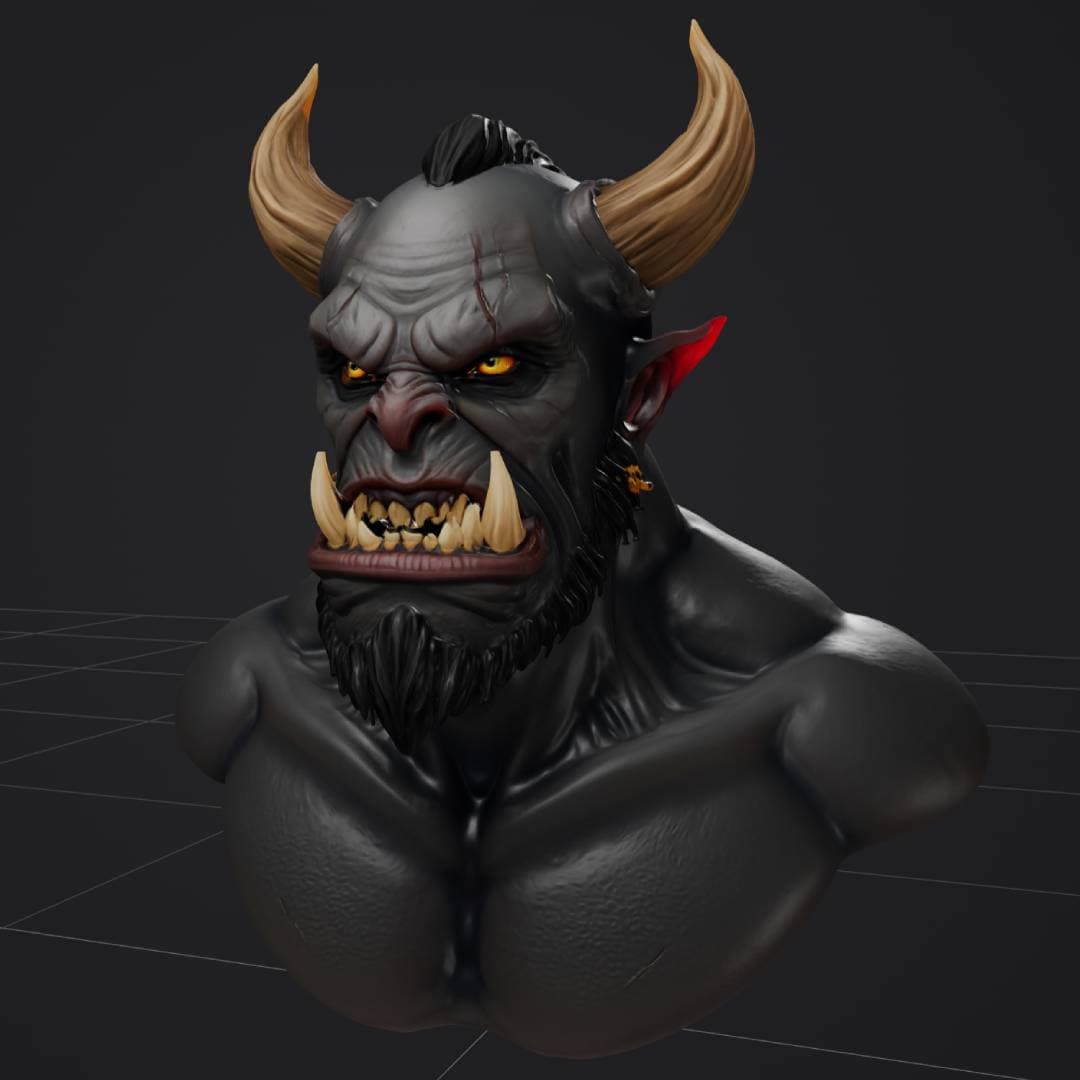
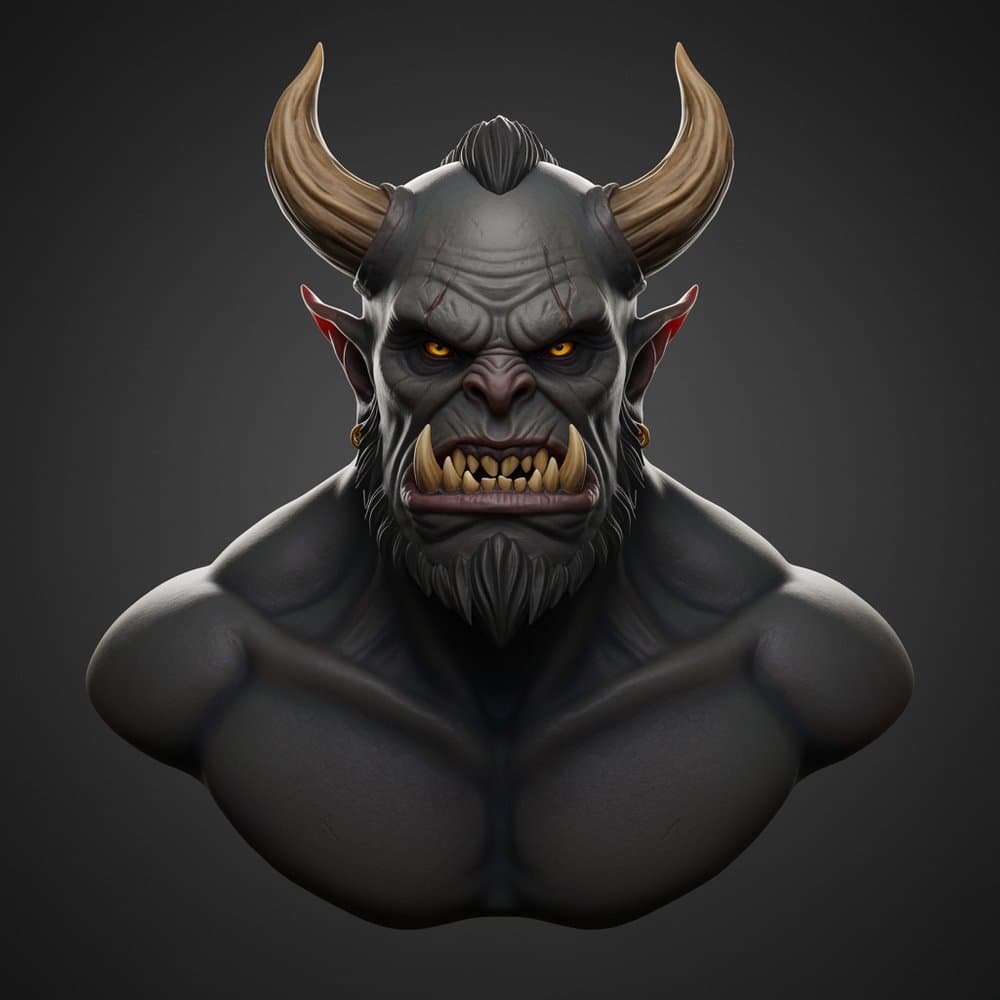
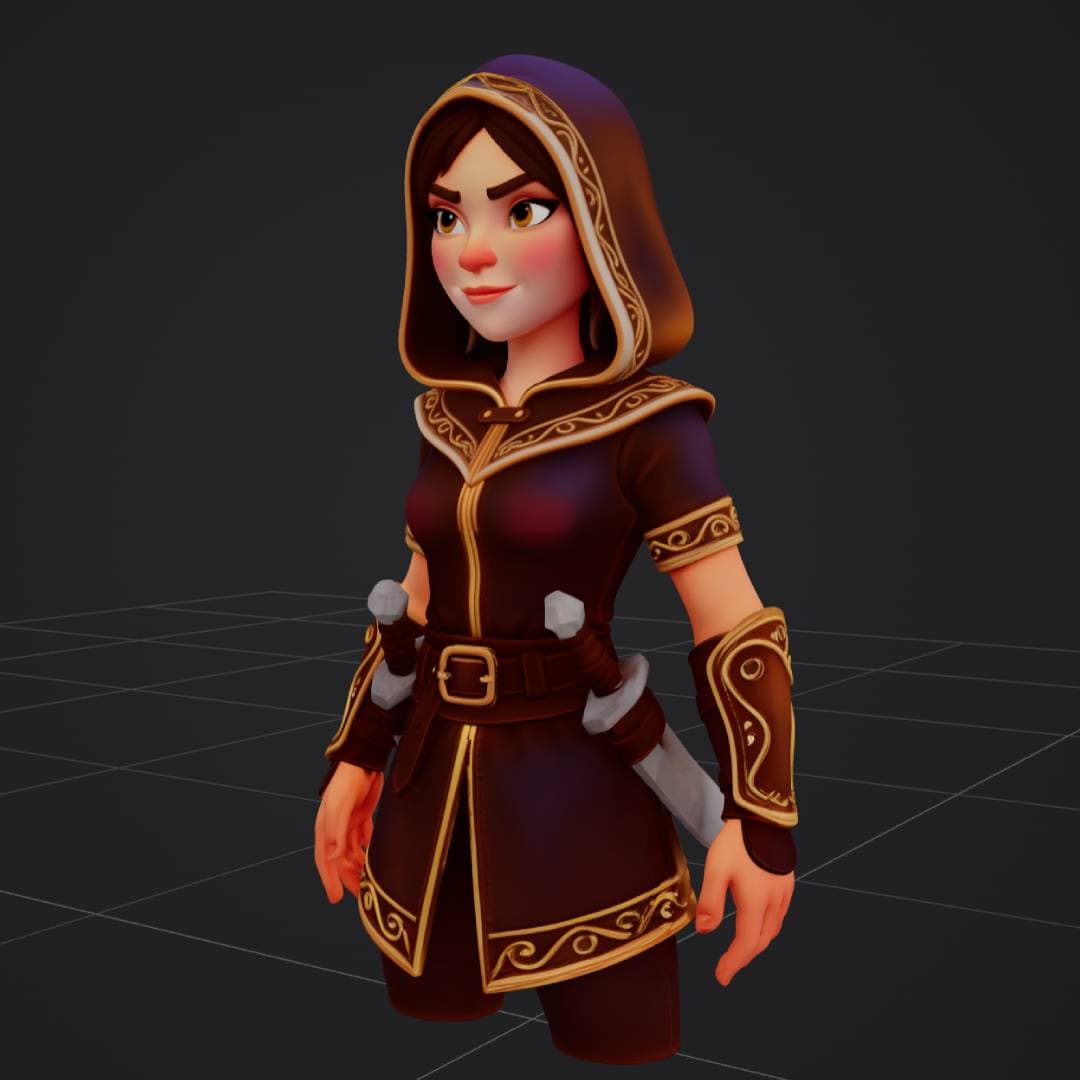
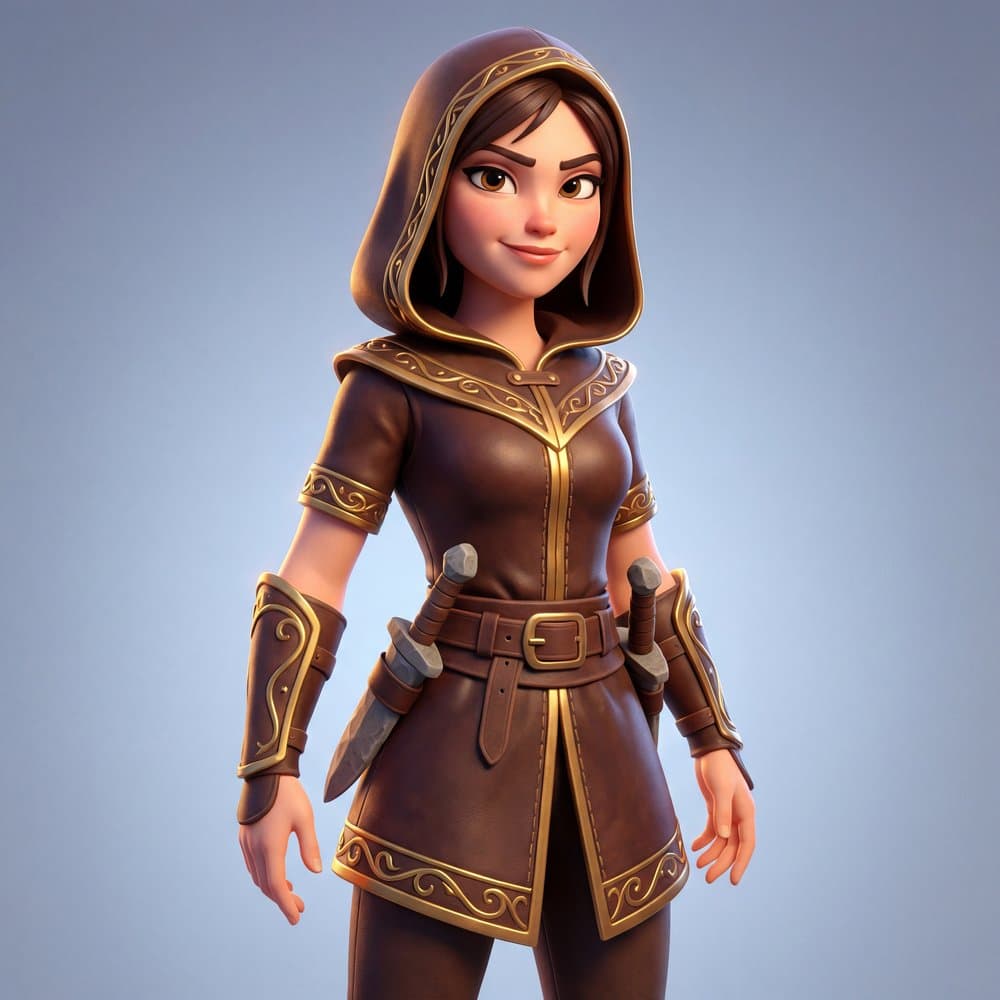
Image to 3D
Upload a reference and get a matching 3D model with PBR materials.
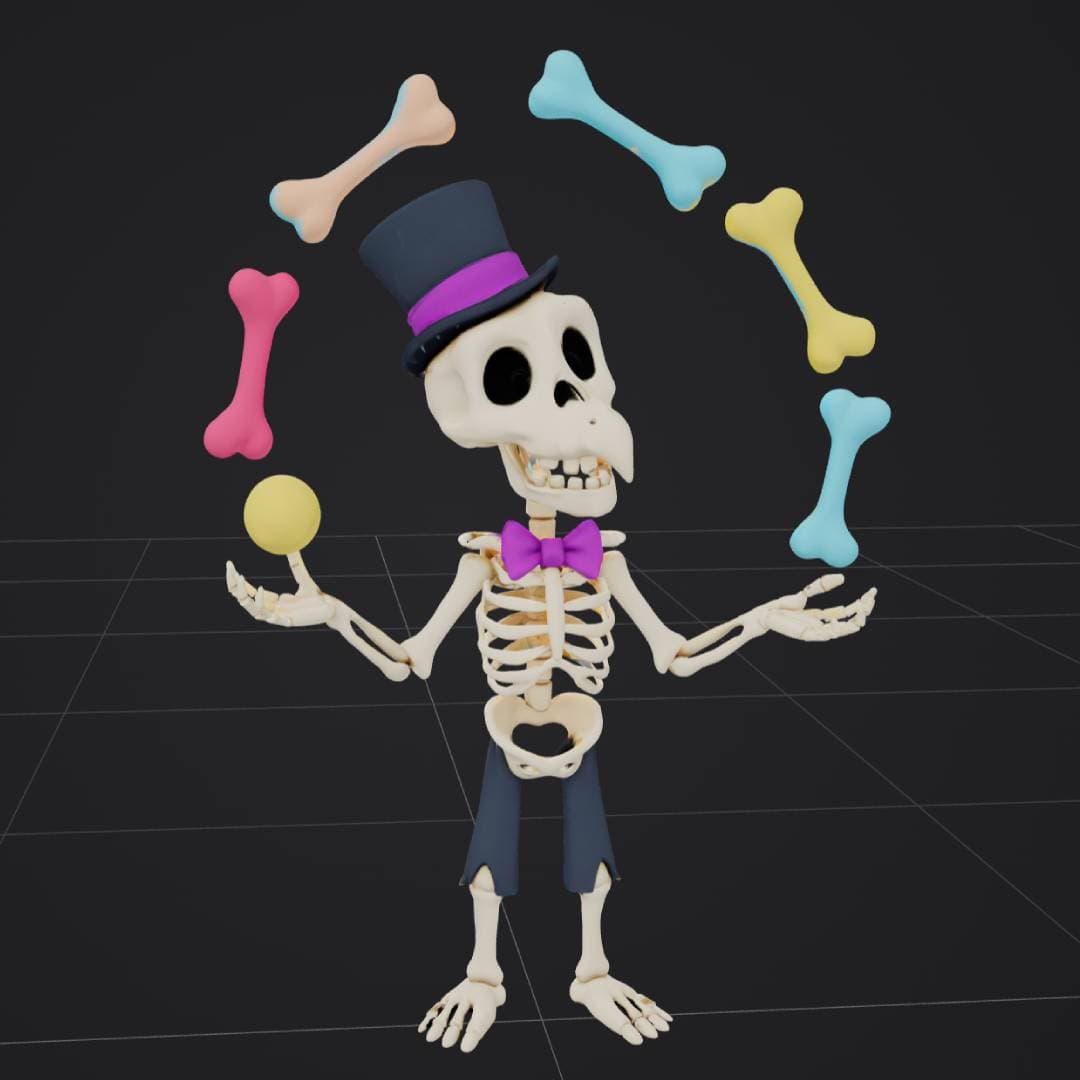

Two ways to use a 3D gen studio
Pick what fits your workflow. Hosted on our servers or running locally on your own machine.
3D AI Studio (online)
Open the browser, type a prompt or upload an image, and get a 3D model. Hosted open-source models run on our servers, so you do not need a local GPU or workflow setup.
Local 3D gen tools
Run your own ComfyUI nodes and local open-source models on your machine. More setup and maintenance, but full control over the pipeline. 3D AI Studio still fits next to this workflow.
3D Gen Studio vs ComfyUI local workflows
If you searched for 3D Gen Studio ComfyUI, ComfyUI 3D generation, local 3D AI models, or open source 3D model generation, this is the simple difference.
Run open-source models without managing the machine
3D AI Studio gives you hosted open-source model workflows on our servers. You can create 3D models from text or images without installing ComfyUI, downloading checkpoints, fixing node errors, or setting up a GPU.
Run everything yourself for full control
ComfyUI 3D generation is powerful if you want local 3D AI models, custom nodes, local files, and full control over each workflow step. It is great for technical users, but it takes more setup and maintenance.
Which one should you use?
Use a local ComfyUI workflow if you want to tune every node and run your own local 3D AI models. Use 3D AI Studio if you want open source 3D model generation on hosted servers, simple uploads, text to 3D, image to 3D, mesh tools, and fast exports without setting up the pipeline first.
Everything in one 3D gen studio
Generation, textures, mesh tools, and exports. All in one online place.
Text to 3D
Describe what you want. Get a textured 3D model from a plain English prompt in seconds.
Image to 3D
Upload a photo, sketch, render, or product shot. The AI builds a matching 3D model with textures.
AI Texturing
Generate new textures and PBR materials for models without painting everything by hand.
Mesh Tools
Remesh, repair, compress, and convert 3D models so they are ready for production projects.
Export Ready
Download GLB, OBJ, FBX, STL, USDZ, and more. Works in Blender, Unity, Unreal Engine, and 3D printing tools.
API Access
Bring 3D generation and processing into your own app with a simple REST API.
Built for every 3D project
Creators across industries use 3D AI Studio as their 3D gen studio for daily work.
Game Development
Generate props, weapons, characters, and environment pieces for Unity, Unreal, and Godot.
3D Printing
Turn ideas and images into print-ready meshes. Export STL or OBJ and send to your slicer.
XR & Spatial
Make 3D content for VR, AR, and spatial apps. Hosted models so you can iterate fast.
Product Design
Mock up product shapes, packaging, and visual concepts before deeper CAD or modeling work.
How a 3D gen studio works
Pick text or image. Generate. Clean up. Export. Done.
Input
prompt: "small wooden treasure chest with
          gold trim and an iron lock"

style: realistic
texture: PBR enabled
output: GLB
Result
status: ready
model: treasure_chest.glb
formats: GLB, OBJ, FBX, STL, USDZ
ready_for: Blender, Unity, Unreal,
3D printing, web, ARSimple pricing
Free credits to start. Pay-as-you-go after that. No subscriptions required.
| Plan | Best for | Notes |
|---|---|---|
| Free credits | Trying it out | No card needed |
| Pay as you go | Active creators | Credits never expire |
| Studio plans | Teams and studios | More credits per month |
3D AI Studio vs local 3D gen studio tools
Same goal, different workflow. Pick the path that fits your project.
| Feature | 3D AI Studio | Local 3D gen tools |
|---|---|---|
| Main use case | Create AI 3D models online with no setup | Build local or self-managed 3D pipelines |
| Setup | Open the browser and start | Install tools, connect services, manage workflows |
| GPU needed | No local GPU needed | Usually needs local or rented GPU |
| Best for | Creators, game devs, 3D printers, beginners | Technical users with custom pipelines |
| Open-source models | Hosted on our servers | Run on your own machine |
| Exports | GLB, OBJ, FBX, STL, USDZ, and more | Depends on your pipeline |
Related pages
More ways to use 3D AI Studio as your 3D gen studio.
Image to 3D
Turn any photo, sketch, or concept image into a textured 3D model.
Text to 3D
Describe an object in plain English and generate a 3D model from the prompt.
All 3D Tools
Texturing, remesh, compression, conversion, and more in one place.
3D Gen Studio vs 3D AI Studio
When to use a hosted 3D gen studio and when a local pipeline fits better.