
What Is a
3D Gen Studio?
A 3D gen studio is a tool for turning text, images, and ideas into 3D models with AI. The simple version: you describe what you want, upload a reference, or pick a workflow, then the AI helps create a usable 3D asset.

A 3D gen studio is an AI workspace for creating 3D models. 3D AI Studio is an online 3D gen studio because it includes hosted open-source model workflows, text to 3D, image to 3D, AI image tools, texturing, mesh cleanup, asset management, and downloads in one browser-based place.
Why the phrase 3D gen studio matters
People are searching for a new kind of 3D tool. They want results faster than manual modeling, and more flexible than asset stores.
New search, same goal
People search 3D gen studio, AI 3D generator, image to 3D studio, text to 3D tool, or ComfyUI 3D. All point to the same need: make 3D faster.
Easier than modeling
Manual 3D modeling takes years to learn. A 3D gen studio lets you start from text or images and skip the steepest part of the learning curve.
More flexible than assets
Asset stores only have what already exists. A 3D gen studio creates new models for your exact prompt or reference image.
What a 3D gen studio actually makes
Real outputs from text and image input. The same kind of results you can make in 3D AI Studio today.
Text to 3D
Type a prompt and get a fully textured 3D model.
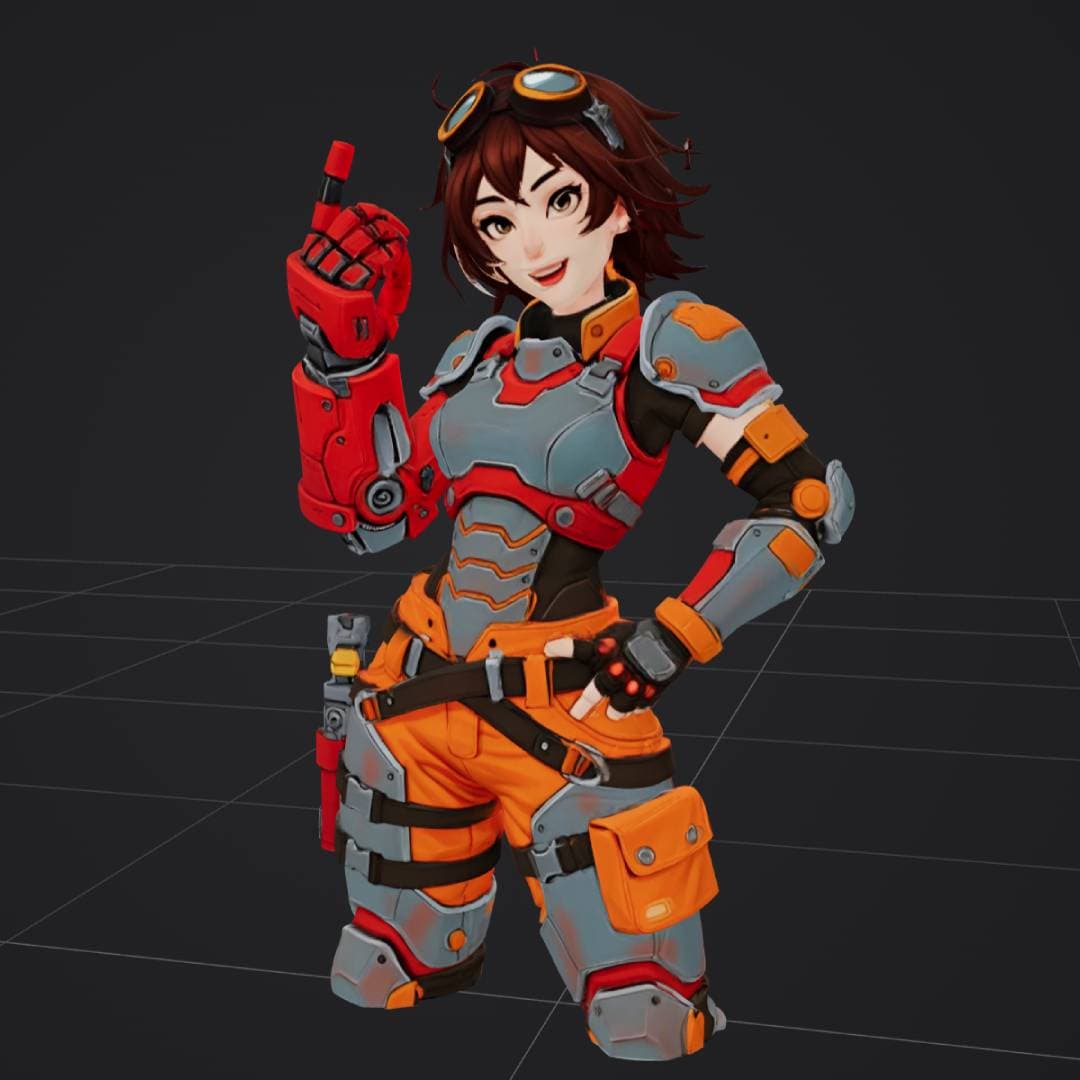
“anime style female engineer in orange and gray power armor”
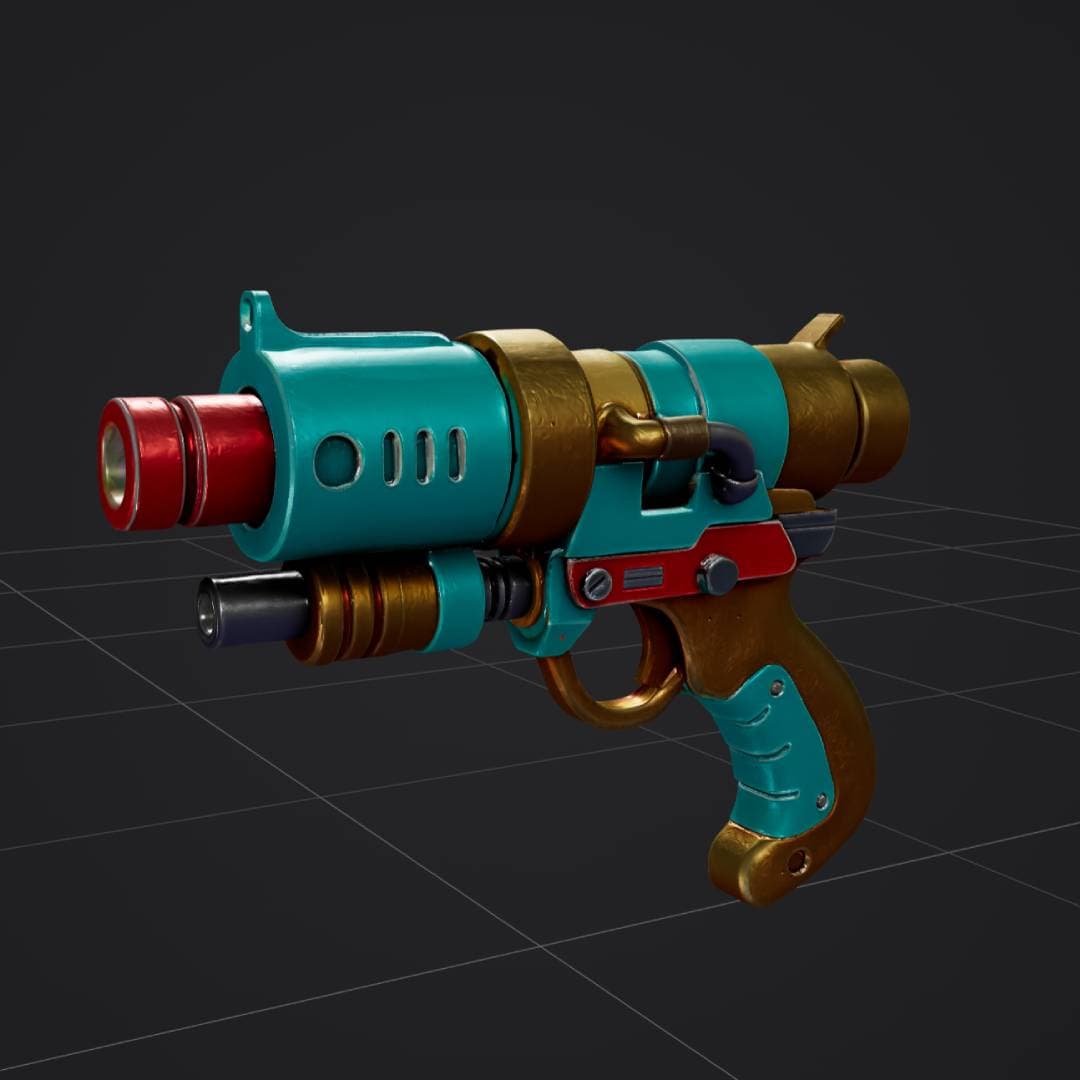
“retro sci-fi ray gun, turquoise red and gold, stylized 3D weapon”
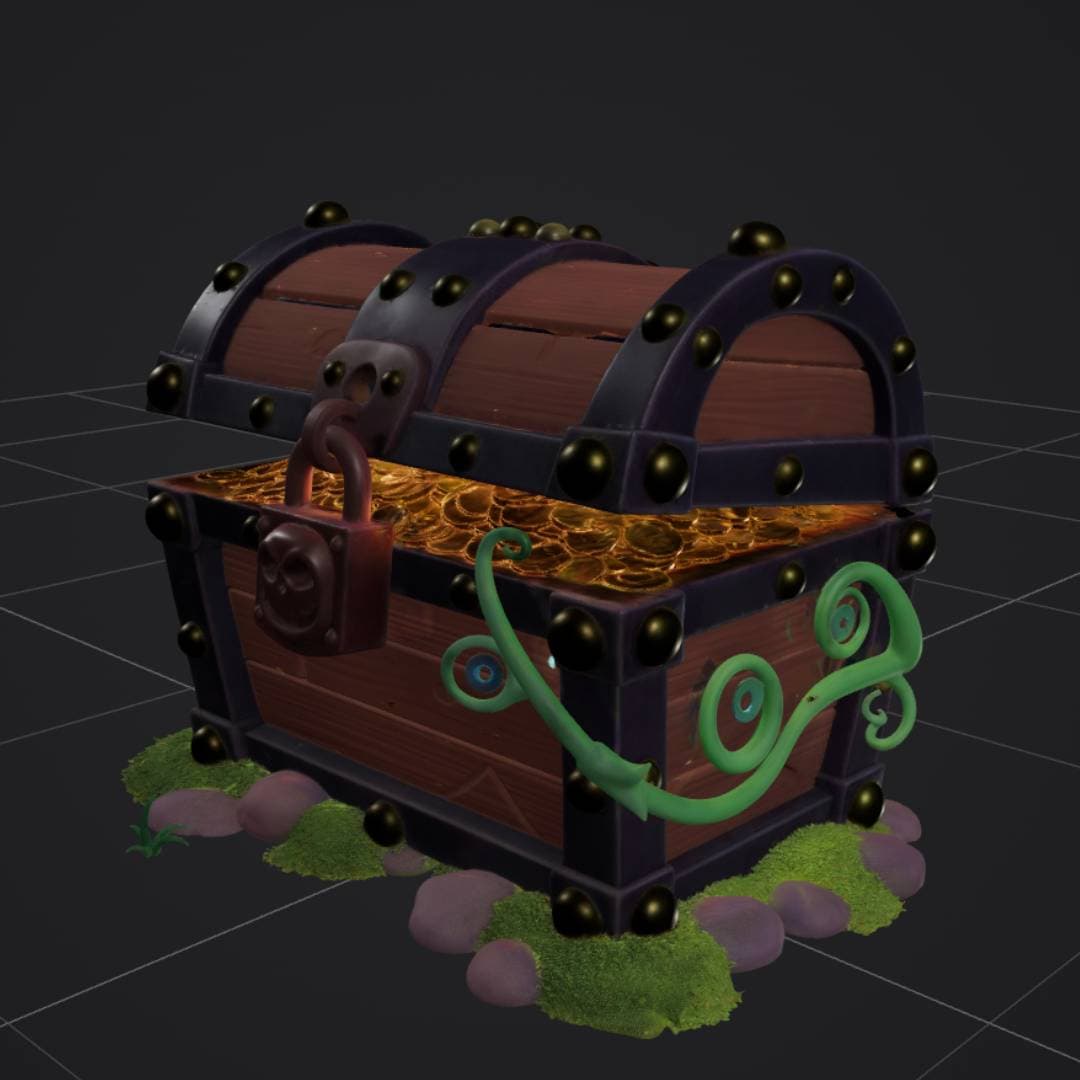
“stylized treasure chest with gold coins, padlock, vines and moss”
Image to 3D
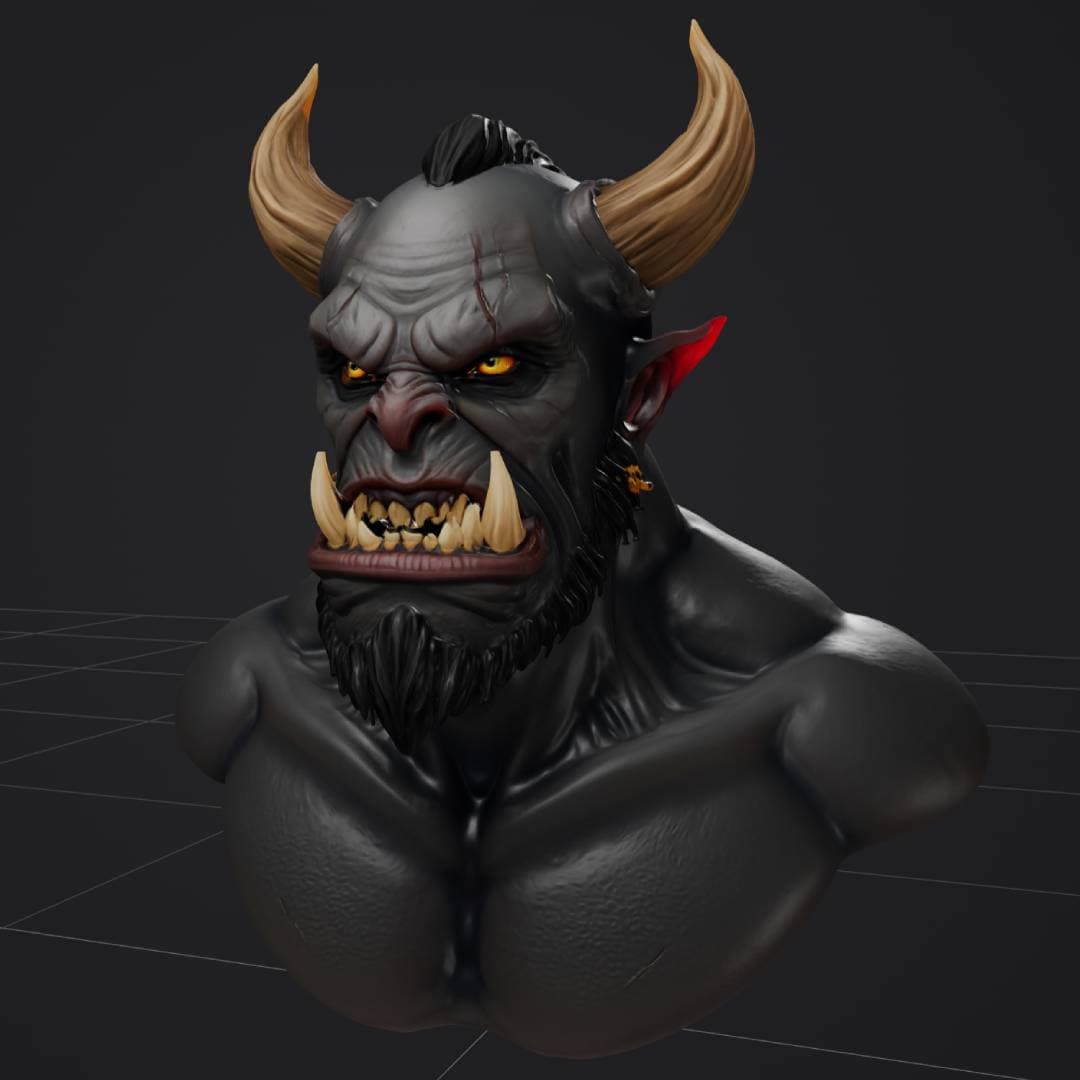
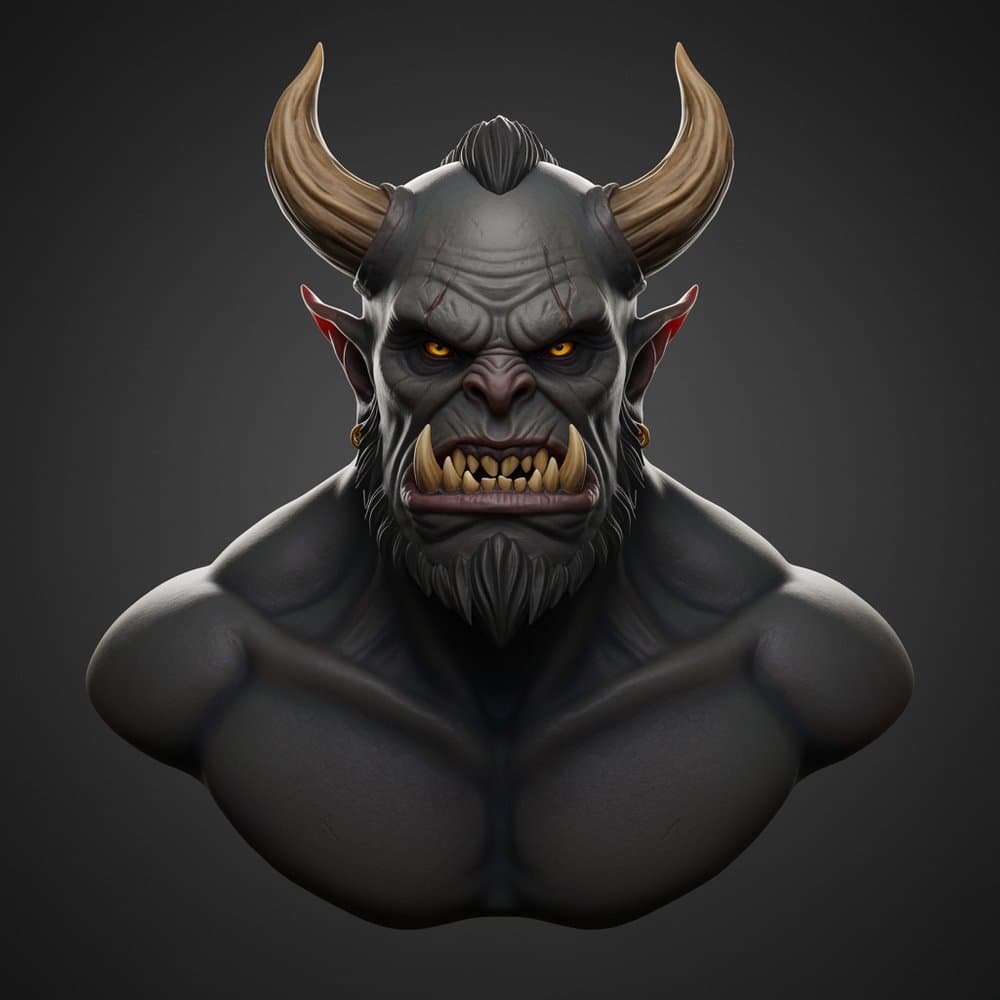
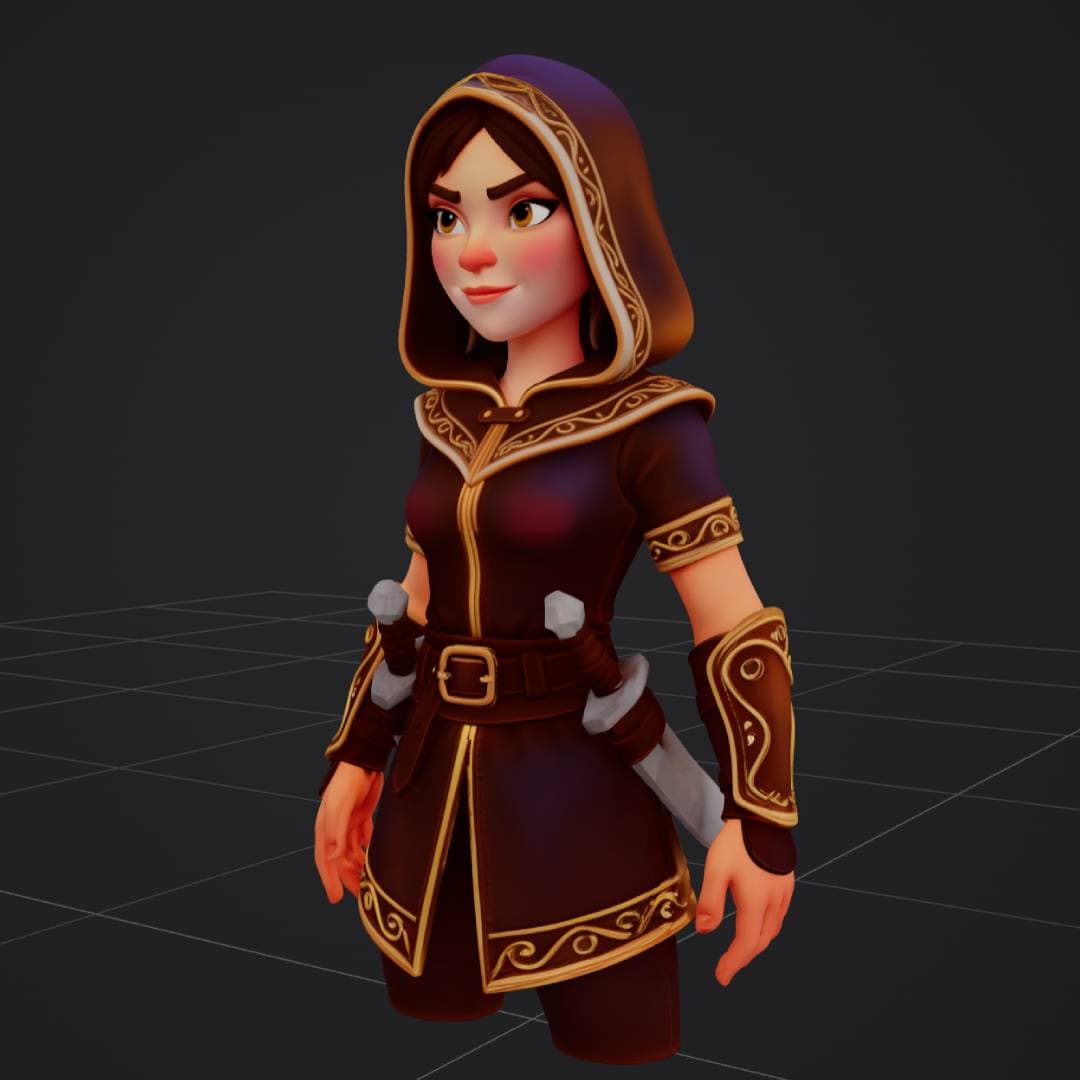
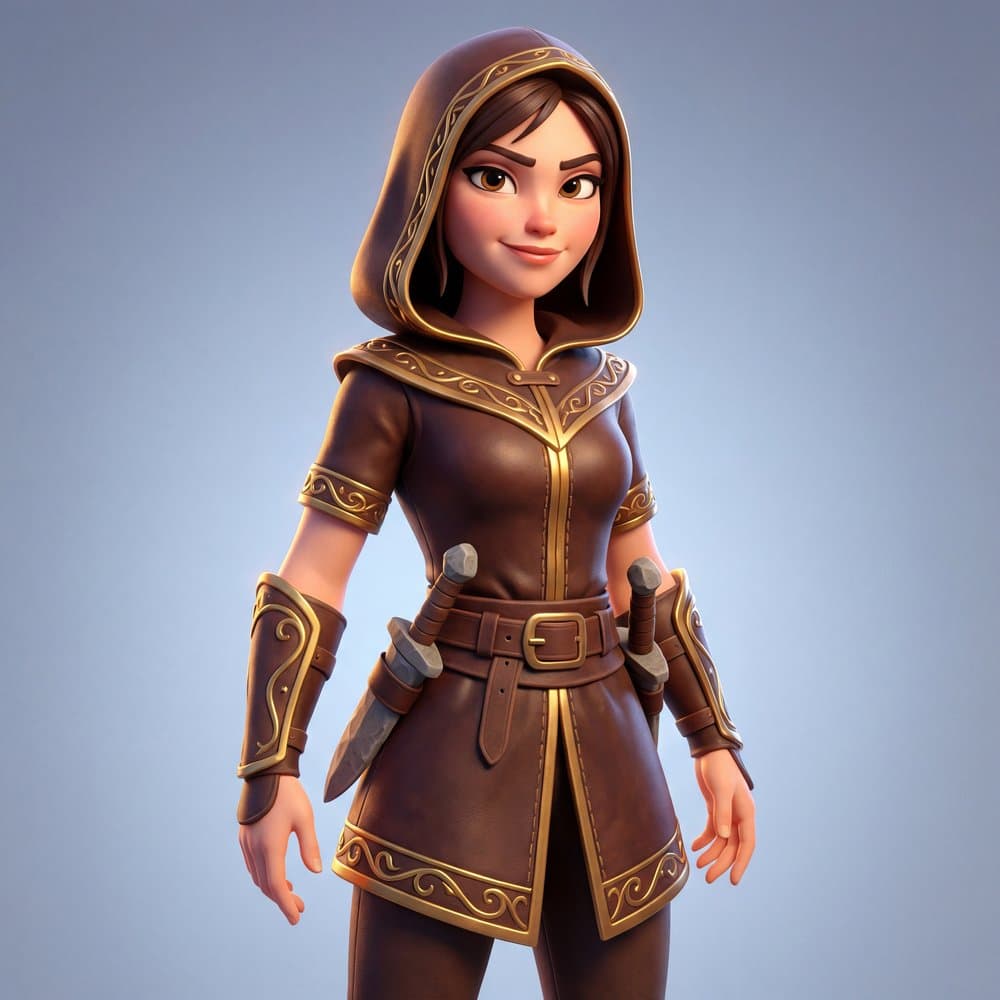
Upload a reference and get a matching 3D model with PBR materials.
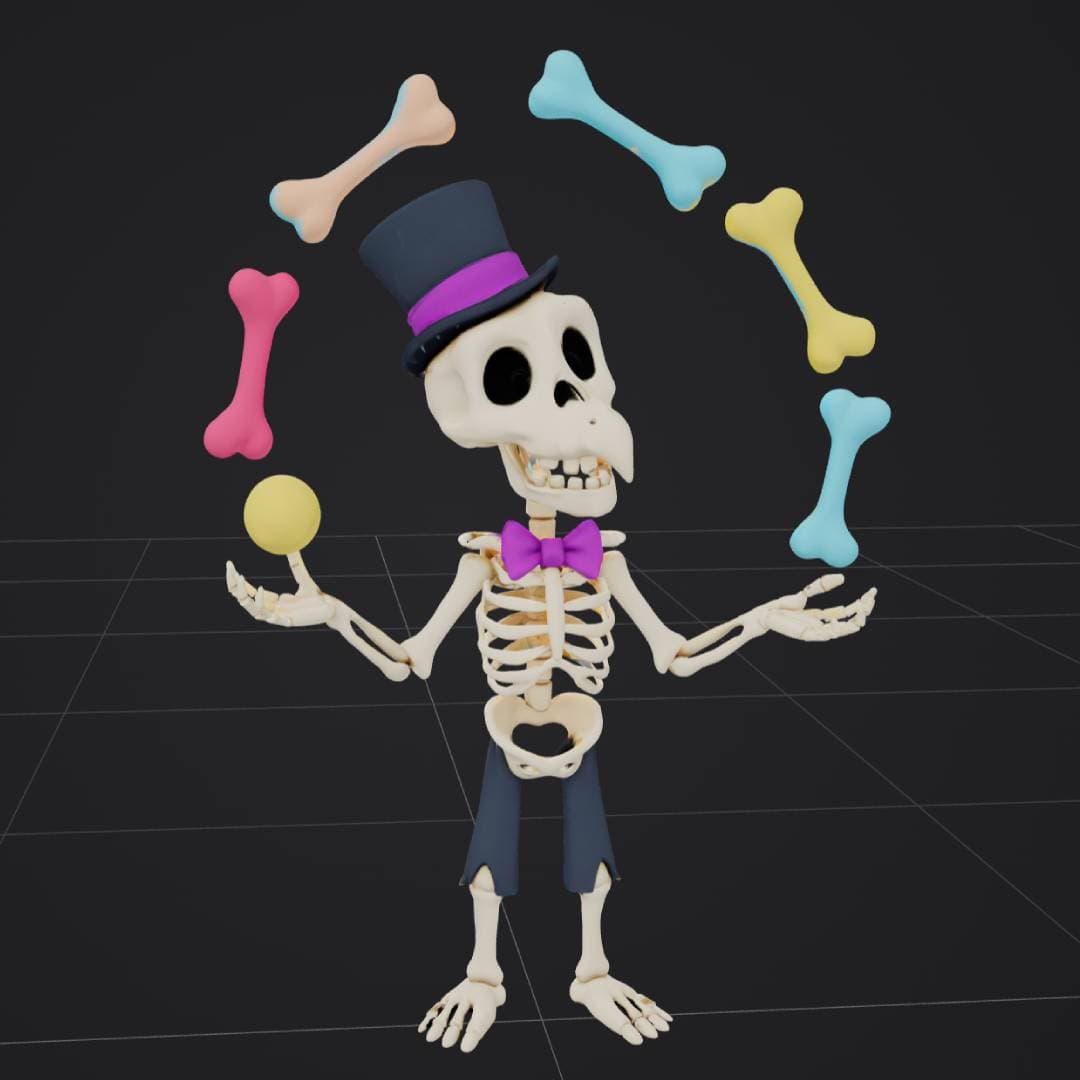

How a 3D gen studio works
Pick text or image. Generate. Clean up. Export. The whole loop runs in your browser.
Start with text or an image
Type a simple prompt or upload a photo, sketch, product shot, or concept image.
Generate the 3D model
The AI creates geometry and textures so you can preview the model in the browser.
Clean it up
Use tools like remesh, compression, repair, texture generation, or conversion when needed.
Export and use it
Download the asset for your game, render, 3D print, AR app, or product mockup.
Text to 3D vs image to 3D
Most people use both. They are different starting points for the same end goal.
When you have an idea but no image
Type something like 'small wooden treasure chest with gold trim' and the AI creates a model from the prompt. Best for fast iteration on new ideas.
When you already have a visual reference
Upload a photo, drawing, render, or concept image. The AI builds a 3D model based on that image. Best for matching exact references and product shots.
What to look for in a 3D gen studio
A short checklist for picking the right tool. Use it on any 3D gen studio you try.
What you can make with one
A 3D gen studio works for many real projects, not just demos.
Game assets
Props, weapons, creatures, environment pieces, and quick test assets for Unity, Unreal Engine, Godot, or Blender.
3D printing
Turn images or ideas into printable models, then export formats that work with common slicers.
Product design
Mock up shapes and product visuals fast before spending time on detailed CAD or manual modeling.
Concept art
Use AI images and 3D generation together to explore forms, styles, and variations much faster.
Online 3D gen studio or local workflow?
Both can work. Pick the one that fits how you like to work.
3D AI Studio (hosted)
Open the browser, upload or type, generate, and download. Hosted open-source model workflows on our servers, so no GPU setup, no local installs, no workflow debugging.
Local pipeline
If you like ComfyUI, custom nodes, local files, local models, and your own API wiring, local tools can be powerful. More setup and maintenance, but full technical control.
Related reading
Keep exploring 3D gen studios and AI 3D generation.
3D Gen Studio
The main 3D gen studio page on 3D AI Studio.
3D Gen Studio vs 3D AI Studio
When to use a hosted online studio versus a local pipeline.
Image to 3D
Turn any photo, sketch, or concept image into a textured 3D model.
Text to 3D
Describe an object and generate a 3D model from a plain English prompt.