
Create Awesome Anime 3D Models From Scratch
Updated May 2026
Hey there, anime fans and 3D modeling enthusiasts! Ever wanted to bring your favorite 2D characters into the 3D world? Well, you're in luck! Today, we're diving deep into the world of anime 3D model creation. We'll cover everything from free tools to advanced techniques for creating stunning anime characters. So buckle up, and let's get started!
Create 3D Models from Anime Art with AI
Here's a quick demo showing how to go from a 2D anime image to a full 3D model. The whole process takes about 2 minutes:
Now let's dive into the specific techniques and prompts that work best for anime-style 3D models:
Getting Started with Anime 3D Model Creation
First things first, let's talk about what you need to become an anime 3D model creator. You don't need to be a pro artist or have expensive software to get started. There are tons of free tools out there that can help you make awesome anime 3D models.
Free Anime 3D Model Makers
- 3D AI Studio: The fastest way to create anime 3D models. Type a prompt like "anime warrior girl with blue hair and katana, full body" and get a 3D model in minutes. You can also upload anime art and convert it to 3D.
- Blender: Free and powerful for manual modeling and editing AI-generated models. Great for adding custom materials, rigging, and animation after you have a base model.
- MakeHuman: Useful for generating base human meshes that you can stylize in Blender. Works best as a starting point, not for finished anime characters.
These anime 3D model maker tools are awesome for beginners. They're free, and there are loads of tutorials online to help you get started.
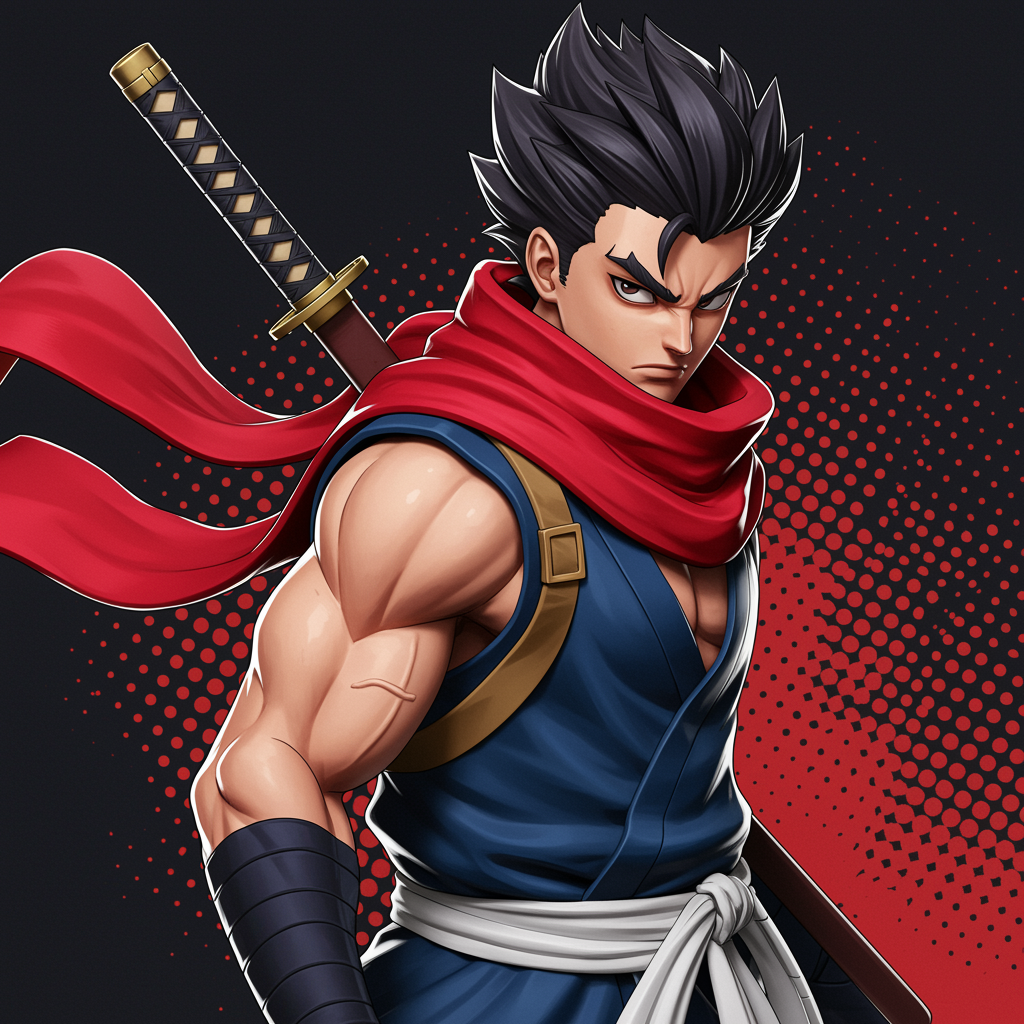
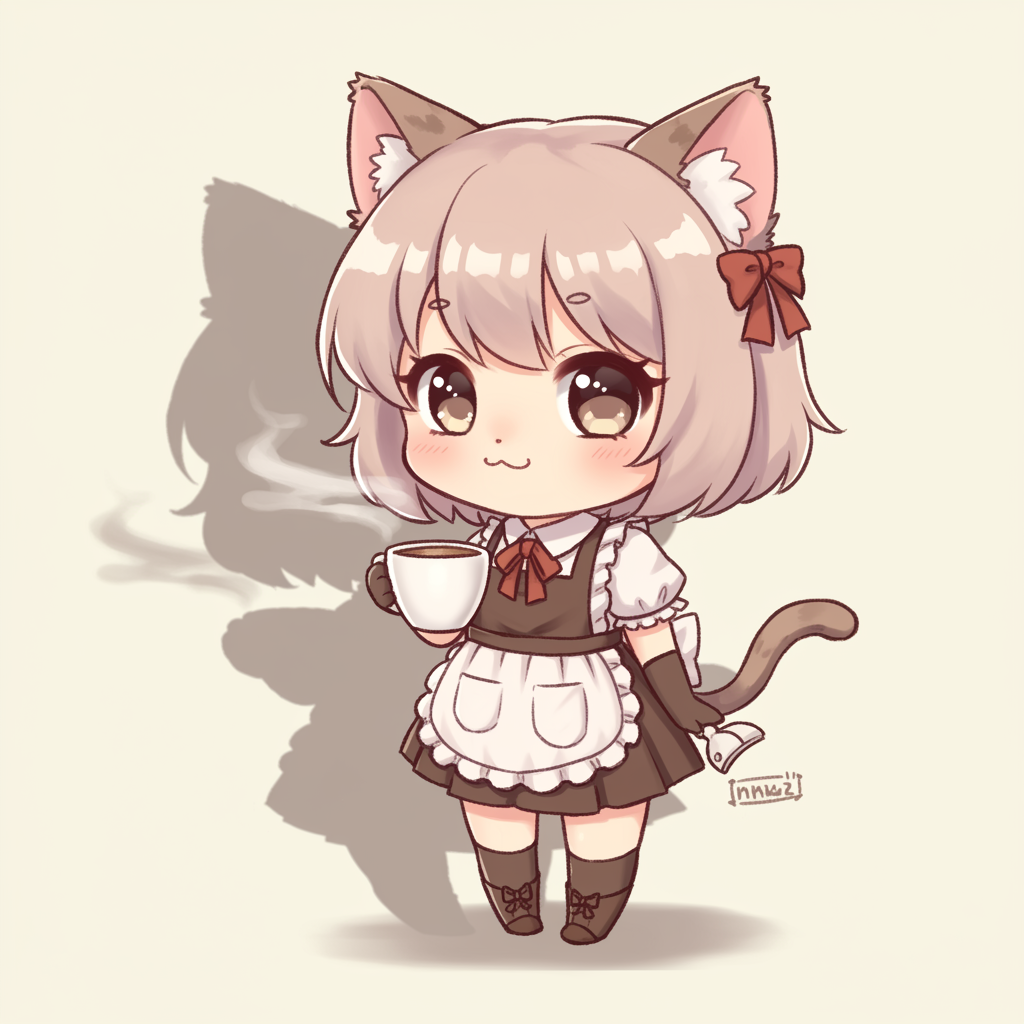
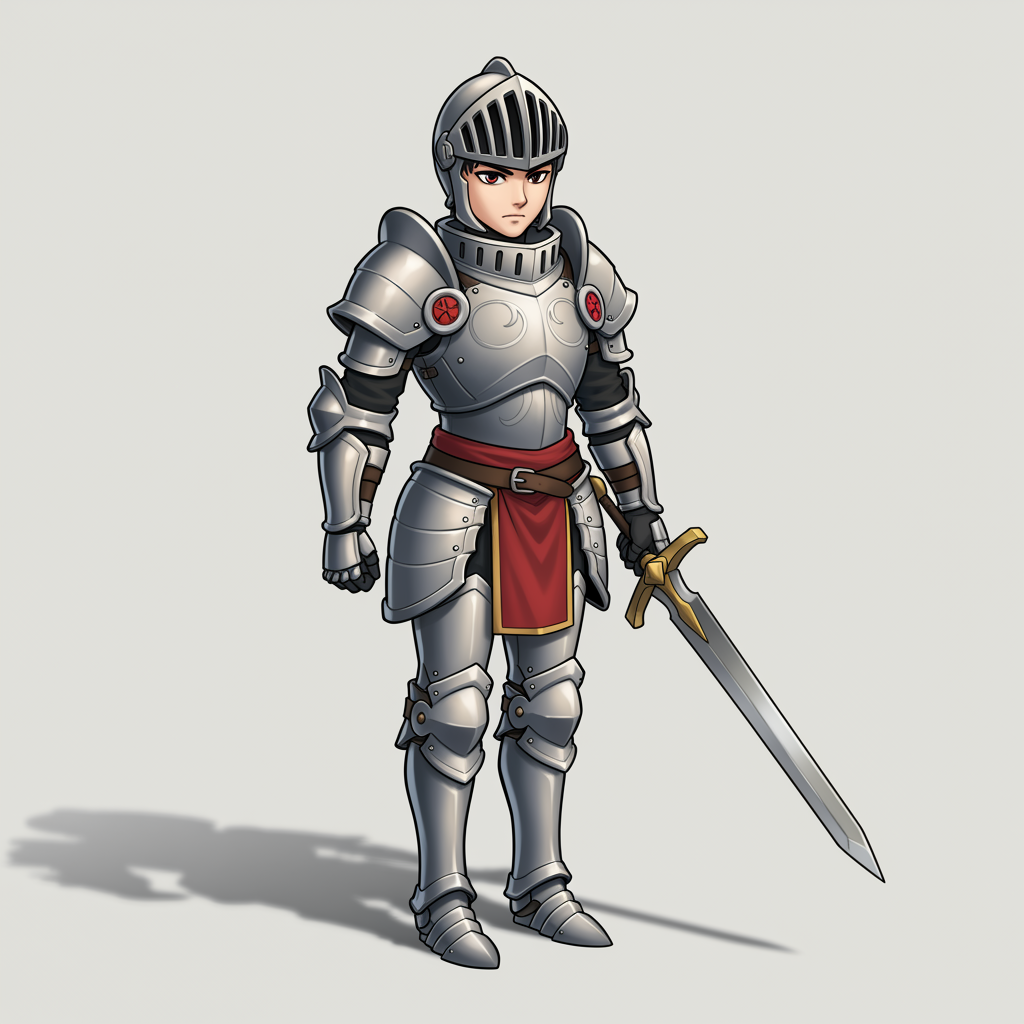
Here are some real anime 3D models generated with AI:
Creating Your First Anime 3D Model
Okay, so you've got your software. Now what? Let's walk through the basic steps of creating an anime 3D model:
- Start with a base mesh: This is like the skeleton of your model.
- Sculpt the body: Shape those anime proportions!
- Add facial features: Big eyes, small nose, you know the drill.
- Create the hair: Spiky, flowing, or somewhere in between.
- Design the clothes: From school uniforms to battle armor.
- Rig the model: This lets you pose and animate your character.
- Texture and color: Bring your anime 3D model to life with colors and shading.
Sounds like a lot, right? Don't worry, it gets easier with practice!
Leveling Up: Creating Realistic Anime 3D Models
Want to take your anime 3D models to the next level? Let's talk about creating realistic anime 3D models. These blend anime style with more lifelike details.
Here are some tips for creating realistic anime 3D models:
- Study real human anatomy: Even stylized characters need to look believable.
- Pay attention to skin textures: Add subtle details like pores and small imperfections.
- Use realistic lighting: This can make a huge difference in how lifelike your model looks.
- Don't forget about physics: Hair and clothes should move realistically.
Creating a realistic anime 3D model takes time and practice, but the results can be stunning!
Using AI to Create Anime 3D Models
This is where the real magic happens. AI-powered tools like 3D AI Studio let you go from a text description or anime artwork to a finished 3D model in minutes instead of days.
Text-to-3D: Best Prompts for Anime Characters
The key to good AI-generated anime models is writing specific prompts. Here are examples that produce great results:
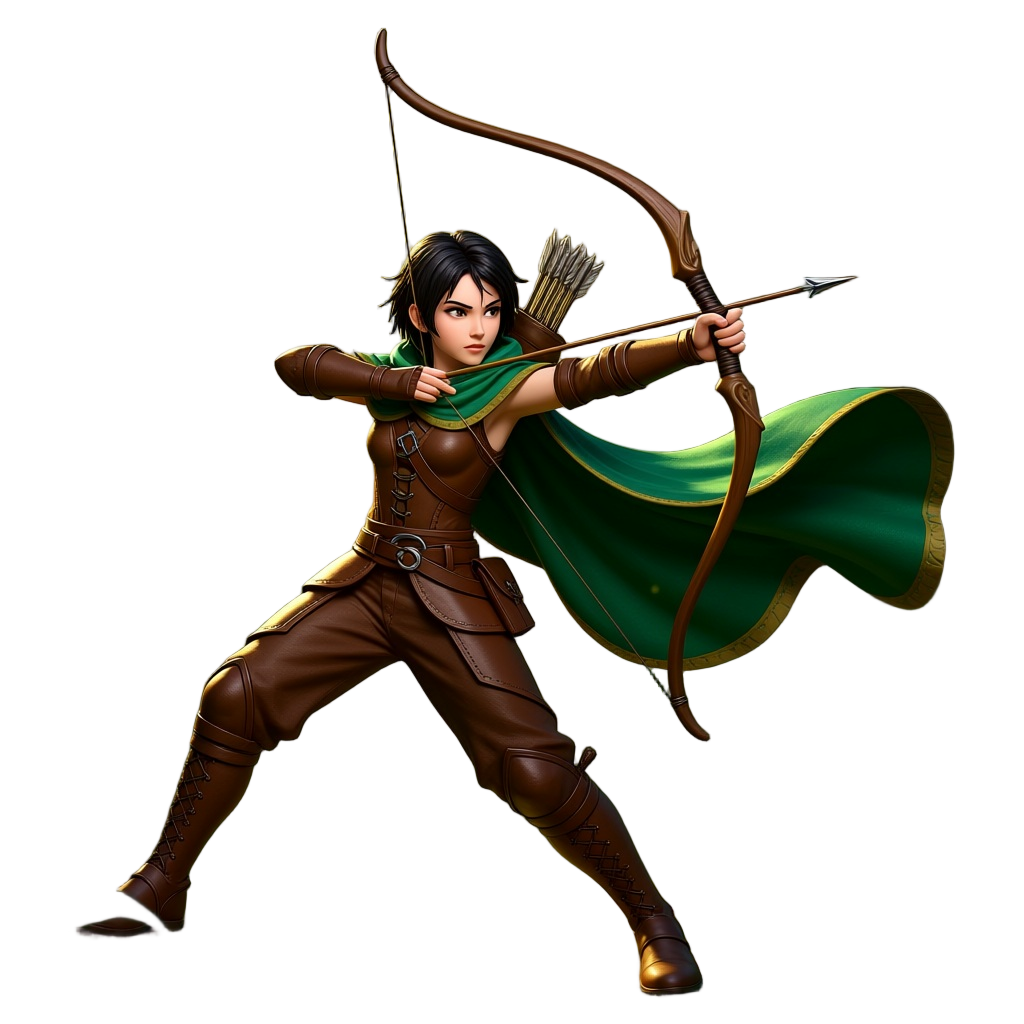
- "anime warrior girl with blue hair and katana, full body, cel shaded, dynamic pose" - great for action characters
- "chibi anime cat girl with oversized head, pink hair, school uniform, pastel colors" - perfect for cute/kawaii style
- "dark fantasy anime knight, black armor with glowing red runes, dramatic cape, full body" - works well for darker aesthetics
- "anime mecha pilot in white and blue flight suit, short spiky hair, confident pose" - good for sci-fi characters
- "studio ghibli style young witch with broom, flowing dress, soft colors, gentle expression" - captures that Ghibli warmth
- "shonen anime hero with flame effects, spiky orange hair, bandaged arms, battle stance" - nails the battle manga look
Always include "full body" if you want the complete character, and specify the art style (chibi, shonen, realistic anime, cel shaded) for better results.
Image-to-3D: Convert Anime Art to 3D Models
If you already have anime artwork or concept art, the image-to-3D workflow is even more powerful:
- Create your anime character art in Image Studio or use existing illustrations
- Make sure the image has a clean background and clear character outline
- Upload it to the image-to-3D generator
- The AI preserves the colors, proportions, and style of your original art in 3D
This works especially well with fan art, original character designs, and anime-style concept sheets.
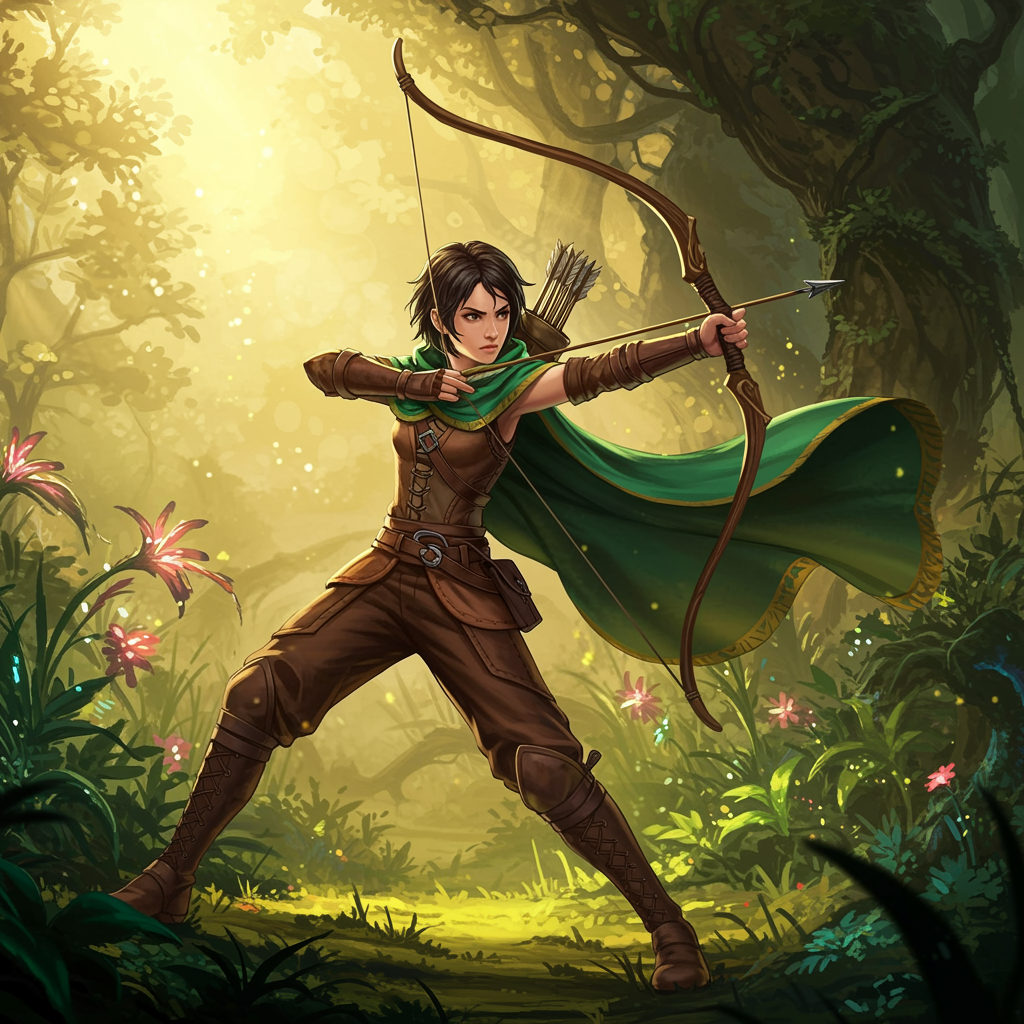
Here's an example of the workflow: anime image generated in Image Studio, then converted to a 3D model:
Which AI Models Work Best for Anime
Not all AI models handle stylized characters equally well:
- Forge Sketch: Best for stylized and cel-shaded anime looks. It preserves flat colors and exaggerated proportions well.
- Prism 3.1: Better for detailed, semi-realistic anime characters with complex outfits and accessories.
Export Formats for Anime Use Cases
- FBX: Use this for Unity, Unreal Engine, and other game engines. Best for game development and animation.
- GLB: Perfect for web-based viewers, AR apps, and sharing online. Includes textures in one file.
- OBJ: Standard format for Blender editing, retopology, and further refinement.
- STL: Use this for 3D printing your anime figures.
Anime Styles You Can Create
Different anime genres produce very different 3D results. Here are the main styles:
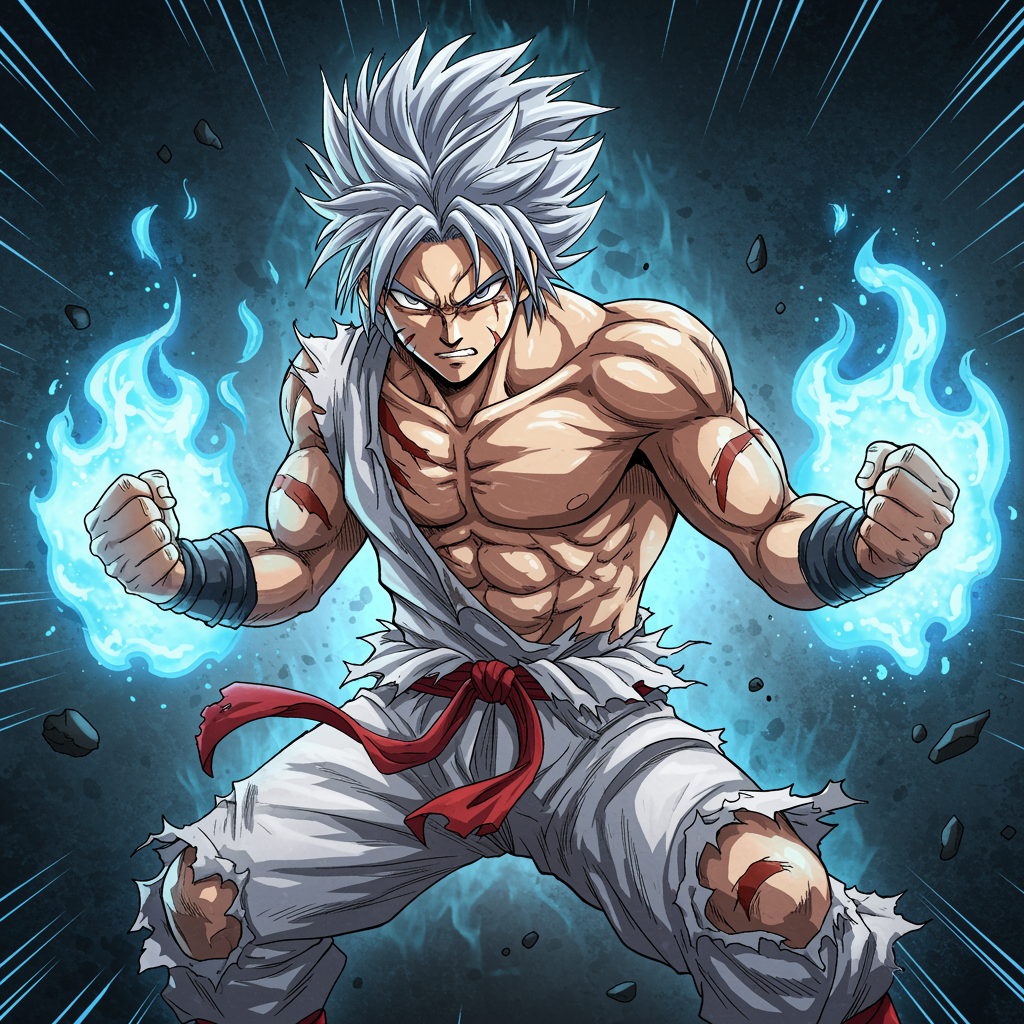
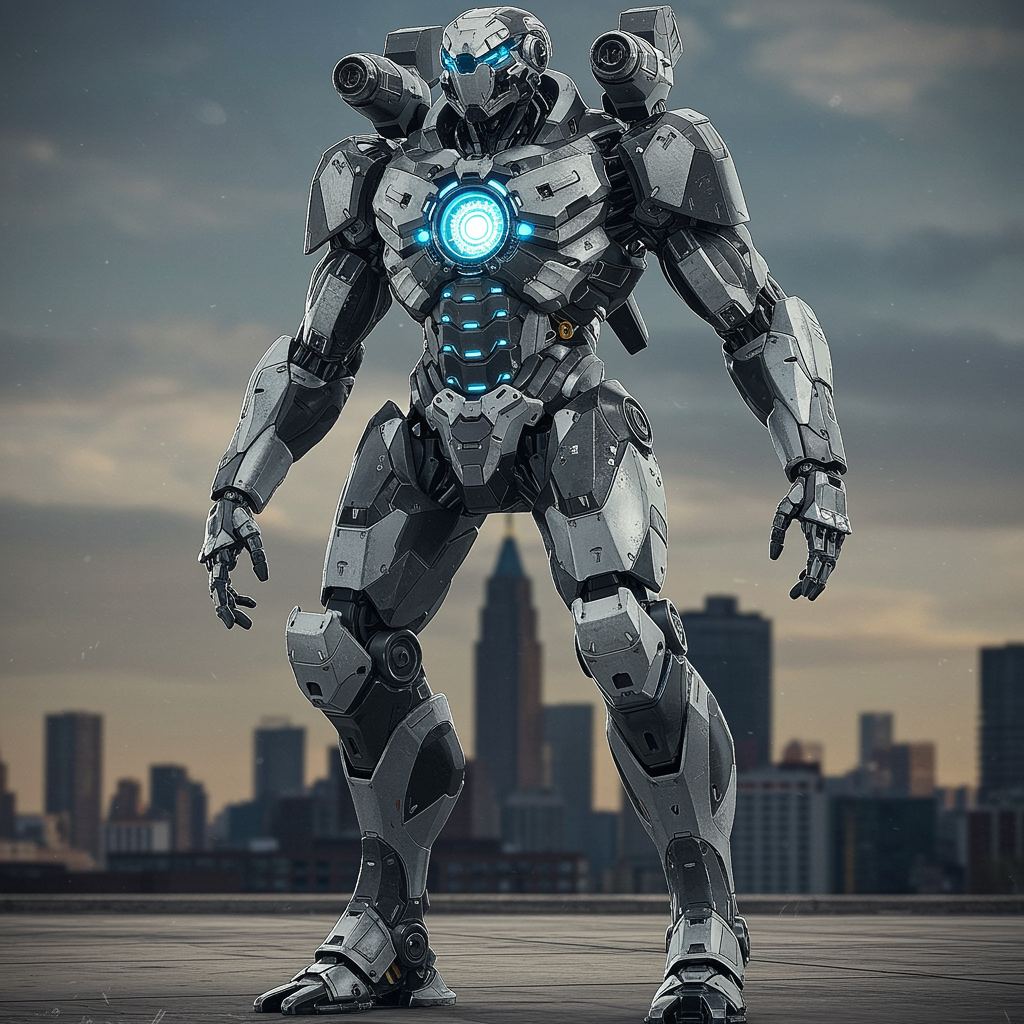
- Shonen: Muscular characters, dynamic poses, bold details. Use prompts with "shonen hero, spiky hair, intense eyes."
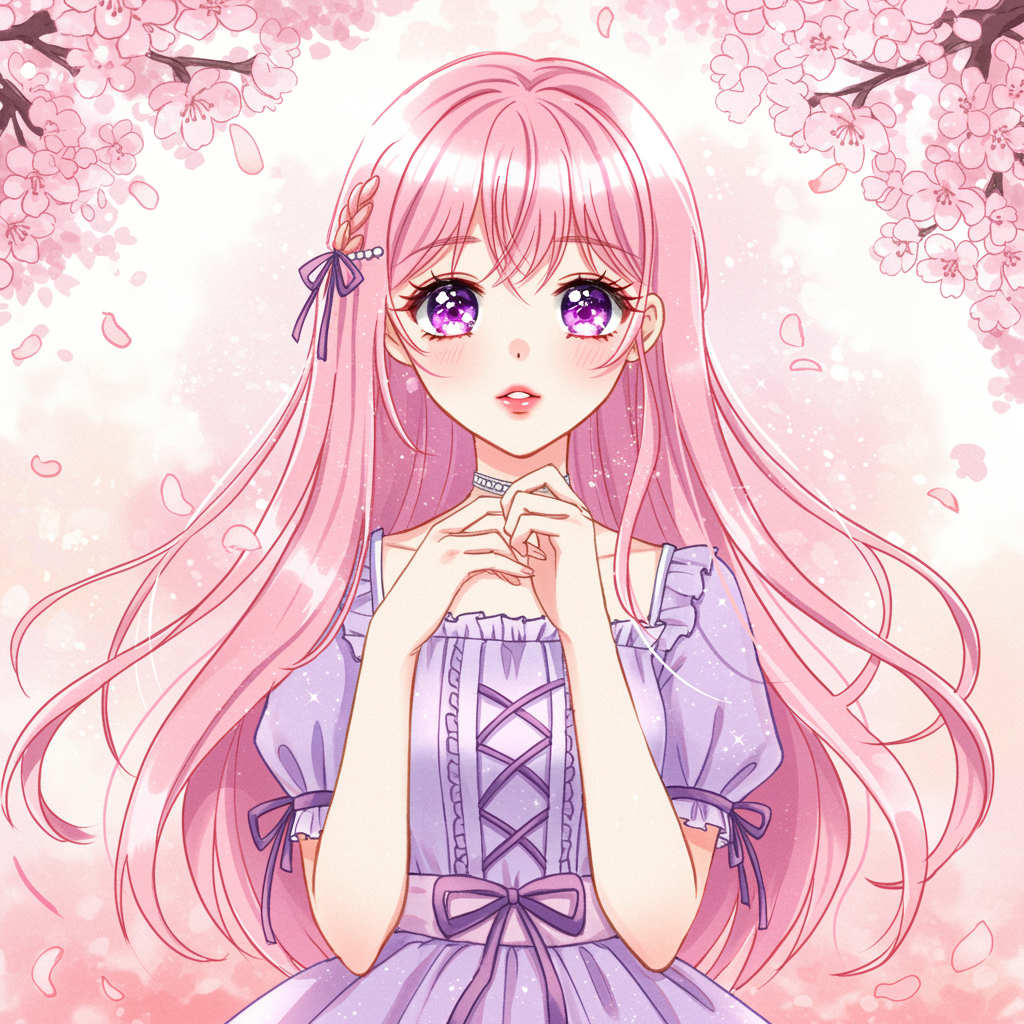
- Shojo: Elegant, softer features, flowing hair and outfits. Use "shojo style, gentle expression, soft colors."
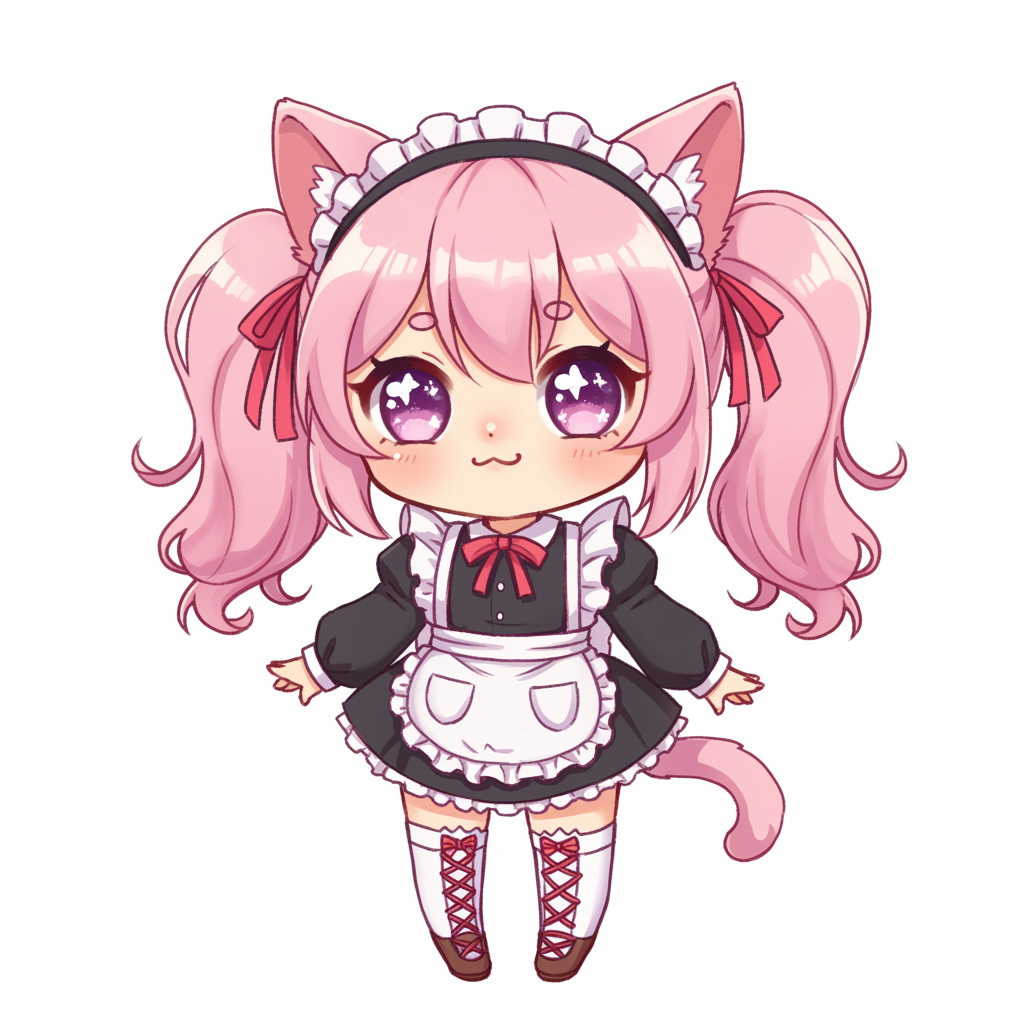
- Chibi: Oversized heads, tiny bodies, cute proportions. Use "chibi, super deformed, oversized head."
- Mecha: Robots and mechanical suits. Use "anime mecha, mechanical joints, glossy metal."
Finding Free Anime 3D Models
Not ready to create your own models yet? No worries! There are lots of free anime 3D models out there. Here are some places to find them:
- Sketchfab: Tons of free 3D models, including anime-style characters.
- CGTrader: Has a good selection of free anime 3D models.
- TurboSquid: Some free models among their paid offerings.
- DeviantArt: Many 3D artists share their models here.
Just remember to check the licensing terms before using any free models in your projects.
Tips and Tricks for Anime 3D Model Creation
Alright, let's wrap this up with some pro tips for creating awesome anime 3D models:
- Start simple: Don't try to create a super detailed model right away. Build up your skills gradually.
- Use reference images: Having a 2D design to work from can be super helpful.
- Join online communities: Places like r/3Dmodeling or anime 3D modeling Discord servers are great for getting feedback and tips.
- Experiment with different styles: Try creating chibi characters, realistic anime models, and everything in between.
- Practice, practice, practice: Like any skill, 3D modeling gets better with time and effort.
- Don't be afraid to use AI: Tools like 3D AI Studio can help you create base models quickly, giving you more time to focus on the details.
Conclusion
Whew, that was a lot of info! But now you're armed with everything you need to start creating awesome anime 3D models. Whether you're making cute chibis, realistic characters, or action-packed heroes, the world of 3D modeling is yours to explore.
Remember, every great 3D artist started as a beginner. So don't get discouraged if your first models don't look perfect. Keep practicing, keep learning, and most importantly, have fun with it!
Happy modeling!

Generate 3D models with AI
Easily generate custom 3d models in seconds. Try it now and see your creativity come to life effortlessly!
FAQ
Can I create anime 3D models without knowing how to draw?
Yes, you do not need any drawing skills. With text-to-3D tools like 3D AI Studio, you simply type a description of your anime character and the AI generates a 3D model for you. Prompts like 'anime girl with purple hair and school uniform, full body' will produce a usable model in about two minutes. You can also find anime reference art online and convert it to 3D using the image-to-3D workflow.
What's the best AI tool for making anime-style 3D models?
3D AI Studio works well for anime because it supports both text-to-3D and image-to-3D workflows. For text prompts, use Forge Sketch mode which handles stylized characters better than photorealistic models. For converting existing anime art, the image-to-3D pipeline preserves the flat shading and exaggerated proportions that define the anime look. You can export in FBX, GLB, OBJ, or STL depending on your use case.
How do I get the classic anime look in a 3D model?
The key is using prompts that emphasize anime-specific traits: large expressive eyes, small nose, pointed chin, exaggerated hair, and cel-shaded appearance. Include terms like 'anime style', 'cel shaded', and 'stylized proportions' in your text prompt. If you are using image-to-3D, start with clean anime artwork that has flat colors and strong outlines. Forge Sketch mode tends to preserve the stylized look better than realistic AI models.
Can I use anime 3D models in Unity or Unreal Engine?
Yes, export your model as FBX for the best compatibility with both Unity and Unreal Engine. FBX preserves materials, textures, and basic mesh data that game engines need. After importing, you may want to apply a toon shader or anime-style material in your engine to get the classic cel-shaded look. GLB also works for both engines but FBX is the more standard game dev format.
What prompts work best for anime 3D model generation?
Be specific about character details and include style keywords. Good examples: 'anime warrior girl with blue hair and katana, full body, cel shaded', 'chibi anime cat girl with oversized head, pastel colors', 'dark fantasy anime knight with glowing red eyes, black armor, dramatic pose'. Always mention 'full body' if you want the complete character, and include the art style (chibi, shonen, realistic anime) for better results.
Can I convert existing anime art into a 3D model?
Yes, the image-to-3D workflow is great for this. Upload your anime illustration, concept art, or even a screenshot from an anime series, and the AI will generate a 3D model from it. For best results, use images with a clean background, clear character outline, and a three-quarter view angle. You can prepare your image in Image Studio first by removing the background or adjusting the angle.
How do I rig an anime 3D model for animation?
After generating your model, export it as FBX or OBJ and open it in Blender. Use Blender's auto-rigging addon Rigify or the free tool Mixamo (mixamo.com) which can automatically rig humanoid characters. Upload your model to Mixamo, place the joint markers, and it generates a full skeleton with dozens of pre-made animations you can download. This works especially well with full-body anime characters that have clear limb separation.
Are AI-generated anime models good enough for games?
For indie games, mobile games, and prototypes, AI-generated anime models work well right out of the box. They typically have clean geometry and decent textures at around 5,000 to 20,000 polygons. For AAA quality, you would use the AI model as a base and then refine it in Blender. You can retopologize, add custom materials, and create proper UV maps. Many indie developers use AI models directly for NPCs and background characters.
Can I 3D print an anime figure from an AI-generated model?
Yes, export your model as STL and open it in your slicer software (Cura, PrusaSlicer, or Bambu Studio). Before printing, check that the mesh is watertight and that thin parts like hair spikes or weapon blades are thick enough to survive the print. Use the Remesher tool at around 8,000 faces to get a clean, printable mesh. Resin printers (SLA) work best for anime figures because they capture fine details like facial features and hair strands.
What's the difference between chibi and realistic anime 3D models?
Chibi models have exaggerated proportions with oversized heads (about 1:2 or 1:3 head-to-body ratio), stubby limbs, and simplified features. They are easier to generate and print. Realistic anime models use more natural proportions but keep stylized eyes, hair, and facial features from anime. Use 'chibi' or 'super deformed' in your prompt for the cute style, and 'realistic anime' or 'semi-realistic' for the taller, more detailed look.
Can I create custom anime characters that look like specific styles?
You can guide the AI toward specific anime aesthetics by referencing style elements in your prompt. For a Studio Ghibli feel, mention 'soft colors, rounded features, gentle expression'. For a shonen battle style, use 'sharp features, dynamic pose, spiky hair, intense eyes'. You can also use image-to-3D by feeding it artwork drawn in your target style. The AI will match the visual language of whatever reference you provide.
Where can I find free anime 3D models if I don't want to make my own?
Sketchfab has thousands of free anime models you can download and use, many with Creative Commons licenses. CGTrader and TurboSquid also have free sections with anime characters. DeviantArt and ArtStation have creators who share free models. However, generating your own with AI gives you exactly the character you want in about two minutes, which is often faster than searching through model libraries and dealing with licensing restrictions.