
Best Free 3D Models for Blender: Enhancing Your Projects with AI-Generated Assets
As a 3D artist or designer, finding high-quality free 3D models for Blender can significantly boost your productivity and creativity. In this blog post, we'll explore some of the best sources for free 3D models compatible with Blender, including cutting-edge AI-generated assets from 3D AI Studio.
Quick answer: The best free sources for Blender 3D models in 2026 are 3D AI Studio (custom AI-generated models from text or an image), Blender''s built-in assets, BlendSwap, Sketchfab, and TurboSquid''s free section. Use libraries for common objects, and use 3D AI Studio when you need something specific that no existing model matches.
Free 3D Model Sources for Blender Compared
| Source | What it offers | Best for | Cost |
|---|---|---|---|
| 3D AI Studio | Custom AI-generated models | Specific, made-to-order assets | Free tier; paid plans |
| Blender built-in assets | Bundled starter assets | Quick blockouts | Free |
| BlendSwap | Community Blender files | Native .blend models with materials | Free (account) |
| Sketchfab | Large 3D model library | Variety, downloadable formats | Free + paid models |
| TurboSquid | Marketplace with free section | Occasional free pro assets | Free + paid models |
Why Use Free 3D Models in Blender?
Before we dive into the resources, let's consider why using free 3D models can be beneficial for your Blender projects:
- Time-saving: Pre-made models can speed up your workflow, especially for background elements or common objects.
- Learning opportunities: Examining well-made models can help you improve your own modeling skills.
- Prototyping: Quickly test ideas and layouts without spending time on modeling every element.
- Budget-friendly: Ideal for hobbyists, students, or professionals working on personal projects.
Now, let's explore some excellent sources for free 3D models that work well with Blender.
1. 3D AI Studio: AI-Generated Custom Models
3D AI Studio offers a unique approach to obtaining free 3D models for Blender. Using advanced AI technology, you can generate custom 3D models based on text descriptions or images.
Key benefits:
- Customizable models tailored to your specific needs
- High-quality, ready-to-use assets
- Constant stream of new and unique designs
- Compatible with Blender's import formats
To use 3D AI Studio:
- Visit the 3D AI Studio website
- Enter a text description or upload an image of the model you need
- Generate and download your custom 3D model
- Import the model into Blender and start creating!
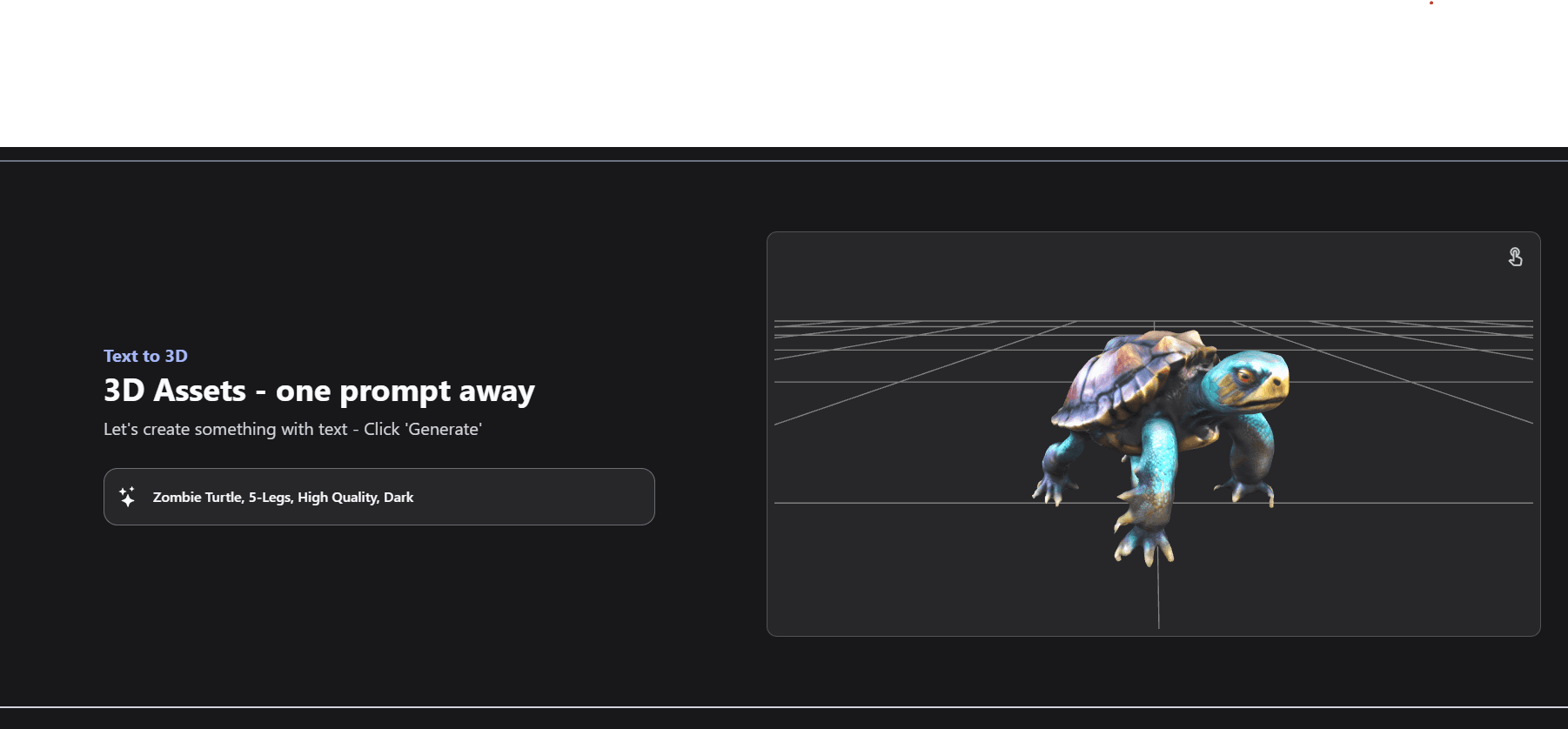
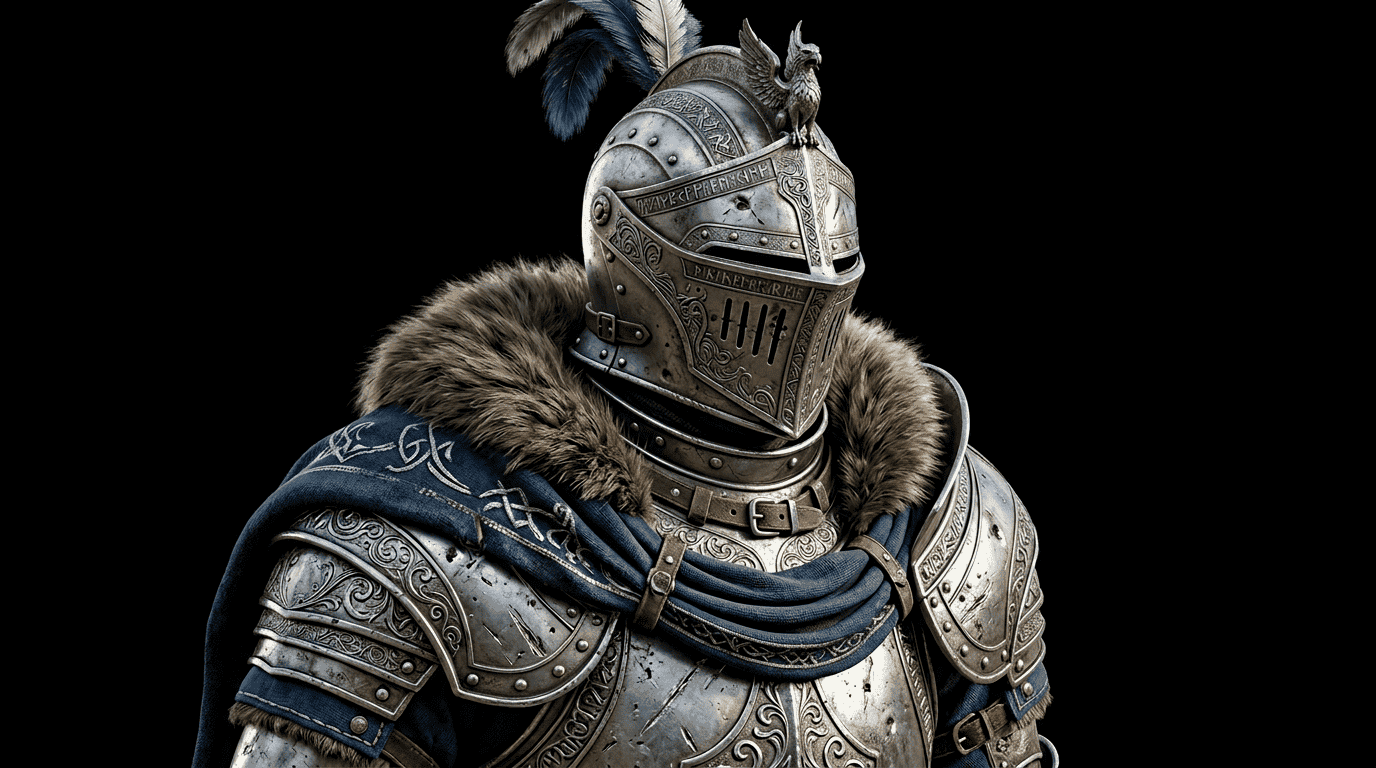
A single image or prompt is enough to produce a detailed, Blender-ready model like this:
2. Blender's Built-in Assets
Don't forget that Blender itself comes with a variety of free 3D models and assets. These are optimized for use within Blender and can be a great starting point for many projects.
To access Blender's built-in assets:
- Open Blender
- Go to File > Append
- Navigate to the Blender installation folder
- Look for the "assets" folder and explore the available models
3. BlendSwap
BlendSwap is a community-driven platform where Blender artists share their creations. Many high-quality models are available for free, often including materials and textures.
4. Sketchfab
Sketchfab hosts a vast collection of 3D models, many of which are free and compatible with Blender. Use their search filters to find free, downloadable models in formats that work with Blender.
5. TurboSquid
While primarily a marketplace for paid 3D models, TurboSquid also offers a selection of free models. Use their search filters to find free options compatible with Blender.
Tips for Using Free 3D Models in Blender
- Check licensing: Always review the usage rights for free models to ensure you're using them appropriately.
- Optimize for your project: Some free models may need optimization. Use Blender's tools to reduce polygon count or simplify materials if necessary.
- Customize and make it your own: Use Blender's powerful modeling and texturing tools to modify free models and make them unique to your project.
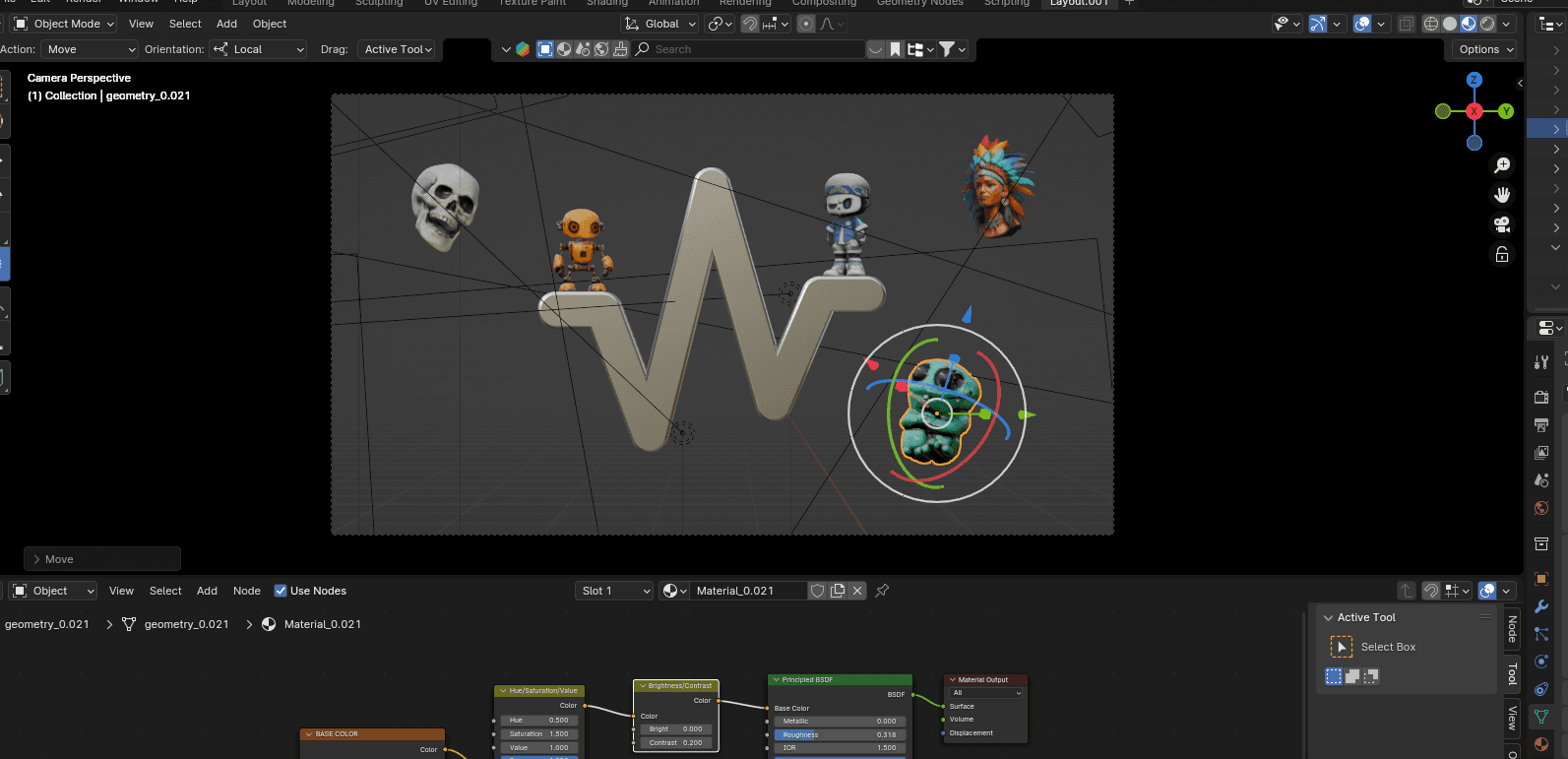
- Combine different sources: Mix and match models from various sources, including AI-generated assets from 3D AI Studio, to create truly unique scenes.
Conclusion
Incorporating free 3D models into your Blender projects can significantly enhance your workflow and creative possibilities. From community-shared assets to cutting-edge AI-generated models from 3D AI Studio, there's a wealth of resources available to Blender artists of all levels.
Remember, while free models are a great resource, they're also an opportunity to learn and improve your skills. Study how these models are constructed and use them as inspiration for your own creations.
Ready to elevate your Blender projects with custom, AI-generated 3D models? Visit 3D AI Studio today and start creating unique assets for your next masterpiece!

Generate 3D models with AI
Easily generate custom 3d models in seconds. Try it now and see your creativity come to life effortlessly!
FAQ
Where can I get free 3D models for Blender?
Great free sources include AI generators like 3D AI Studio (custom models from text or an image), Blender's built-in assets, BlendSwap, Sketchfab, and TurboSquid's free section. Always check the license before using a model in a project.
Can I generate custom 3D models for Blender with AI?
Yes. With 3D AI Studio you can generate a custom model from a text description or image, export it as GLB, FBX, or OBJ, and import it directly into Blender.
Are AI-generated 3D models free to use commercially?
It depends on the tool and plan. Most platforms grant commercial rights to models you generate on a paid tier - check each tool's license. For community models, always review the individual model's license terms.
What is the best site for free 3D models for Blender?
BlendSwap and Sketchfab are the best community libraries for free, Blender-ready models, and Blender's own built-in assets are a good starting point. For custom models that match your exact project, 3D AI Studio is the best option because it generates a unique model from text or an image and exports formats Blender imports directly.