
AI Image Generator,
Editor & Upscaler
Generate, edit, and transform images with 100+ AI tools in one workspace. 15+ models including Flux, ImageGen 4, and GPT-Image-1. Free credits on signup, no installs.
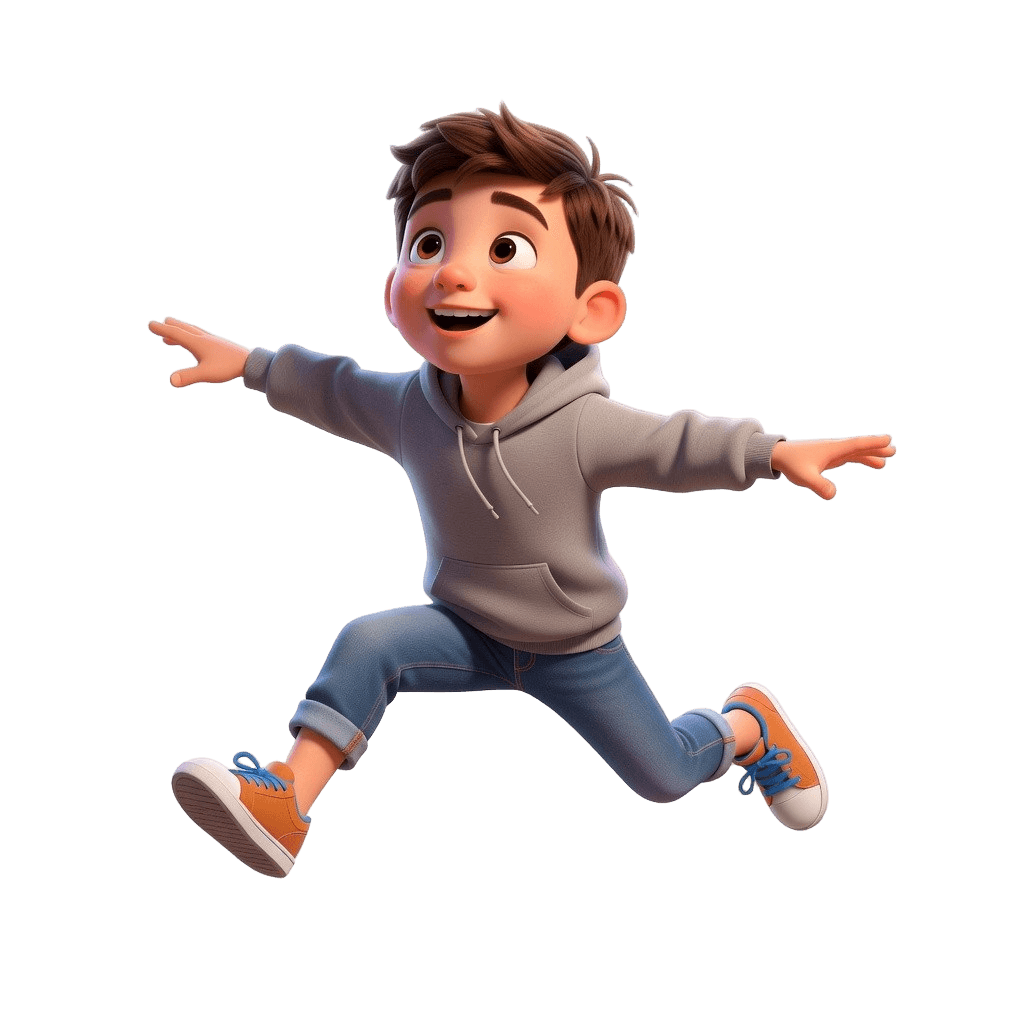
Everything you need for AI images
Nine specialized categories, each with purpose-built tools and AI models.
Generate
Create images from text prompts with 15+ AI models including Flux 2, ImageGen 4, GPT-Image-1, and Grok.
Edit
Modify existing images with AI. Describe changes in text or paint a mask for precise inpainting control.
Convert
Transform images into different art styles - Stylized 3D, Pixel Art, Oil Painting, Ghibli, Claymation, and more.
Image Reference
Upload reference images to guide generation. Create character sheets, transfer styles, and maintain visual consistency.
Style Reference
NewUpload 1-10 style images and generate new content matching that artistic look. Save and reuse custom styles.
Sketch to Image
Turn rough sketches and line drawings into fully detailed images. Upload a file or draw directly in the browser.
Utilities
Upscale images up to 4x, remove backgrounds instantly, restore lighting, and crop - essential workflow tools.
Video
Generate AI videos from text or images. Models include Veo 3, Kling, Seedance, and Lucy for short-form content.
Train Model
Train your own LoRA on 10-50 images. Create consistent characters, products, or art styles for unlimited reuse.
Image to 3D
Convert any image into a fully textured 3D model. 15+ AI models including Prism, Hunyuan, and Meshy. Export as GLB, FBX, OBJ, STL, or USDZ.
Text to 3D
Generate 3D models directly from text descriptions. No reference image needed. Ideal for original concepts, fantasy objects, and rapid prototyping.
What you can create
Real outputs from our AI models. Every image generated in seconds, right in your browser.
Generate images from text
Type a description and choose from 15+ AI models. ImageGen 4 delivers photorealistic results with minimal prompting. Flux 2 gives you maximum creative control. GPT-Image-1 excels at following complex instructions. Generate up to 4 variations at once, in any aspect ratio from square to ultra-wide, at resolutions up to 4K.
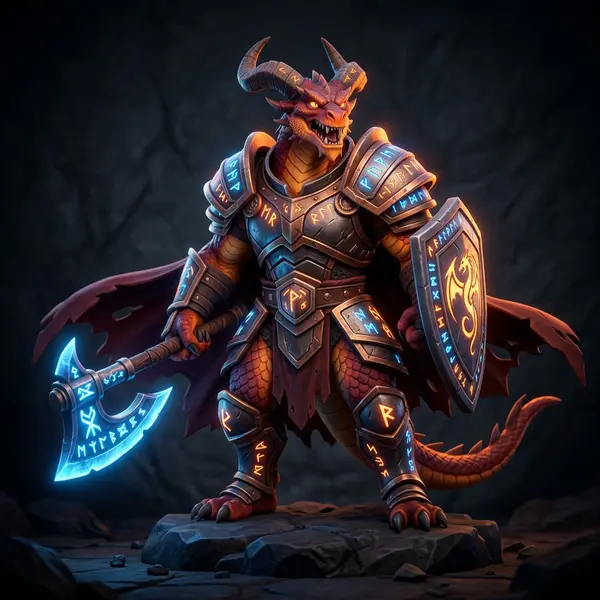
AI generated stylized 3D dragon warrior character
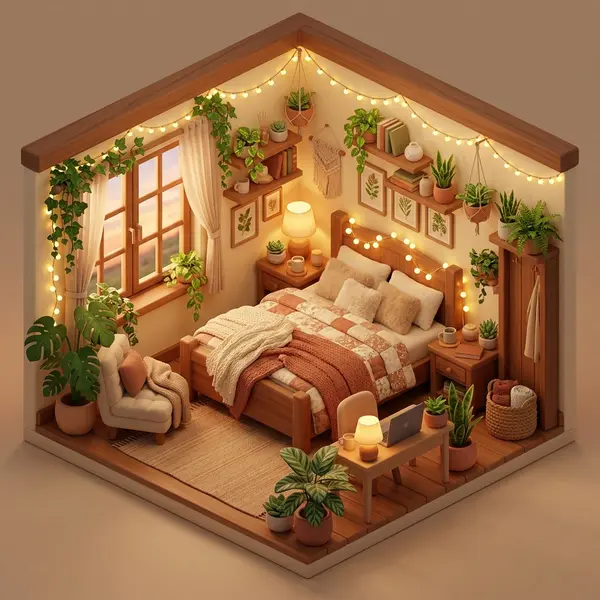
AI generated isometric room scene with text to image
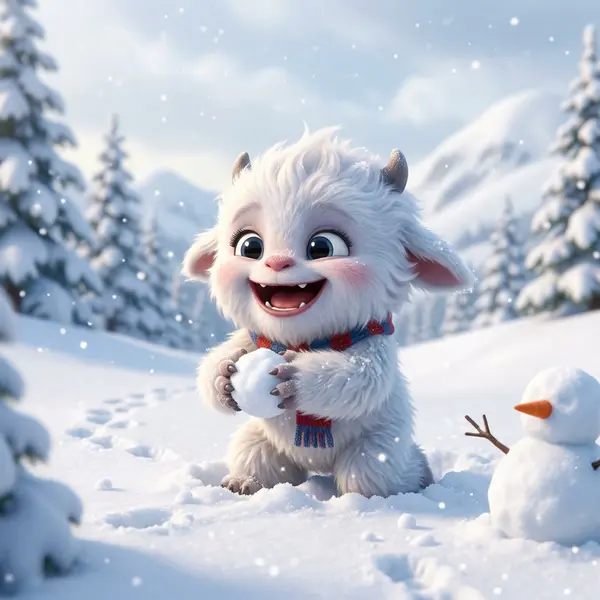
AI image generation example - stylized character
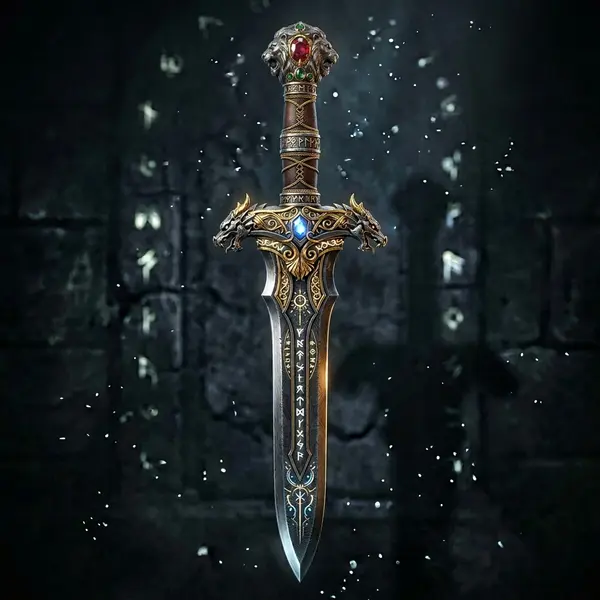
AI generated 3D game weapon - text to image
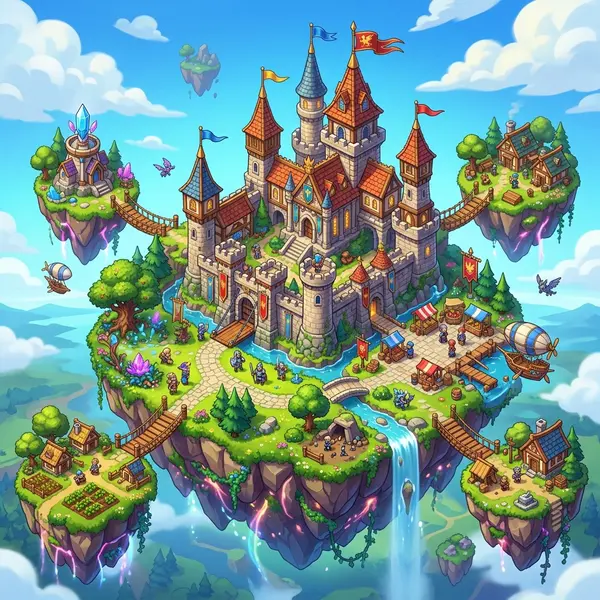
AI generated fantasy castle scene from text prompt
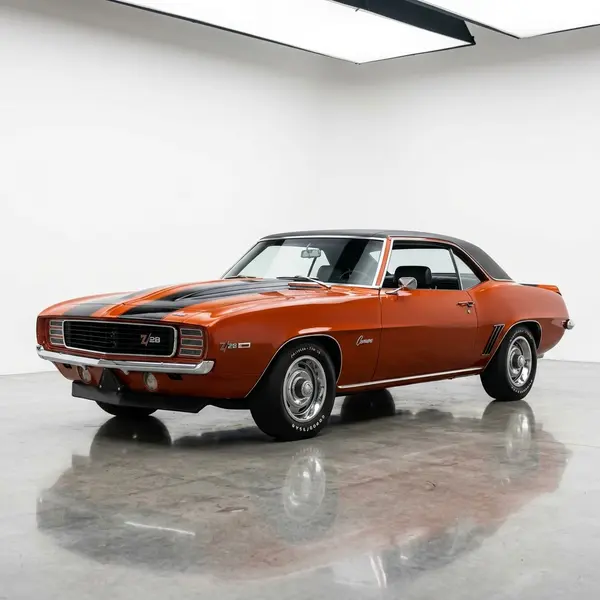
Photorealistic AI generated image of a vintage car
Edit any image with a prompt
Upload any image and describe what you want to change - the AI modifies it while keeping everything else intact. Need more control? Paint a mask to target the exact area. Swap objects, change backgrounds, adjust lighting, add elements, or completely restyle parts of your image. Qwen 2 Pro and Gemini Edit are great starting points.
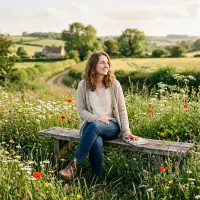
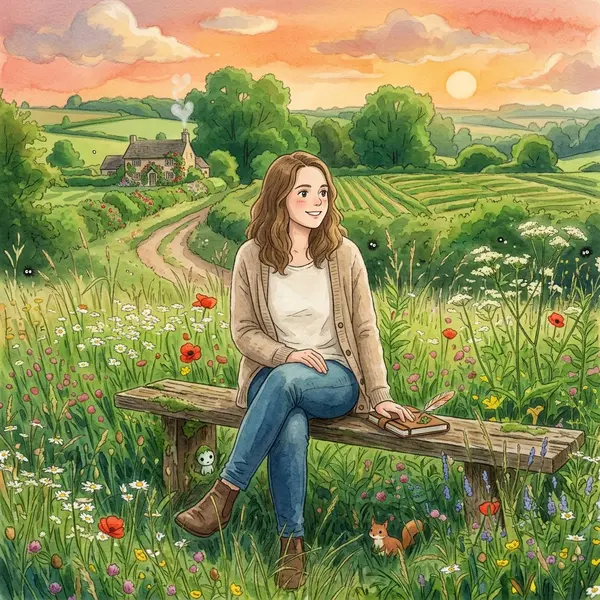
“make it Ghibli style”
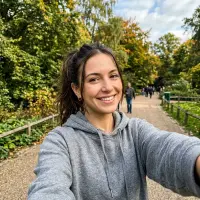
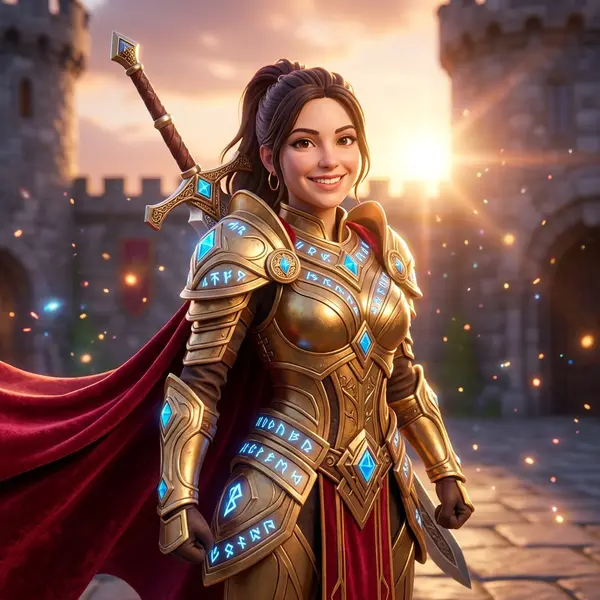
“make her a fantasy hero”
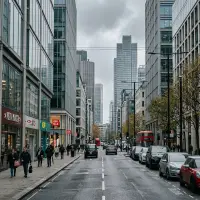
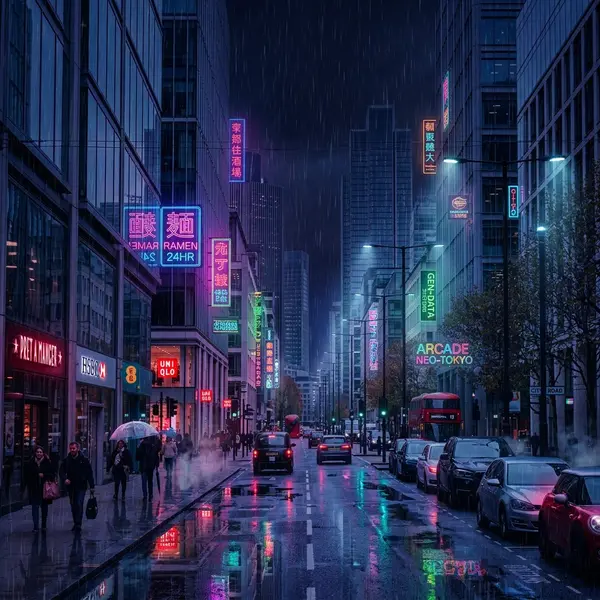
“nighttime with neon and rain”
Convert to any art style
Upload an image and transform it into a completely different visual style while preserving the original composition. Over 15 conversion styles available - from Stylized 3D Render and Ghibli Art to Pixel Art, Oil Painting, Claymation, Comic Panel, and Brick Figure. Perfect for creating game assets, social media content, and concept variations.
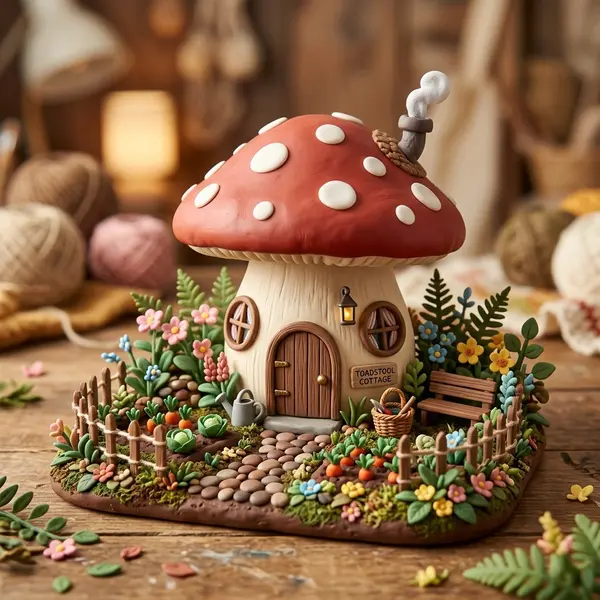
AI claymation style image conversion
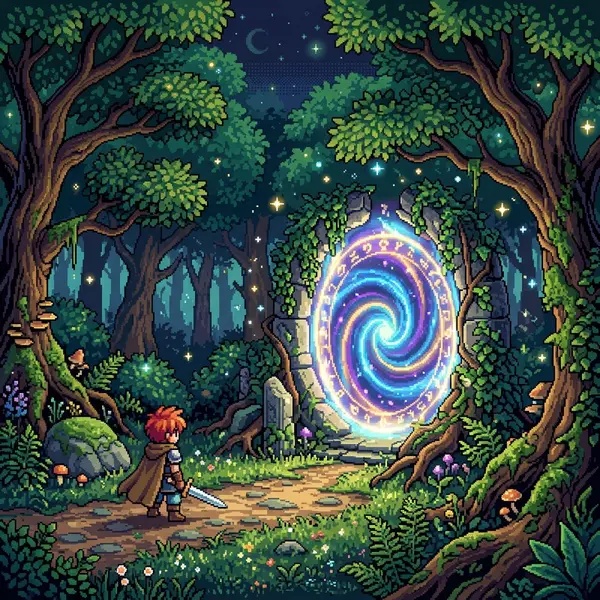
AI generated pixel art from image
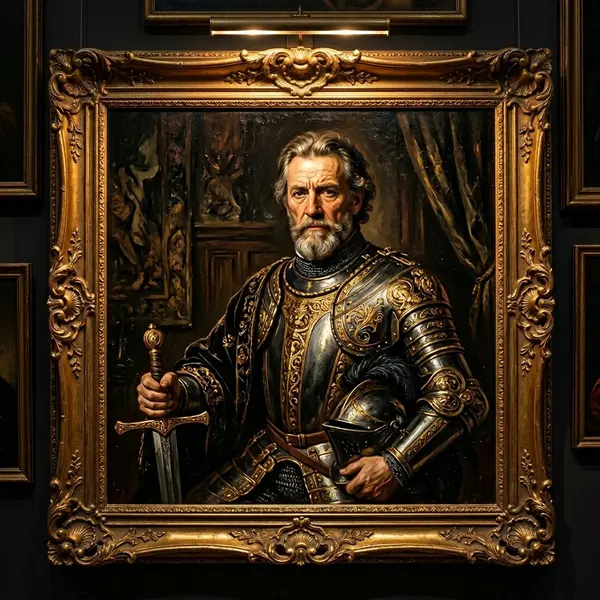
AI oil painting style transfer
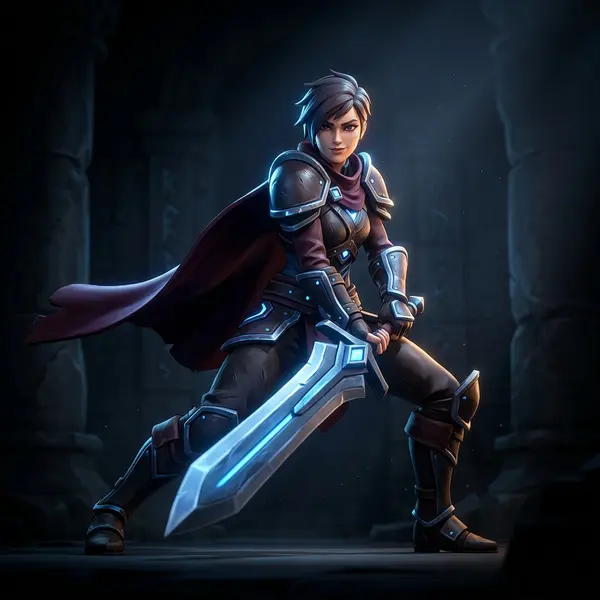
AI stylized 3D character render conversion
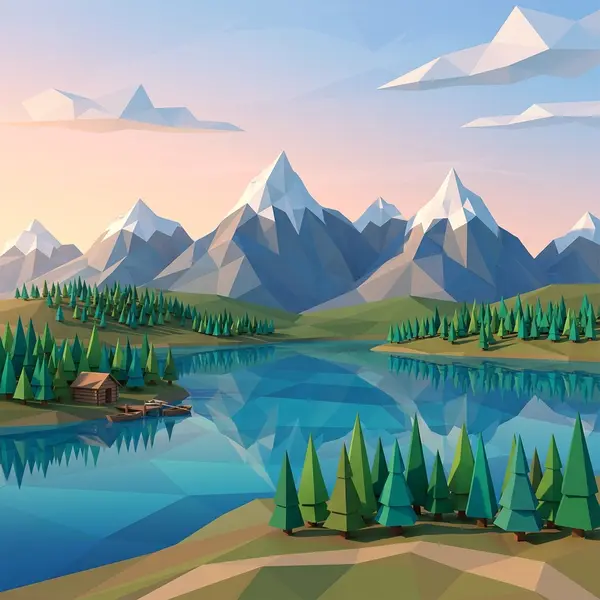
AI generated low-poly 3D style landscape
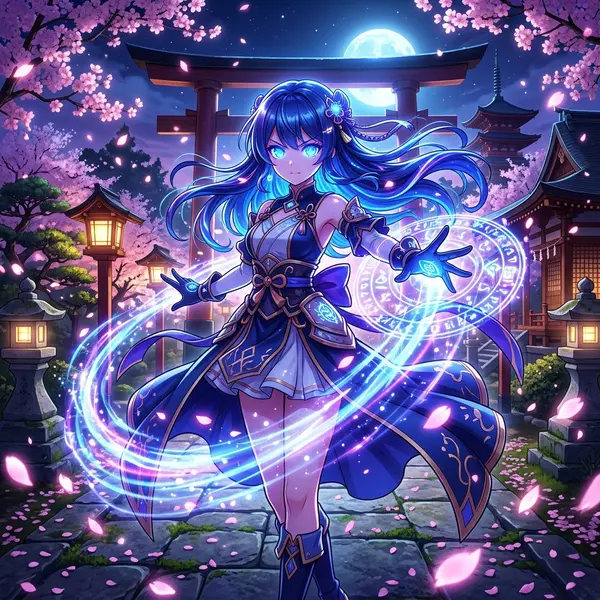
AI anime style image generation
Sketch, upscale, remove backgrounds, generate videos & more
Turn rough sketches into finished images. Upscale to 4x with AI detail enhancement. Remove backgrounds in one click. Restore lighting for better 3D conversion. Generate short AI videos with Veo 3, Kling, and Seedance. Train your own LoRA model on 10-50 images for consistent characters and styles. All in one workspace.
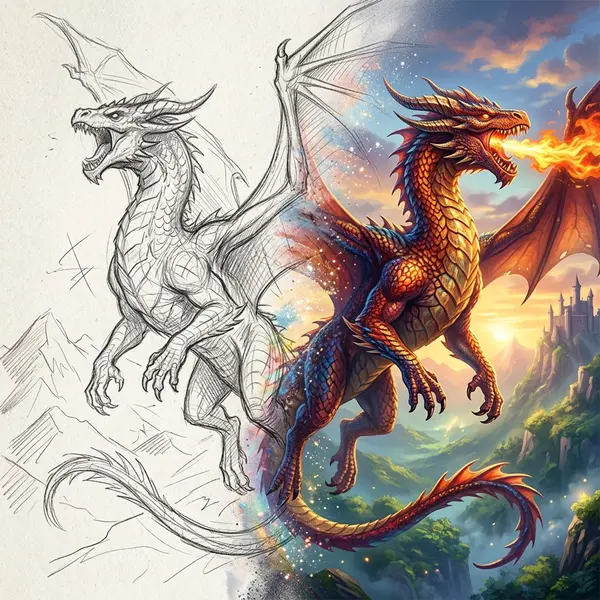
AI sketch to image - turn drawings into rendered images
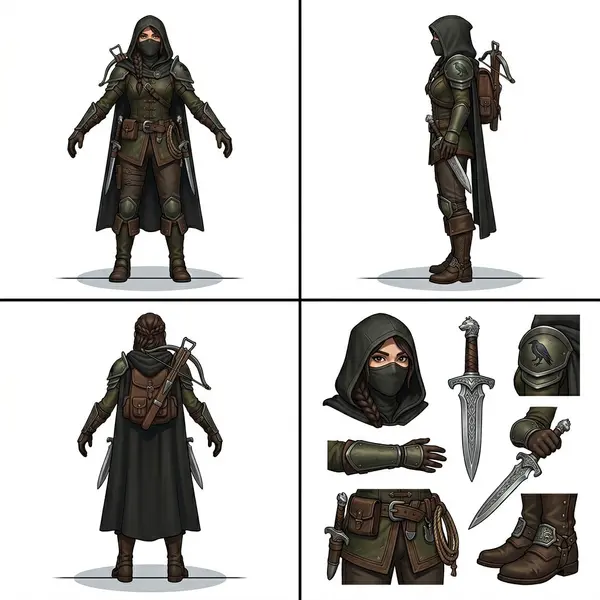
AI character sheet generator - multi-view turnaround
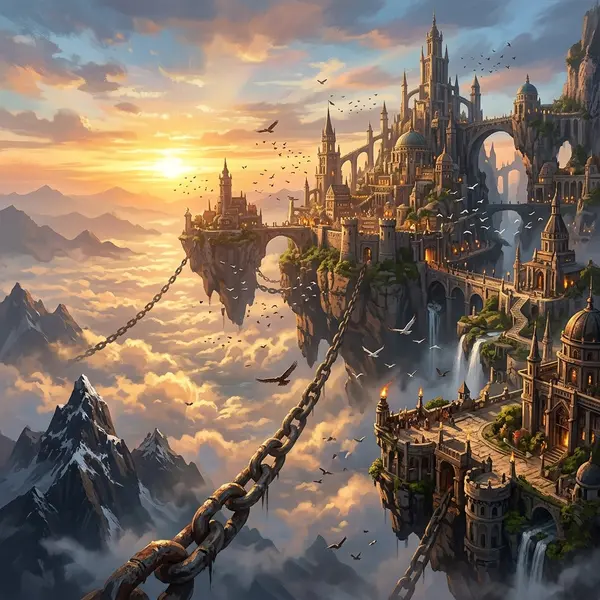
AI concept art generation from text prompt
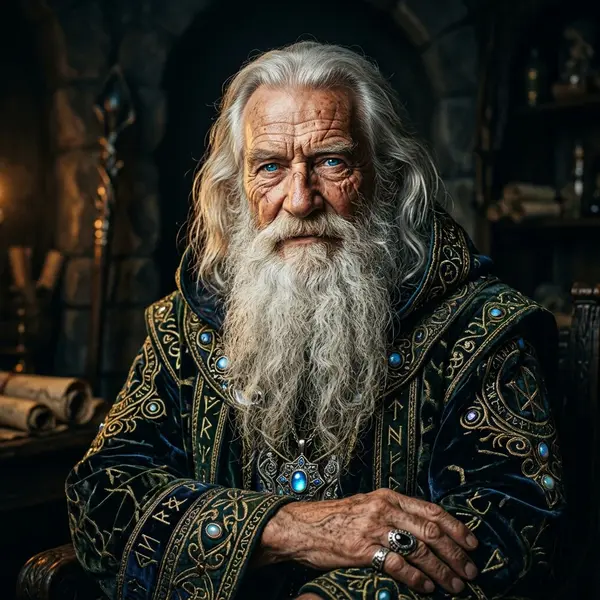
Photorealistic AI portrait generation
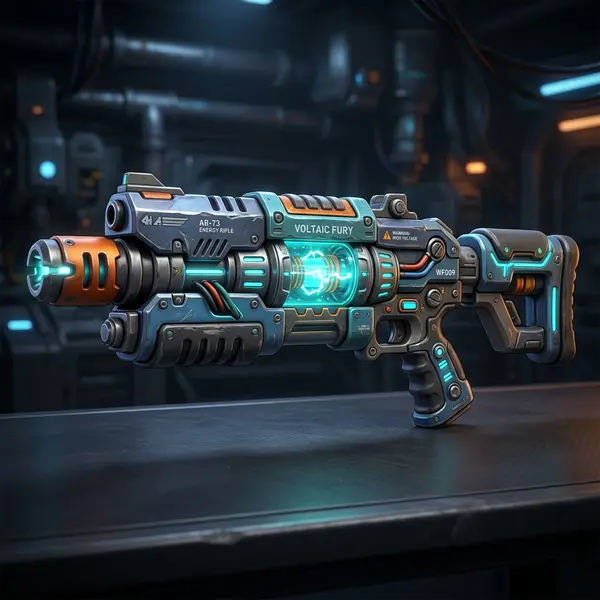
AI generated 3D game weapon asset
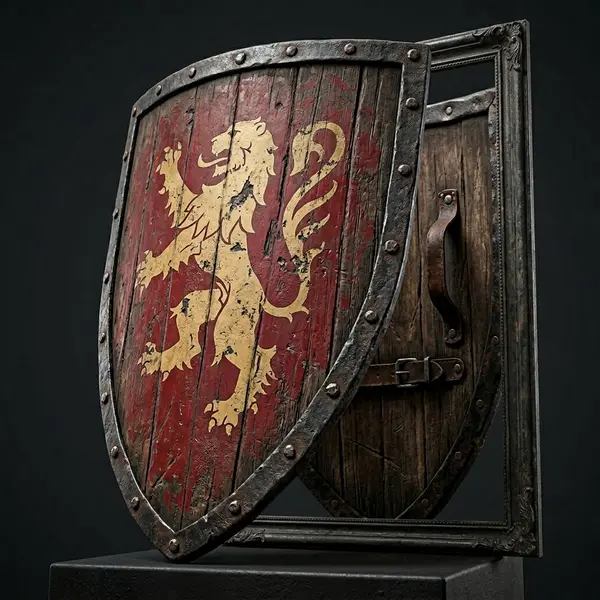
AI generated game prop - 3D shield for game development
From AI image to 3D model in minutes
Image Studio is the ideal starting point for 3D generation. Generate or edit the perfect reference image, then convert it to a fully textured 3D model with one click. The best 3D results start with a great image.
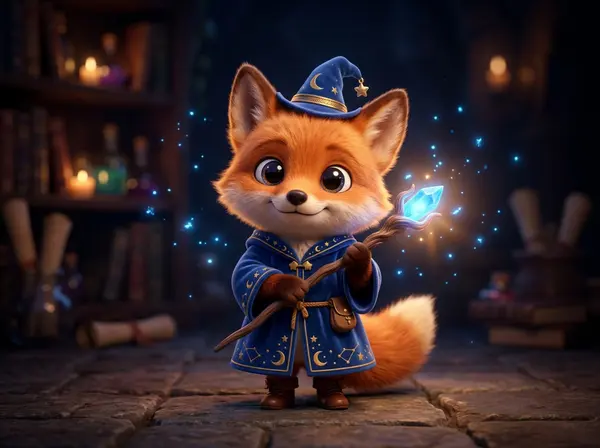
Generate or edit an image
Use Image Studio to create the perfect reference. The Stylized 3D Render conversion is especially effective - it produces clean geometry, even lighting, and clear silhouettes optimized for 3D conversion.
Open Image Studio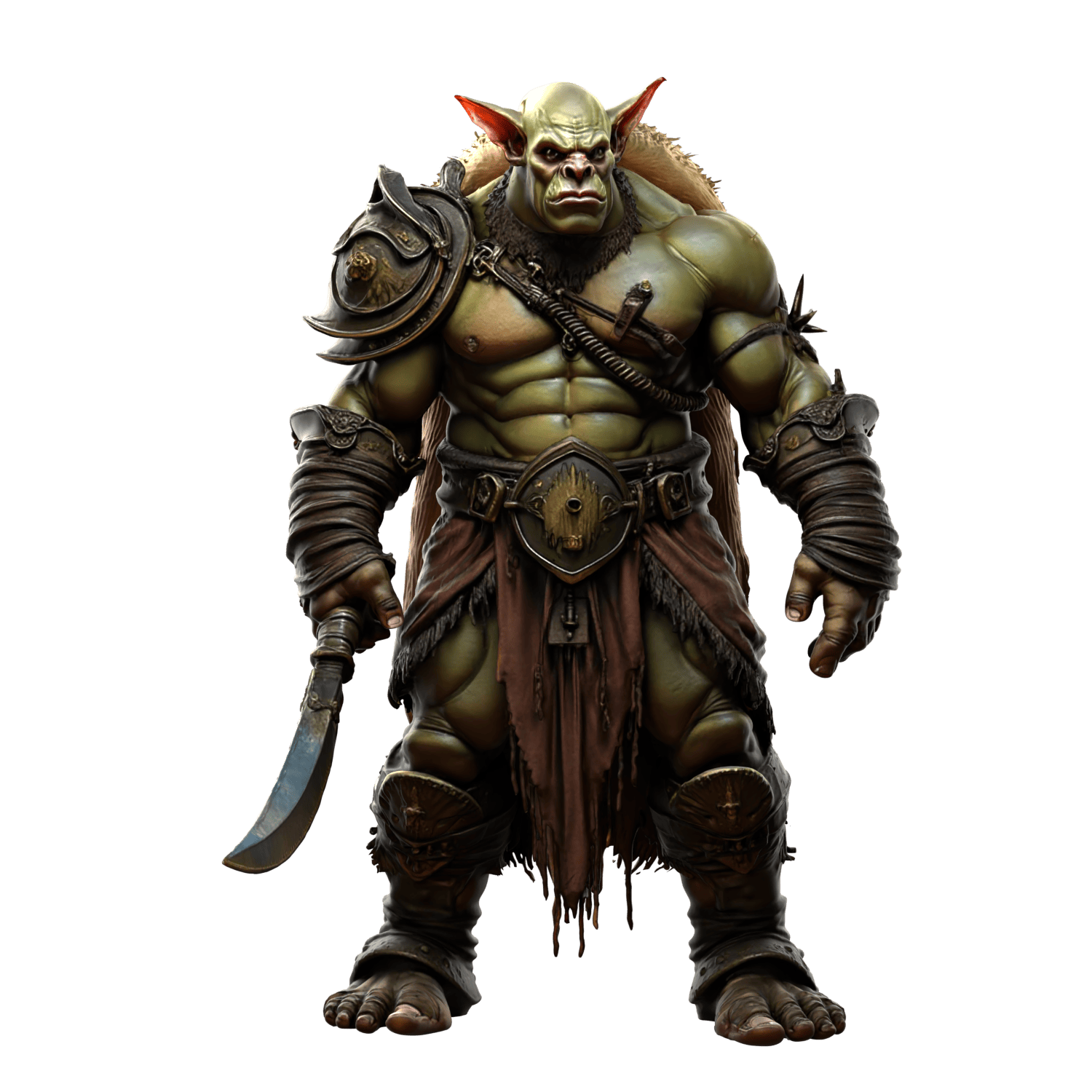
Convert to a 3D model
Upload your image to Image to 3D and choose from 15+ AI models. Prism 3.0 delivers state-of-the-art quality. Hunyuan 3.1 Pro adds PBR materials. Swift generates in under 30 seconds for rapid prototyping.
Try Image to 3D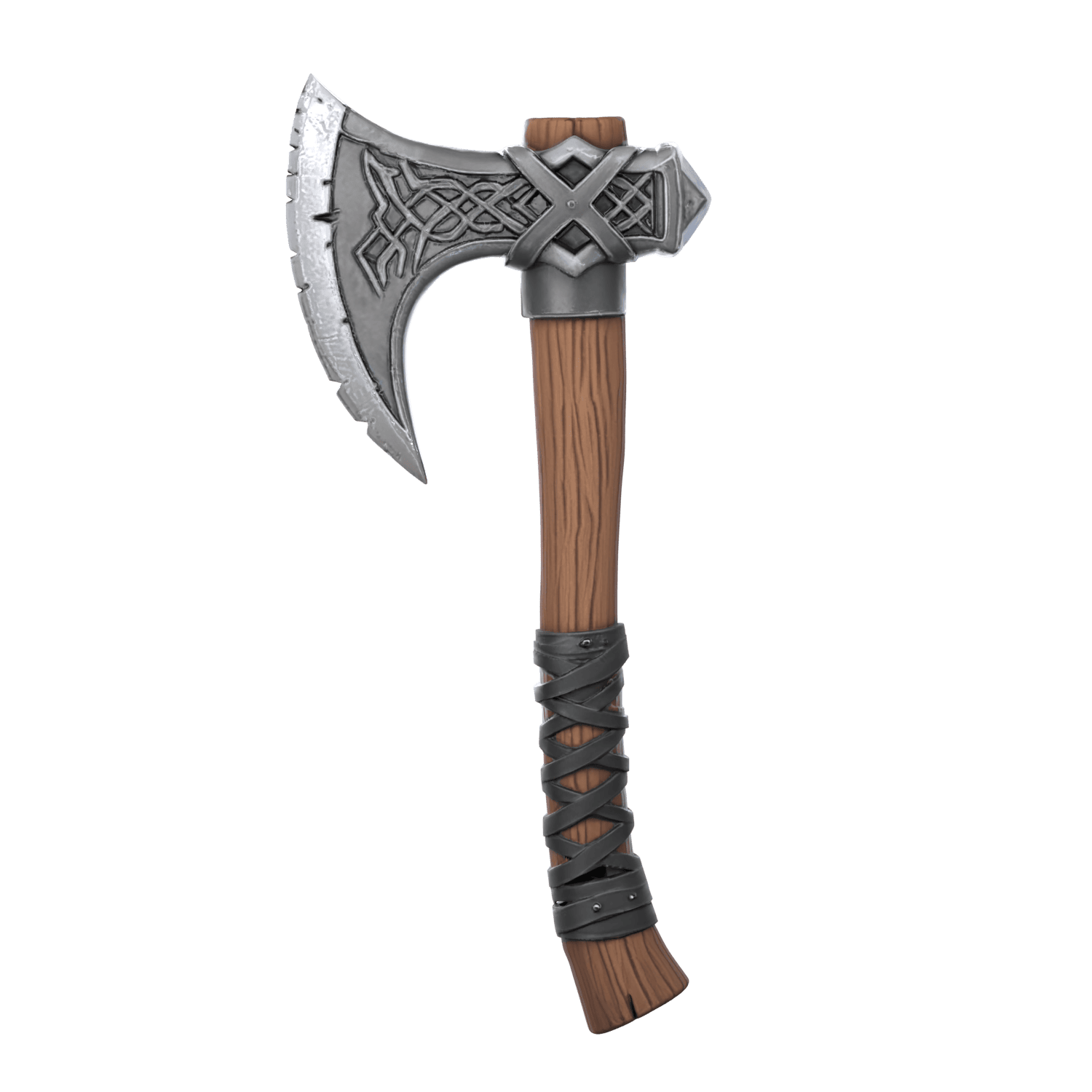
Export and use anywhere
Export as GLB, OBJ, FBX, STL, USDZ, BLEND, DAE, or 3MF. Use in Unity, Unreal Engine, Blender, or for 3D printing. Built-in retopology converts AI meshes to clean quad topology for production workflows.
See export formatsReal examples: image to 3D
Reference images created in Image Studio, then converted to fully textured 3D models.
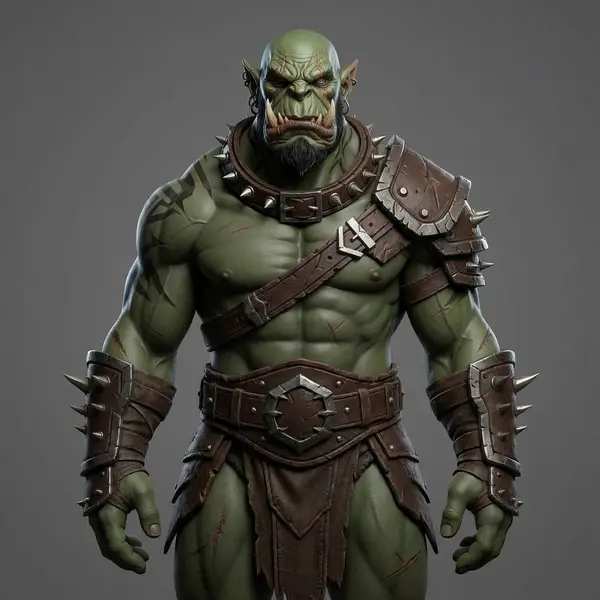
Orc Character
Image Studio → Image to 3D
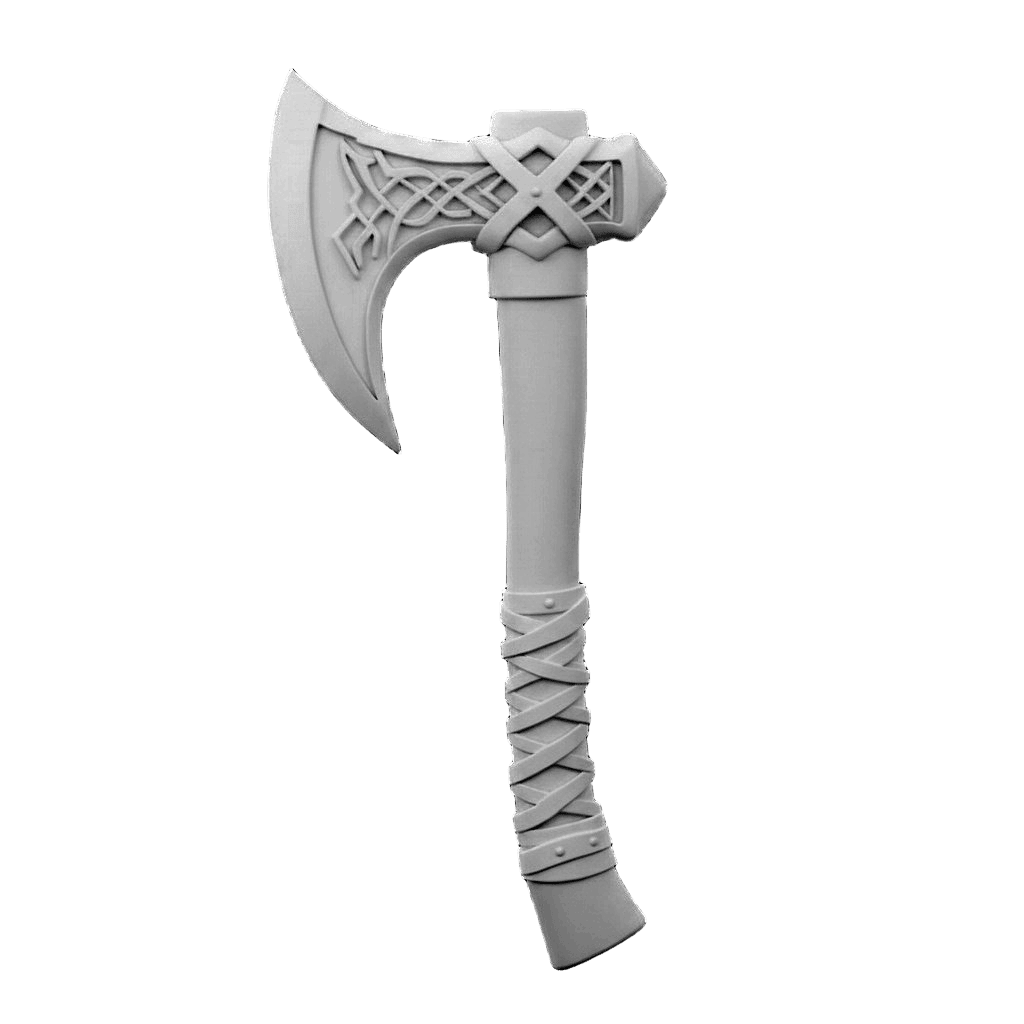
Fantasy Axe
Image Studio → Image to 3D
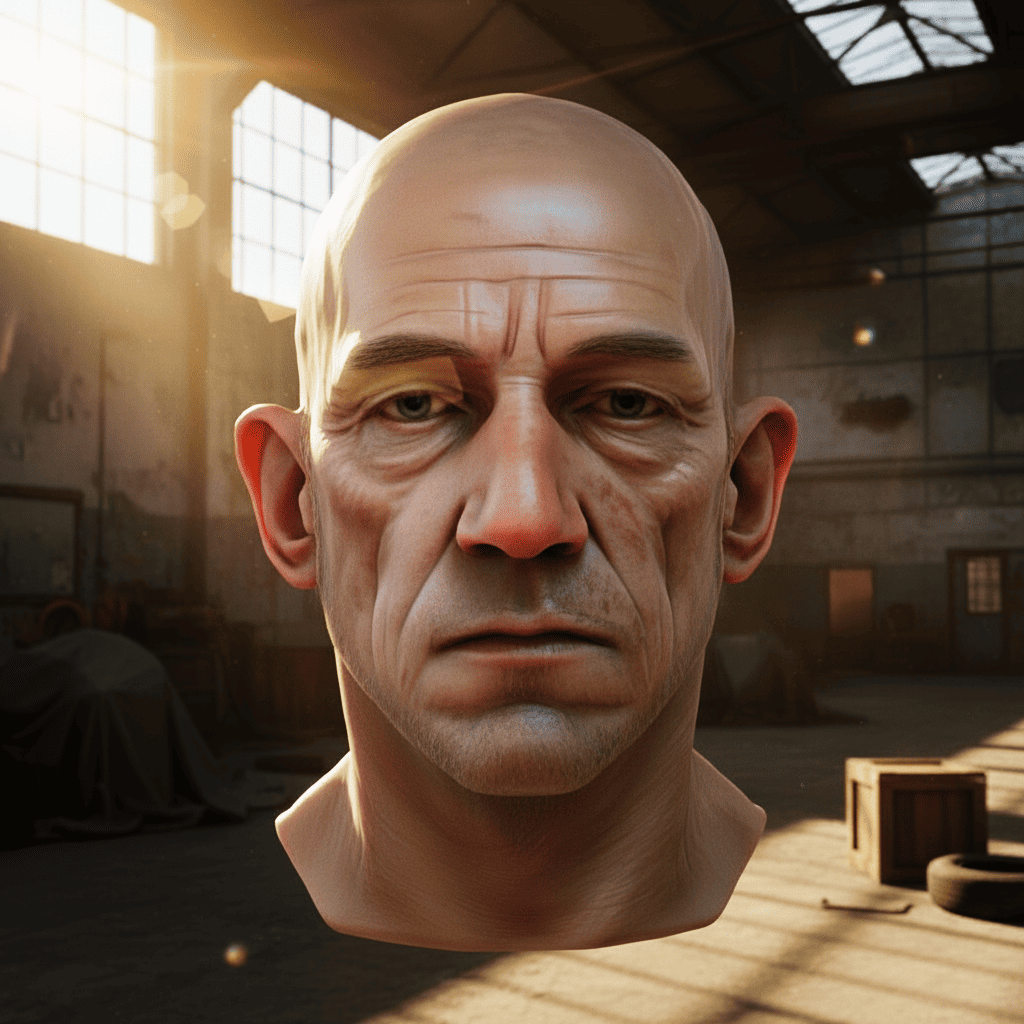
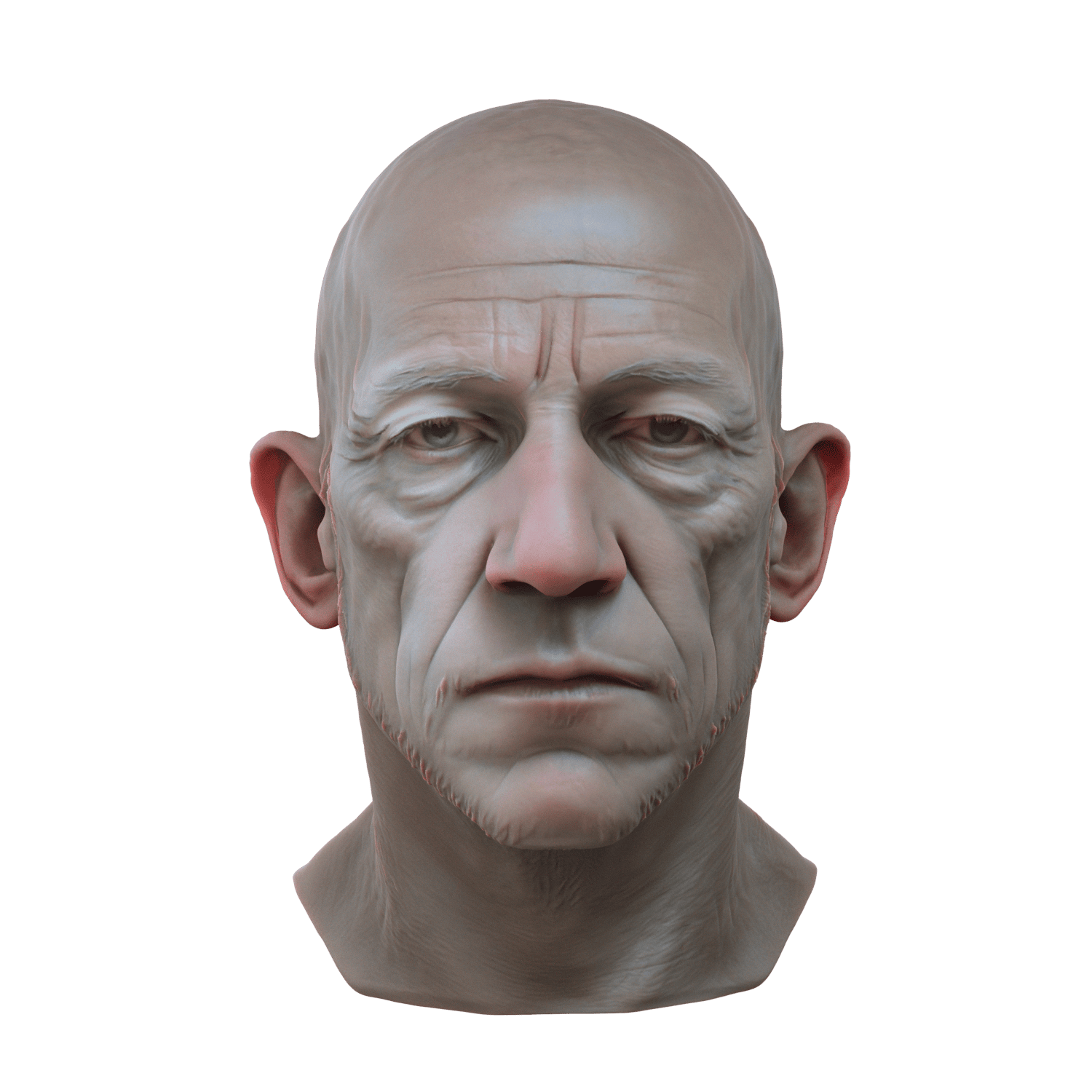
Character Head
Image Studio → Image to 3D
15+ 3D AI models available
Export to any format
Built-in retopology converts AI-generated meshes to clean quad topology before export. Optimize polygon count, fix edge flow, and prepare assets for animation, rigging, or game engines - all without leaving the platform.
Try Image to 3DSkip the image - go straight to 3D
Don't need a reference image? Text to 3D generates 3D models directly from text descriptions. Describe what you want - “a medieval treasure chest with iron bands” - and the AI builds it from scratch.
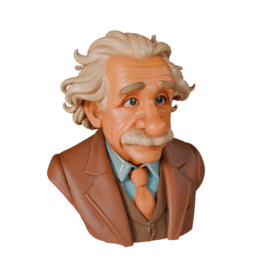
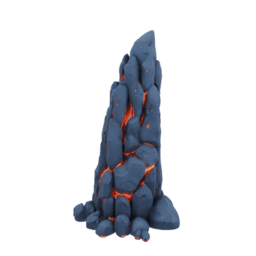
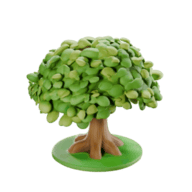
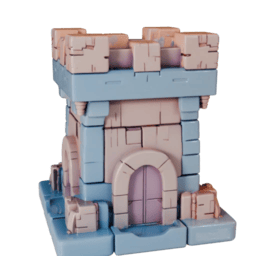
Same 15+ AI models, same export formats, same retopology tools. Best for original concepts, fantasy objects, and anything that doesn't exist as a photo reference.
How Image Studio works
Three steps from idea to finished image. No experience required.
Choose a tool
Browse 100+ tools across 9 categories. Each tool is optimized for a specific task - from text-to-image generation to background removal to video creation.
Describe what you want
Type a text prompt, upload a reference image, or draw a sketch. Adjust settings like aspect ratio, resolution, and style. Use prompt addons for quick enhancement.
Download & use
Your image is ready in seconds. Download as JPEG, PNG, or WebP. Use it directly in your projects, convert to 3D, or iterate with more edits and style variations.
Powered by leading AI models
Access models from Google, Black Forest Labs, OpenAI, xAI, Alibaba, and more - all in one place.
ImageGen 4
Flux 2
Black Forest Labs
GenerationGPT-Image-1
OpenAI
GenerationGrok
xAI
Generation & EditGemini Edit
Qwen 2 Pro
Alibaba
Generation & EditVeo 3
Kling
Kuaishou
Video